


Many people want to develop new good habits, but you must have had this experience. You were very motivated at the beginning, but after a few days, you were interrupted due to busyness or other reasons, and you finally gave up without knowing it. And this DotHabit is a habit-forming app to help you manage, track, and even motivate you. The interface is simple and clear at a glance. It is available in iOS and Android versions and is completely free.
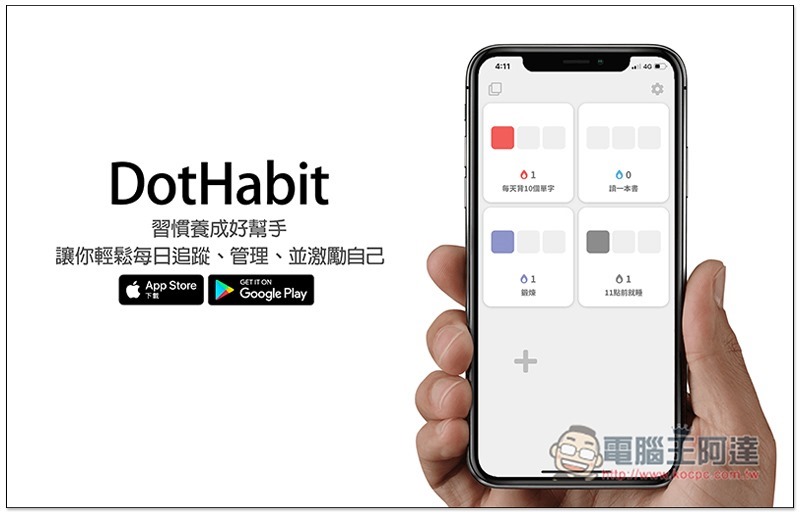
DotHabit operation tutorial and introduction
DotHabit has both iOS and Android versions. I will use iOS as an example below. The Android version should be similar.
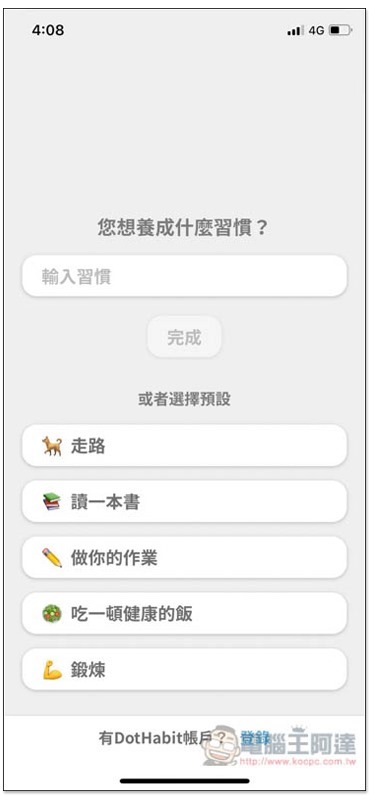
When you open it for the first time, you will be asked what habits you want to develop. You can directly enter them manually. There are also 5 common habits preset below for you to quickly choose. It’s up to you whether you want to apply for an account. The good thing is that it has a data synchronization and backup function. You can use it even if you don’t want to apply:
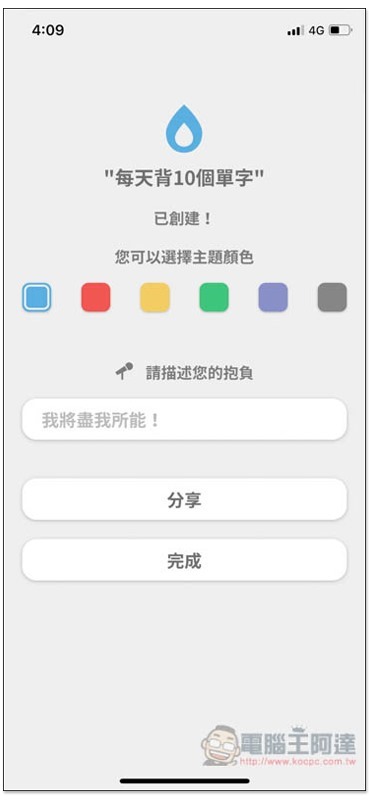
After setting the first habit, choose the theme color you like, there are six in total. You can write motivational words in the ambition column, so that when the mark is completed, you can encourage or remind yourself in a timely manner:
Then you will enter the main screen. Press the + next to it to add more:
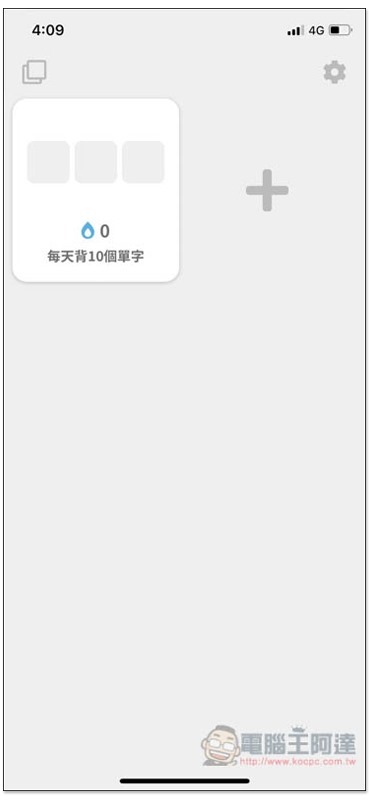
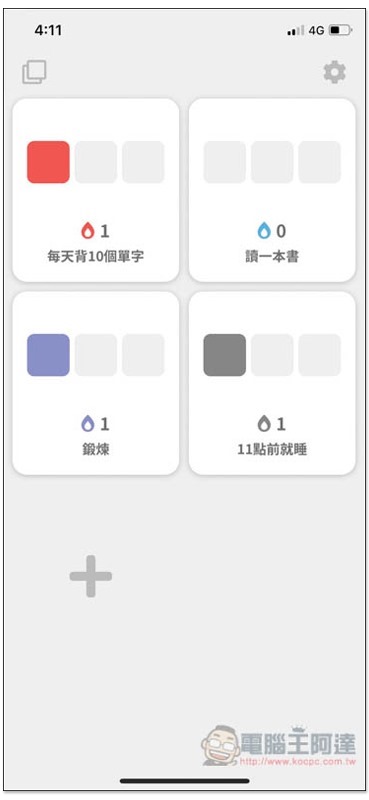
As shown in the picture below, after entering all the habits, you can start recording. Each habit block has three blank boxes, which will be filled with color only after the marking is completed:
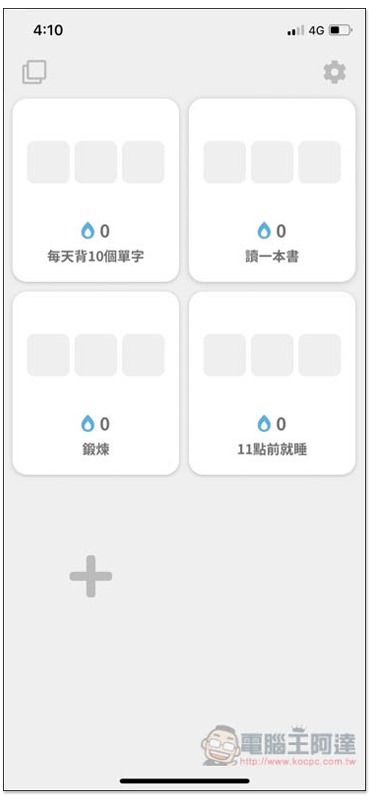
In other words, after entering the habit you have completed, click the check box below:
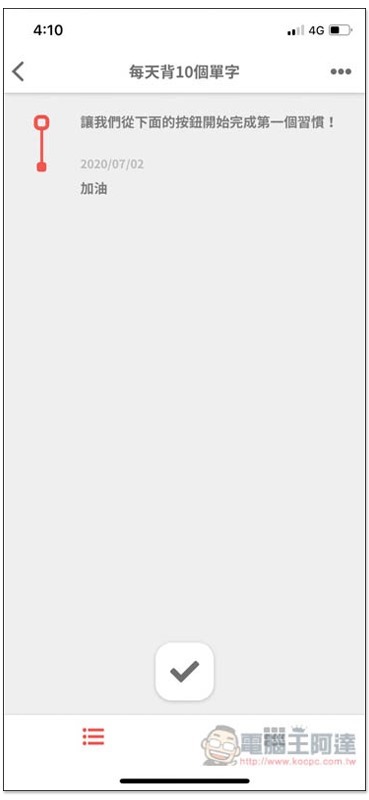
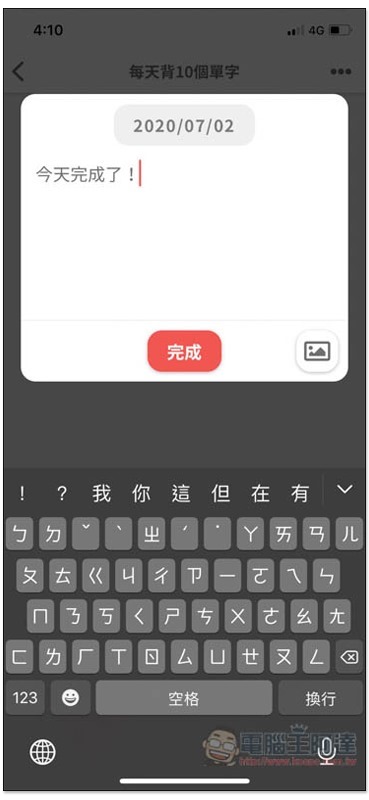
Enter the words you want to note, you can also leave it blank or add a photo (lower right corner), and then press Finish:
Today the color frame you set will be marked:
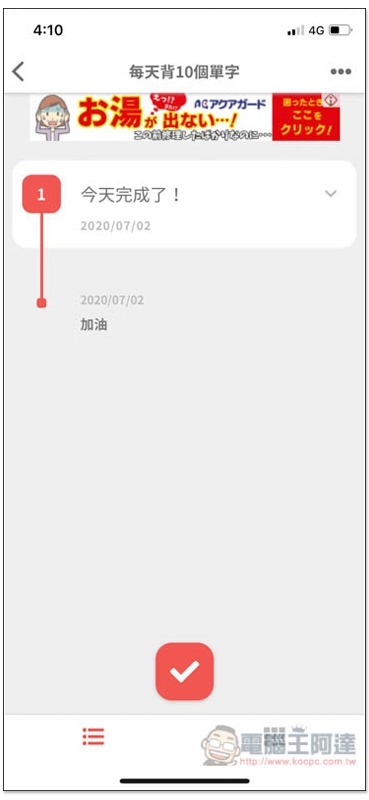
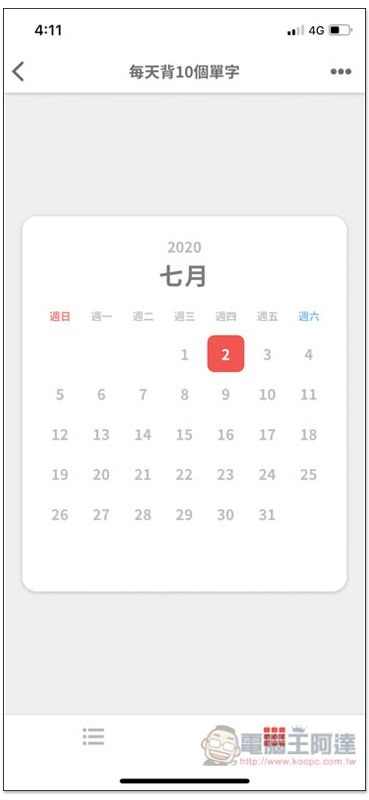
It also provides a date viewing function, with colors marked to represent completed habits on that day:
You can also see after returning to the home page that the habit has a box marked with a color, and the number below it will also increase. Seeing more and more colors and numbers like this every day will definitely make you more motivated to continue:
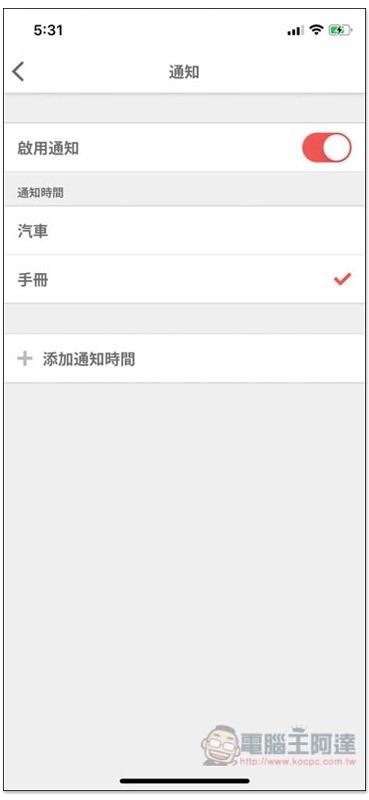
Every habit can set the notification function, but the strange thing is that the two options of “Car” and “Manual” in the notification time are not sure why they are named so. The manual can specify the notification time, but the car cannot:
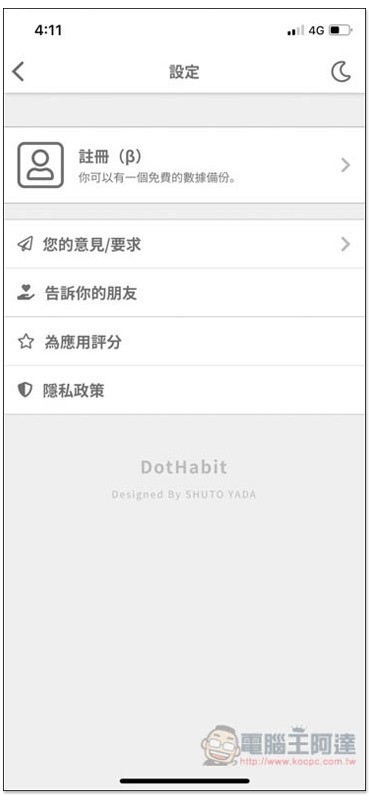
For those who did not register at first but want to apply later, go to settings and find the registration function. The moon in the upper right corner is switched to dark mode:
Supplementary information
- App name: DotHabit
- Nature: Free
- Download page:App Store / Google Play
Source: KOCPC Chinese