


With the popularity of online digital streaming services, DVD discs have gradually faded out of people’s sight. Still, if you’re a movie buff, you probably have a collection of DVDs of classic movies at home. Then you may have these troubles:
- Storing DVDs takes up too much space, making the already spacious room even more crowded.
- Due to age, natural wear and other reasons, some discs often suffer from lags and unclear images during playback.
- Even a well-preserved disc will cause some damage to the DVD disc itself every time it is played (if it is an out-of-print movie, it would be a pity to cause damage due to too many plays)
In response to the above problems, the best solution is to convert DVD to digital files (such as MP4). Not only can the DVD disc content be stored on NAS, USB, and hard drives, it saves space and is easy to manage; it can also be played on mobile phones, tablets, and high-definition TVs at any time. One thing worth noting is that most DVD discs are copy-protected, and ordinary DVD converting tools may not be able to do anything about it. Today I would like to recommend a powerful DVD backup and conversion software to you. WinX DVD Ripper Platinum, no matter you want to convert any DVD disc, it can help you achieve it!
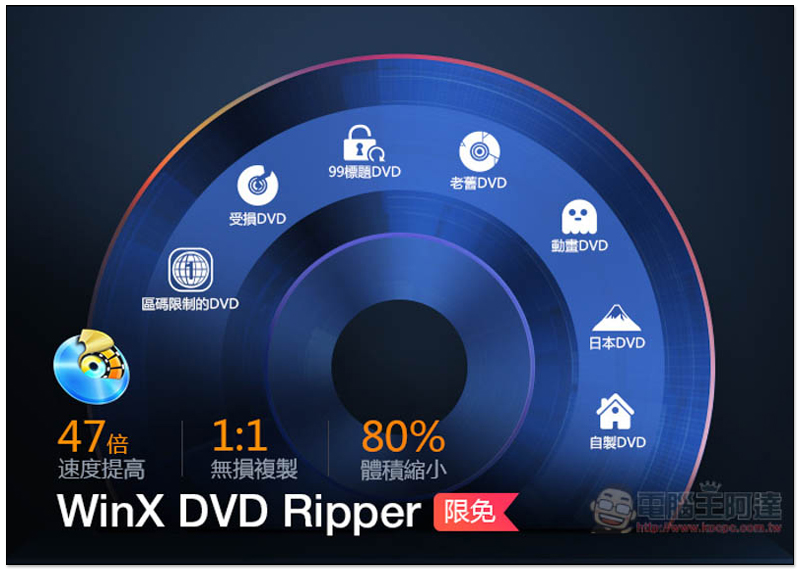
WinX DVD Ripper Platinum for free, free prizes such as Synology NAS
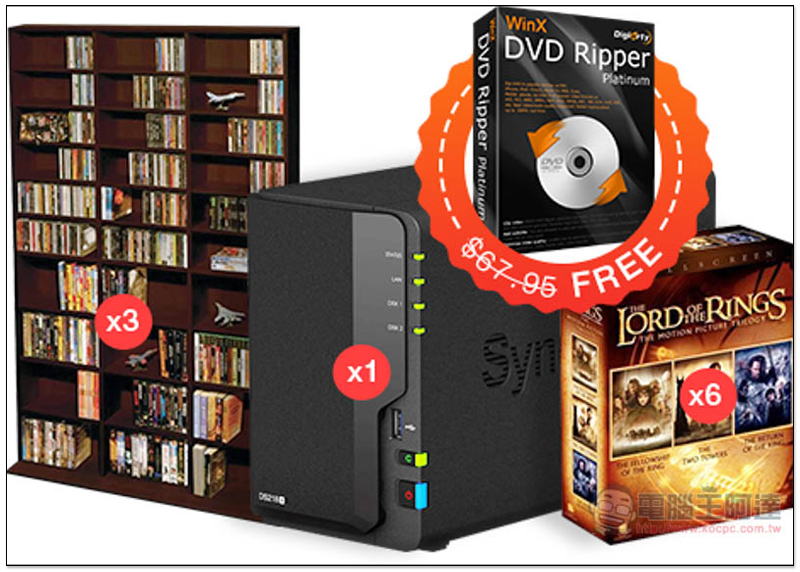
▲ Get the genuine registration number for free + Synology NAS lucky draw
WinX DVD Ripper Platinum (Windows, Mac versions) is free for a limited time. From now until July 10, all users who log in to the event website can receive a set of genuine authorized serial numbers worth US$67.95 for free, and can also participate in the lottery to win prizes such as Synology NAS, DVD storage racks, and Lord of the Rings DVD sets.
Active connections:Click here to go
How to participate:
- Log in to the event page and answer a question about “How to dispose of old DVD discs” (just check the given answer)
- Enter your email address to participate in the event, receive a limited-free version, and participate in the lottery.
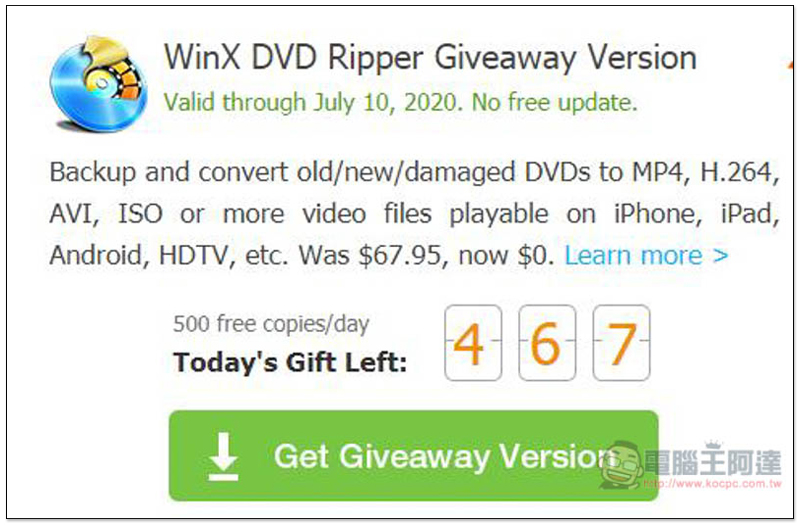
500 authorized copies are given away every day, first come first served! The limited-time free version does not provide software upgrade services. Other than that, other functions are the same as the full version, so you can use it with confidence!
Okay, let’s see how to download, install and register
Step 1: Click the green “Get Giveaway Version” button on the limited free event webpage to automatically download the ZIP compressed file. The web page will automatically determine whether the user is using a Windows or Mac operating system and provide a download link for the corresponding version. The editor is using Windows 10, so the download is the Windows version:
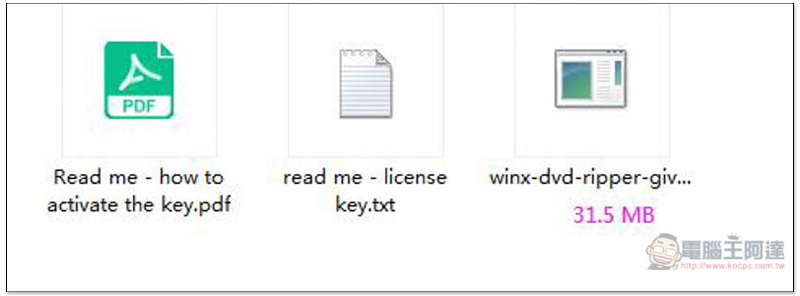
Step 2: After unzipping, you can get the latest version V8.20.2 software installation file, limited-time exemption serial number and activation tutorial:
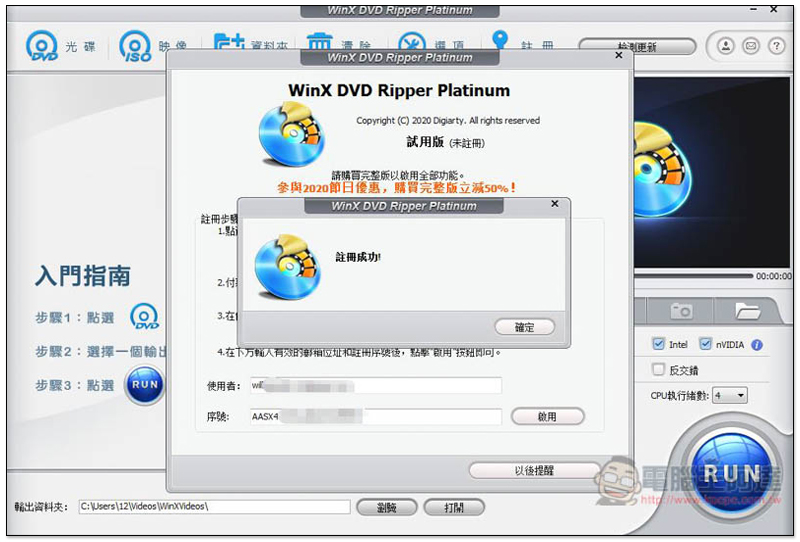
Step 3: After WinX DVD Ripper is installed, you must register before you can use it. The software supports Traditional Chinese. After opening the software program, click “Traditional Chinese” in the upper right corner to switch the language, then click the “Register” function, fill in the serial number in the Email and license key.txt in the pop-up window, and finally click “Enable”:
Software function introduction:
Zero picks! Supports various DVD movies
This software supports the largest variety of discs among similar software on the market. It can read the latest DVDs, 99-title DVDs, home-made DVDs, out-of-print DVDs, TV series DVDs, DVDs that are slightly damaged and cannot be played, and even encrypted DVDs. Thanks to a rebuilt DVD analysis algorithm and title checking mechanism, the correct chapter title is automatically selected for the user after importing DVD points.
Most output formats
With over 350 built-in video/audio formats, you can losslessly convert DVDs to MP4, H.264, HEVC, AVI, MPE, MOV, MP3 and other formats and encodings, making it easy to save to hard drives, USB, cloud spaces, etc. You can also rip DVDs to various devices, such as iPad, iPhone, Android, computers, TVs, etc., for easy viewing at any time.
1:1 Lossless Backup DVD Movies
Fully integrated with multiple DVD copy modes, it supports 1:1 cloning of DVD movies into ISO image files or DVD folders for later burning, editing, and playback with original DVD quality. You can also rip DVD main/entire title content and copy it to MPEG2 files without quality distortion (5.1-channel AC3/DTS Dolby audio) according to your personal needs.
Extremely fast gear shifting! Convert a two-hour DVD in five minutes
WinX DVD Ripper Platinum exclusively uses Level-3 hardware acceleration technology, paired with the encoding acceleration unit of Intel QSV and NVIDIA NVENC/CUDA chips to perform efficient DVD transcoding operations, increasing DVD transcoding speed by at least 50%. At the same time, the transcoded video has a reasonable file size and high image quality, and almost eliminates the pressure on the CPU. A DVD movie can be converted in about 5 minutes at the fastest (of course, this has a lot to do with the computer’s own hardware).
DVD video editing, easy to master
In addition, the software also provides simple editing functions. You can use editing tools to capture DVD video clips, trim the screen, and mount external subtitles; adjust the parameters of the output video, such as bit rate, resolution, etc., to customize personalized videos.
Software information
- Software name: WinX DVD Ripper Platinum
- Software language: English, Chinese, Japanese… and other languages
- Software cost: $67.95
- Official website: Windows version | Mac version
- Limited free activity link:Click here to go
Source: KOCPC Chinese