


In recent years, browser web tools can be said to have become more and more popular. Following our previous introduction, you can create tasks and to-do lists by opening a browser. Stickylist Later, someone also created a note-taking version called Jott. You can also start writing notes by entering a webpage without installing any tools. All data is also stored in your browser cookies, which means that if you do not delete it manually, the data will still be there even if you restart your computer.
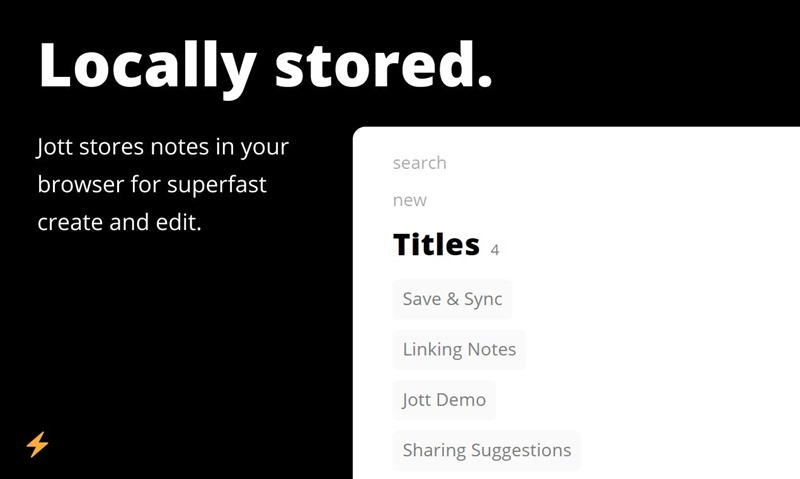
Introduction
Jott is a completely free online note-taking tool. There is no need to install anything or apply for an account. All browsers support it.Just open the specified web page, you can start taking notes.
The interface is also designed to be quite simple, with no ads, and it also has a thoughtfully designed “search” function to avoid having too many notes that are hard to find after a long period of time. This function is very practical:
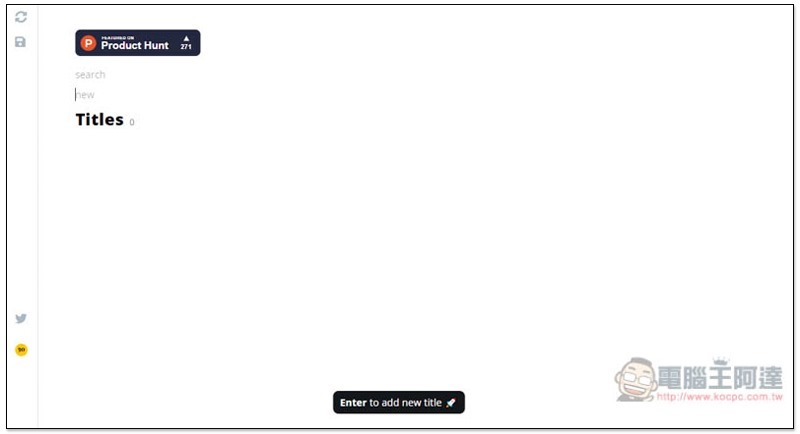
Enter the name (or content) of the note to be created in the New field and press Enter. The Titles category will appear below:
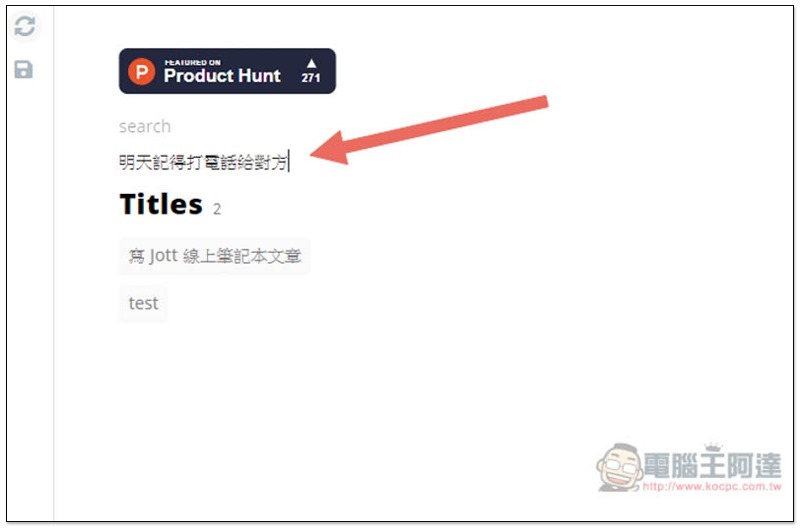
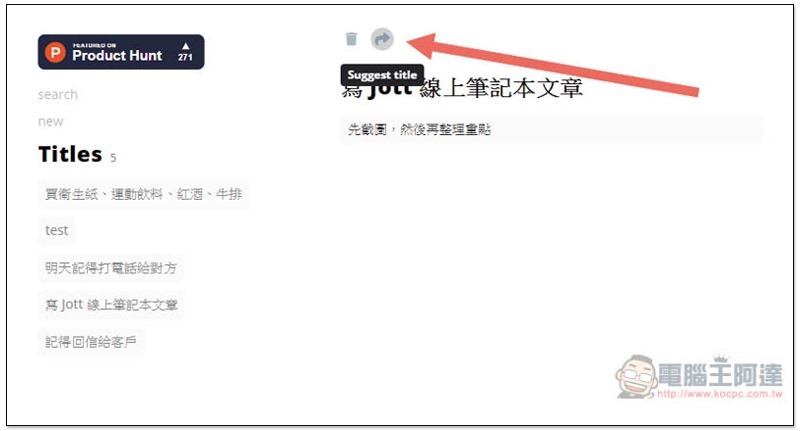
If you are entering note content, you do not need to perform this step. If there are more points you want to add to this note, please click on the name of the note and enter the details at the bottom on the right:

There is a Suggest title icon above. Clicking it will automatically copy the URL of this note. You can save it somewhere so that you can quickly access this note in the future:
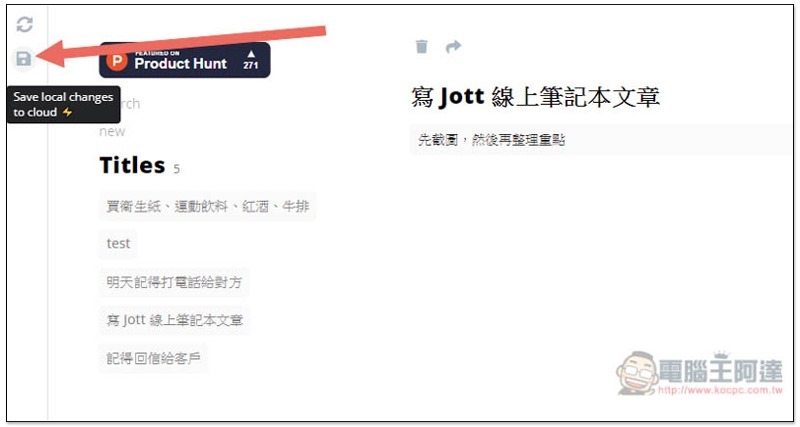
Basically all note data will be automatically stored in browser cookies, but if you have cloud synchronization needs, this set is also provided. Click the 3.5 disk icon on the left (but you need to pay to upgrade):
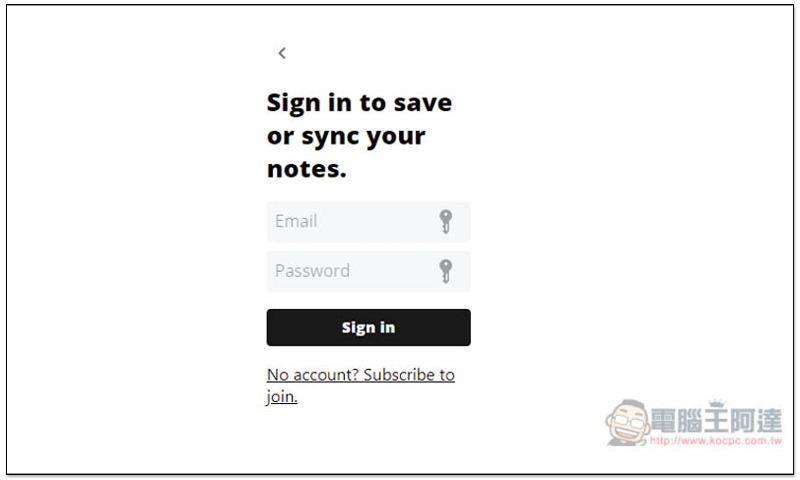
You will see the account login page. To apply for an account, you need to pay 10 US dollars to the developer. Although it is just like buying a cup of coffee, there are actually many better note-taking applications on the Internet for this price, so it is up to you whether it is worth it:
When there are more and more notes, you can directly enter keywords in the search field, and only matching results will be displayed below:

Not only computer browsers, but also iOS and Android can be used. If you only need to use notes occasionally, or feel that the built-in one is not easy to use, you can try this one.
Supplementary information
- Name: Jott online note-taking tool
- Nature: Free
- URL:Click here to go
Source: KOCPC Chinese