


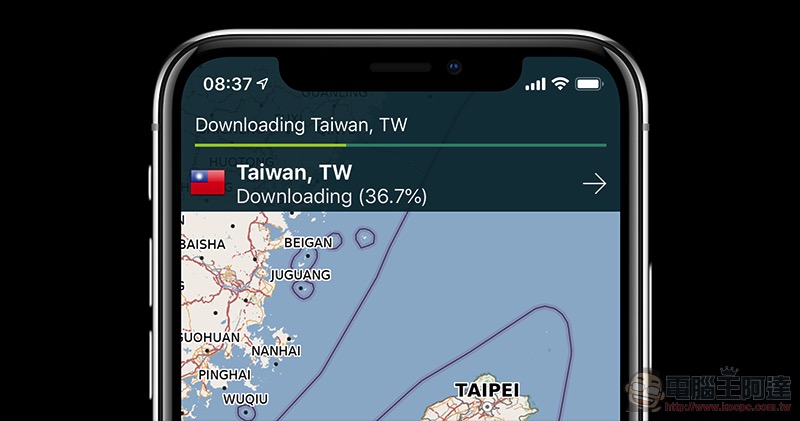
Although most people will still rent an Internet connection for the entire trip abroad. Crazy punching in to show off Search for maps and run attractions, but sometimes you will encounter problems such as poor network signal or insufficient power of the mobile sharer. At this time, a good offline map application will be a very good helper. In the past few days, we have also discovered that a pretty good application is free for a limited time. Continue reading the user experience report of the ultra-practical offline map Pocket Earth PRO.
▲Picture source:
The super practical offline map Pocket Earth PRO is free and available for a limited time! (Usage experience)
To be honest, if it weren’t for the limited fee, I would generally be too lazy to use map applications other than Google Maps (hey, actually I have changed my mind about HERE Map after riding the Ai-1). This time, the limited-time free Pocket Earth PRO is actually different from the usually free non-professional version, mainly in its ability to go offline. As for the PRO version, it actually has a special focus on “terrain maps” and provides the function of in-App purchase and download, but the offline map function is directly provided.
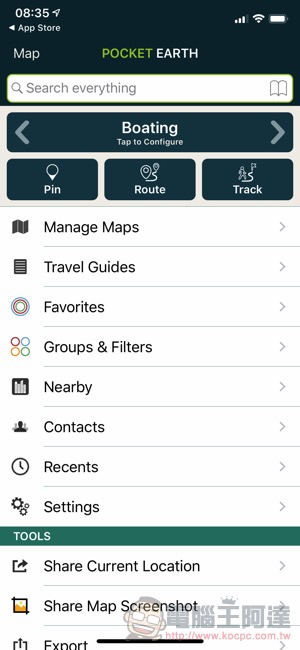
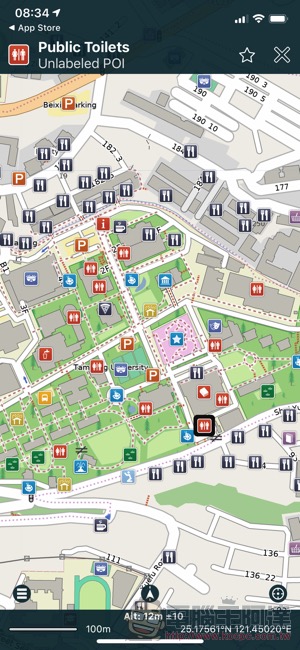
The simple experience of downloading and using Pocket Earth PRO is that even before downloading the offline map, I feel that it is still smoother and easier to use than Google Maps. What’s even better is that it comes with many preset usage scenarios, including mountain climbing, cycling and even sailing. Then you can filter the types to be displayed on the map yourself – for example, the default display of restaurants, parking lots and “toilets” is really useful for travel, and there will be no problem that Google Maps often thinks it knows your preferences and displays a bunch of less necessary attraction types.
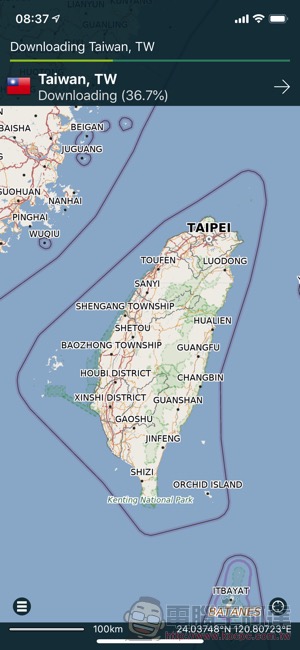
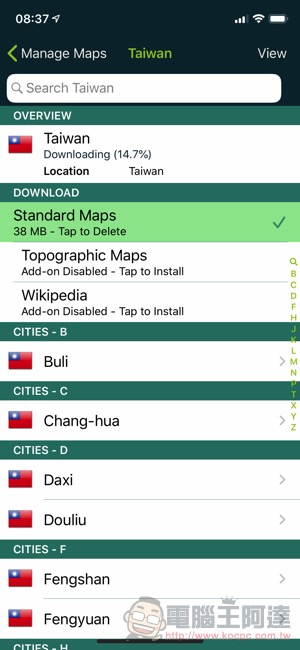
In Pocket Earth PRO, you can also do your homework in advance and save points of interest in Pocket Earth PRO, and you can also directly use navigation and other methods. In addition to offline downloading of Wikipedia, additional parts can also be installed with travel guide information for use. Overall, I personally think it is a good tool for overseas travel planning. Grabbing the map in advance before going abroad can also give you an extra layer of peace of mind. In short, since it is free and only takes about 50MB to install the app (offline maps, of course, the capacity is additional), it’s better to grab it first instead of using it!
PS: If the unfortunate line free ends, you can also catch itFree versionYes, don’t be sad.
Pocket Earth PRO Download (App Store)
Further reading:
Canon explains how “dual gain output” allows the C300 III to achieve a powerful dynamic range of 16+
Source: KOCPC Chinese