


For those who use digital cameras, many people will choose to shoot in RAW file format and then perform post-production retouching afterwards. RAW files are unprocessed files, that is, the most original files after shooting by the camera, and using RAW files for post-production retouching will have more room for modification than using JPG post-production. Generally speaking, after the RAW file is processed, it will be transferred to JPG for image output, so how to save the RAW file? Take Adobe Lightroom as an example. When the RAW file is thrown into Lightroom for editing, as long as the RAW file location has not been changed or deleted in Lightroom, then when Lightroom is opened later, the modified values of the original RAW file will remain intact. However, as long as the computer is remastered, the folder is changed, or the RAW file is not saved, the values of the RAW file will be reset to zero when the RAW file is re-read. In the case of Lightroom, the storage methods of RAW files are divided into RAW relay files & DNG files. Both types of files have their own advantages. Next, let’s continue to talk about these two types of files!
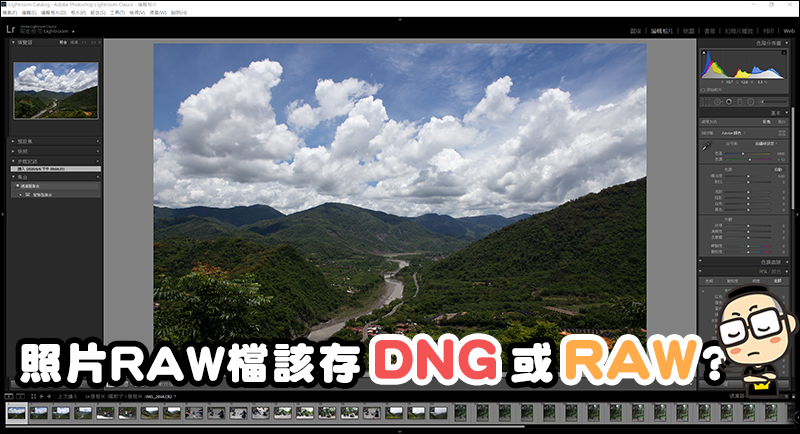
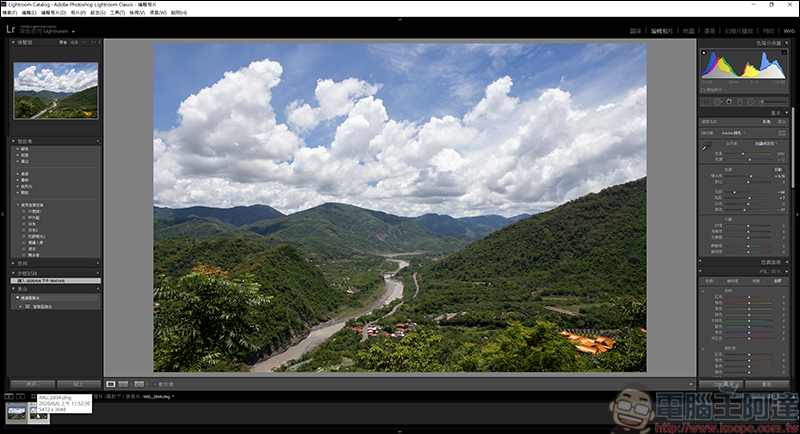
Let’s take this RAW file as an example. The values have been adjusted, and now we need to save it:
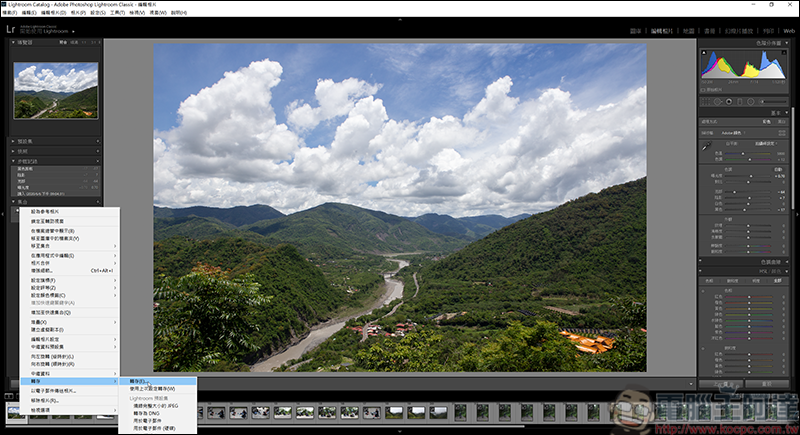
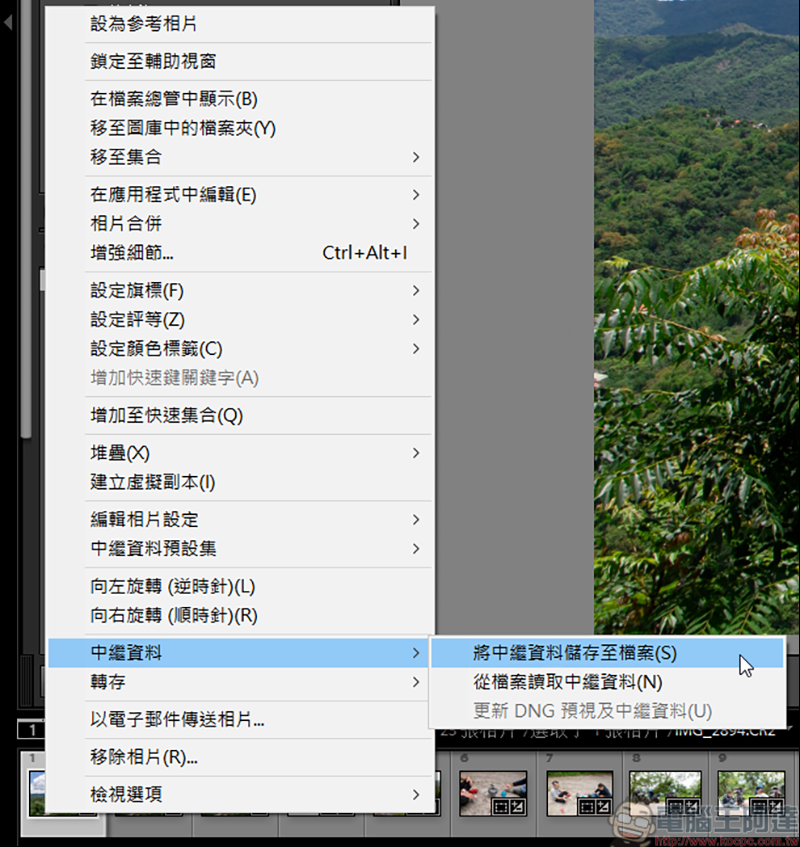
There are two ways to archive RAW files. One is to retain the original RAW files and save the photo adjustment settings as metadata:
The other is the DNG format. The DNG format is a format introduced by Adobe. The file size is 20% smaller than the RAW file, but it takes a relatively long time to convert RAW to DNG: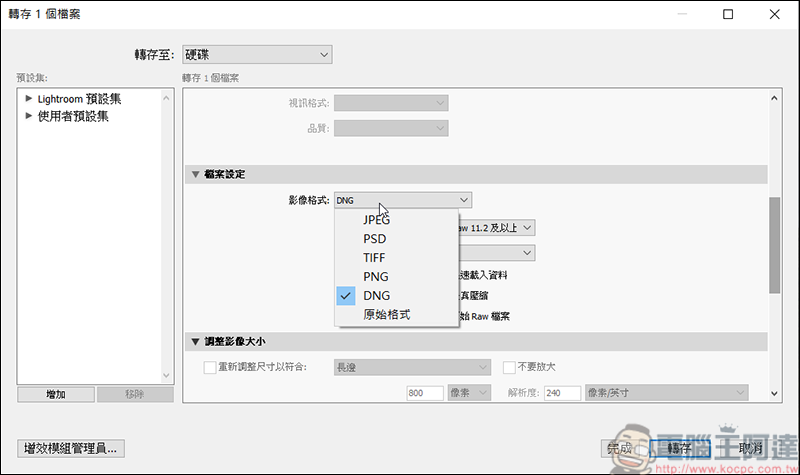
The files converted from the two will look like this. The DNG file is a separate file (20.1MB), while the RAW file (22.6MB) will be accompanied by a metadata with an xmp extension. When browsing computer files, you can see that the DNG is already a thumbnail with adjusted values, while the RAW file is in its original state: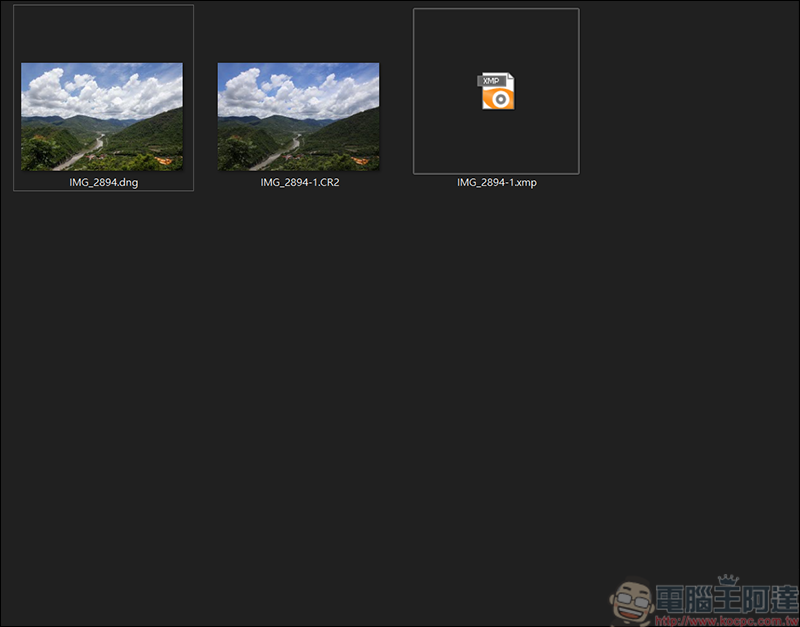
The advantage of transferring DNG is that the file size will be 20% smaller, and the modified values can be read directly after changing the computer, which is very easy to use! But the prerequisite is that you must use Lightroom for editing: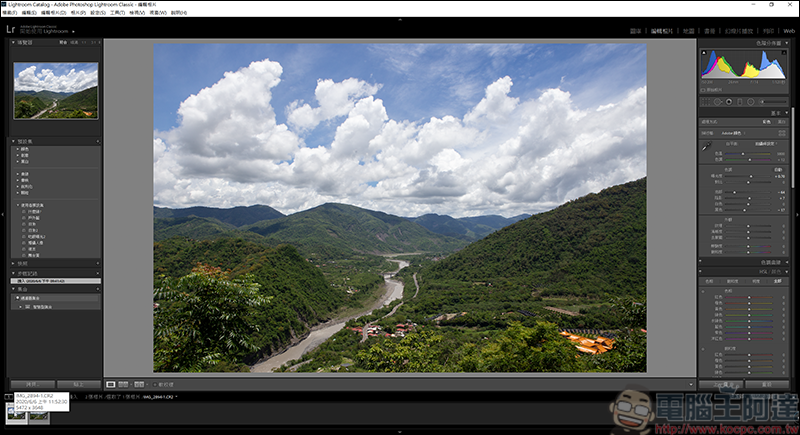
Here, remove the metadata from the RAW file and read it:
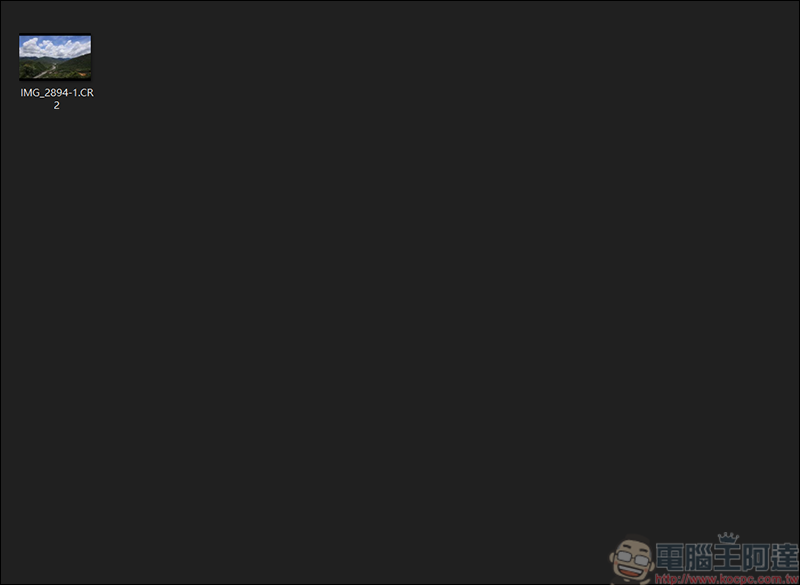
You can see that the RAW file without relay data has been restored to its original state in terms of values:
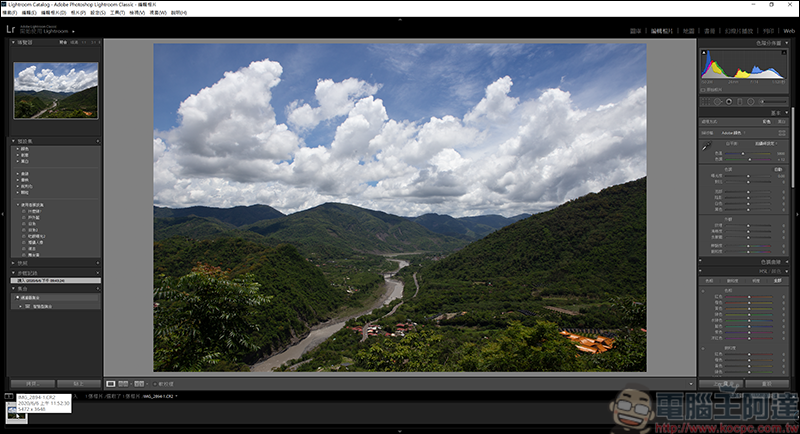
Which of the two formats is better for storing DNG&RAW? In fact, it depends on your personal use. If you only use Lightroom as a post-production and editing software, then you can save the original RAW file by converting it to DNG; but if the RAW file you process will be used by others or used for post-production in other software, then the RAW + relay data can be used on other platforms or software!
Source: KOCPC Chinese