


In the past year, podcasts have become more and more popular in Taiwan. In addition to more and more Chinese programs, the number of listeners has also increased. Although iOS already has a built-in podcast function, and Android also has its own Google Podcasts (which requires manual installation), these two sets are designed for global users after all. The operating interface and program recommendations may not be perfect for Taiwanese users. The “SoundOn” free Podcast App was developed by a Taiwanese team and not only collects many high-quality Chinese podcasts on the Internet. The program also has a self-made content team. It is worth trying if you are listening to podcasts.

Introduction to SoundOn
When you open the homepage, there are very rich categories, such as: “New Voices”, “Recent Popularity”, “Industry Experts”, “Entertainment World”, etc. for new programs, and 99% of them are Taiwanese programs:
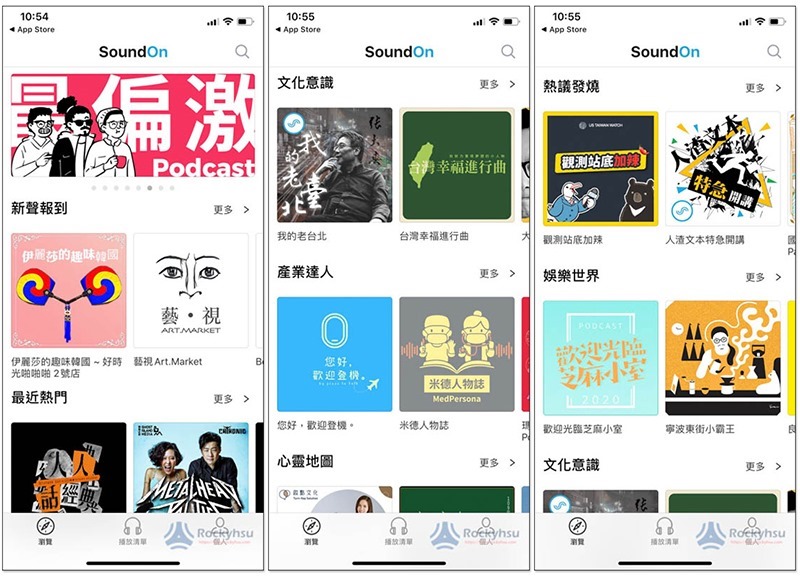
You can discover a lot of high-quality new programs by checking in with New Voices. If you don’t know what to listen to, you can look for them:

However, before you start listening, I suggest you create an account first (if you don’t have one yet), so that you can subscribe immediately when you find a program you like:
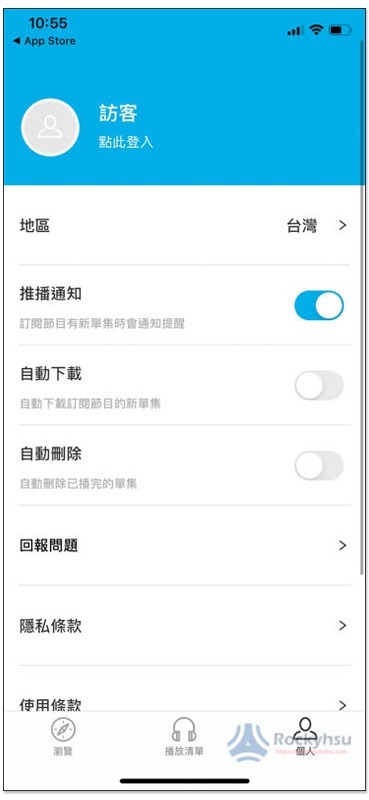
The iOS version supports Apple login. For lazy people, this is the fastest way:

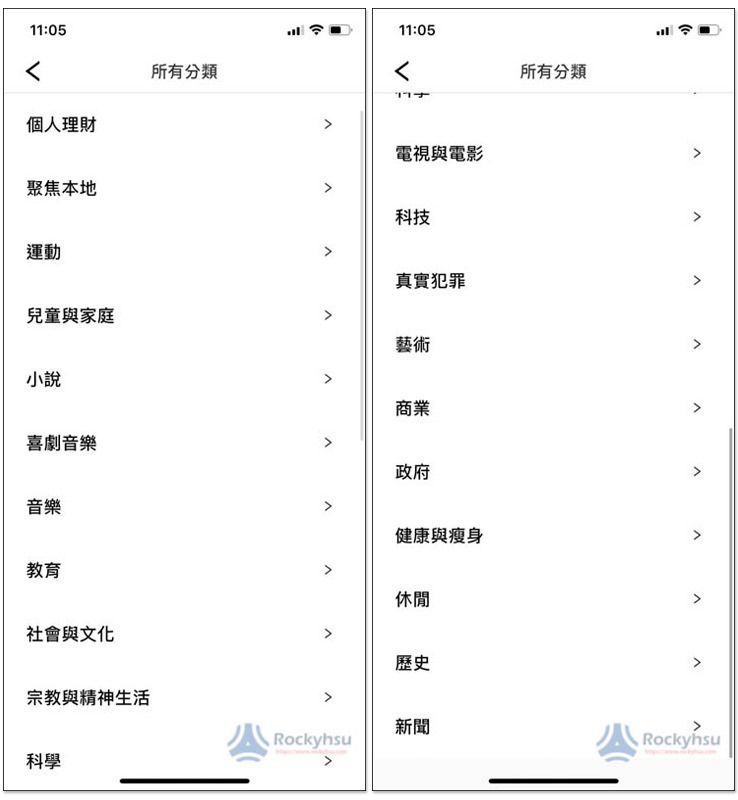
In addition to the recommendations on the homepage, complete categories are also provided. There are currently 21 major categories, which is very rich:
Of course there is also foreign content, but it is slightly less compared to other podcasts:
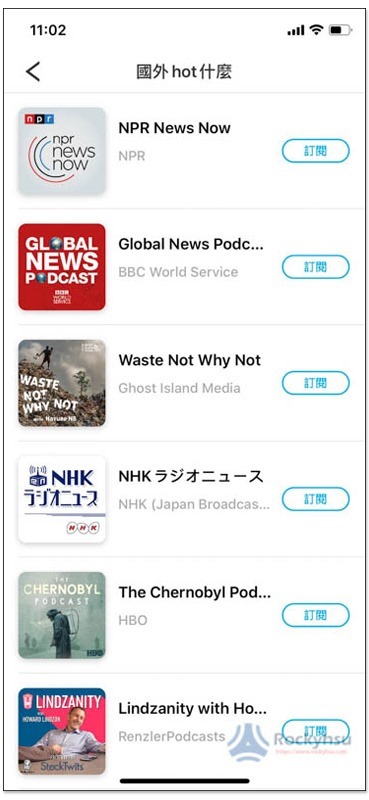
Once you find a podcast you like, press the subscribe button next to it:
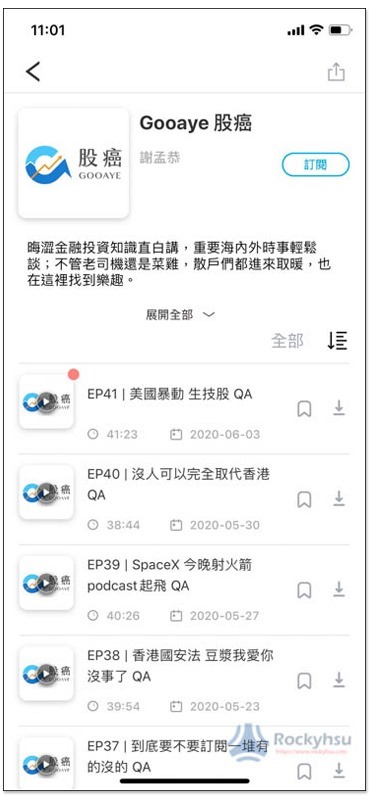
It will be saved in your account. In the future, you can go directly here to quickly check if there are any new programs:
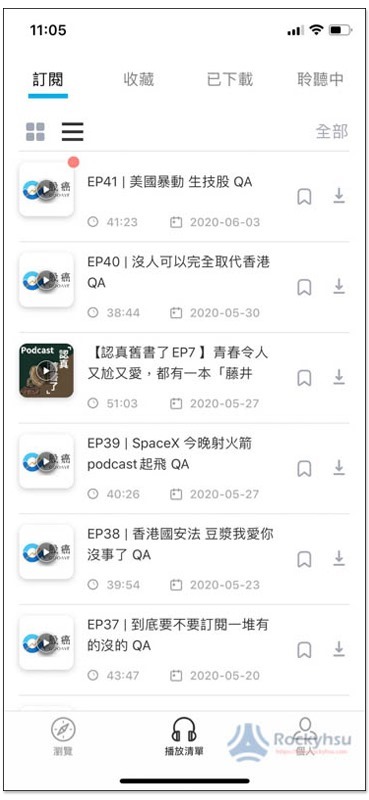
Of course, the offline download function is also provided. Those who need it can go into the settings and turn on “Automatic Download”. The download function will be automatically enabled as soon as there are new programs on the subscribed podcasts. In the future, you can listen directly without the Internet:

The playback interface also provides functions for adjusting speech speed and sleep timer. You can set sleep mode when listening before going to bed, and the playback will automatically stop at a certain time. There is no need to manually press pause:

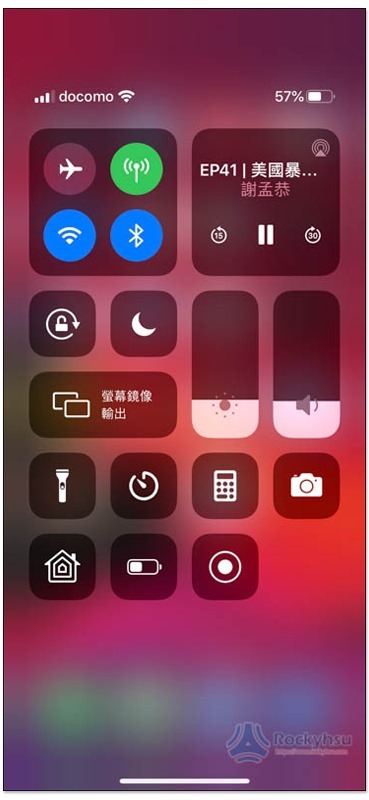
Tested background playback and standby playback are no problem:
Supplementary information
- App name: SoundOn sound wave
- Nature: Free
- Supported operating systems: iOS, Android
- Download page:App Store、Google Play
Source: KOCPC Chinese