


For those who like to customize and manually customize their computer environment. If they use Chrome for a long time to surf the Internet, they will sometimes feel that the mouse is the same, which makes them tired of looking at it for a long time, or they want to change their life. It is highly recommended to try this extension plug-in “Custom Cursor for Chrome”. After installation, you can easily turn the Chrome mouse into various cartoon patterns with one click, such as the protagonists and lightsabers of Star Wars, Pikachu series, Mario Bros. series, Hunters, and even the Mighty Ones, completely free.
Introduction to Custom Cursor for Chrome
According to the official video introduction, just click on the mouse pattern you like and it will switch immediately:
Click meAfter entering the Custom Cursor for Chrome extension plug-in store page, click “Add to Chrome” in the upper right corner to install:

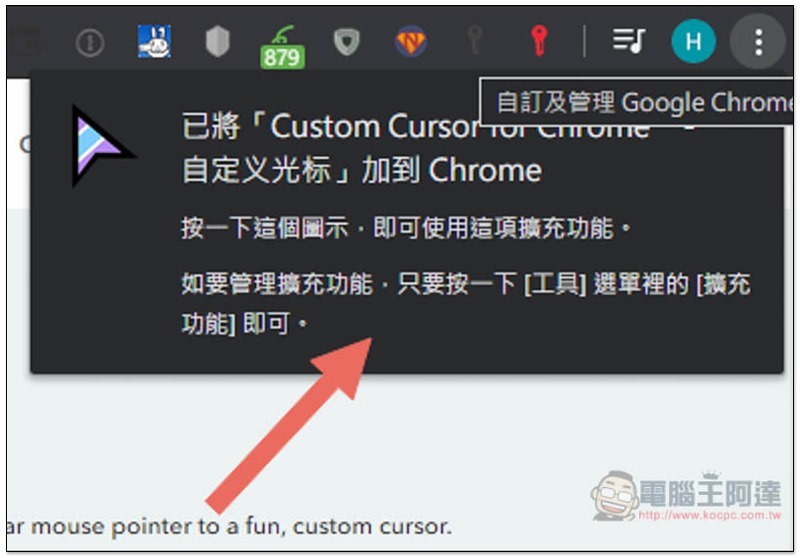
When this message appears in the upper right corner, the installation is complete:
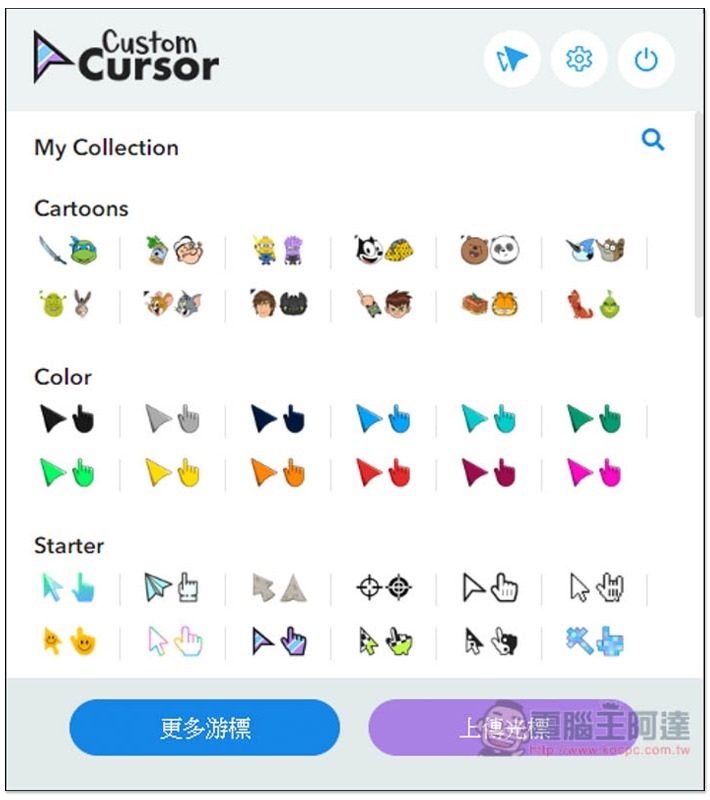
Then click on the icon to view all the preset built-in cartoon patterns. This is not all. You can go to the official website to add them later, or you can upload your favorite patterns yourself:
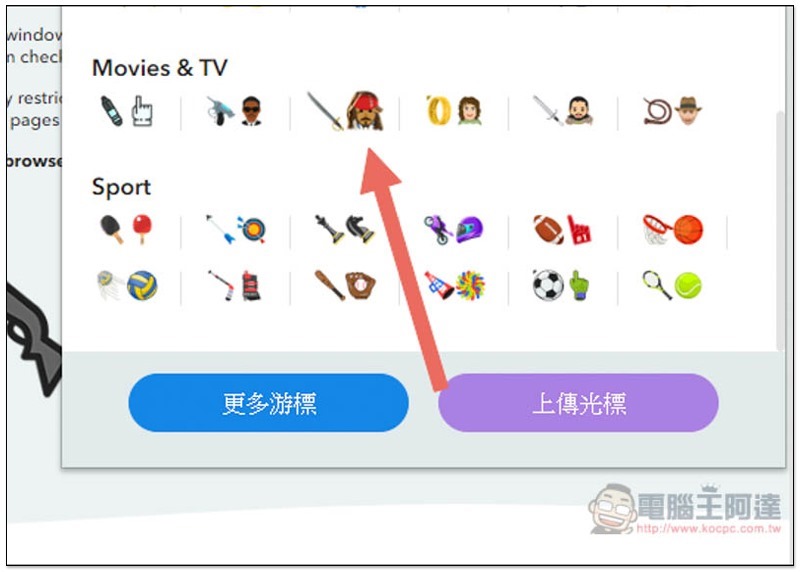
Unexpectedly, even Jack from The Legend of Gods and Ghosts has it, and it will immediately replace the original mouse after clicking it. This extension only affects the Chrome browser, so when you use other software or Windows, you still have the original mouse pattern:
Click “More Cursors” below to go to the official website to add other patterns:
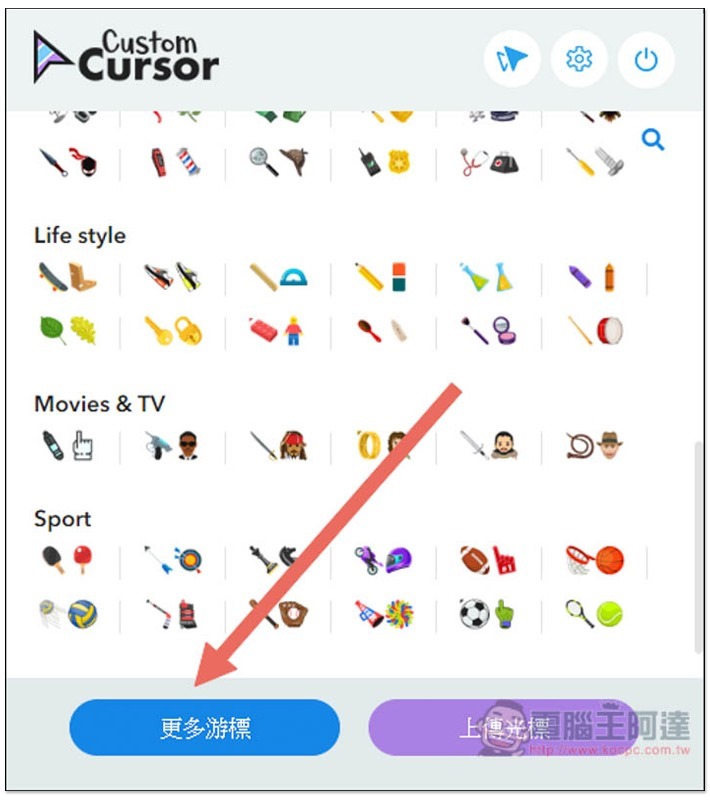
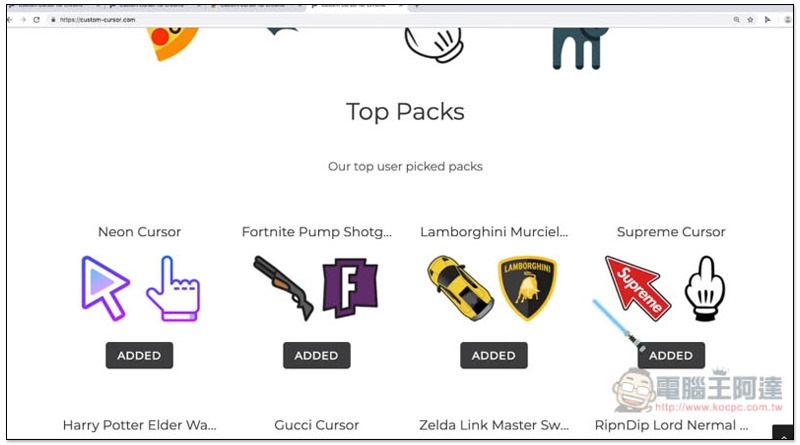
As shown below, there are super choices, and more will be added in the future, which will definitely be enough for you:
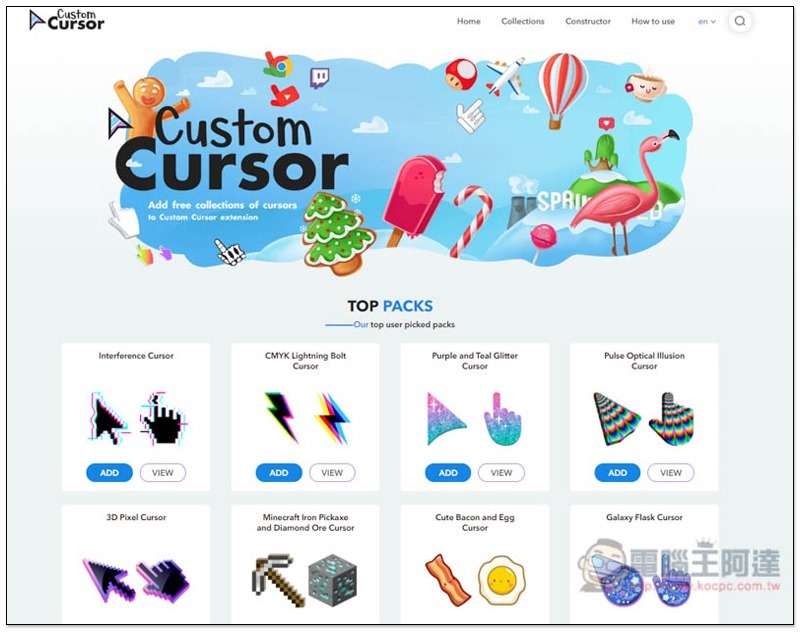
The Mario Bros. series that many people love:
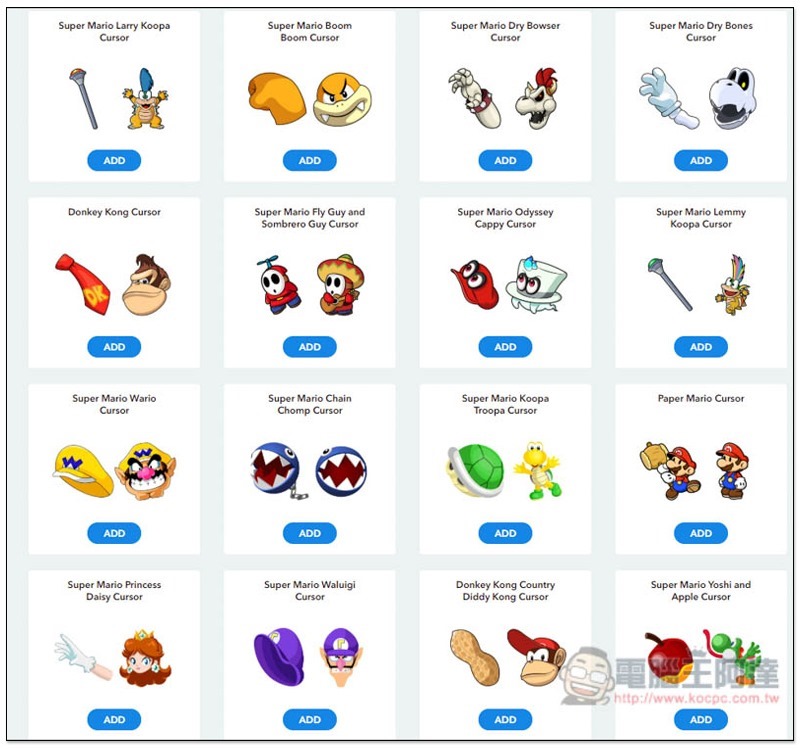
Hunter Series:
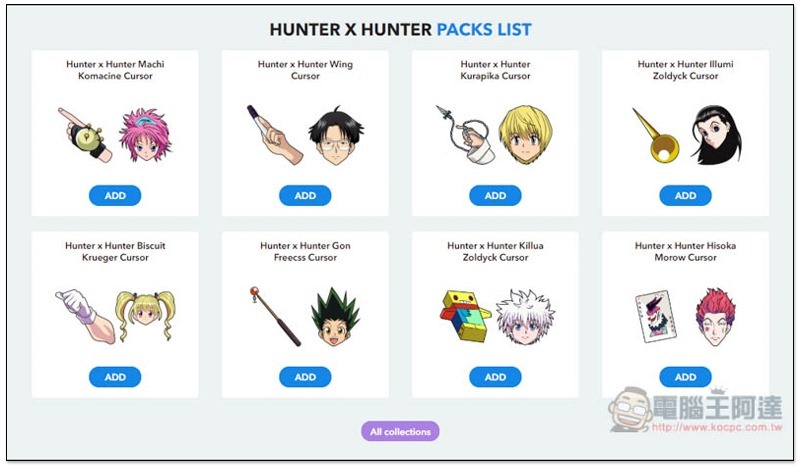
Pikachu series, if you find one you like, click ADD below, and it will be added to your expanded plug-in list:

The mouse size can also be modified, and the default is medium:
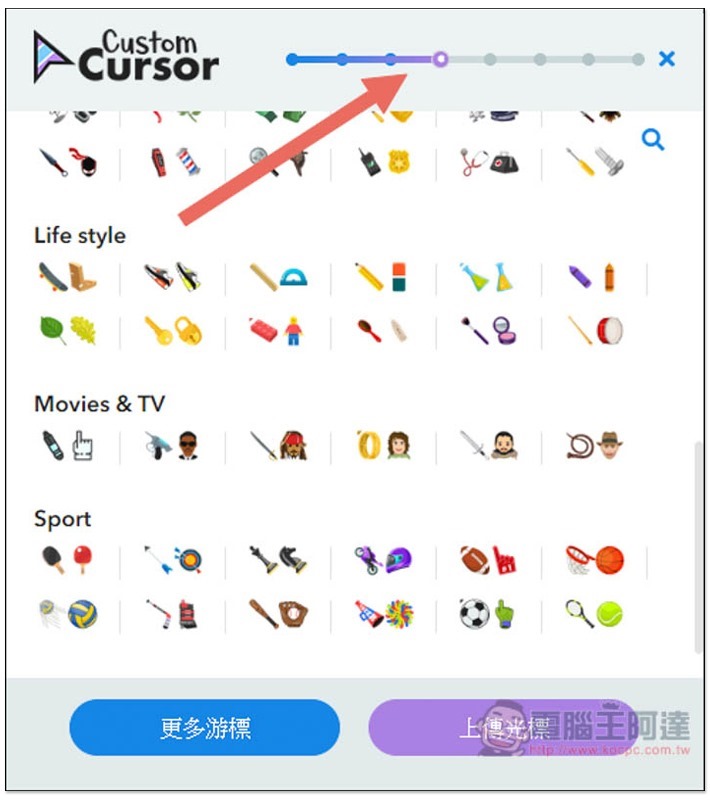
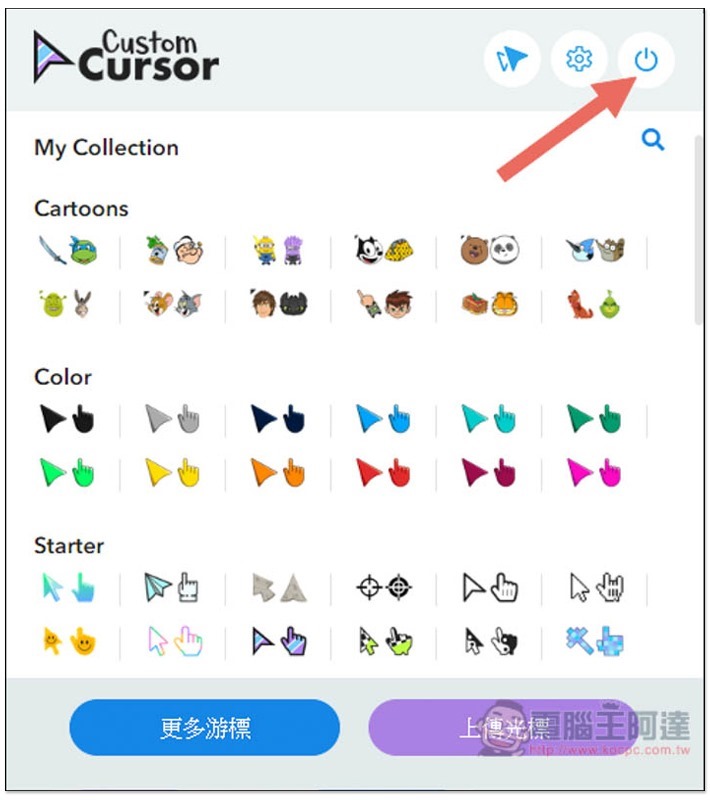
If you want to switch back to the original mouse, please click the switch icon in the upper right corner or remove this set of expansion plug-ins. If your mouse is not restored after performing this step, please reorganize the page pagination:
Supplementary information
- Chrome extension plug-in name: Custom Cursor for Chrome
- Nature: Free
- Installation page:Click here to go
Source: KOCPC Chinese