


TuneMobie Spotify Music Converter is a one-click software for converting Spotify music to MP3, M4A, WAV, FLAC and OGG with an original price of US$39.95. It supports single songs or playlists, and the sound quality supports up to 320kbps. Recently, the foreign Tickcoupon Giveaway website is offering a limited free promotion. Although it is only a one-year license, for most people, one year should be quite enough, and this time it is for Windows and Mac. Both versions are available (you get dual serial numbers at once).
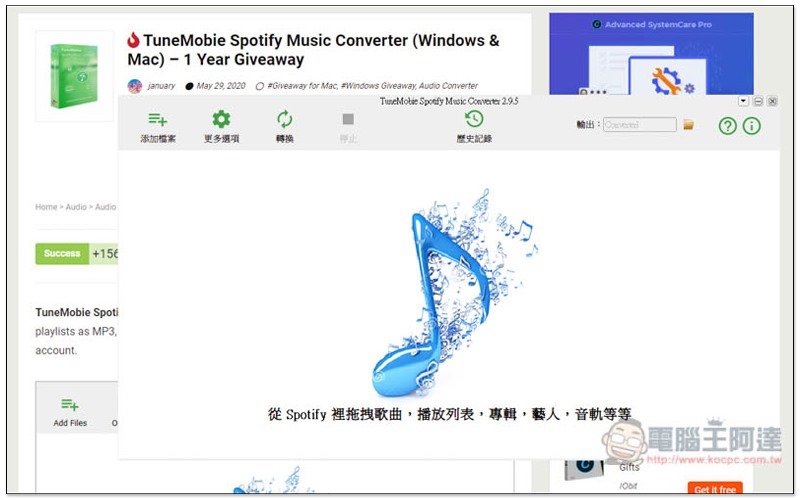
TuneMobie Spotify Music Converter Limited Free Promotion Introduction
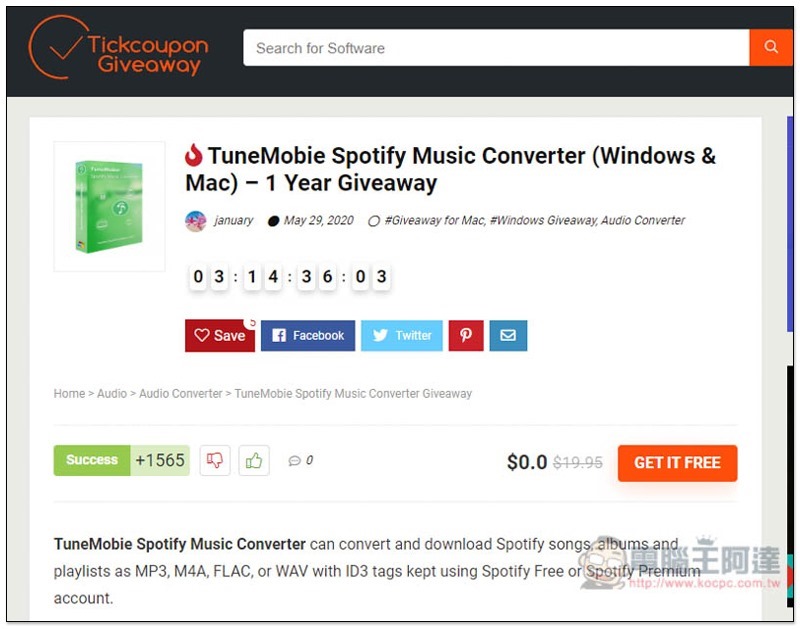
Click me to enter the limited free event page, there are still more than 3 days left, you don’t need to click GET IT FREE (it will only connect you to this page), just scroll down the page:
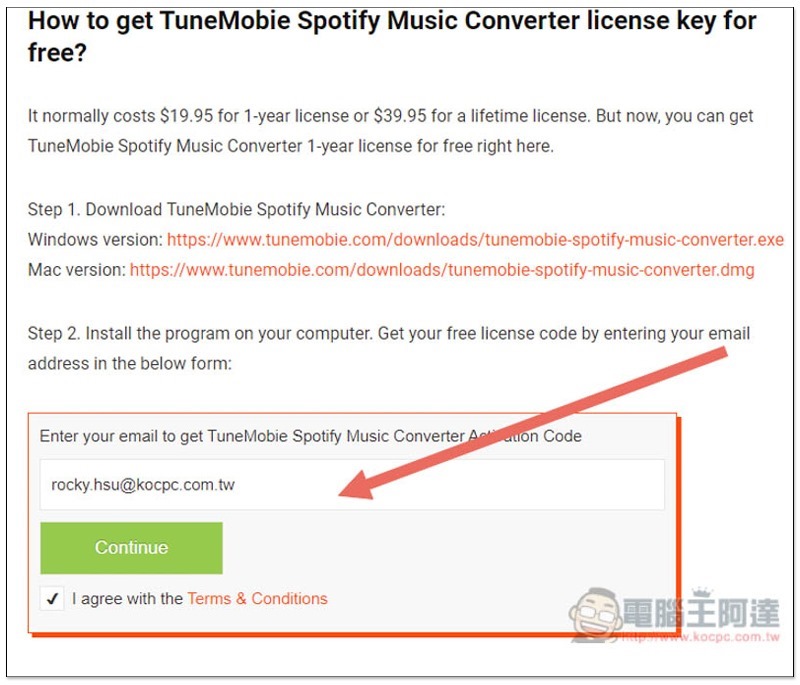
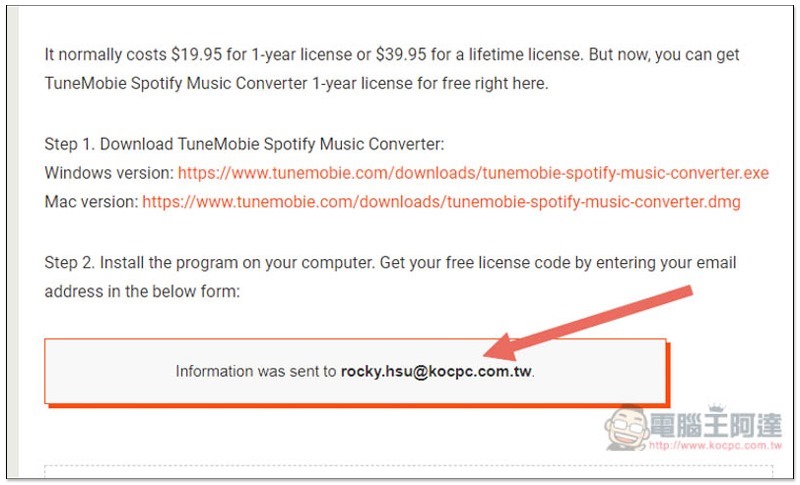
Scroll down to find How to get TuneMobie… for free. First click on the Step 1 link to download the installation file for your operating system, Windows or Mac. Then enter your email address in Step 2 and click Continue:
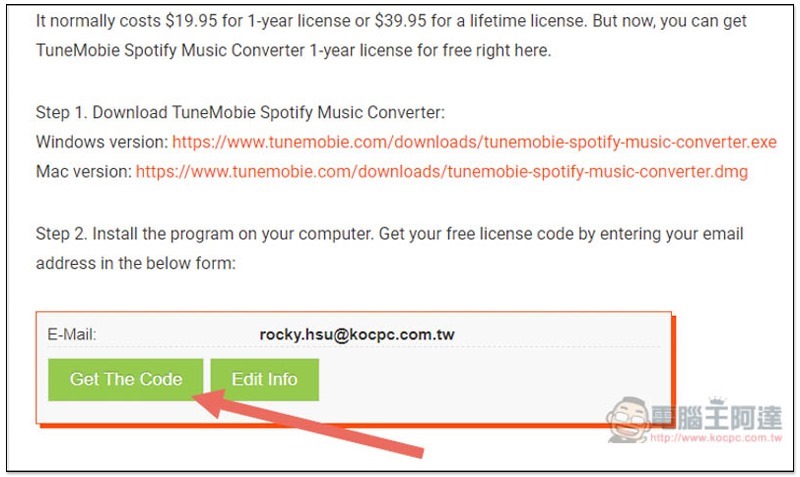
These two buttons will be displayed, click Get The Code:
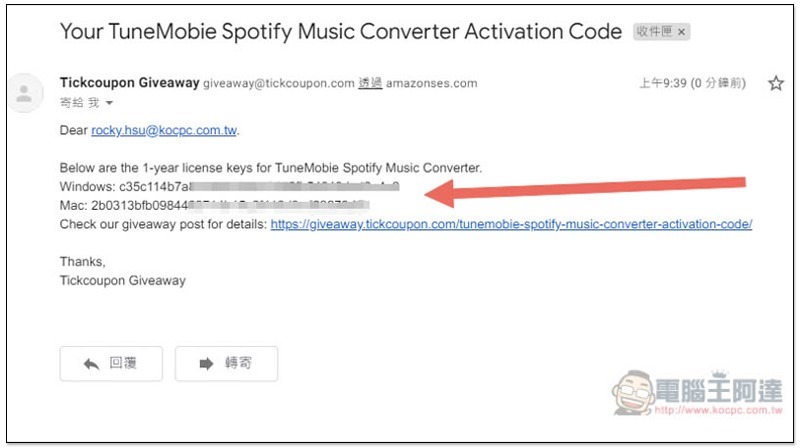
The serial number will be sent to the email address you just filled in:
As shown below, Windows and Mac serial numbers will be obtained at once:
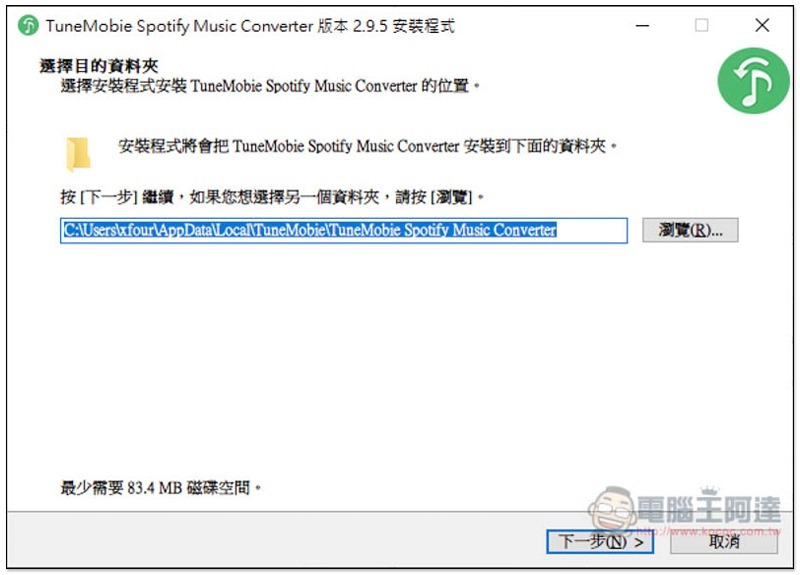
This set provides a Traditional Chinese interface. Just click Next during the installation process:
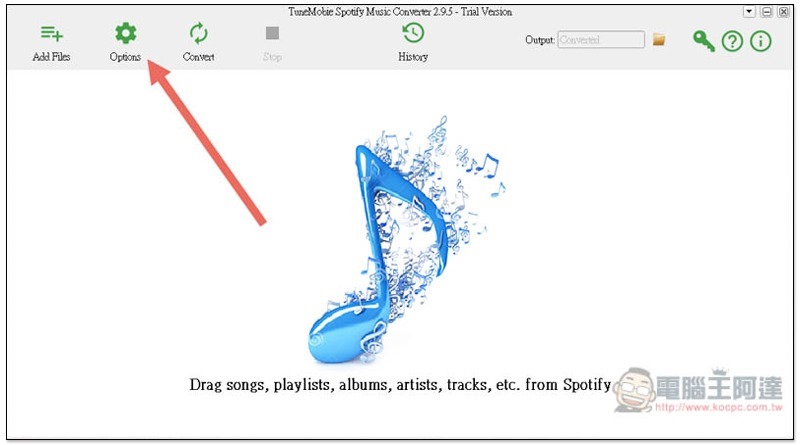
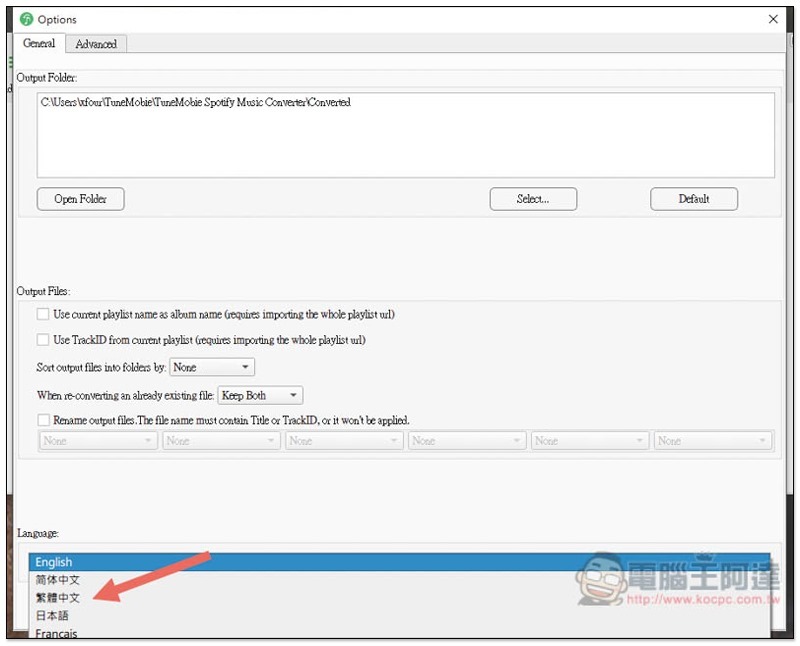
After installation, if you open the English interface like me, please click the Options option in the upper left corner:
You will find the Language option below the General menu, switch to Traditional Chinese:
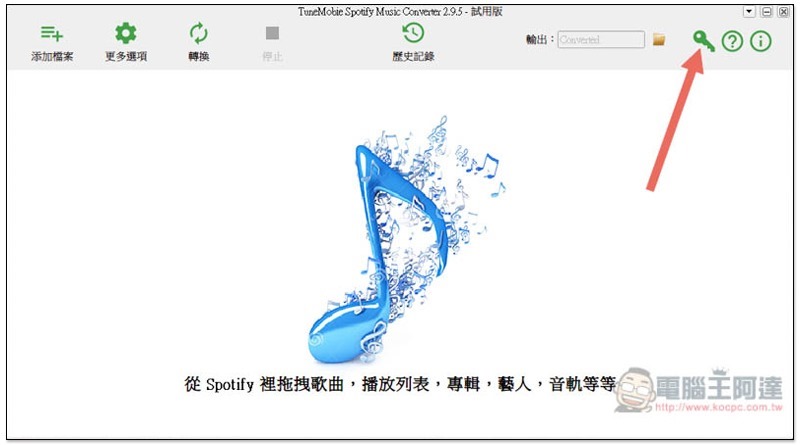
This will become a Traditional Chinese interface. Before you start using it, activate the serial number you just obtained and click on the key icon in the upper right corner:
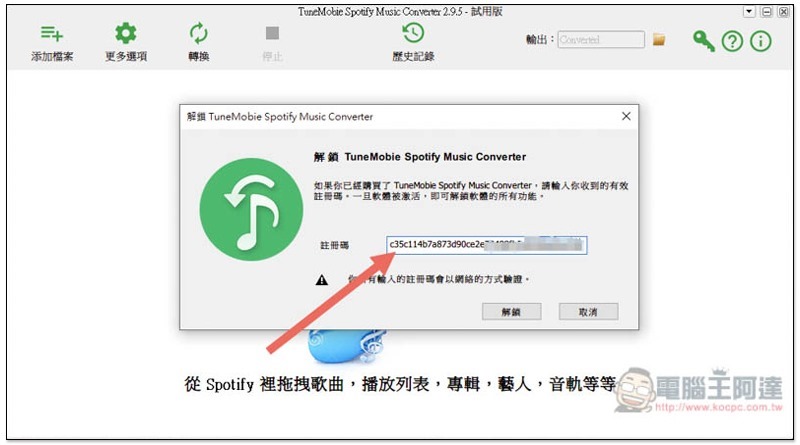
Paste the serial number in the registration code column and click “Unlock”:
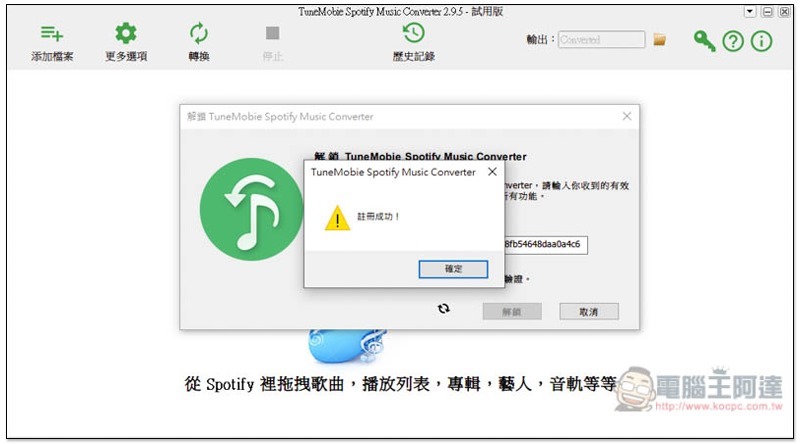
This will succeed:
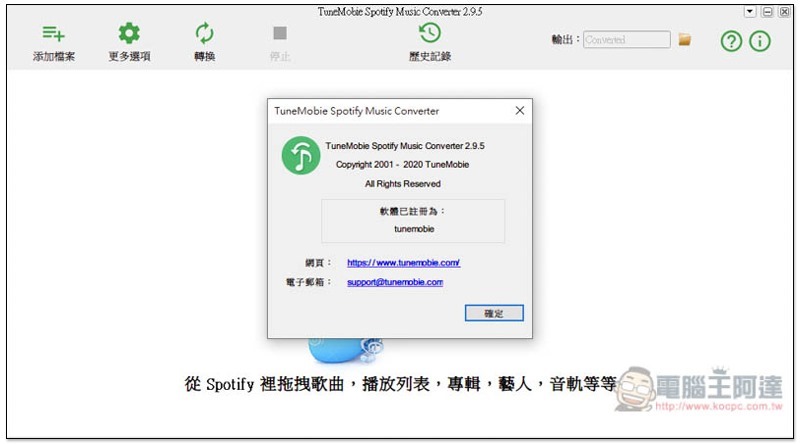
But what’s special is that when I checked the Information, there was no authorization date. It only indicated that it was registered as Tunemobile, but it can be used for at least one year. I don’t know if it exceeds:
Operational teaching
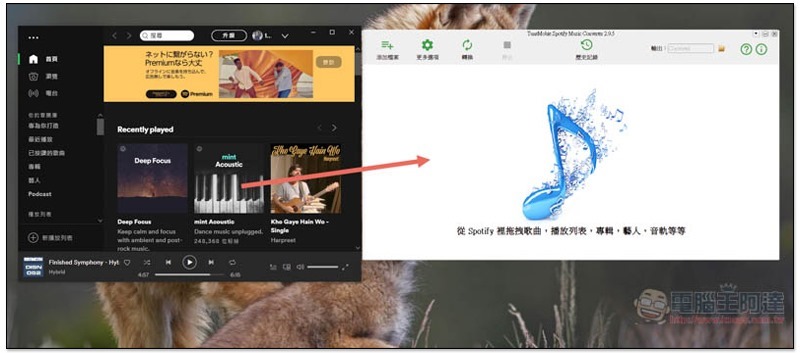
The operation method of TuneMobie Spotify Music Converter is very simple, just drag and drop the Spotify songs or playlists you want to convert into the software.
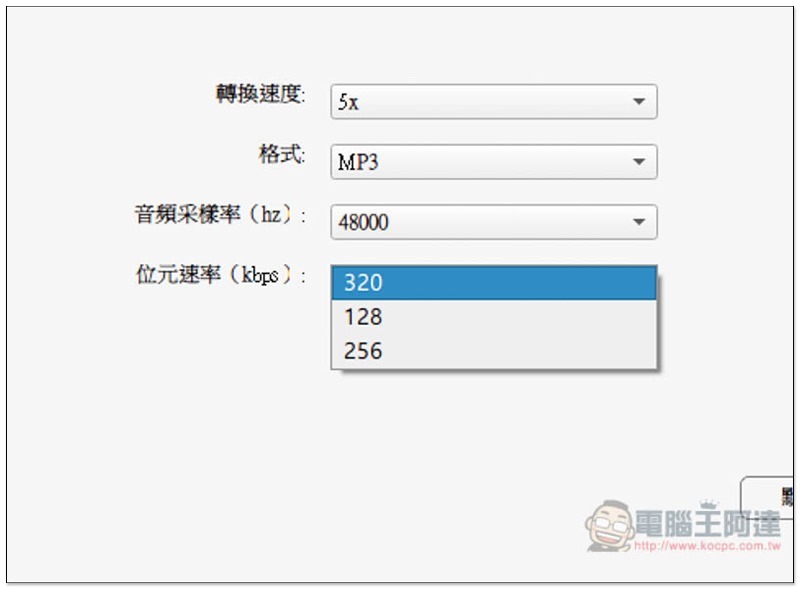
But before you start, make sure that the default conversion format does not meet your needs. Go to the “Advanced Settings” of the options. Below you can select the conversion speed, format, audio sample rate and bit rate:
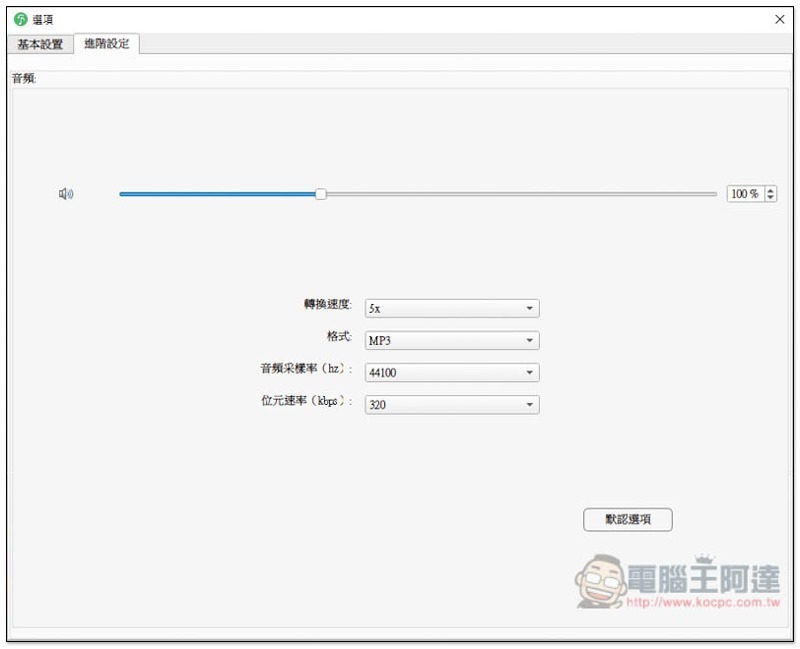
The conversion speed can be selected as 1x or 5x. The predicted 5x will be used first, and then changed to 1x if the conversion really fails.
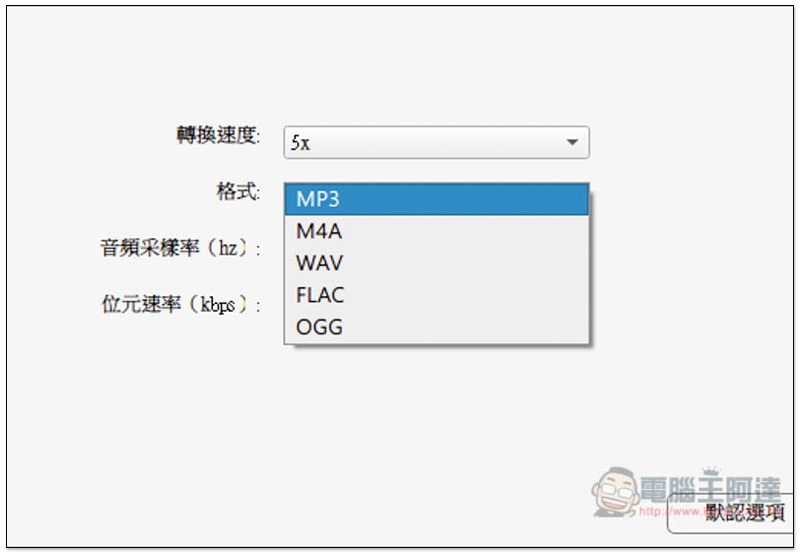
The format section supports MP3, M4A, WAV, FLAC and OGG:
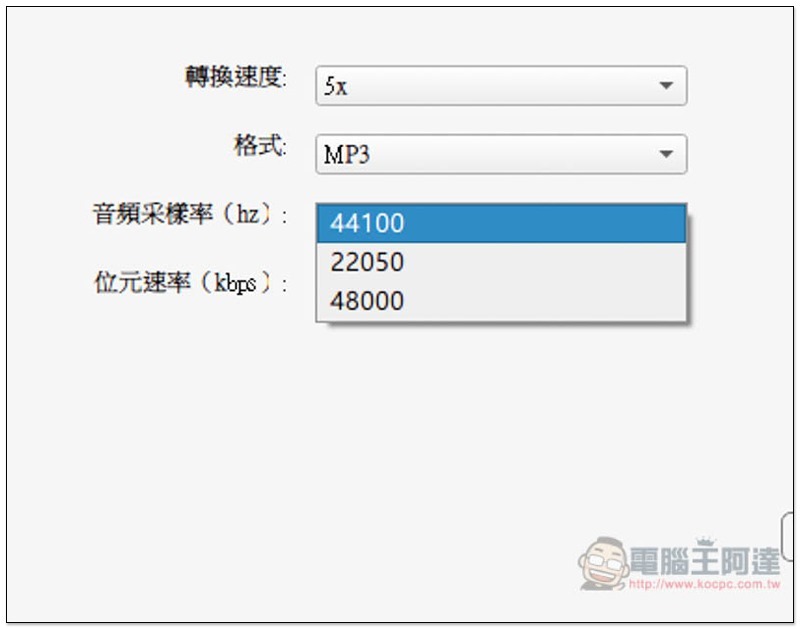
Audio sample rates are available in 44100, 22050 and 48000:
There are three bit speeds: 320, 128 and 256:
After the format is set, you can start looking for the Spotify music and playlists you want to convert, and drag them directly to this set:
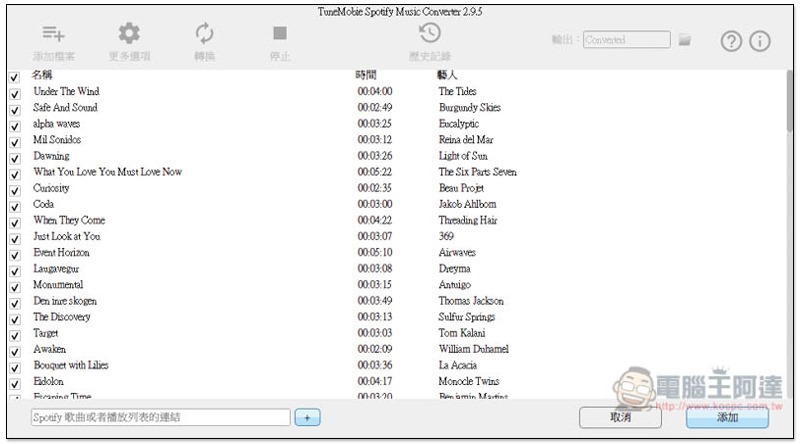
For example, in the playlist, all songs are checked by default. You can cancel the songs you do not want to download. Once you have decided, click Add in the lower right corner:
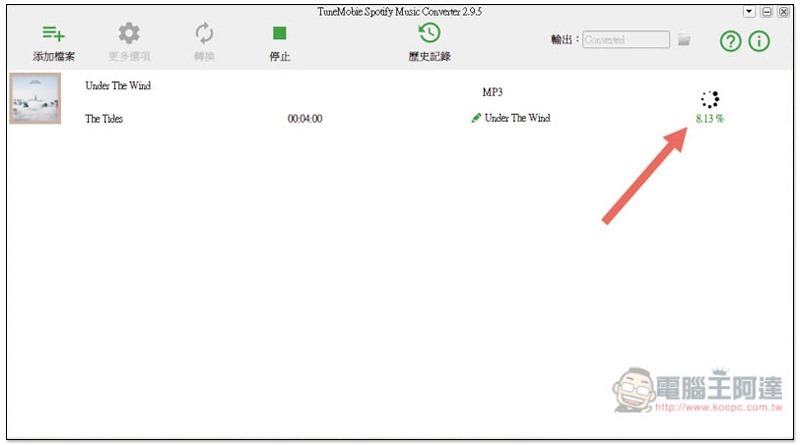
Then press Convert above:
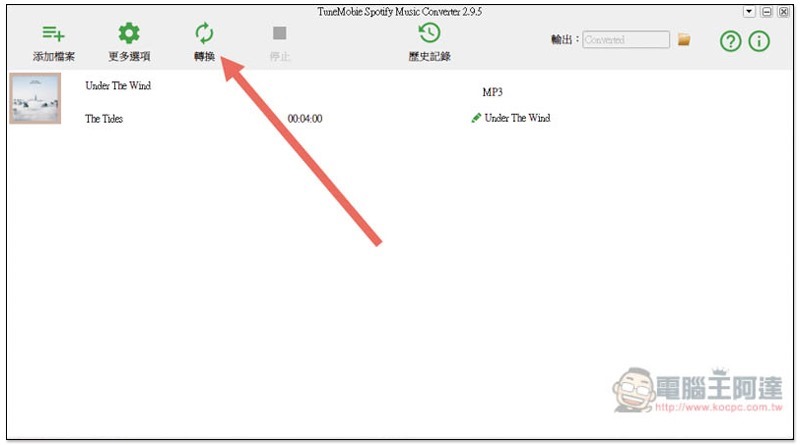
It’s done when the percentage reaches 100%, which is quite fast:
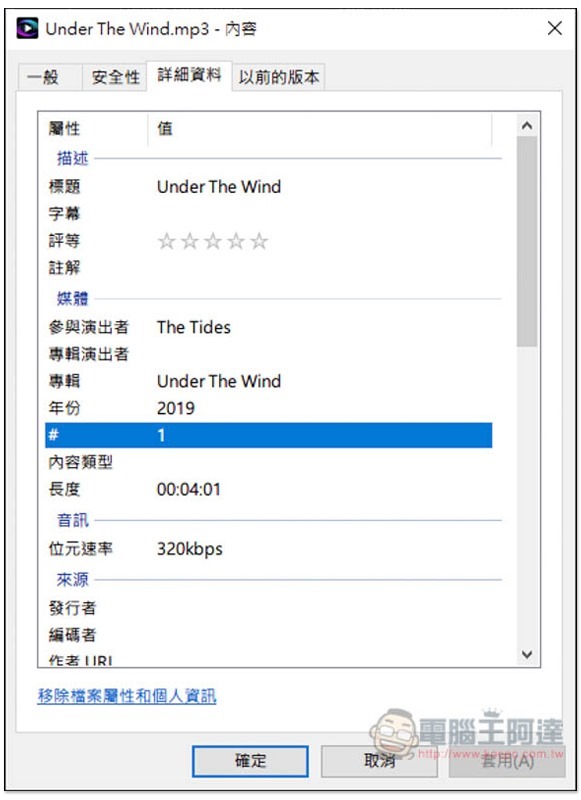
Audio does go up to 320kbps:
Supplementary information
Source: KOCPC Chinese