


Can turn your Canon camera into the most powerful webcam EOS Webcam Utility app, although it is still a beta testing version, since its launch, many Windows users have been very happy to use it, directly shooting other participants in the video conference with awesome shooting effects (error). I believe that users of macOS systems should also be looking forward to supporting this feature, and Canon also officially launched the Mac version one month after the launch of the Windows version. Continue reading the text of the report on EOS Webcam Utility, which uses Canon cameras for video conferencing, launches Mac version.
▲Image source: Canon
EOS Webcam Utility for video conferencing with Canon cameras is now available for Mac (see how to use it here)
▲Image source: Canon
In fact, the original Windows version of EOS Webcam Utility beta has already provided video shooting demonstrations, but it seems that Canon, which is addicted to video shooting (?), has also prepared very friendly step-by-step professional teaching for the Mac version this time.
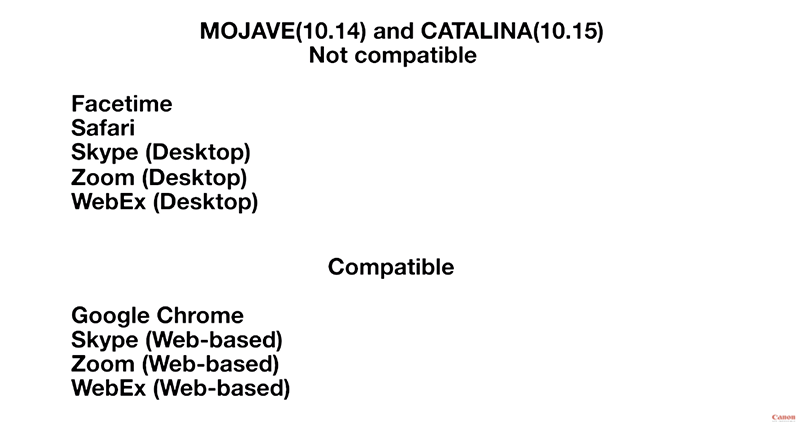
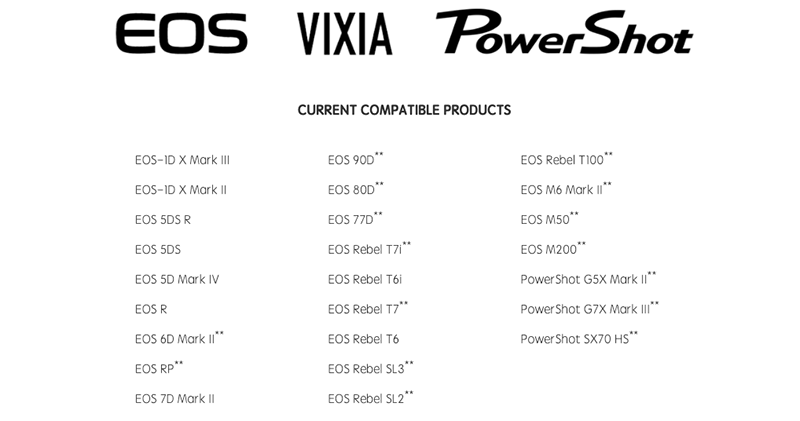
The instructions for the previous Windows version are very similar, but this time the macOS version has many more thoughtful reminders, including the need to restart the Mac computer after the installation is completed. There are also compatibility issues at this stage (see the figure below for the support of macOS 10.14 and 10.15, and we will also put the supported cameras at the end of this article).
▲Image source: Canon
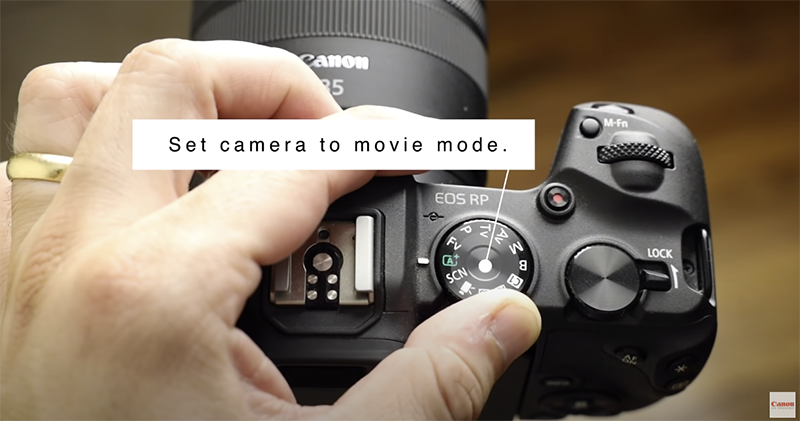
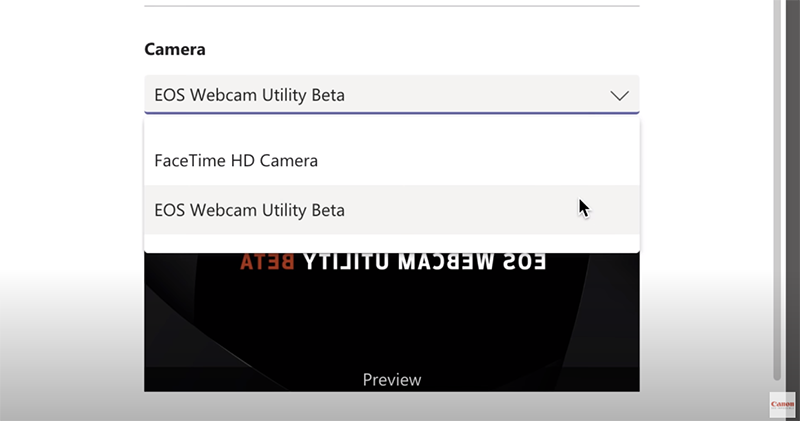
After completing the installation of the pkg file and restarting, please remember to install your Canon camera and turn it on and adjust the mode to movie mode (the one that looks like a movie camera). After that, connect it to your Mac computer via USB. Basically, you can find “EOS Webcam Utility Beta” in the camera options of the video conferencing application. After selecting it, you can see the video screen.
▲Image source: Canon
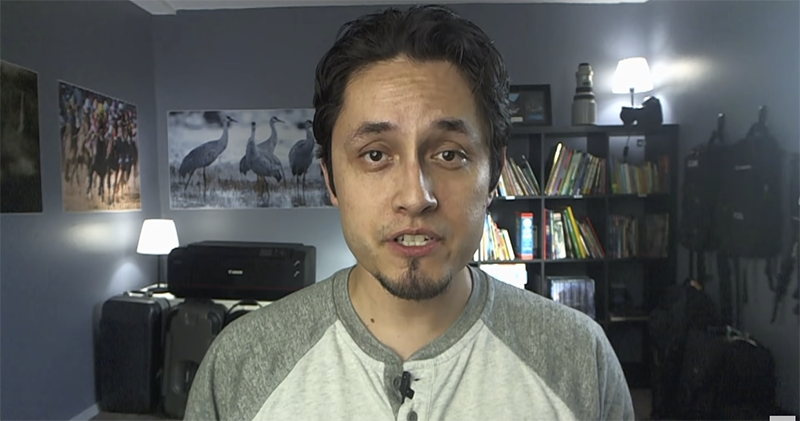
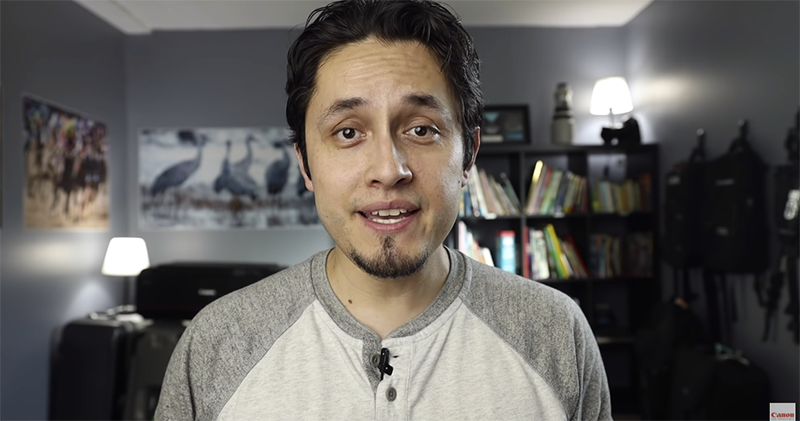
The original manufacturer also has a thoughtful reminder. If EOS Utility is installed on your computer, the application will sometimes be automatically launched when the USB is connected by default. At this time, remember to completely close the app. Canon’s video finally showed the very obvious difference between Webcam. I have to say that such a picture in a video conference is really pleasing to the eye.
▲Image source: Canon
EOS Webcam Utility Download
Supported models:
Further reading:

Source: KOCPC Chinese