


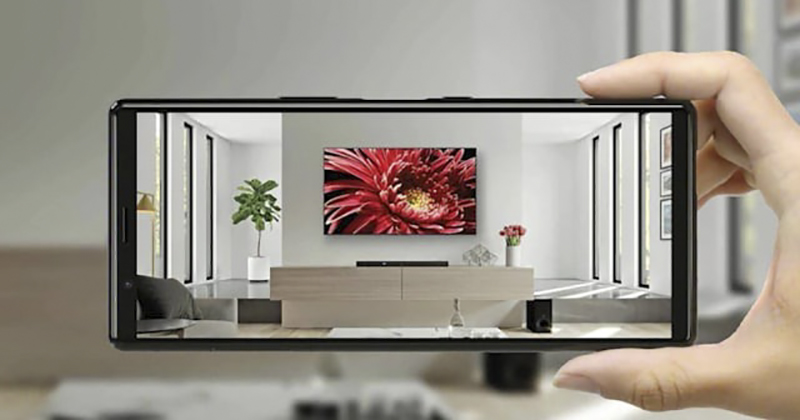
Whether you watched itOur super inspiring BRAVIA experience article, or maybe you were “poisoned” by SONY TV products directly in the store while shopping. However, one of the difficulties in convincing yourself (or your family) to buy a TV is whether there is enough space in your home and whether the proportion of the furniture and décor in your home to the TV will be too abrupt. Although a simple tape measure can solve the size problem, unless you actually move the TV into your home, it is really difficult to know whether it will fit or not. Now, SONY wants to help you solve the problem directly in an increasingly practical AR augmented reality way through iOS and Android mobile applications. Continue reading Sony uses AR to persuade BRAVIA TV, does it really match the decoration? Report text.
▲Picture source:
Sony uses AR to dissuade BRAVIA TV. Does it really match the decoration?
This SONY Envision TV AR application can be found on App Store(iOS)and Google Play Store(Android)Caught – The former editor can’t catch it using Apple’s Taiwan App Store, but it can be transferred to a US account; Android is shown to be incompatible with my old Galaxy S8+ (the phone is too old to cause QQ), and Apple’s ARKit and Android ARCore support will be used respectively.
▲Picture source: SONY
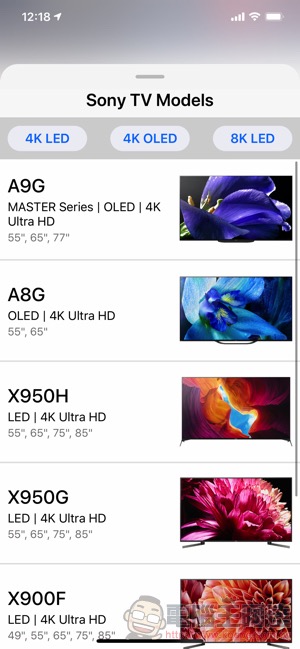
Once you download Envision TV AR, it’s really easy to use. Although it’s not yet available on the Taiwan App Store, you can find BRAVIA TV models available in Taiwan on it — and you can filter products based on specs like: 4K LED, 4K OLED, or even 8K LED:
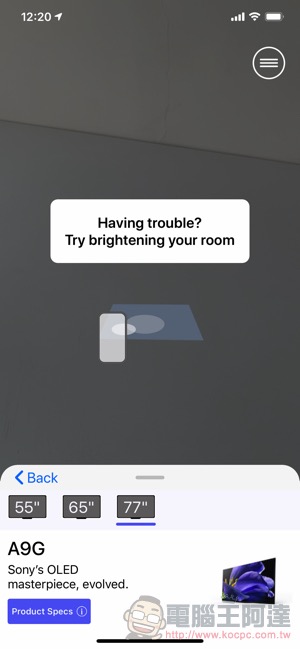
After selecting the TV model, just use your mobile phone to scan the desktop where you want to place it. Once the flat surface is detected, you can click on the screen to place it:
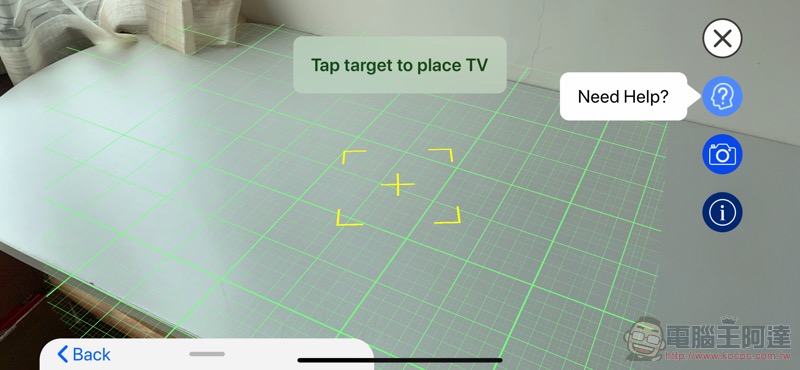
If you feel that the position is not good, you can adjust the front, rear, left, and right, or rotate the direction the TV is facing with two fingers:
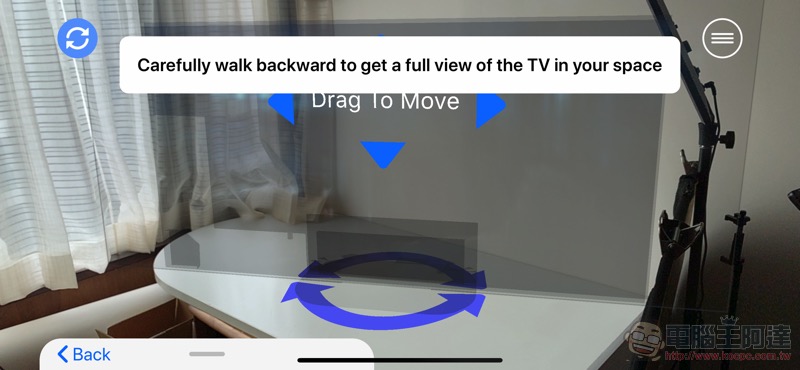
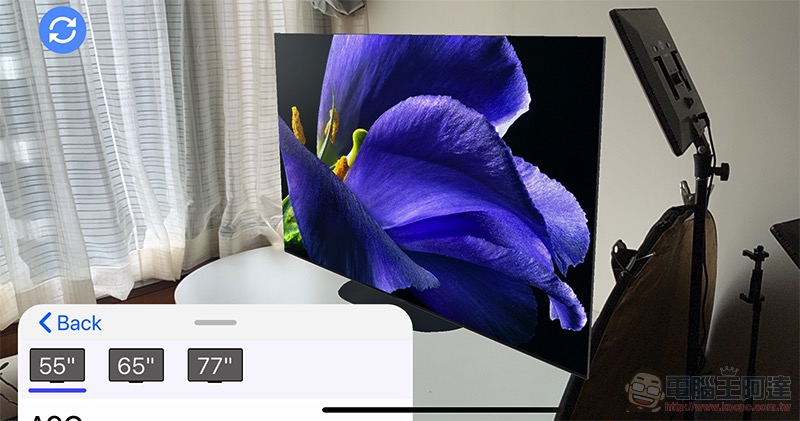
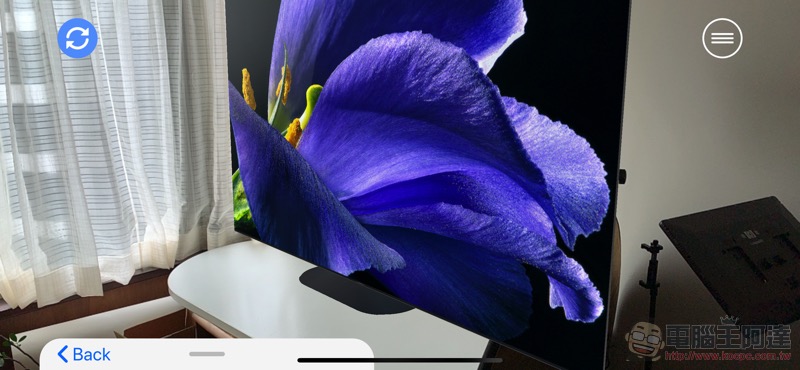
Hmm… It seems that 77 inches is really too big…:
“Had no choice” to change to 55 inches:
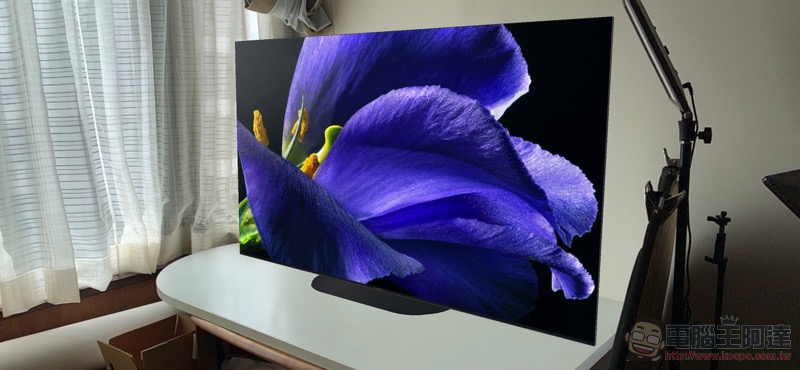
If you feel good about it, you can also choose to take a photo and save it as a picture, which you can pass to your family.
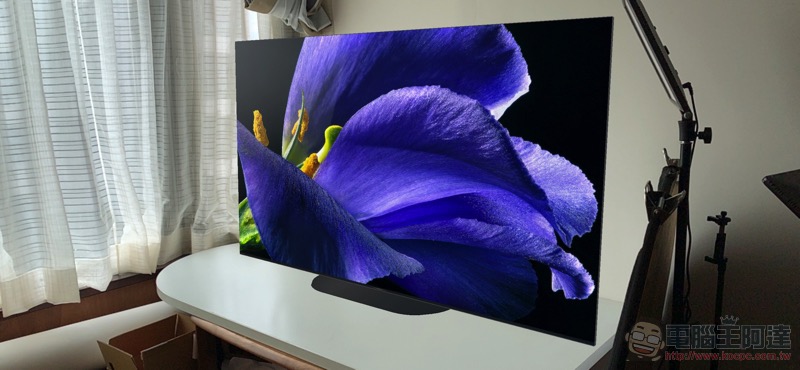
Are you thinking about buying a BRAVIA TV recently? Download Envision TV AR quickly to see which one is suitable for your home!
Pictures/sources cited in this article
Further reading:
Source: KOCPC Chinese