


Biquge is an Android App that provides a large number of free novels. In addition to complete categories and individual recommendation lists for men and women, it also provides a reading function. That is to say, when you are too lazy to read, or want to do other things and cannot keep staring at the screen, you can turn on reading and the voice will read to you. This function is very convenient. In addition, although most of the novels are in mainland China, the app has automatically converted them into Traditional Chinese, making them easier to read.
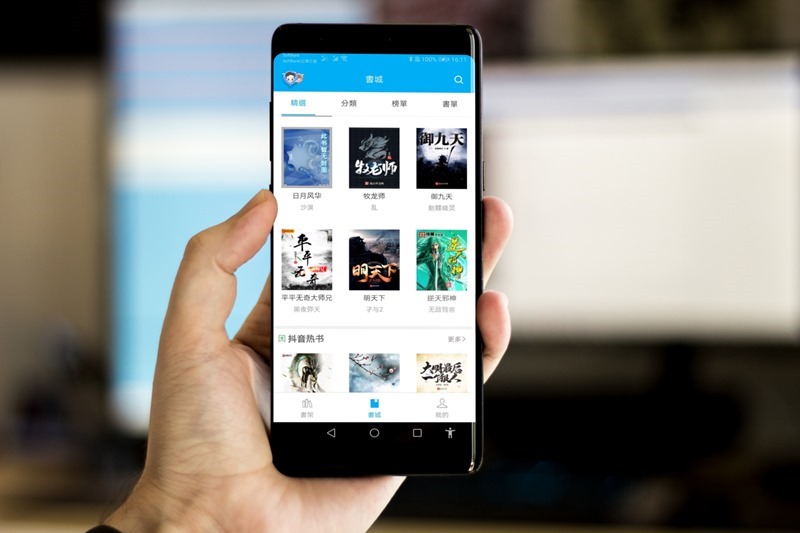
Biquge App Introduction
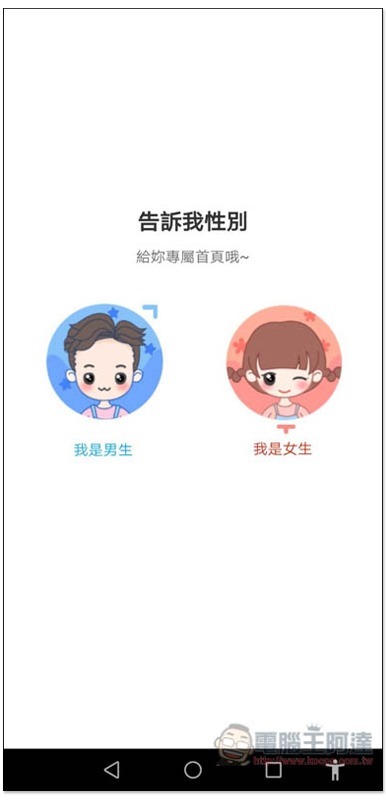
Select your gender when you open it for the first time. Remember to choose the right one, otherwise the recommended book list on the homepage will change to another gender, such as: Select I am a boy. The recommended book list will mainly be suitable for boys, such as science fiction, sports, etc.:
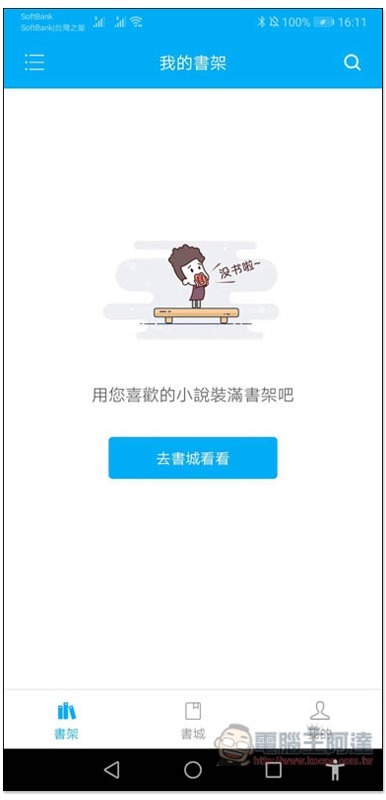
After entering the homepage, the bookshelf is empty at first. Click “Go to the bookstore”:
There are many categories of recommended books on the homepage, including the most read ones, high-scoring masterpieces, Douban Gao En, etc. People who don’t know what to read can start here. Basically, the higher the score, the lower the chance of being cheated on:
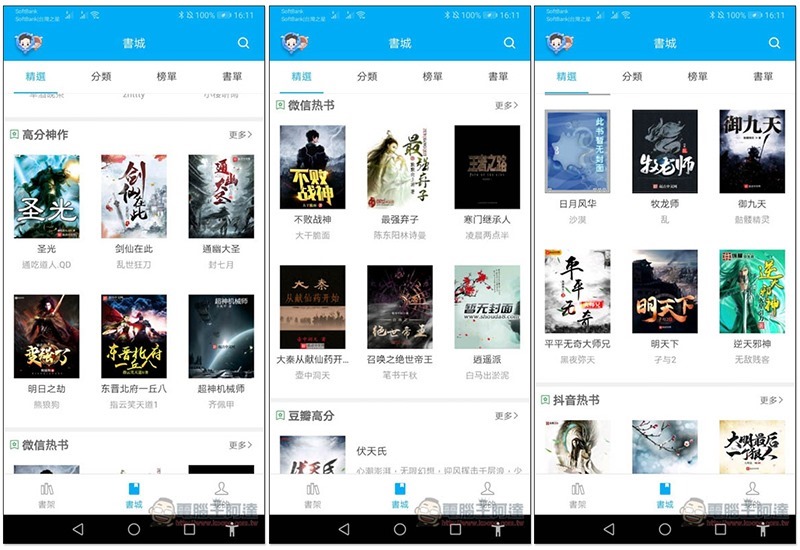
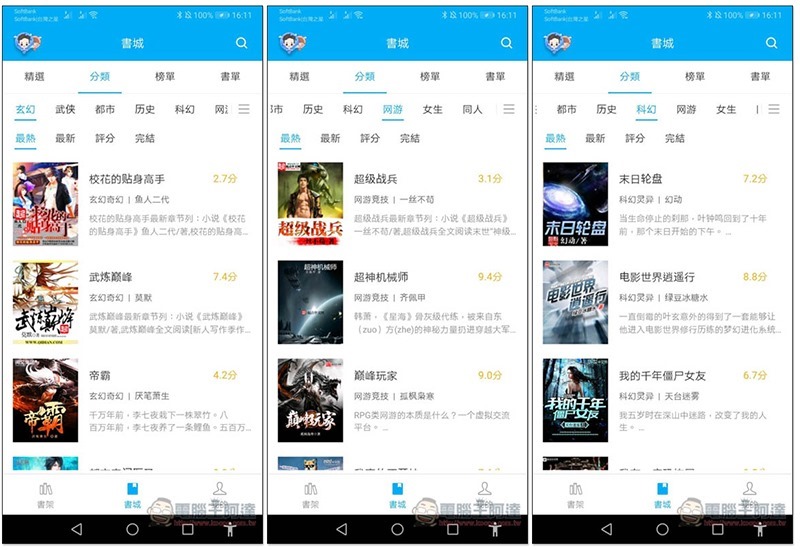
You can also search by category, including fantasy, martial arts, urban, history, science fiction, online games, girls, colleagues, etc. You can also set filters for each category to quickly view the most popular or highest-rated ones:
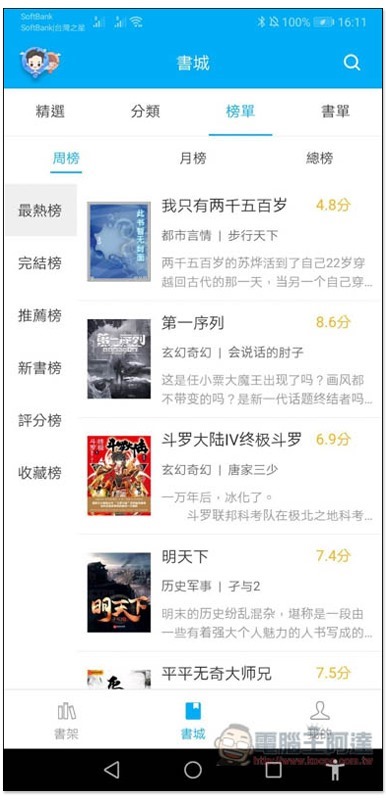
There is also a list of lists:
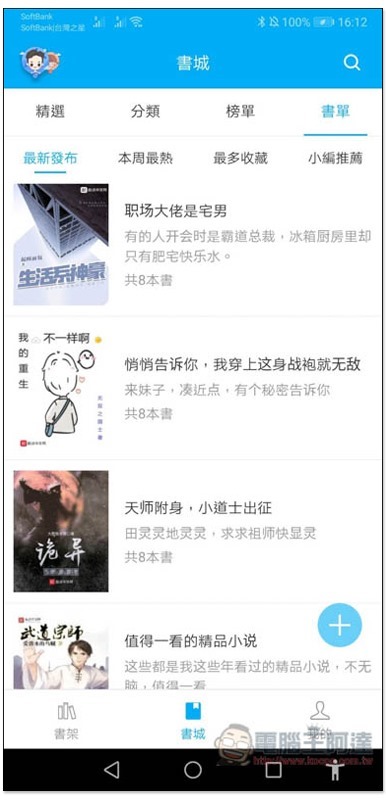
You can find the latest novel series released in the book list section:
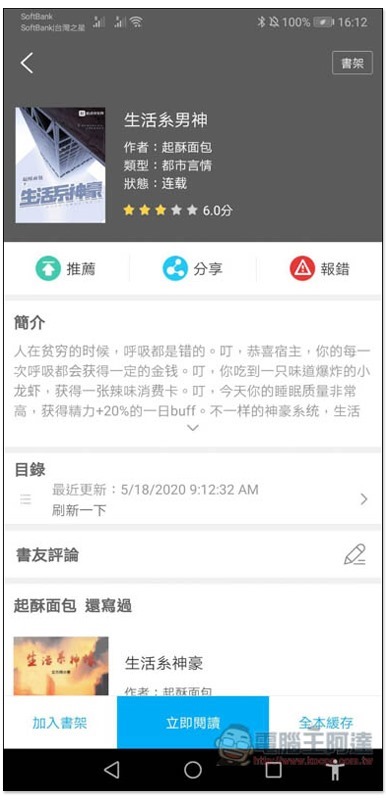
After you find the novel you are interested in, enter the inner page to view the introduction, ratings and reviews from book friends. Click “Read Now” below to start:
Simplified Chinese content has been automatically converted into Traditional Chinese, so it shouldn’t be difficult to read, but you still need to be familiar with some Chinese words:

Click the middle of the screen to open the menu. It is worth noting that the “Listening to books” and “Cache” at the bottom are the reading function, which allows the voice to read to you automatically. The cache is downloaded offline and can be read without an Internet connection:
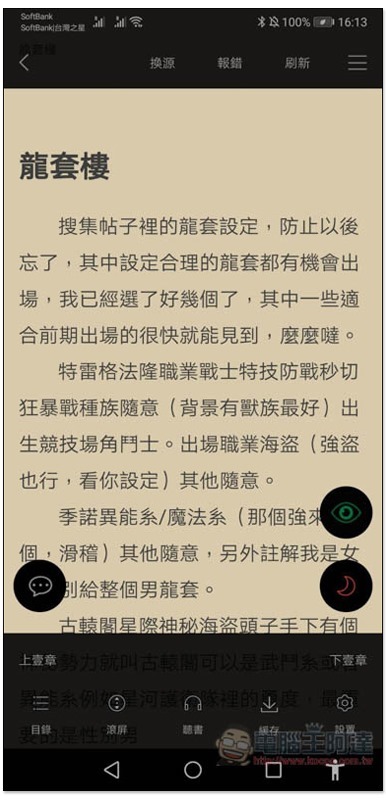
The voice part can set the speaking speed, whether it is a boy or a girl, and the timing. The functions are quite complete. However, the voice sounds very robotic and unnatural. You can try switching between different pronunciations to see which one sounds most comfortable to you:

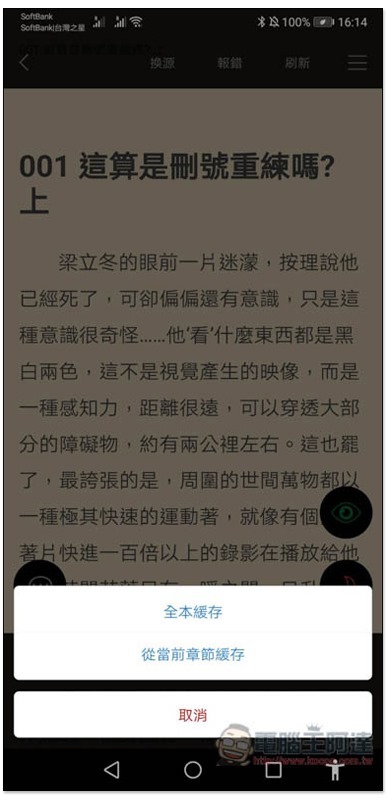
The cache can be set to “download the entire text” or “current chapter”:
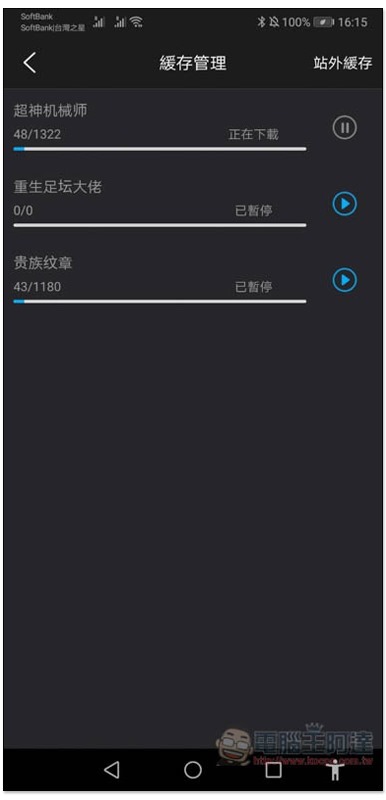
Download progress can be viewed in My Settings –> Cache Management:
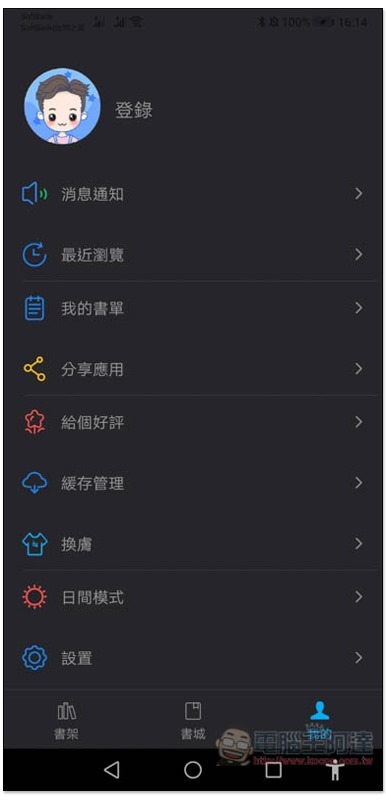
Also supports dark mode:
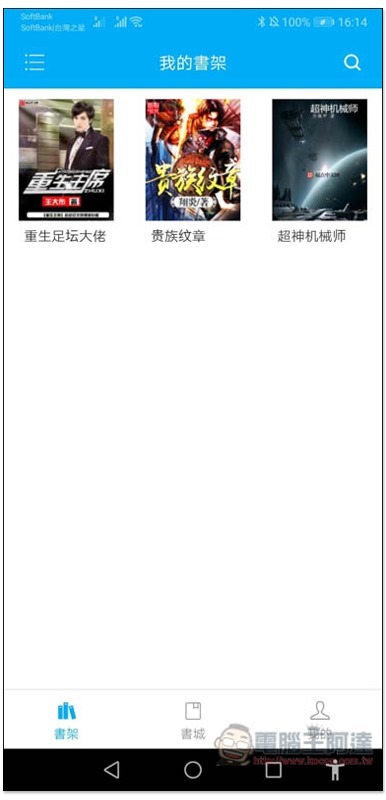
Novels that you are interested in can be added to “My Bookshelf” for continued reading in the future:
Supplementary information
- App Name: Biquge
- Nature: Free
- Download page:Google Play
Source: KOCPC Chinese