


This set of Auslogics BoostSpeed 11 can be said to be one of the most powerful professional system optimization software today. It provides many rich functions, such as: accelerating computer performance, cleaning junk and duplicate files, repairing errors and registry, deep cleaning of hard disk, file recovery, software removal, startup settings, computer hardware information, and monitoring system. Basically, it can be said that all functions related to the system are enough.
It has a free version, but its functions are limited. The good news is that the professional version of Auslogics BoostSpeed 11, which originally costs nearly $50, is currently being released for free on foreign websites. You only need to register as a member to get it. It is highly recommended to everyone.
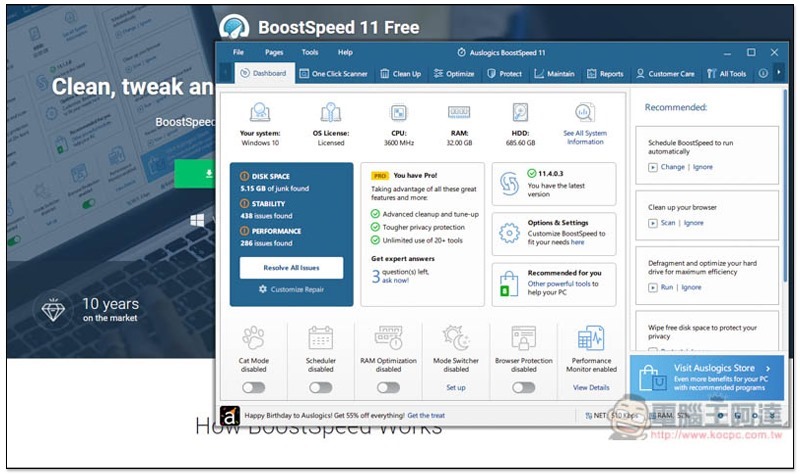
Auslogics BoostSpeed 11 Limited Free Promotion
Auslogics BoostSpeed 11 currently does not support Chinese language, so it may be a bit difficult for people who are not good at English to use it, but I personally think it is okay. As long as you know some computer vocabulary, you should be able to get started quickly.
However, it also provides one-click optimization function, so even if you really don’t understand English, it’s still fine.
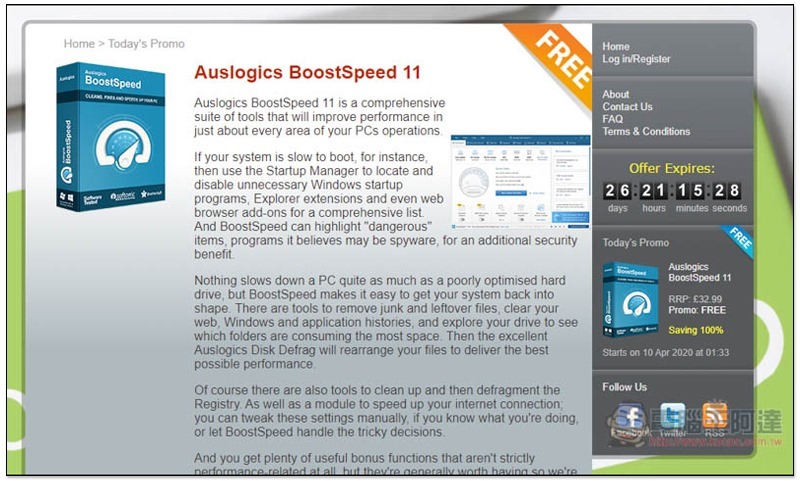
This time Auslogics BoostSpeed 11 is launched for free.UK PC Pro website, there are more than 26 days until the end, which is quite a long time:
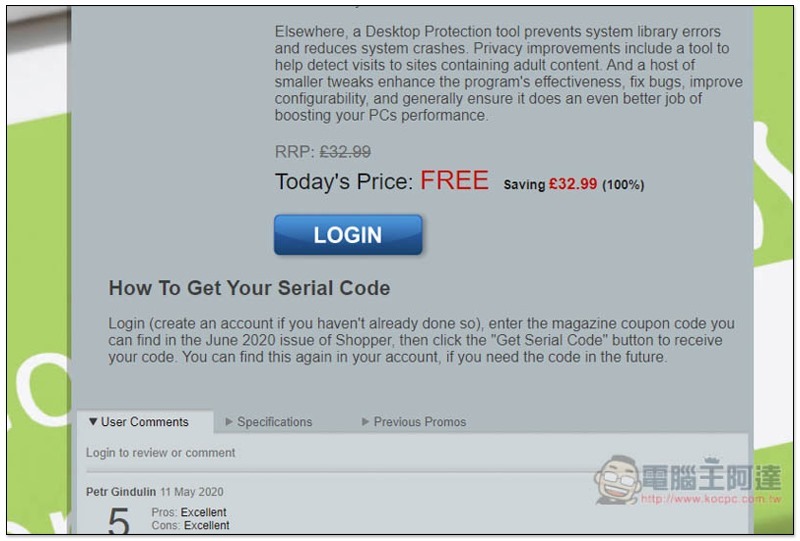
You need to log in to your account before obtaining the serial number, click LOGIN:
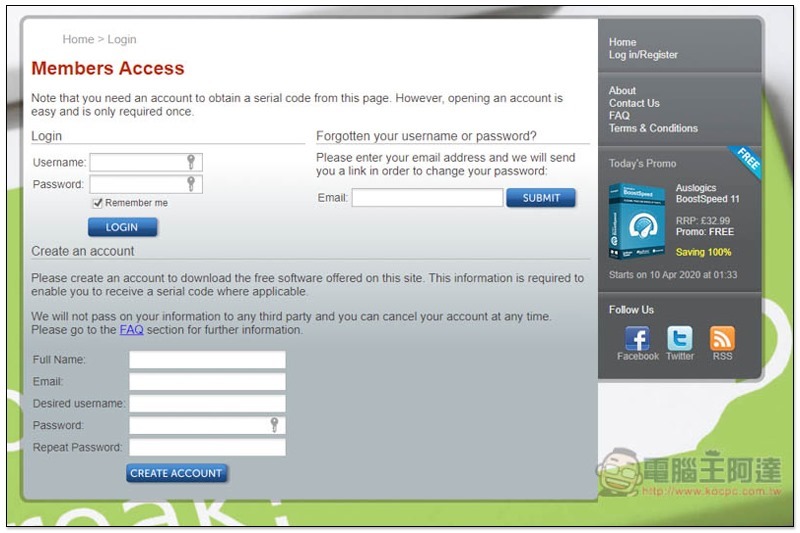
Fill in the relevant information in Create an account below, such as: name, email, username, password, free registration, a confirmation email will be sent, so remember to fill in the ones you are using. If you really don’t want to fill in your own Email, you can also use the one we introduced earlier Mailinator Temporary mailbox service:
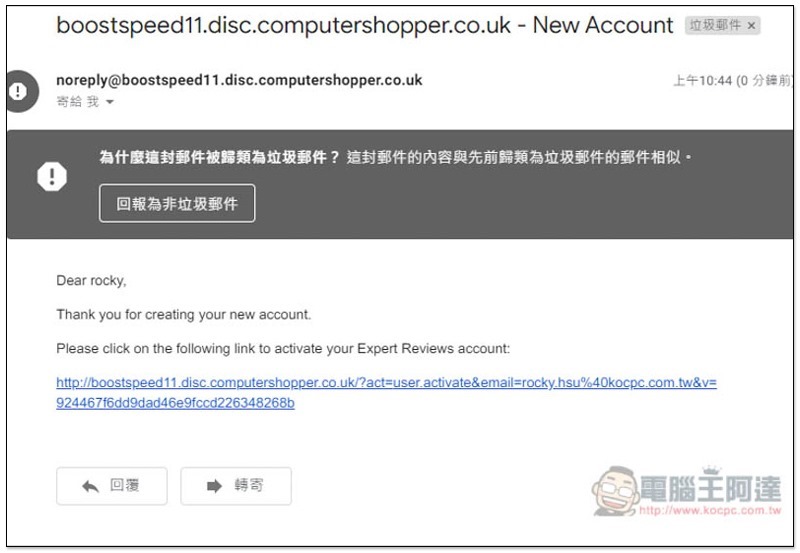
After registering, if you don’t see the confirmation email, please go to your spam and look for it. Mine went here:
Then the original LOGIN will change to DOWNLOAD, and a GET SERIAL CODE button will appear below. Also, a reminder, if you are worried about downloading the software installation file from this website, you can download it from the official website instead. In my actual test, there is no problem, and the serial number can also be enabled. Please click GET SERIAL CODE first:

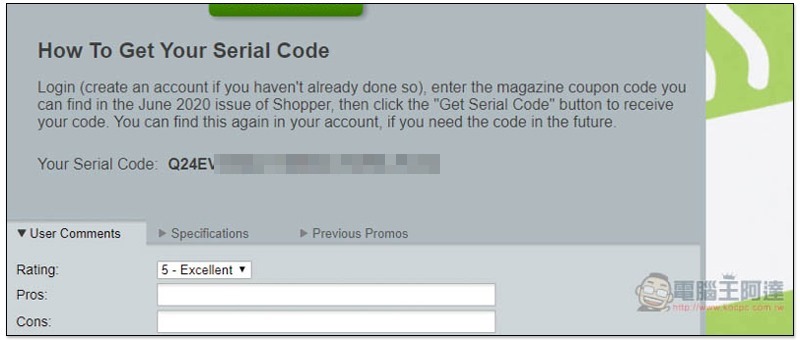
You will see the serial number, write it down first:
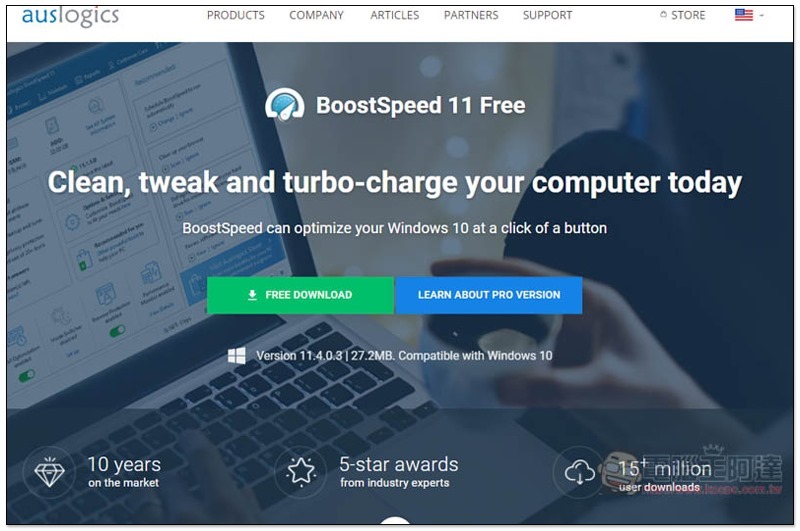
Click here to enter auslogics official website, click FREE DOWNLOAD, and the installation file will be downloaded:
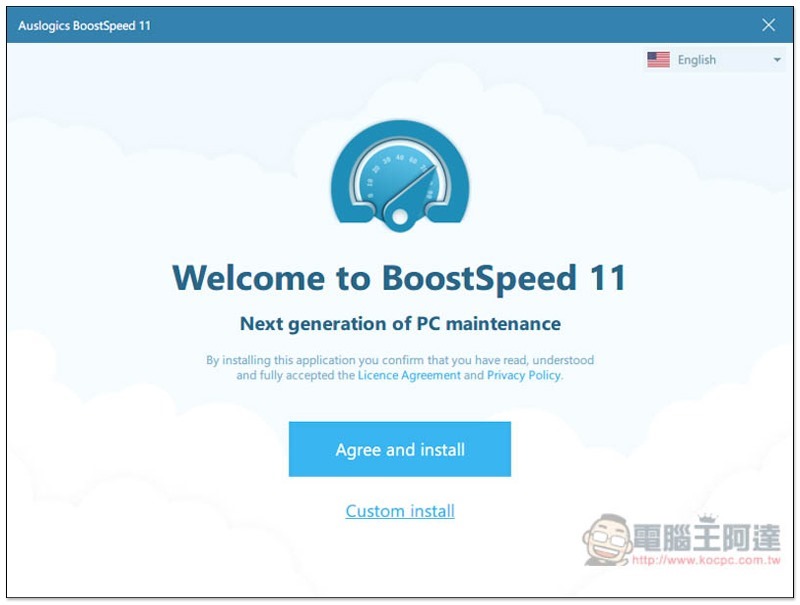
Just keep pressing Next during the installation process:
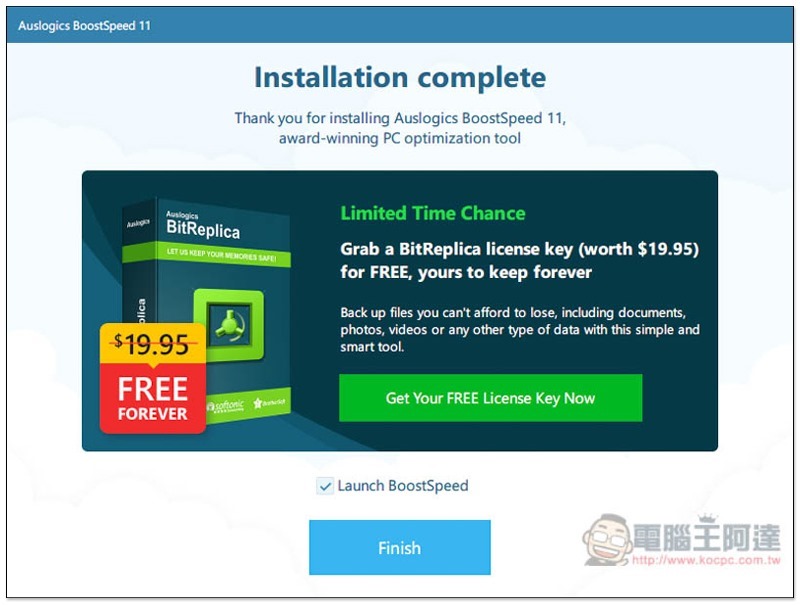
During the installation process, another set of BitReplica limited-free activities will pop up on the official website. Those who are interested can click Get Your FREE License Key Now, fill in your E-Mail, and the serial number will be sent to the mailbox:
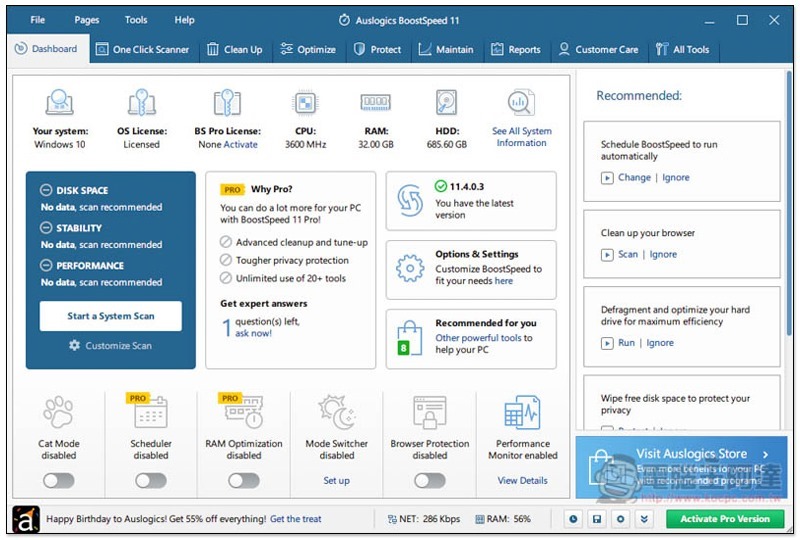
The picture below is the operating interface of this software. Does it seem a bit complicated and professional? I will introduce a few main functions below. Before you start using it, please activate the serial number and click “Activate Pro Version” in the lower right corner:
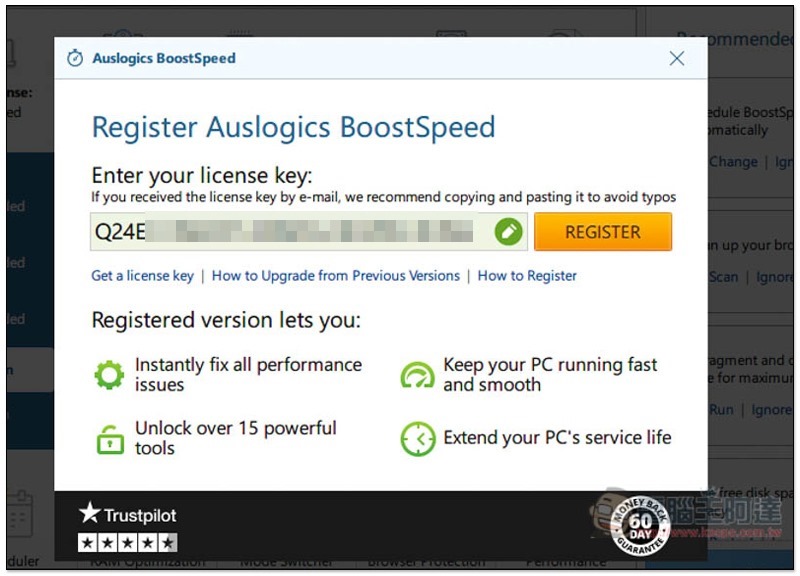
Fill in the serial number and press REGISTER on the right:
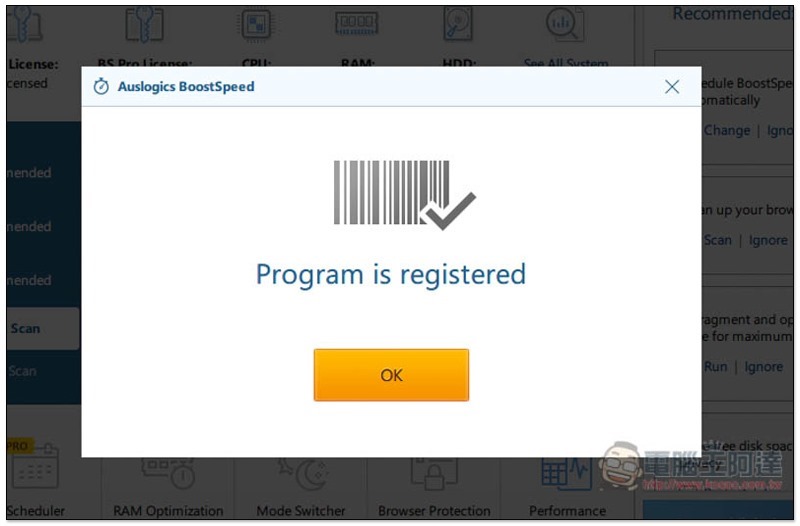
This is successfully enabled:
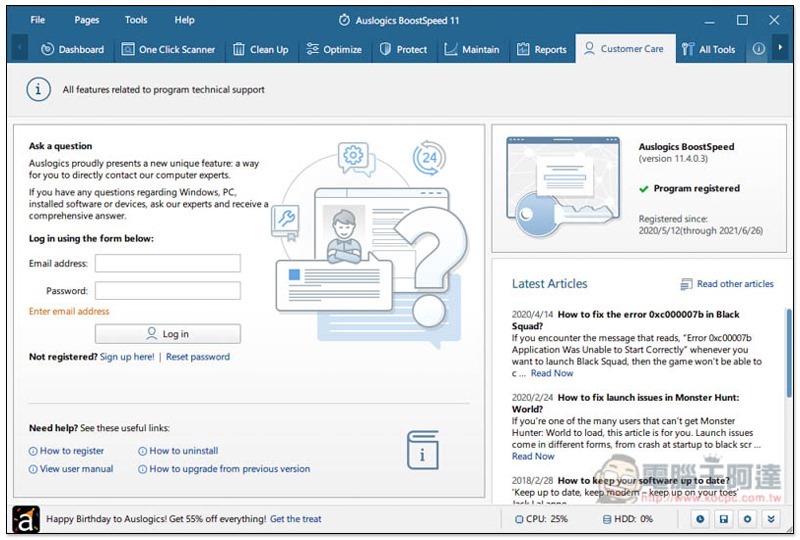
However, this set does not have a lifetime version (the official website also sells annual subscriptions), so this serial number can only be used for one year. You can see it on the right side of Customer Care:
One-click optimization system
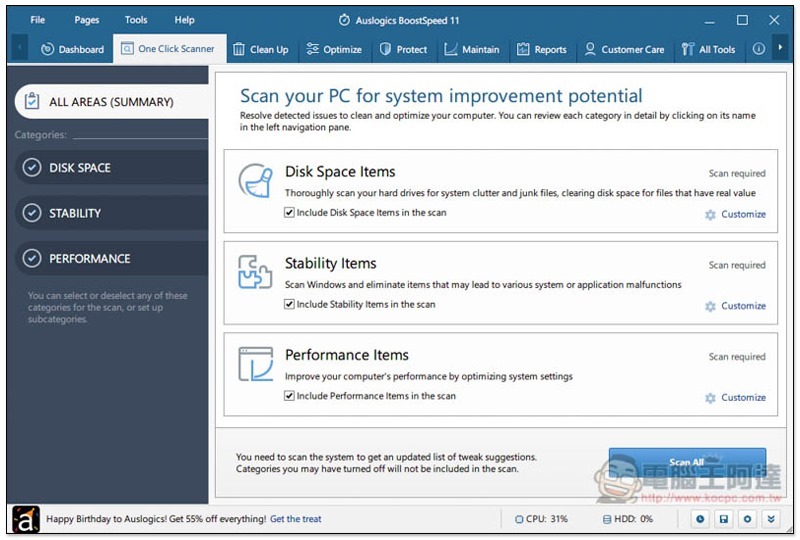
For those who don’t understand much, or are too lazy to explore each function, you can directly use the one-click optimization function “One Click Scanner”, which will check the junk and problematic files in the hard drive, check Window stability and performance items, and click Scan All to scan:
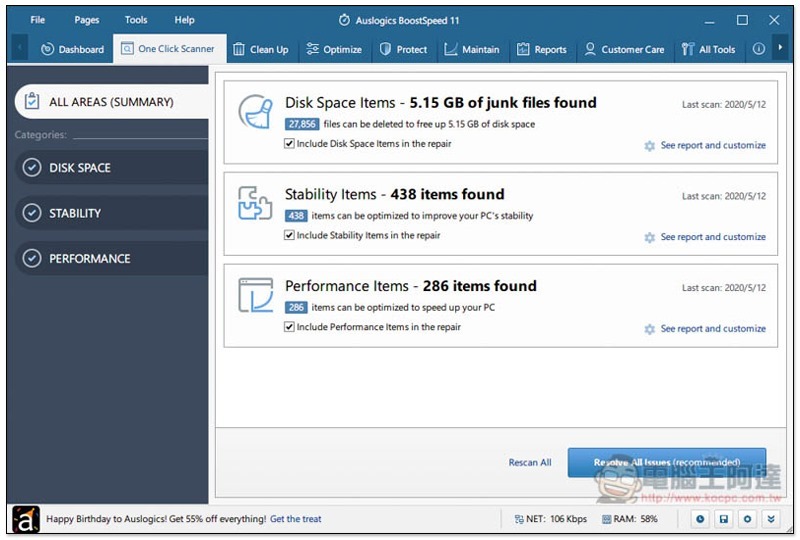
It will tell you the scan results first. You can click See report and customize to check. If there is no problem, click Resolve All Issues below:
Clean hard drive
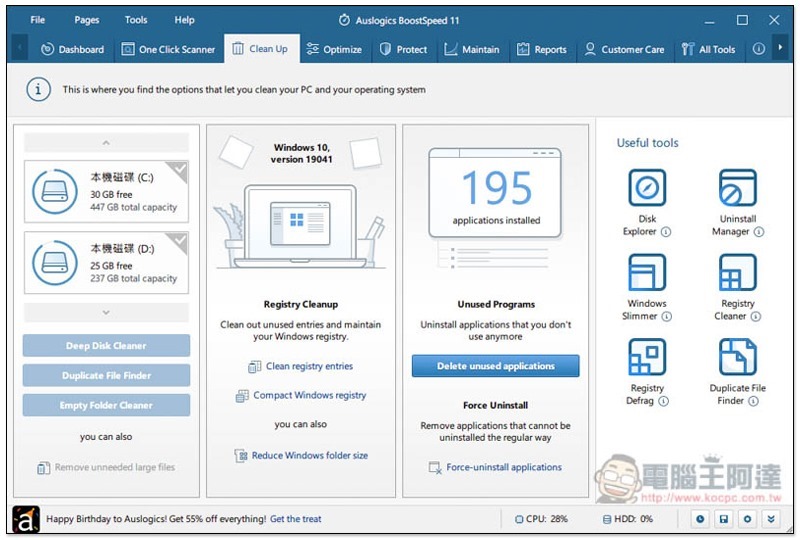
The Clean up menu can clean up junk, duplicate files, and blank folders in your computer. There are also some useful tools, such as software removal, registry cleaning and repair:
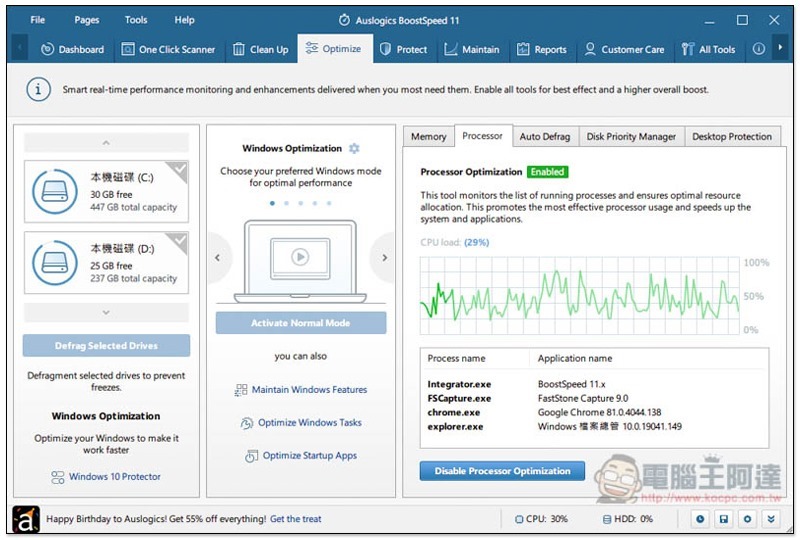
Optimize the system
Optimize is an optimization tool that can make your computer run more smoothly:
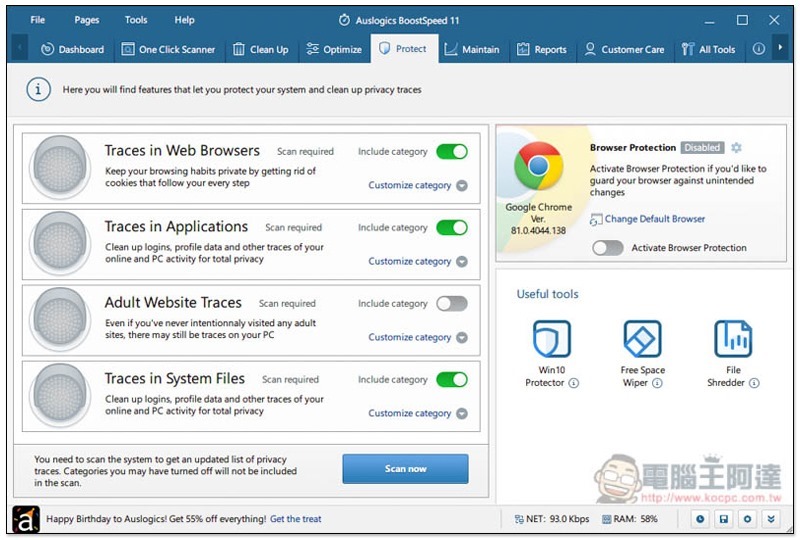
protection function
In addition to system optimization, it also provides basic protection (Protect), such as: tracking browser websites, applications, adult websites, and system files:
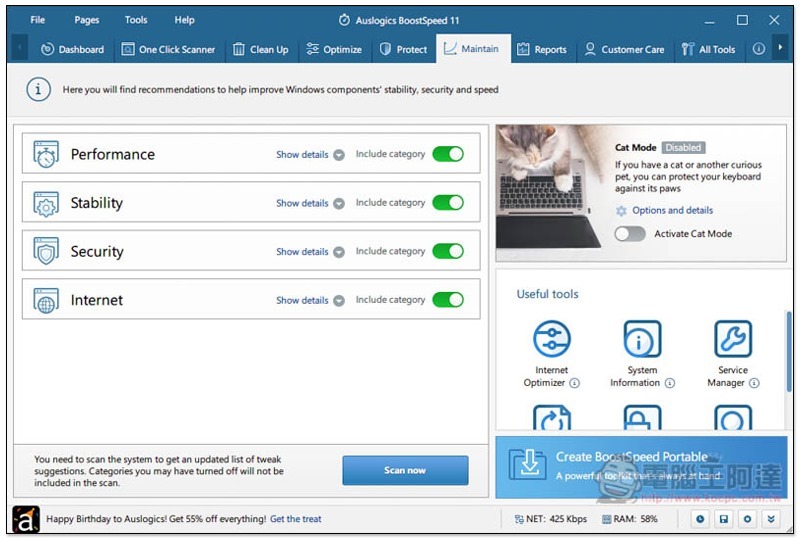
maintenance mode
The Maintain menu is a maintenance function that can ensure your system stability, performance, security and network status at any time:
Check computer information
This set can also be used to check computer system and hardware information:
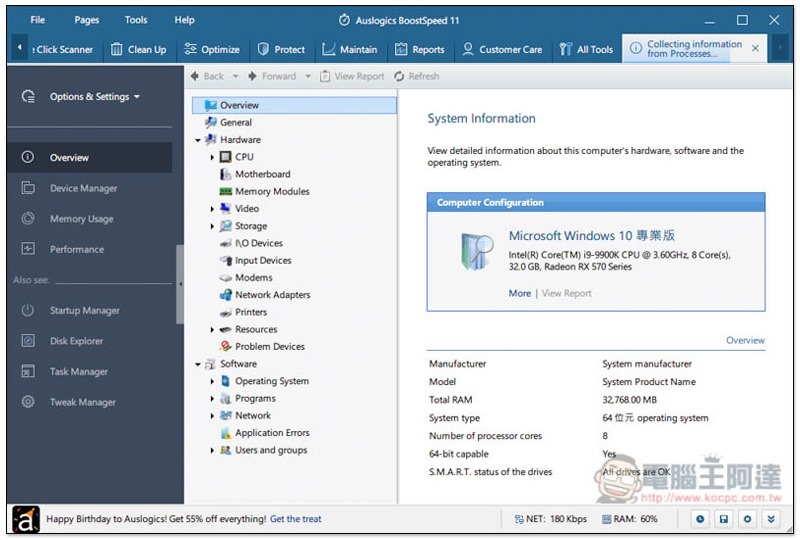
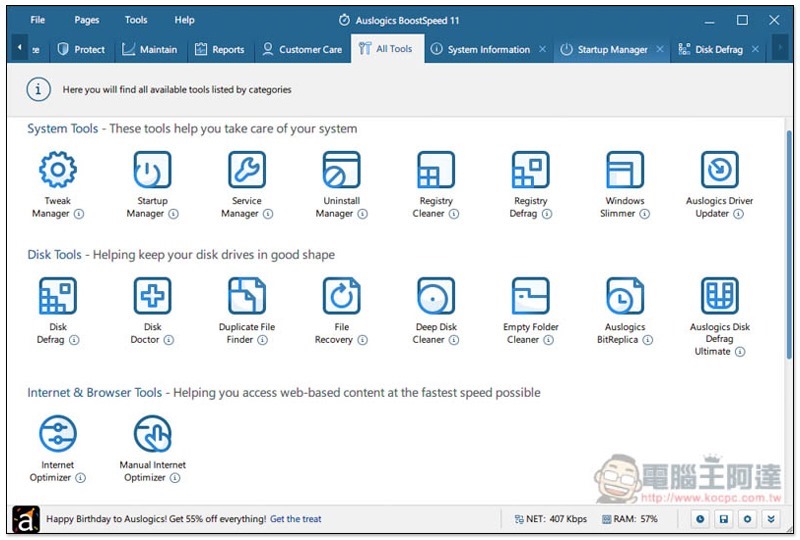
All Tools allows you to browse all tools, which is really rich:
Supplementary information
- Software name: Auslogics BoostSpeed 11
- Limited free event page:Click here to go
- Official website (software download page):Click here to go
Source: KOCPC Chinese