


Mac itself only supports writing to USB flash drives and flash drives in FAT format. Therefore, if it is in NTFS format, it cannot be written. Therefore, most Mac users must install tools that can read and write NTFS format. The more well-known ones on the market are Paragon Software and Tuxera. Although they are easy to use and have good speed, they require payment. NTFSTool is completely free and open source, which makes it more secure to use. People who are interested can also research and improve it on their own.
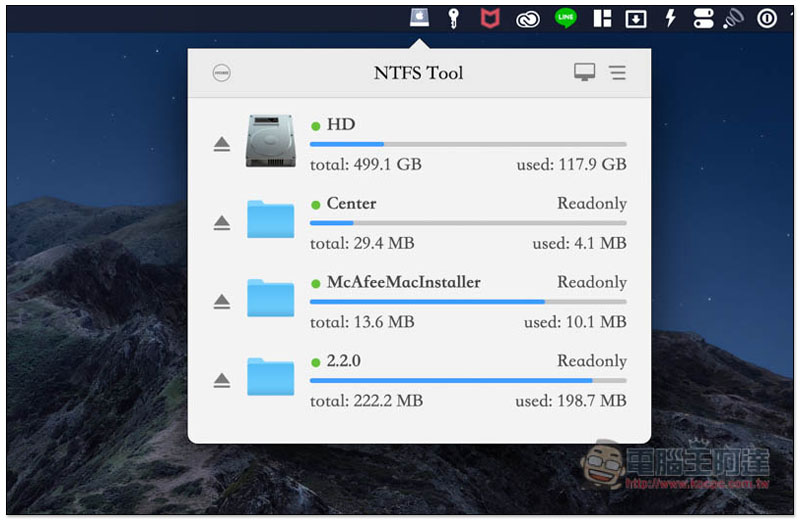
Introduction to NTFSTool, a free tool that allows Mac to read and write NTFS flash drives
This NTFSTool tool has the source code on GitHub. Those who are interested canClick me to view. The interface also supports Traditional Chinese (English by default), so it is quite friendly to Taiwanese users, so there is no need to worry about incomprehension.
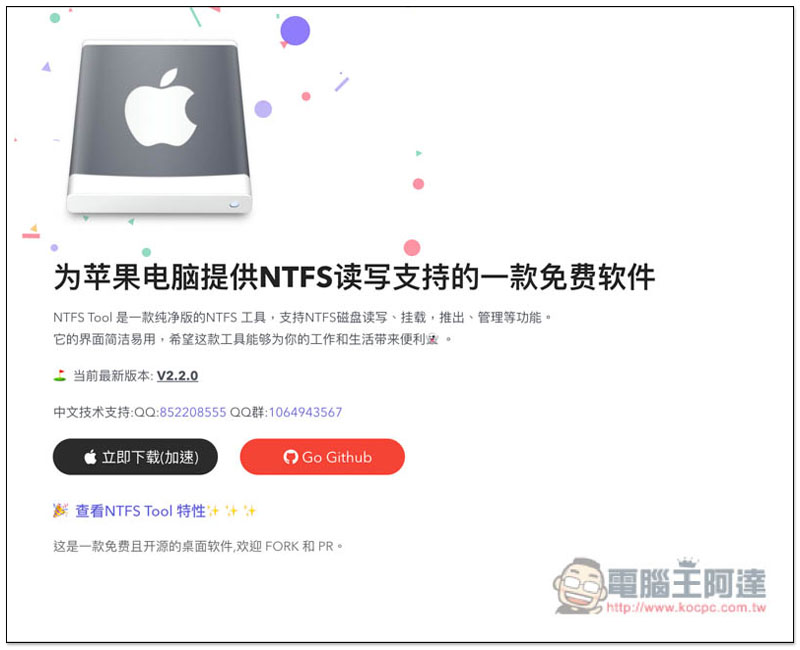
After entering the NTFSTool official website, click “Download Now (Accelerated)” to download the installation file:
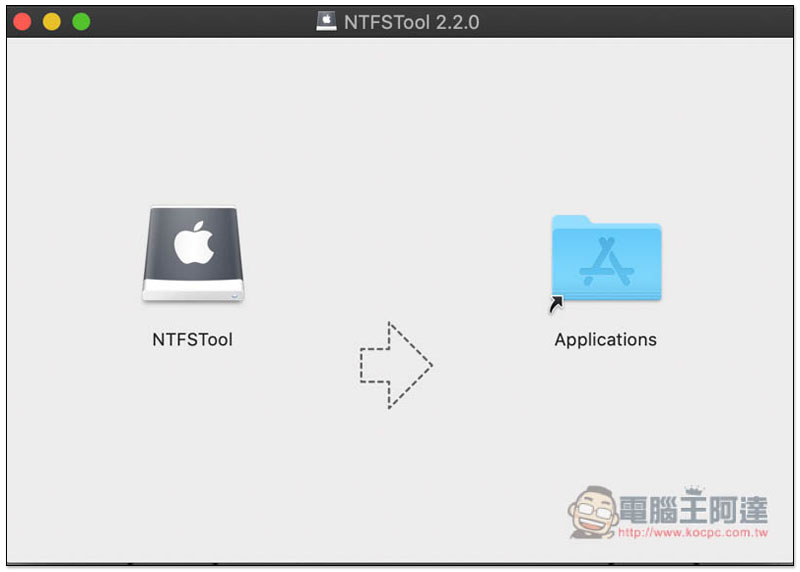
The installation method is very simple, just drag the tool to the Applications folder on the right:
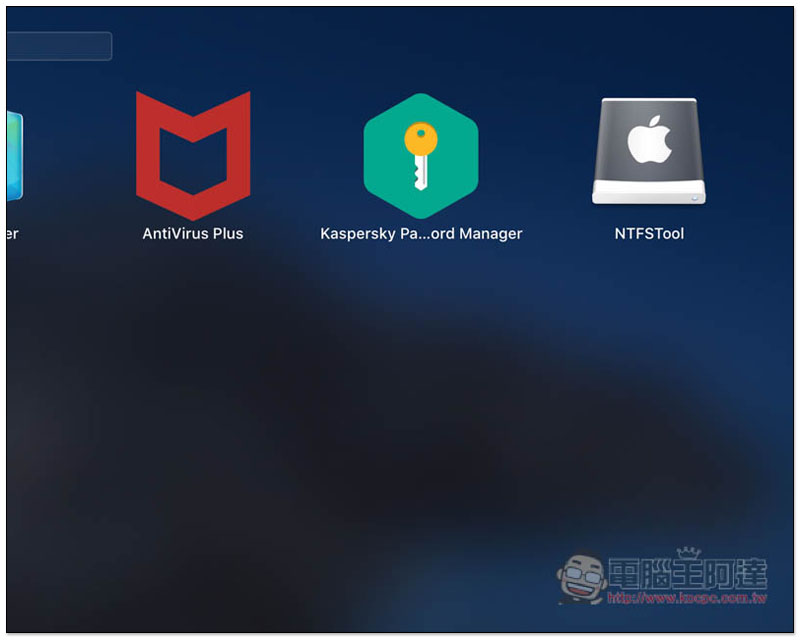
Then you will find this tool in Launchpad, click to open it:
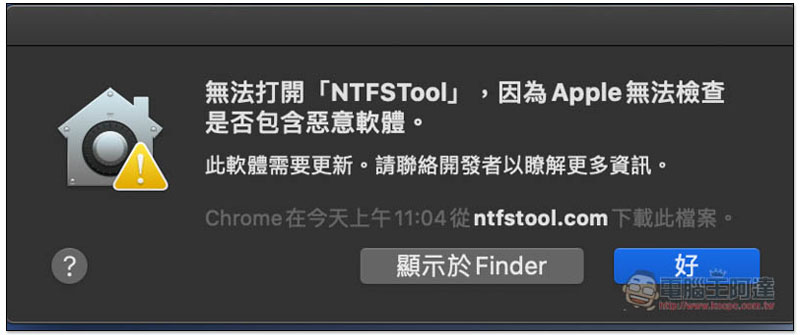
However, because it is a tool downloaded from the Internet, a message that it cannot be opened may pop up. If you encounter this, click “OK” first:
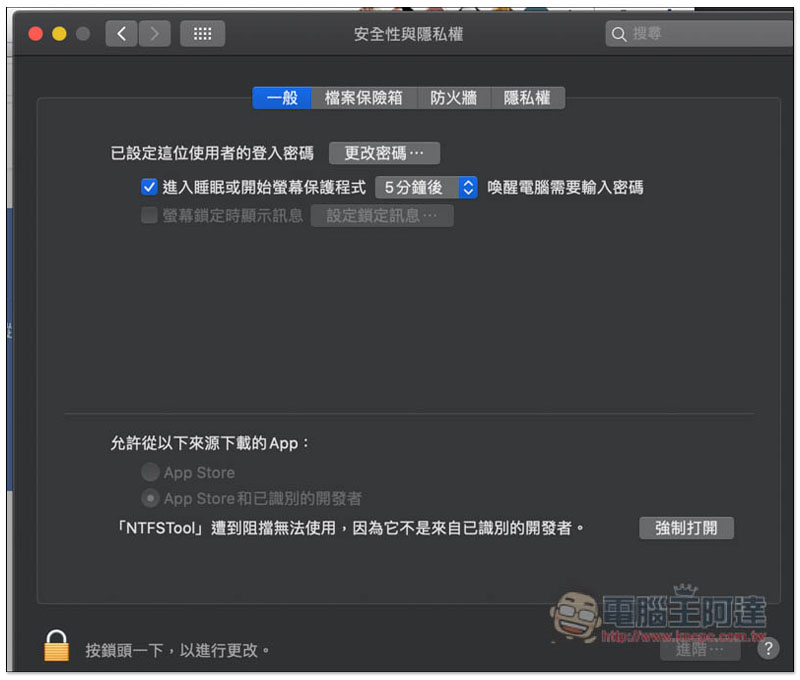
Go to Security and Privacy in System Preferences. Under the General menu, you will see blocked messages. Click “Force Open” next to it:
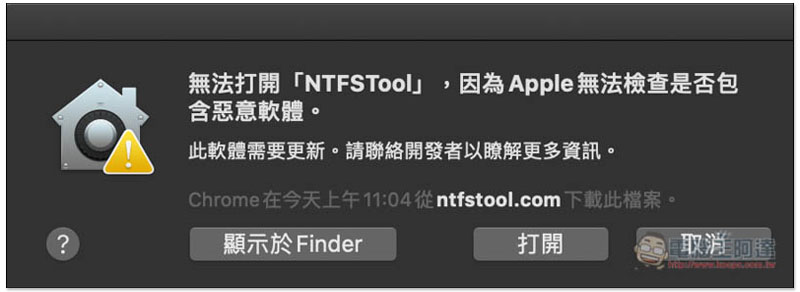
This window will pop up, please click “Open”:
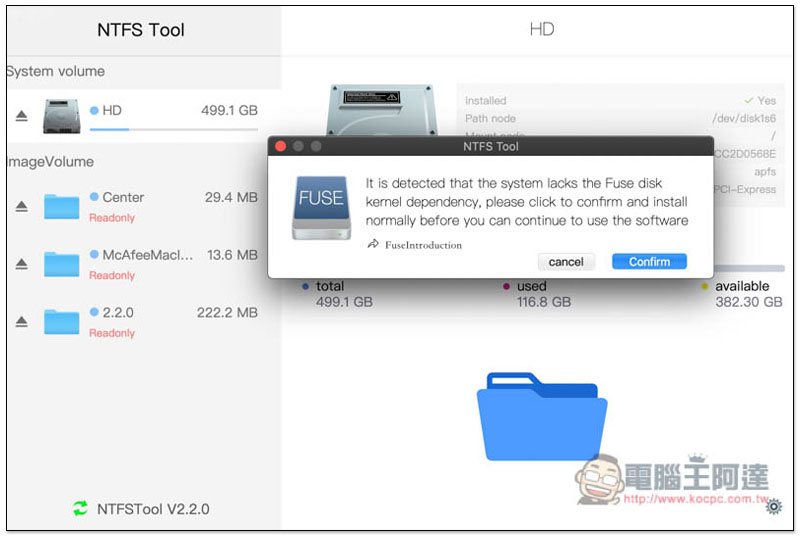
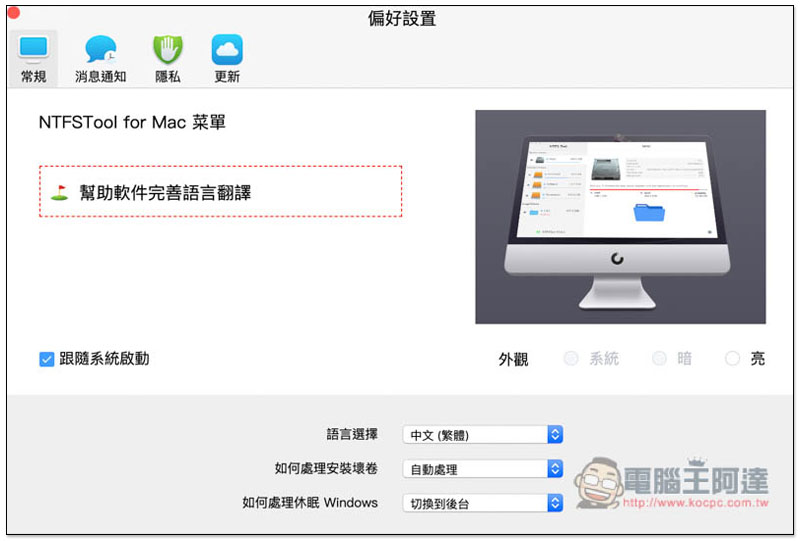
Now you can start using it! The default interface is English. If you want to change it to Chinese, please go to the settings to modify it, and click Confirm on the screen first:
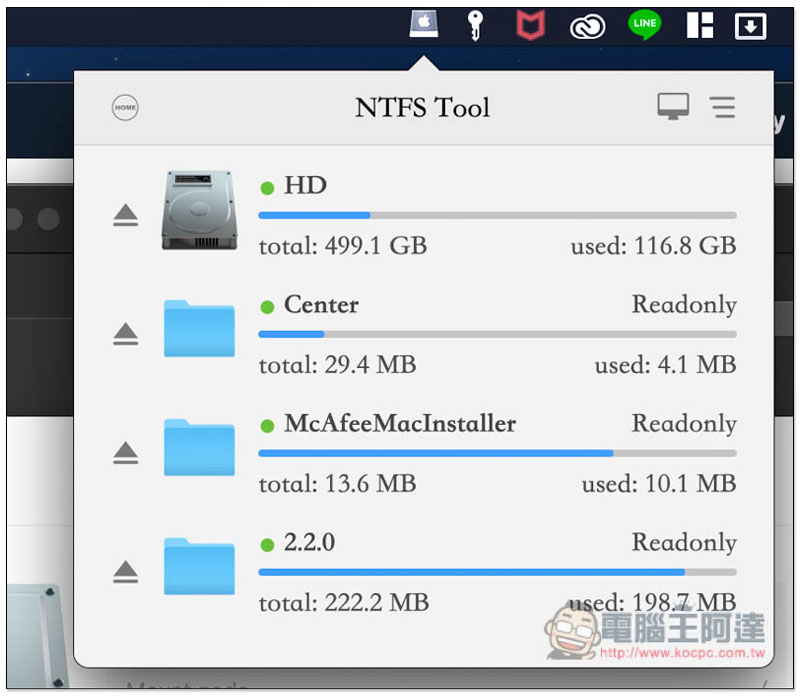
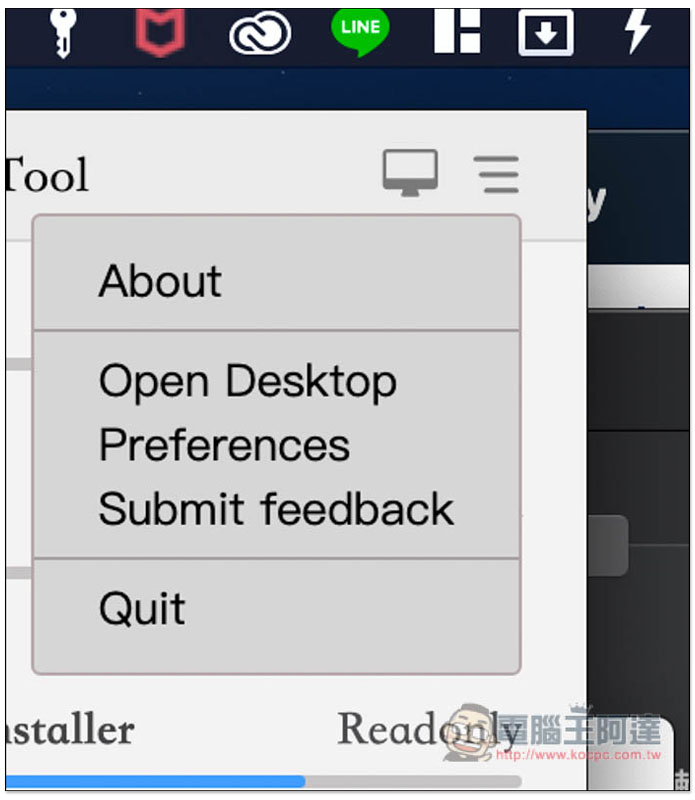
You will see this tool in the Menu Bar in the upper right corner. After opening it, click the three lines option in the upper right corner and you will find the settings:
Just change the language selection below to Traditional Chinese:
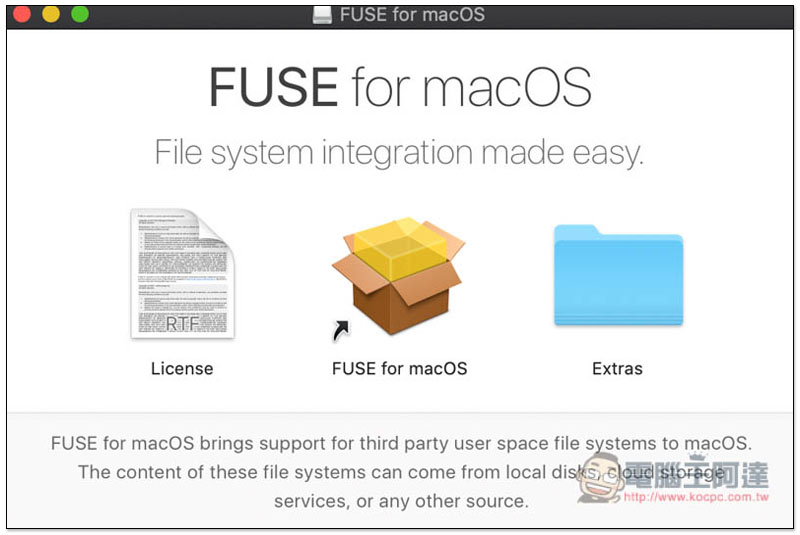
In addition, you also need to install FUSE for macOS when using it (it will automatically prompt you to install). This set of software is also open source and its function is to allow third-party tools to manage Mac users’ system files:
When not in use, this set of tools will stay in the Menu Bar above. If you want to turn it off entirely, you can also find it in the three-line option (Quit):
Supplementary information
- NTFSTool official website:Click here to go
- Nature: Free
Source: KOCPC Chinese