


MP3jam is a free software that supports online listening and downloading of YouTube music. Compared with some online services, this software is completely ad-free and less burdensome to use. You don’t have to worry about popping up ads all the time. It can also download the entire album with one click. The file format is also MP3. Although the sound quality is not as high as 320Kbps, 256Kbps is enough for general listening. People who need it can try it.
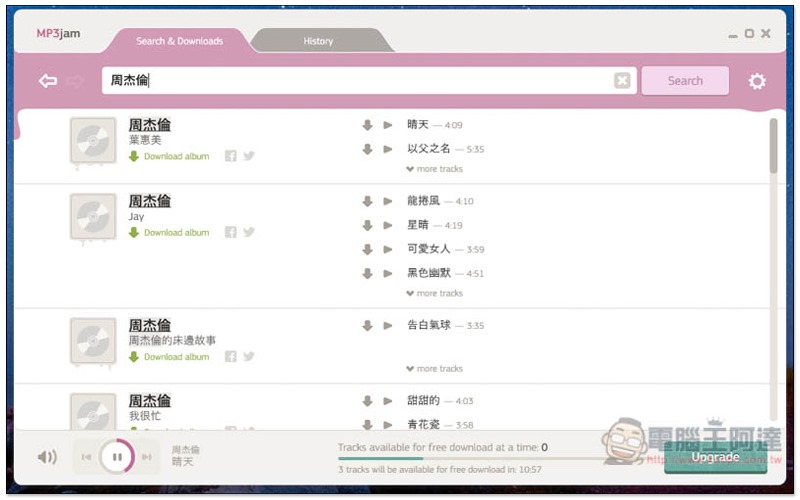
MP3jam free YouTube music download software introduction
MP3jam In the past, it was a completely free software. It relied on recommending some third-party software during the installation process to earn advertising revenue. However, it may be that too many people clicked Cancel (that is, without installing it together), resulting in poor revenue performance. Now there is an option to pay for upgrades.
But the good news is that the free version can also download unlimited music, but it can only download up to three pieces at a time. Then you need to wait for a buffer time of 5 minutes before downloading the next piece of music, or wait for 15 minutes to download three pieces of music at a time.
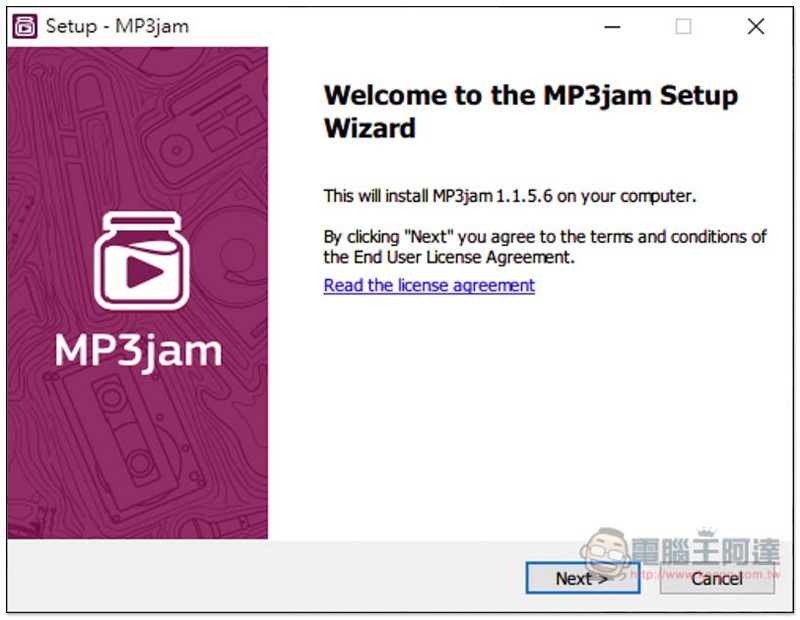
The current installation process will not recommend other third-party adware, so just go to the next step:
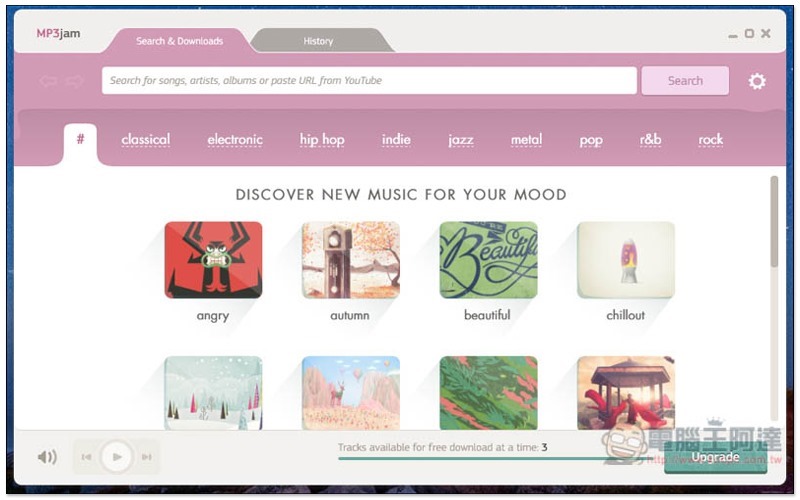
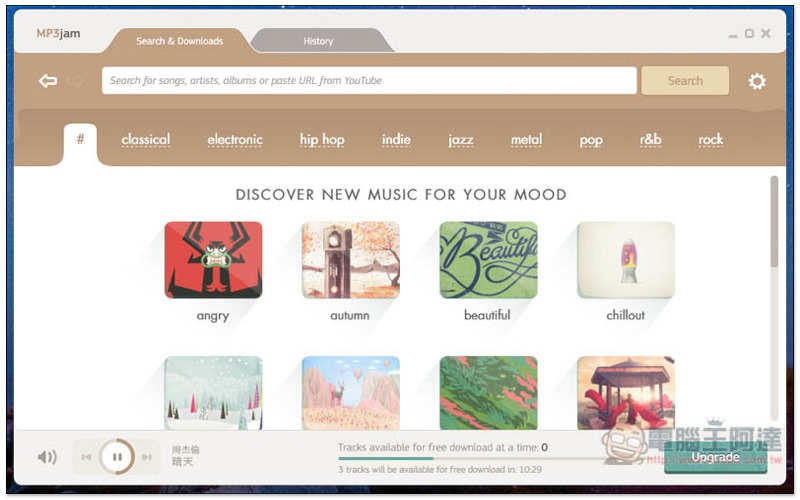
Using the interface, the homepage will recommend some mood tags, such as: angry, autumn, beautiful, etc., to facilitate your quick search:
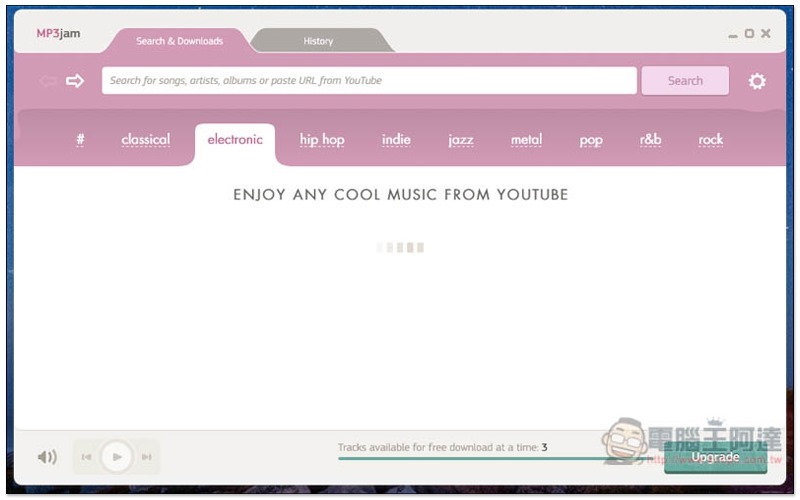
I don’t know why the category above is not working properly at the moment. It will always be in the reading state. Let’s see if it will be fixed in the future. In addition, you can also notice that there is Tracks available for free download at a time: 3 in the lower right corner of the interface. This is the number of pieces of music that can be downloaded at present. The maximum number can be saved to 3. You need to wait 5 minutes for each piece of music to be downloaded:
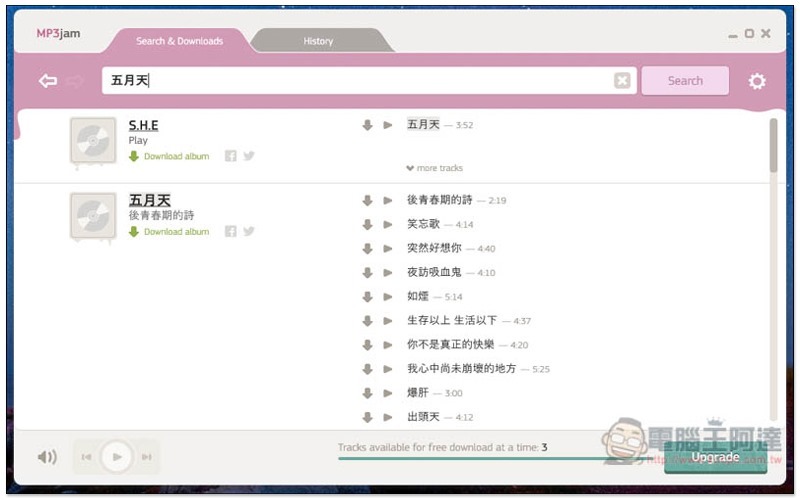
Enter the song keywords you are looking for above, and the results will be listed below. It also has an album compilation function. You can directly click Download album on the left to download the entire album. However, you can only download up to three songs at a time. You can also click the download icon next to the song on the right to download a single song, or press the play button to listen online. All music from YouTube:
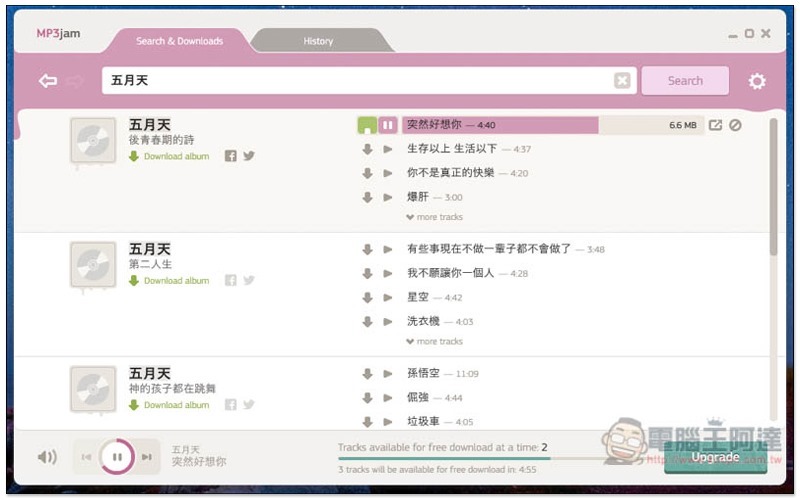
As shown below, after I download a song, the remaining number in the lower right corner will become 2, and there will be an extra 5 minutes of countdown time:
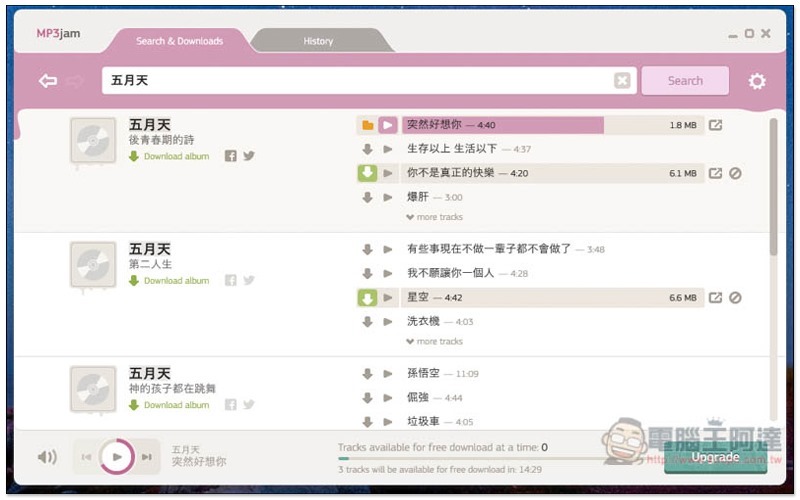
If you download three songs at a time, you have to wait 15 minutes before filling up again:
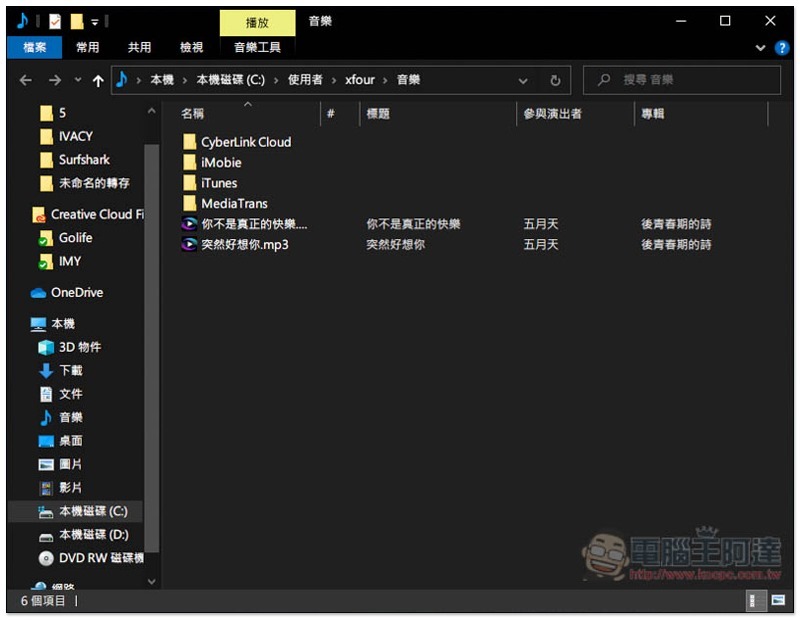
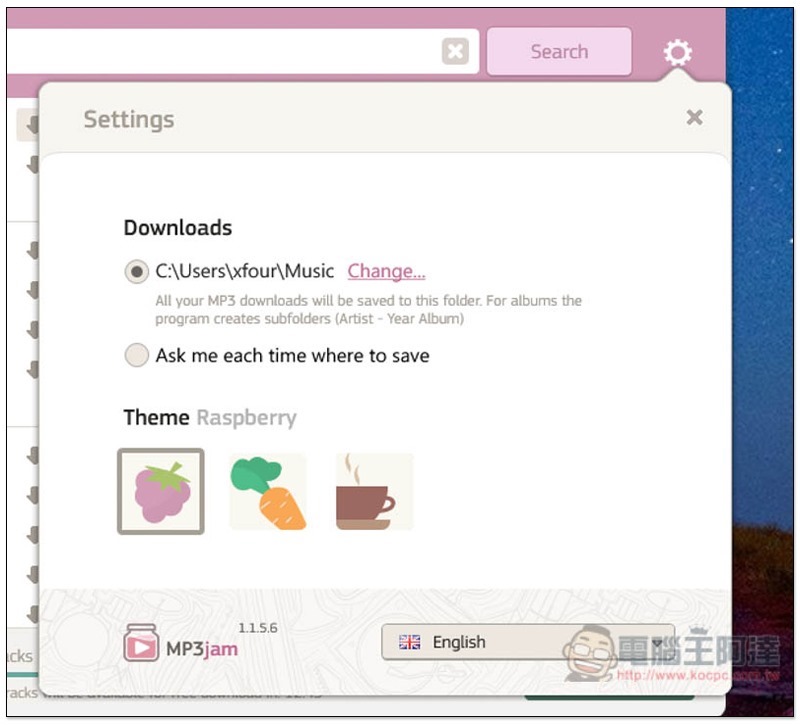
The default storage location is the music folder of the user name:
Format is MP3 256Kbps:
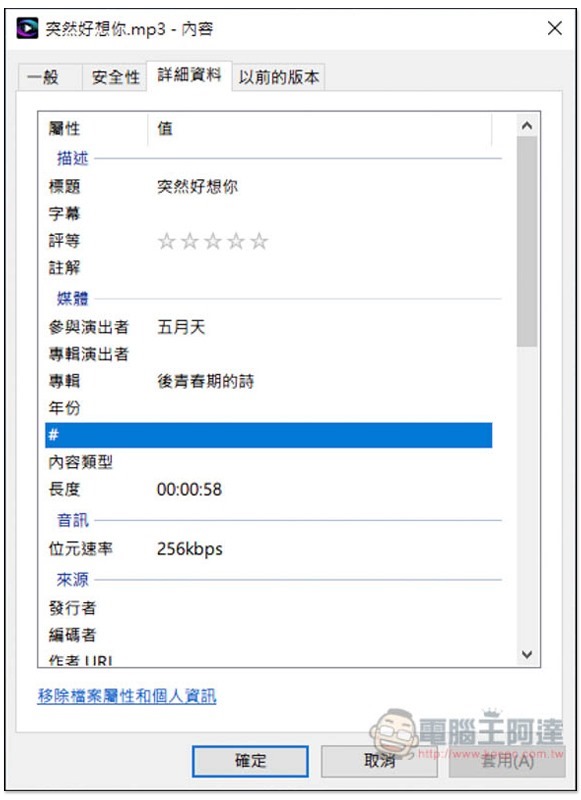
The storage location can be changed in settings:
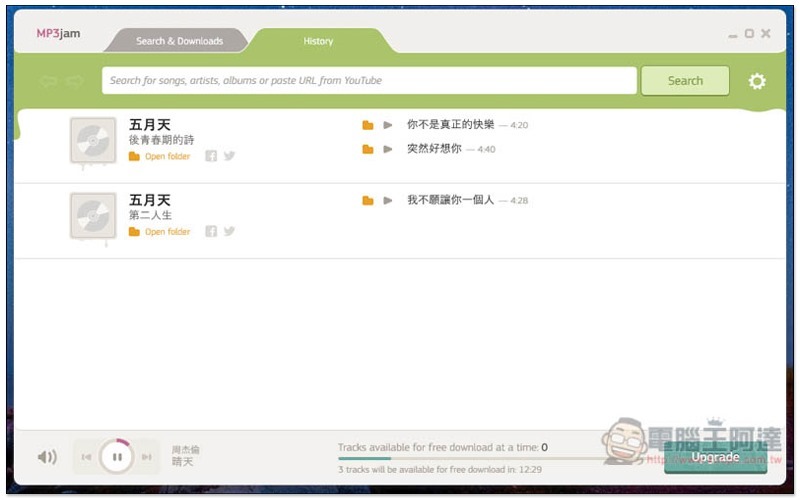
Downloaded music will be stored in the History menu:
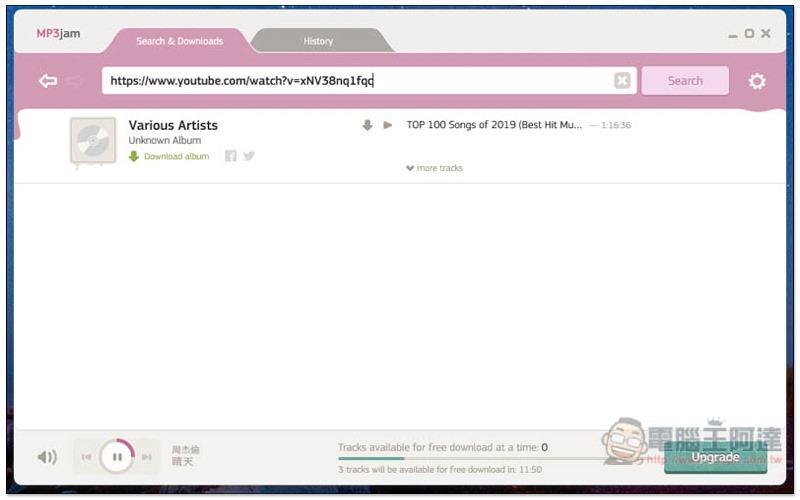
You can also directly paste the YouTube music URL you want to download:
The exterior color can also be changed, if you don’t like pink:
Supplementary information
MP3jam official website:Click here to go
iTubeGo for Android 免費 YouTube 影片下載 App:支援超過 1 千個網站影片、音樂下載,手機也能下載 4K 影片!
Source: KOCPC Chinese