


Whether you are a student applying for a school or scholarship during your studies, or taking the first step to find a job in the workplace, you must try your best to make your resume look easy to read, well-designed, and unique. Good format selection is particularly important.
However, for people who do not have a foundation in graphic design, they always think that it is quite difficult to design a more high-quality and good-looking resume or resume. Today, I will share a professional resume template app “Resume CV Templates for Pages” designed for Mac OS users. It contains a wealth of template materials. The original price is 300 yuan and is now available for free download for a limited time.
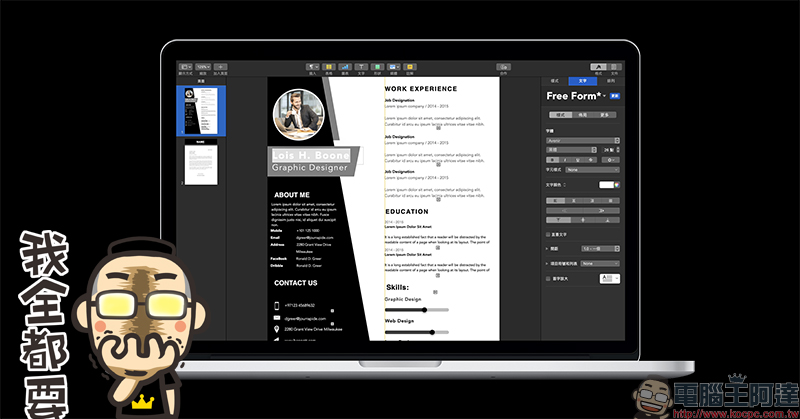
Resume CV Templates for Pages Professional resume template Mac App free for a limited time (original price 300 yuan)
Resume, CV Templates for Pages This professional resume template Mac App contains more than 500 resume templates, which are suitable for use in education, business, marketing, art, IT, public services and other positions. Users can select their favorite templates from a rich selection of layouts, and then go to Apple’s own Pages for advanced editing.
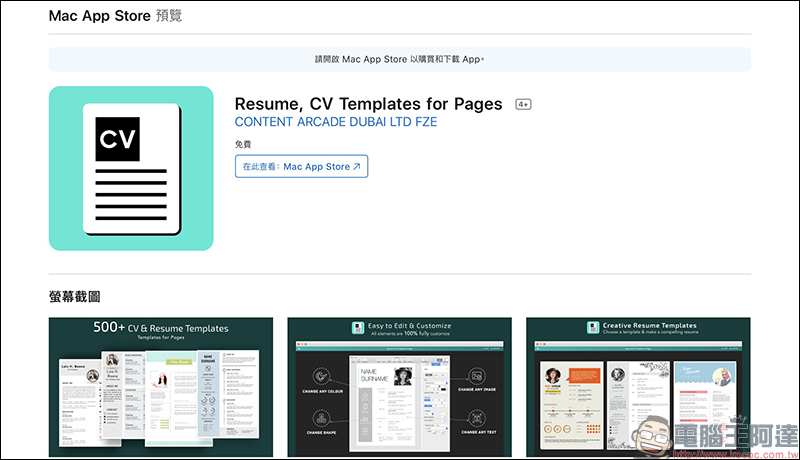
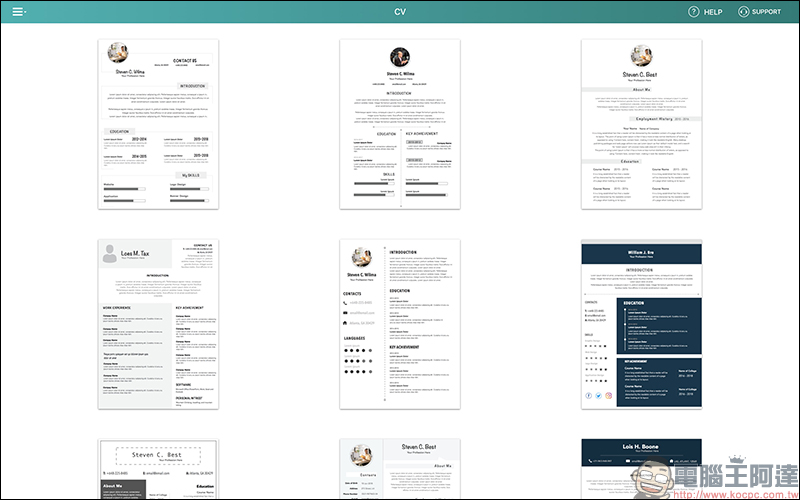
After opening the “Resume, CV Templates for Pages” App, you will see a simple main screen and a variety of resume-free layouts to choose from: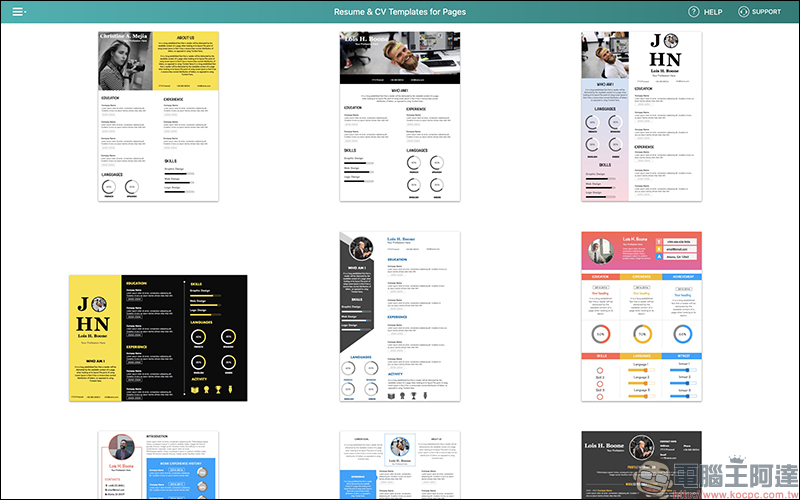
For personal use needs, you can also click the upper left corner of the screen to expand the function list and filter to display the versions suitable for CV or Resume:
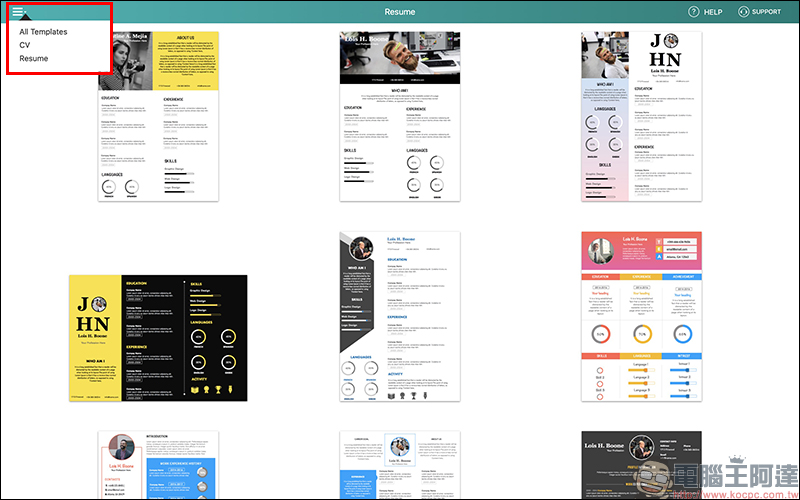
The most obvious difference in the use of CV and Resume lies in the length of the content. CV usually lists personal experience and expertise in more detail, and also includes details such as academic background. Therefore, CV usually requires a longer length than Resume, usually at least two pages. As for the Resume, it is more commonly used in job applications. It only briefly describes a person’s education, work experience, and summary of expertise. It also often lists job goals and prospects based on the individual’s needs for applying for the position. Resume only lists the key points, which is usually only about one page, and no more than two pages at most.
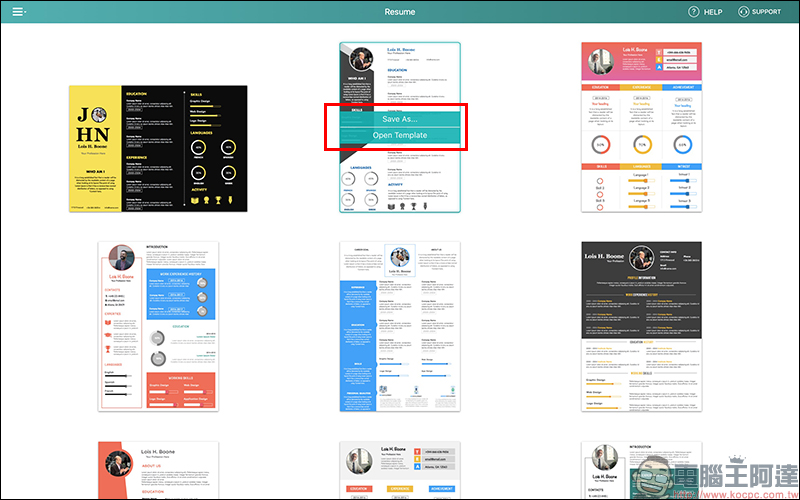
When users select a layout they are interested in in this app, they can click on the layout and select “Save As…” to directly save the entire template to the computer, or select “Open Template” to open the template through Pages for preview and editing.
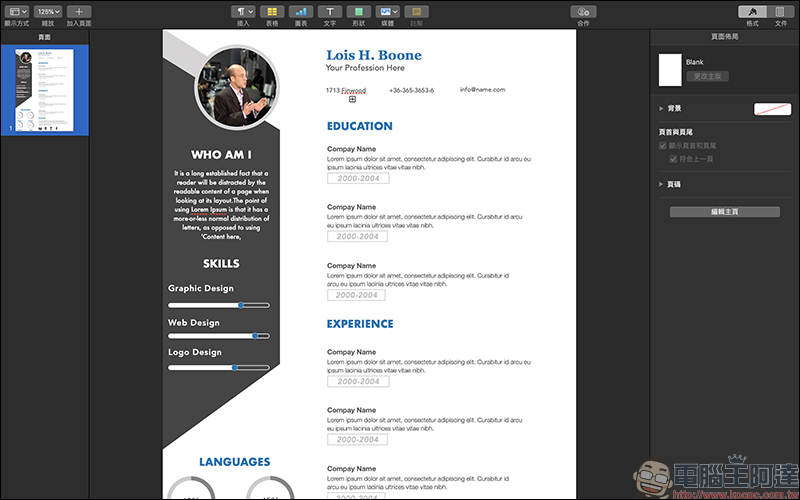
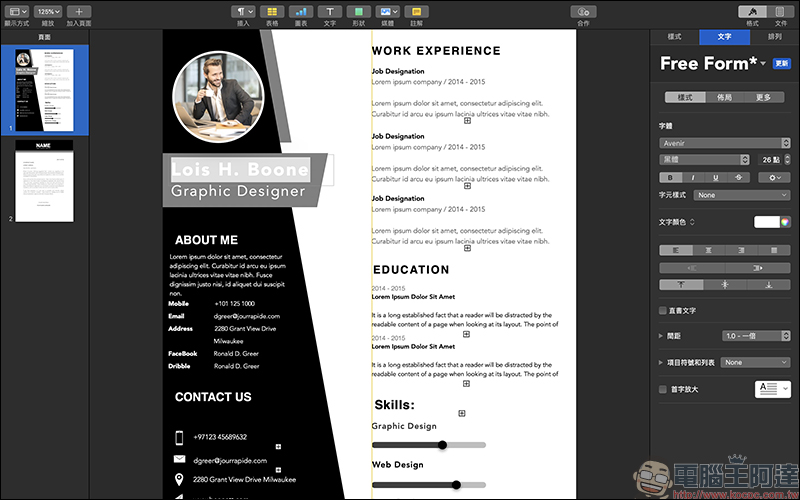
After opening these template layouts in Pages, users can directly fill in personal information, and adjust the text size, color and other appearance of the layout according to their own preferences:
Resume, CV Templates for Pages(Mac App):
Click here to download (App Store)
*Free download for a limited time, original price 300 yuan
Further reading:
ImageOptim Mac free image compression software & Automator thumbnail tutorial

Source: KOCPC Chinese