


If you have children or cats at home, I believe you will encounter these naughty mischievous things from time to time. The Chrome extension “Baby Mode” I will introduce today is a tool that when you use the Chrome browser, you only need to turn on Baby Mode, your keyboard will be useless. Even if your child runs over and presses the keyboard randomly, or your cat suddenly jumps up and performs a spacewalk on your keyboard, it will not affect your status of browsing the web. Although it is only a small extension function, it is actually quite interesting to use. Continue to see what interesting things it has!
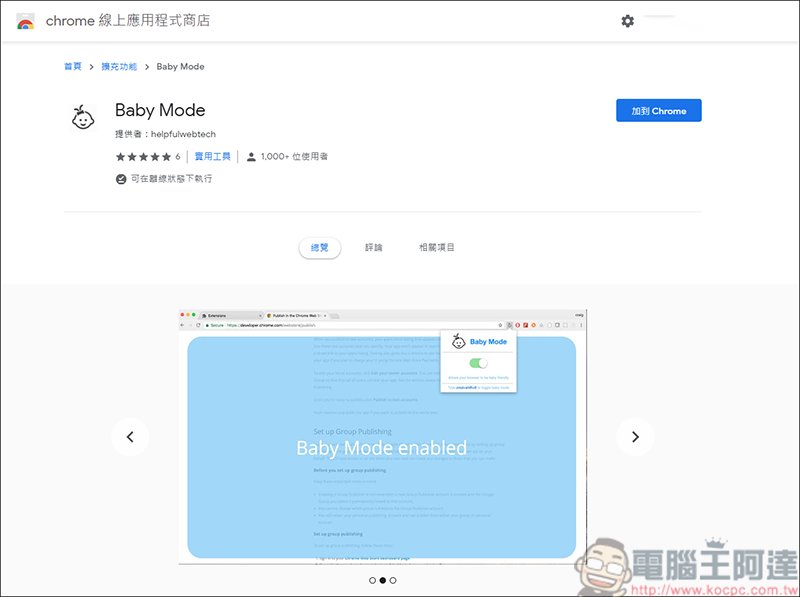
(Baby Mode download page)
First download “Baby Mode”. After downloading, a baby icon will appear in the upper right corner of Chrome: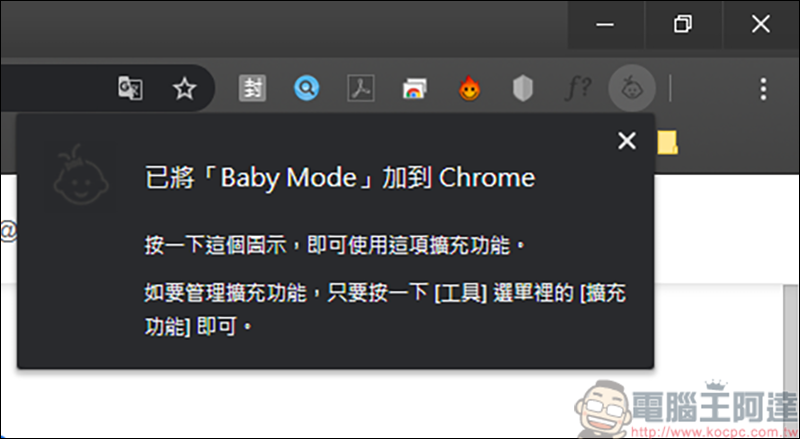
Click once and you will see the unopened state. You can also use the shortcut key ctrl+shift+0 to quickly open it:
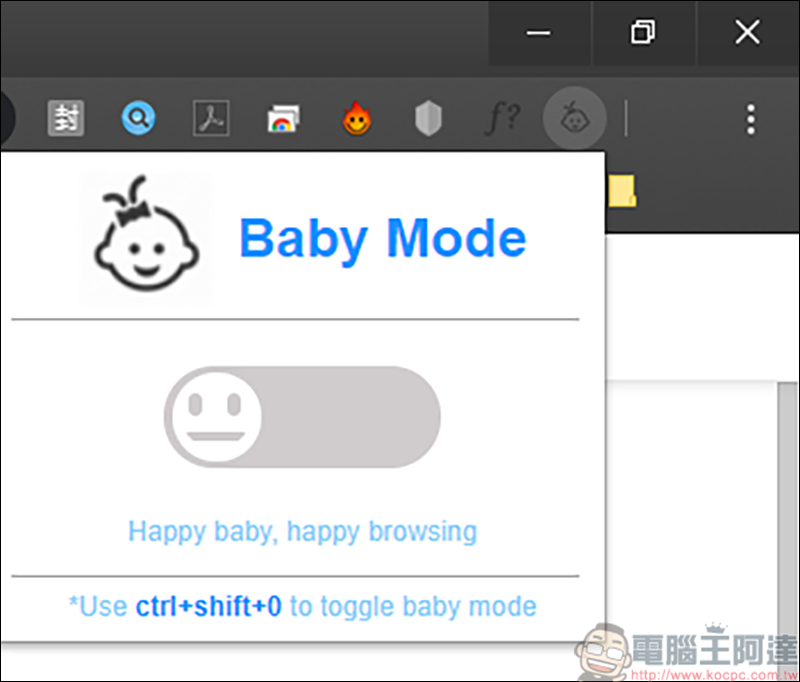
Then we enable the Baby Mode function:
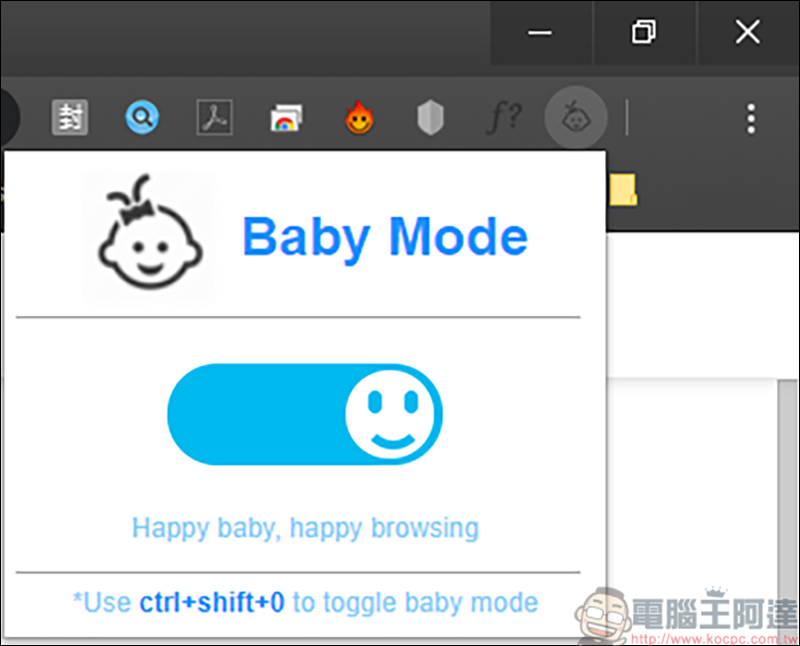
After executing Baby Mode, it will appear in the lower right corner of the web page, and clicking the icon will have no effect:

As you can see from our video, executing Baby Mode, an animation will pop up first, and then when browsing Chrome, only the mouse can move, and the keyboard is locked, so when you press the keyboard, there will be no key reaction. Instead, sound effects will be emitted, such as English letters and numbers, and some other keys will have animal sounds and musical instruments. You can listen to the sounds we make in the video. Will the sounds be too interesting to keep children away (?). In addition, only when you select the function that can input text (Ex: search function), the keyboard will be released for you to type. In our actual testing, the win key will not be locked, so you need to pay special attention when using it, or use a keyboard that supports keyboard software like the author, so that certain function keys can be locked. In the future, we will continue to explore some useful extensions to introduce to you!
Source: KOCPC Chinese