


After using an Android phone for a long time, it will slow down to some extent, even for flagship models. There are many reasons, and it is really difficult to find out. Unless it is a hardware reason (such as battery), it is possible that the speed will become faster after replacement. Therefore, we can only try to improve it from all aspects. This article will provide 5 methods to speed up Android phones.

5 ways to speed up your Android phone
Before I start the introduction, please also remind me that these 5 are not magical ways to additionally improve the performance of Android phones, but to make the system run more smoothly by reducing internal files and the like.
1. Check for new updates
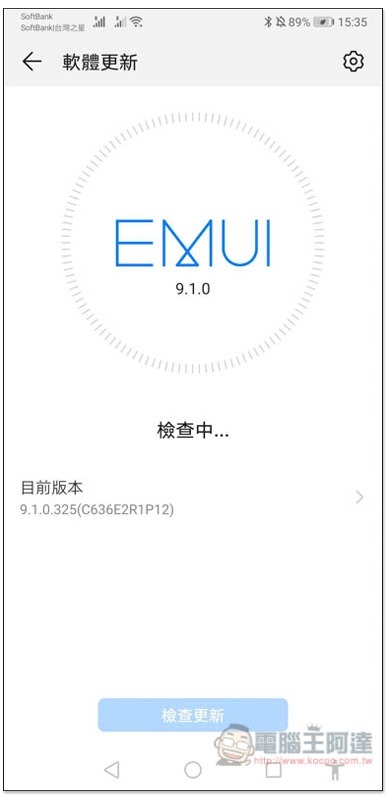
Although many people skip new updates for Windows computers (too unstable) to ensure that they can continue to be used normally, mobile phones usually have new updates released and are recommended to install them, even if they are security fixes.
Because sometimes after certain bugs are fixed, the performance of the phone is likely to be improved, especially the stability.
Generally speaking, when a new update is launched, your phone will receive a notification, but sometimes you may accidentally ignore it or not receive it for some reason. In this case, go to Settings –> System –> Software Update menu to find the check function.
As for the new Android version, I personally recommend upgrading it if you can. Of course, the premise is that you must back up your data first. If it is really running too slow and cannot be handled (usually unlikely), then downgrade it back to the previous version.
2. Use Files by Google to clear junk files and storage space (or similar built-in functionality)
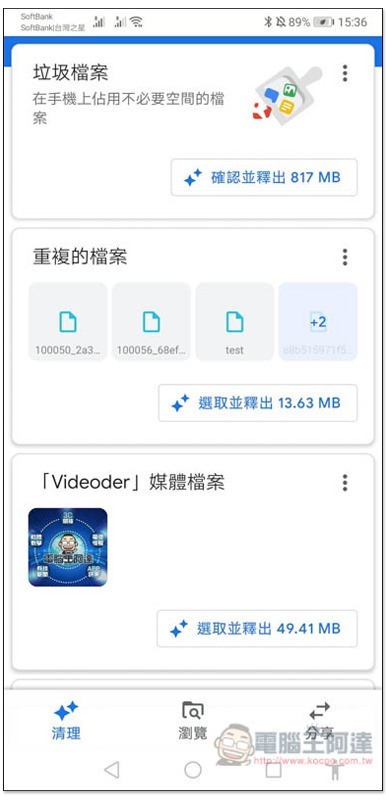
Files by Google is a very easy-to-use app that can quickly analyze and scan out junk files, useless media files, or large files on Android phones, and release them immediately with just one click.
Moreover, it is launched by Google, which develops the Android system, so compared to other cleaning apps of the same type, its stability and completeness must be better.
In addition, it also provides a file browsing function to facilitate us to find files, APK applications, etc. that we want to use or clear.
If you need to share files, Files itself also has an AirDrop function similar to iOS. As long as another phone is nearby, you can wirelessly transfer it through the built-in sharing function, even if there is no network connection.
3. Try another launcher (desktop)
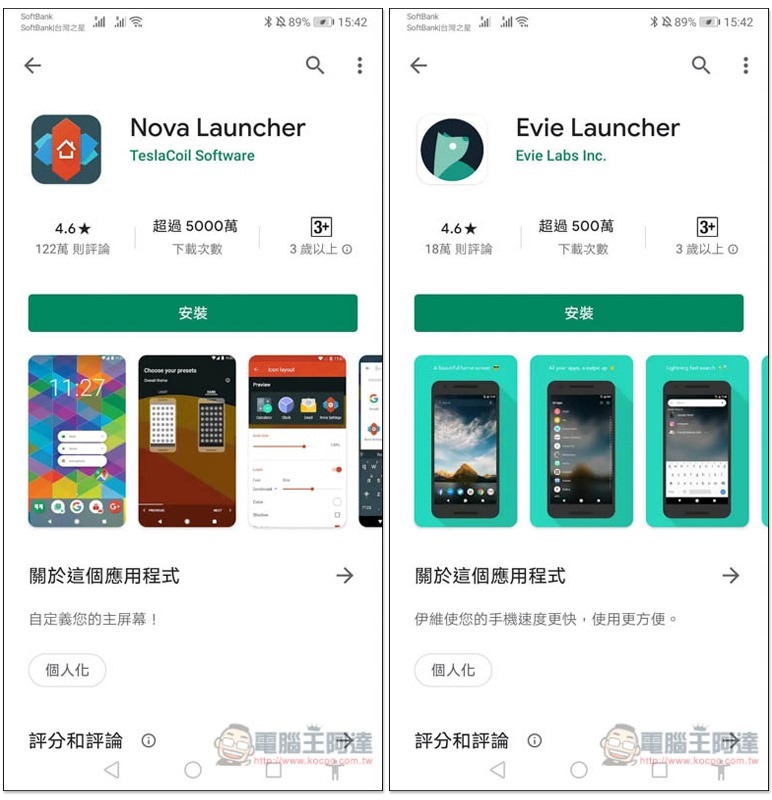
The so-called Launcher, or desktop, is an App that can change the screen and operating interface of your mobile phone. Each mobile phone will be preloaded with the brand’s own desktop, such as EM Launcher for Huawei, Mi Launcher for Xiaomi phones, etc.
Some brand launchers preloaded on mobile phones have too many functions and are too complex. Even if you haven’t installed any apps or downloaded anything, the speed has actually been slowed down, but you can’t feel it.
In Google Play, there are many launchers that focus on lightweight, such as Nova, Evie Launcher, POCO Launcher 2.0, etc.
If you have tried many acceleration methods without improvement, you can try a third-party launcher.
4. Install lightweight Apps
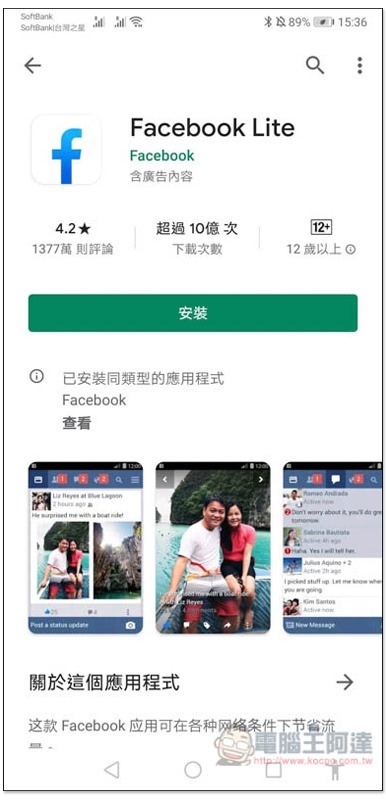
In order to allow entry-level Android phones to use apps more smoothly, many developers are now launching so-called Lite lightweight versions. I believe you should have heard of Facebook Lite, Messenger Lite, Google Go, Line Lite, etc. These are slimmed-down versions that may lack some features, but basic use is completely fine.
Especially Facebook, which often appears on the list of “drags on Android performance”. If you think Facebook has too many functions and is too complicated, you might as well try the Lite version.
However, some Lite versions are only launched in emerging countries and may not be found in Taiwan, but they can still be installed and used by downloading the APK file.
5. Optimize battery management
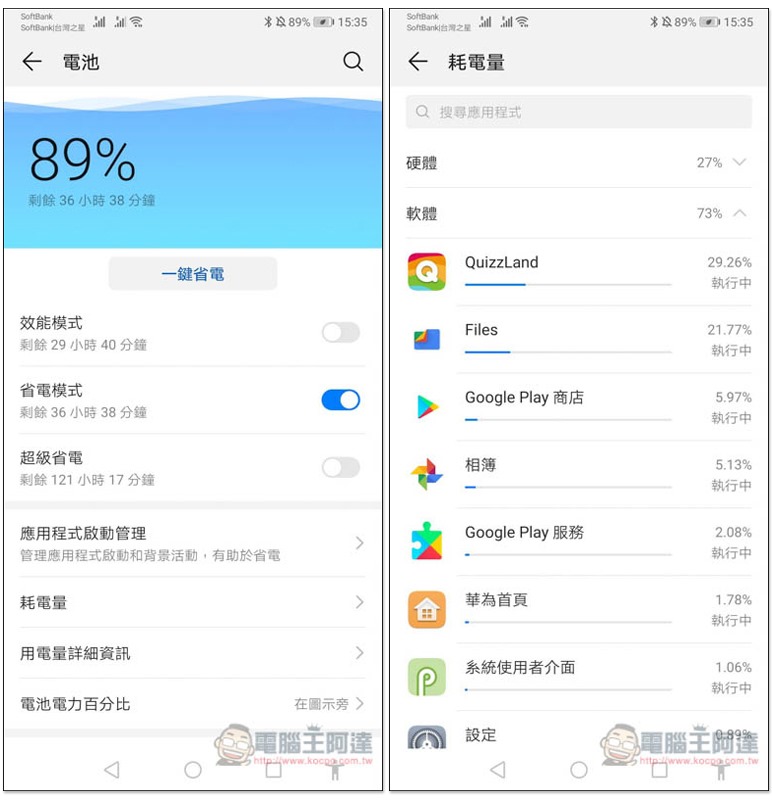
Some applications will continue to run in the background. If the power consumption is too high, it may not only affect the speed, but also cause your phone to run out of battery quickly.
The good news is that in the battery options of Android settings, you can quickly observe the power consumption of each App and whether it is running in the background. If you find some Apps that do not need to be executed in the background, it is recommended to click on and enable the end execution function.
in conclusion
The above are a few methods on the software side that can help improve the speed of Android. If there is still no improvement after trying, you may want to check whether there is a problem with the hardware, such as the battery is seriously aged.
Otherwise, just get a new mobile phone (laughs).
Source: KOCPC Chinese