


Although pictures from many websites can be downloaded directly by right-clicking, there are still situations where they cannot be downloaded (there is no right-click menu), the image format is incorrect, or even the right-click is locked. For me, Instagram and App Store are a headache, and I can only save them through screenshots every time. However, I recently found this all-purpose image-picker image download expansion plug-in. Click the plug-in icon and all the pictures in the paging website will be listed, even the small icons. After finding the picture I want, I can download it immediately with a tap. It is very easy to use and I recommend it to everyone.

Image-picker is an image download expansion plug-in supported by almost all websites.
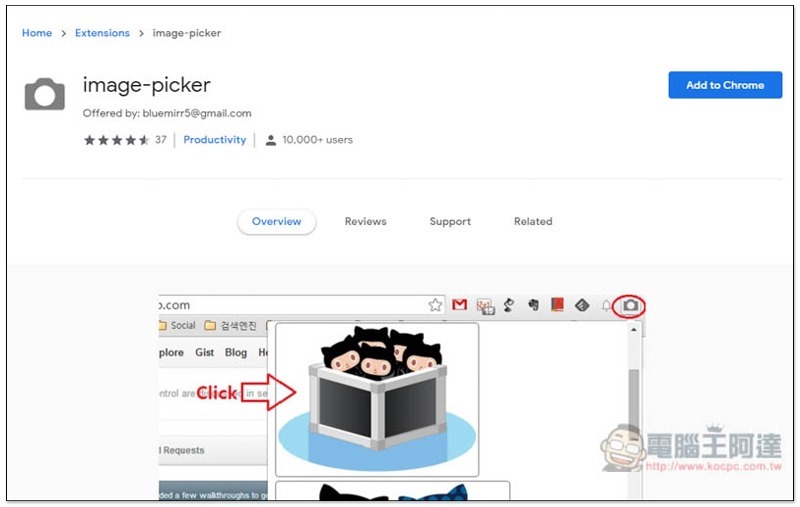
Click me to enter the image-picker expansion plug-in page., click on the upper right corner to add Chrome features. This tool needs to be used with the Chrome browser.
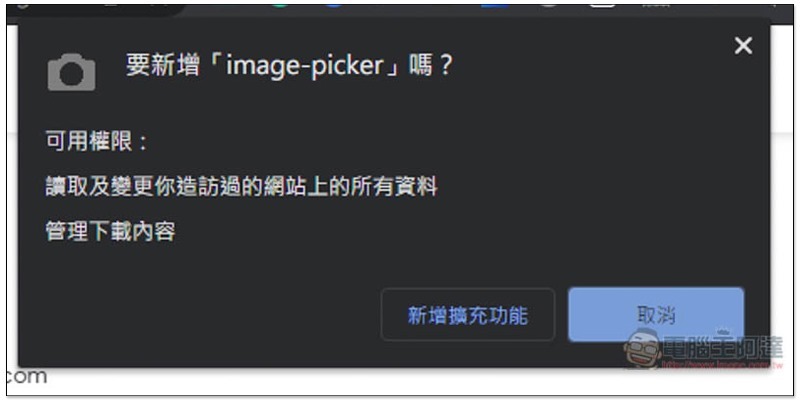
This message will pop up at the top, click Add extension and it will be installed:
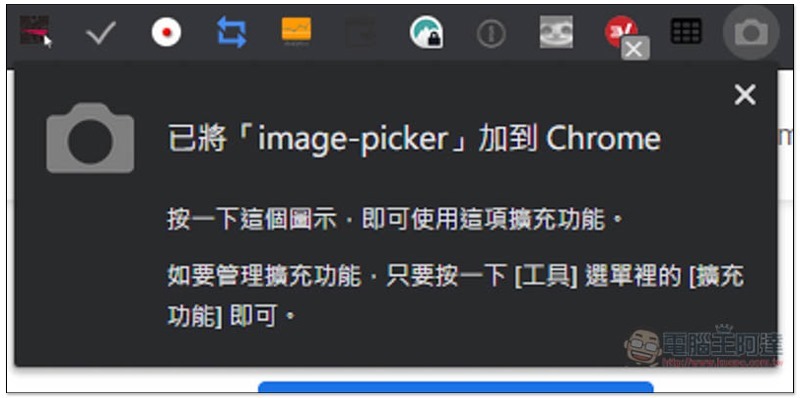
When this icon appears in the upper right corner, the installation is complete:
Next, go to the website where you want to download the pictures, and then click on the tool icon (gray camera). All the pictures in this tab will be listed on the list. The format and size are also clearly written, which is very good. Once you find the picture, just click on it and the picture will be automatically downloaded to your computer:

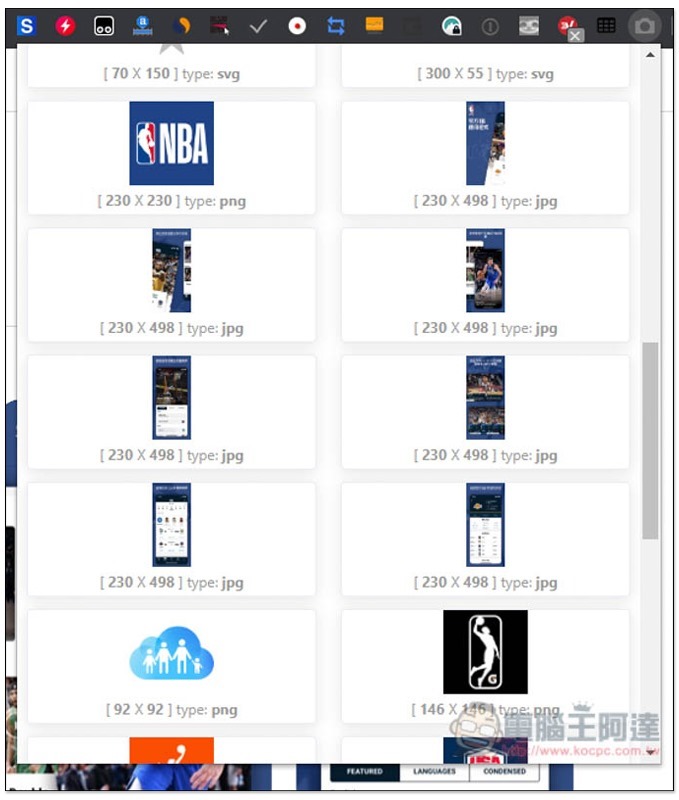
App screenshots on the App Store webpage cannot be downloaded using the right-click method, and this function cannot be found in the right-click menu:
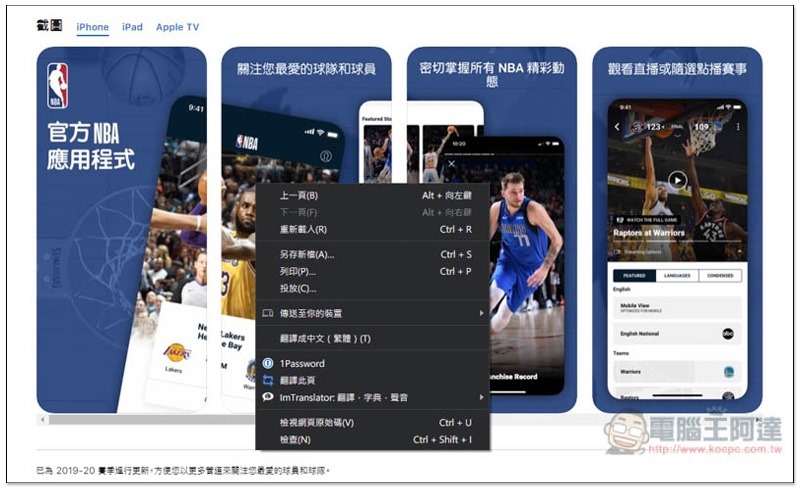
Use this extension plug-in to easily find the location of the picture, and then click to download it directly, without taking a screenshot like before:
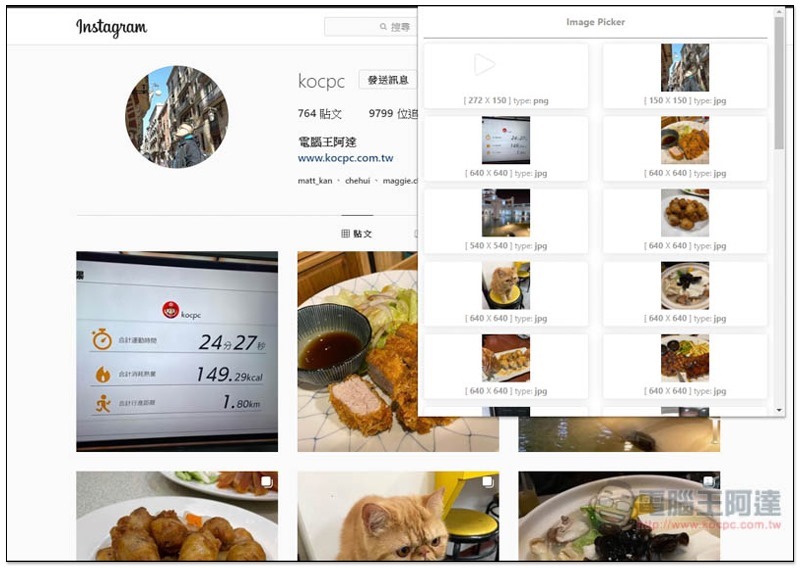
Instagram is no problem, I think many people need this feature. It’s a pity that it doesn’t support the one-time packaging function, otherwise it would be even better. I hope it can be added in the future! :
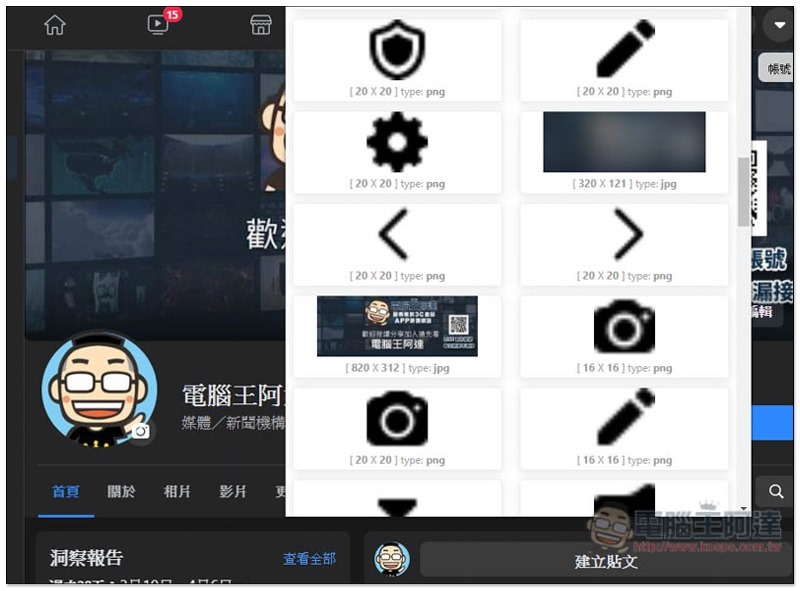
Even Facebook works, and it has official small icons. To put it simply, it is the picture you see on the website, and it can find it for you (of course, it must be in picture format):
If you are like me and often need to download pictures from the Internet, I highly recommend giving it a try, you will definitely fall in love with it.
Supplementary information
image-picker Chrome extension store page:Click here to go
Source: KOCPC Chinese