


Last year, LINE launched “Fill in the stickers as you wish” Deeply loved by Taiwanese LINE users, the sales of fill-in-your-face stickers in Taiwan account for the largest share in the world. 45%, it also shows that Taiwanese users prefer stickers that have a high degree of freedom and can be customized. Today (30th) LINE Taiwan officially announced the launch of a new “Message Sticker”. Different from other types of stickers in the past, “Message Stickers” can be edited and saved individually, and each sticker can contain up to 100 words.
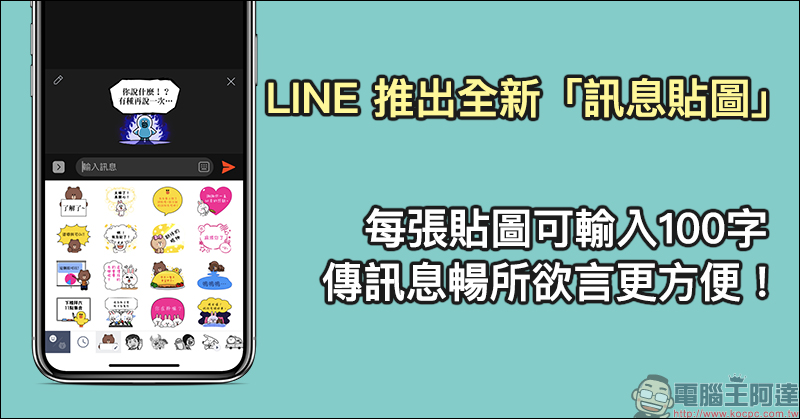
LINE has launched a new “Message Sticker”. You can enter 100 characters per sticker, making it more convenient to send messages freely!
I believe that many users who like to use LINE stickers to express their moods have purchased the “Fill in Stickers” launched last year, right? If you feel that the word limit for filling in stickers cannot fully convey the content you want to convey at once, or if you want each sticker in a set to have its own sticker content, and don’t want to modify the content every time before using the stickers, then you might as well try the “Message Stickers” launched today (30th)!

▲Image source: LINE Taiwan
LINE message stickers are currently officially launched on the mobile version (LINE version 10.3.0 or above), and will also support the LINE computer version in future updates (the computer version currently cannot display the text content of message stickers). The first wave of message stickers has a rich selection, including internationally renowned characters Hello Kitty, Snoopy, Doraemon, BT21, Bear & Rabbit BROWN & FRIENDS, and a total of 7 sets of message stickers, including Taiwanese creator’s original characters “Cat Cat Bug Kapo” and “Undead Rabbit’s Rabbit”, are officially on the shelves.
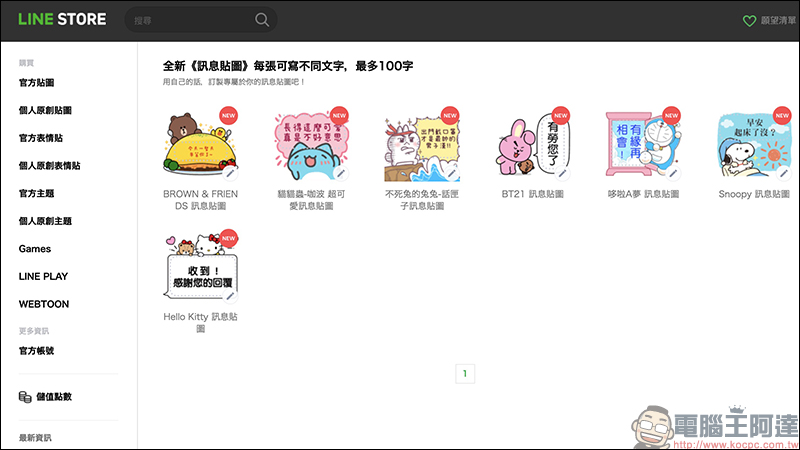
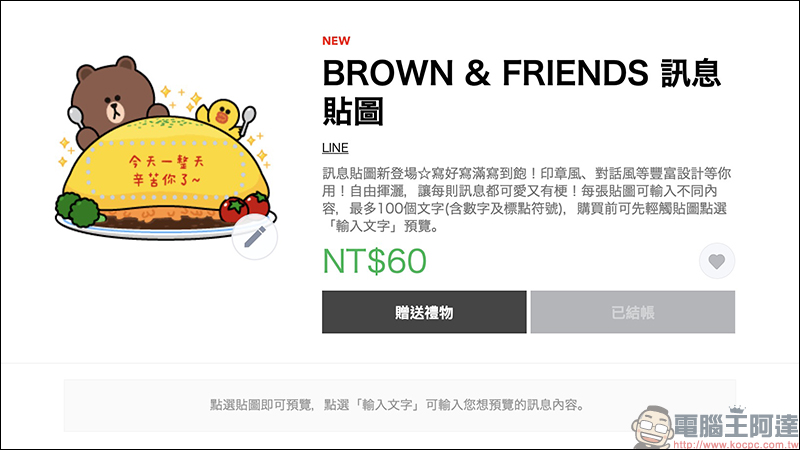
Let’s use LINE’s BROWN & FRIENDS message stickers to demonstrate the actual effect! However, I would like to remind all users who want to buy LINE stickers here again. If you don’t mind the trouble, it is recommended to skip the LINE Sticker Shop and go directly to the LINE STORE to purchase.
Due to the tax system, in addition to in-game purchases, even LINE sticker purchases are more expensive than before (an average increase of about 10%). Taking the currently launched message stickers as an example, the price of 100 tokens (about 70 yuan) is used: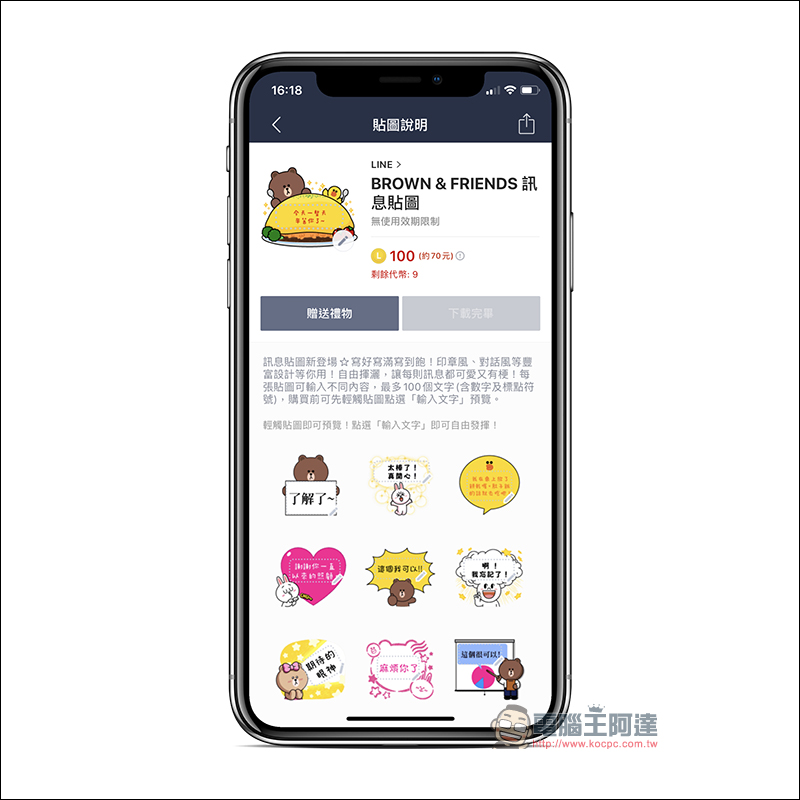
If you want to buy LINE stickers through a “cheaper and safer channel”, it is recommended to purchase them directly at LINE STORE.
(*Tips: Don’t believe the scam messages circulating among Facebook and LINE groups that you can get free stickers by clicking on links and sharing/responding to messages.)
First, go to the LINE STORE page (https://store.line.me/home/zh-Hant), then log in to your LINE account in the function list to start purchasing LINE stickers:
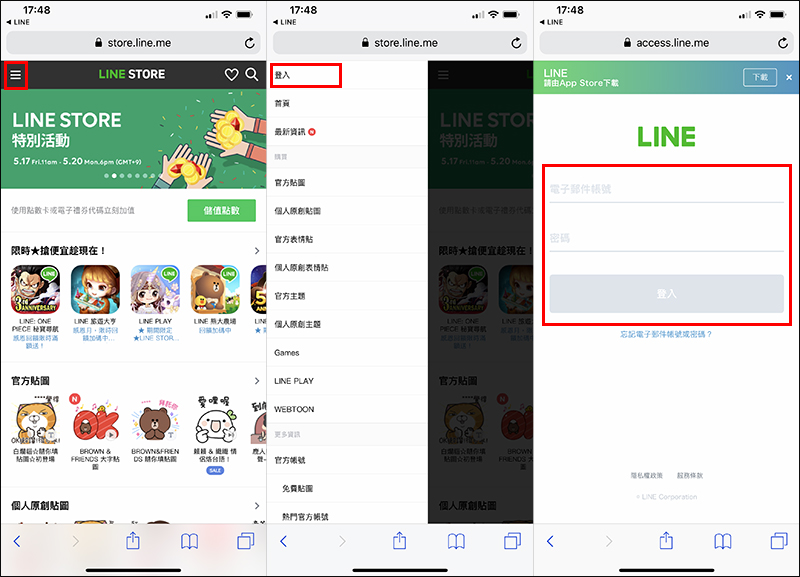
The purchase price of the same sticker in LINE STORE is only 60 yuan, and there are many payment methods to choose from. Not only can you use LINE POINTS points to redeem it, but you can also use LINE Pay (credit card and debit card), FamilyMart barcode payment, telecommunications micro payment, etc. After the purchase is successful, click “Download this sticker” and the screen will jump to the download page:
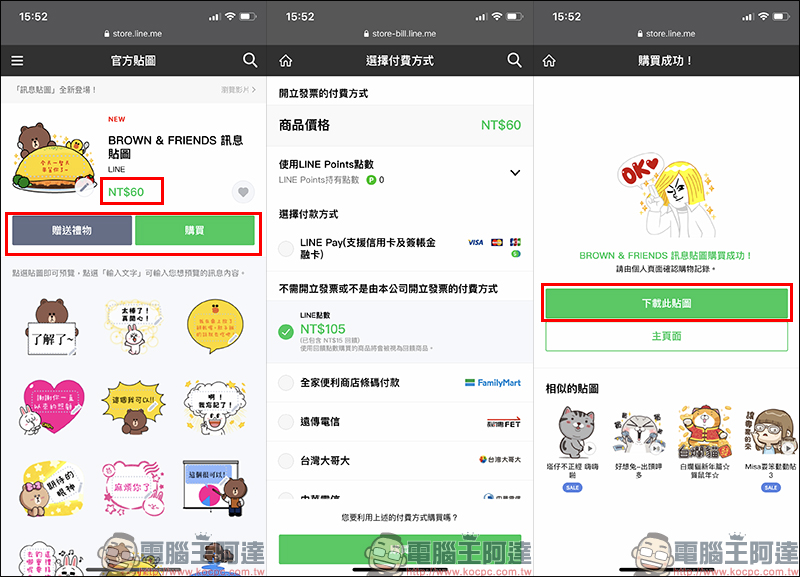
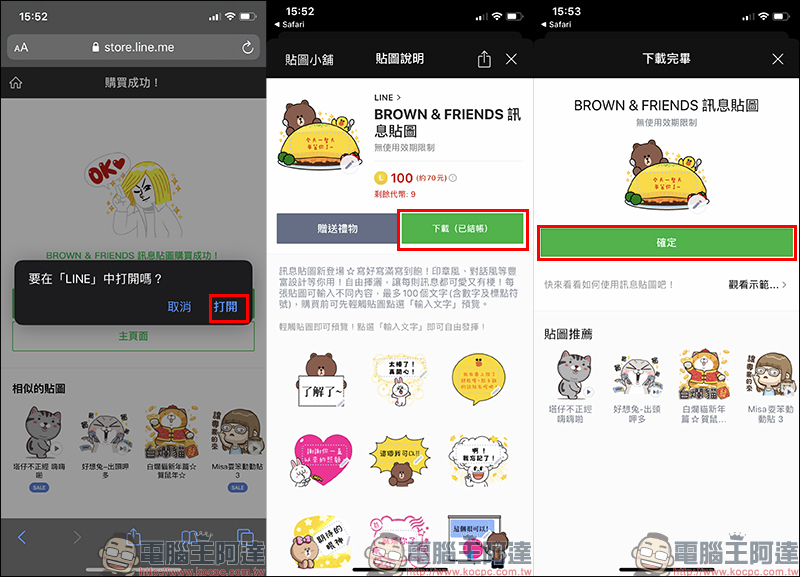
Successfully purchased stickers will be marked with a “Checked Out” mark behind the download button. Click Download to successfully download the stickers to your device and start using it!
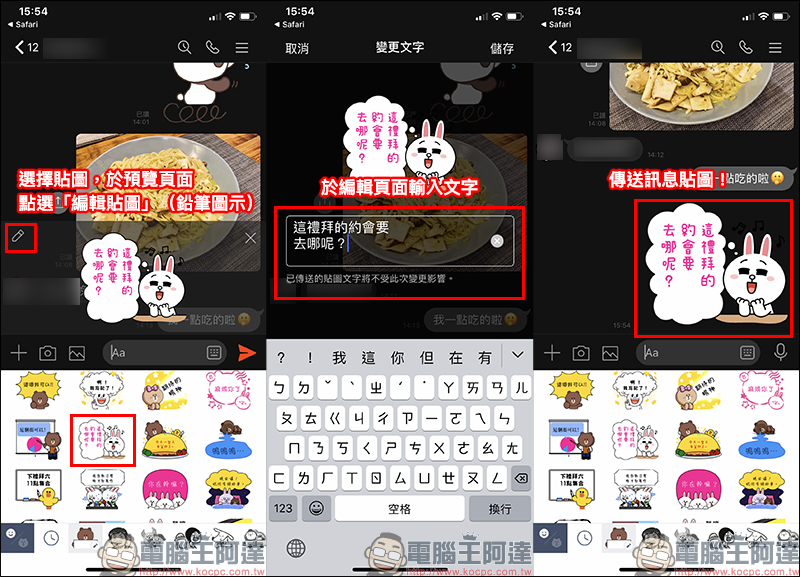
The use of LINE’s “Message Stickers” is also quite simple. First, click the sticker you want to use on the message sticker page, and then click the button “Edit Sticker” with the pencil icon in the upper left corner of the sticker preview page before sending. At this time, a text input box for the sticker message will appear on the screen. Just enter the text of the message sticker you want to send! Different from “Fill in your own stickers” where you can only enter single-digit message content, “Message stickers” can enter up to 100 words!
Another feature that is different from “Fill in stickers as you like” is that each sticker in “Message Stickers” can be independently edited and saved. It also allows each sticker in the entire set of stickers to enter a different text message sticker and save it. There is no upper limit to the number of edits and can be modified at any time.
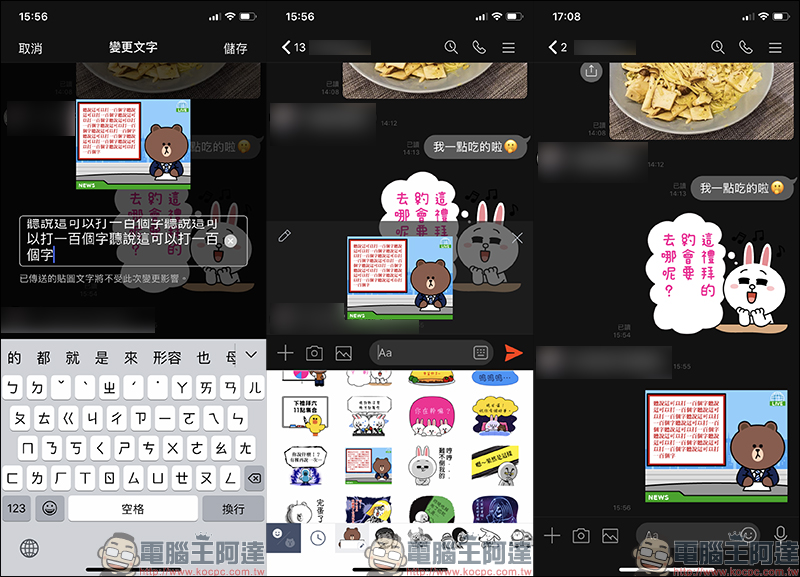
However, although the upper limit is 100 words, the sticker space is limited after all. It is recommended that you enter about 20 words when using it to make it easier for the other party to read. If you enter 100 words, it will look like the picture below (laughs):
The first wave of LINE message stickers organized
There are currently 7 types of LINE message stickers in the first wave, and more sticker creators will launch original message stickers in the future.
BROWN & FRIENDS message stickers:Click here to download
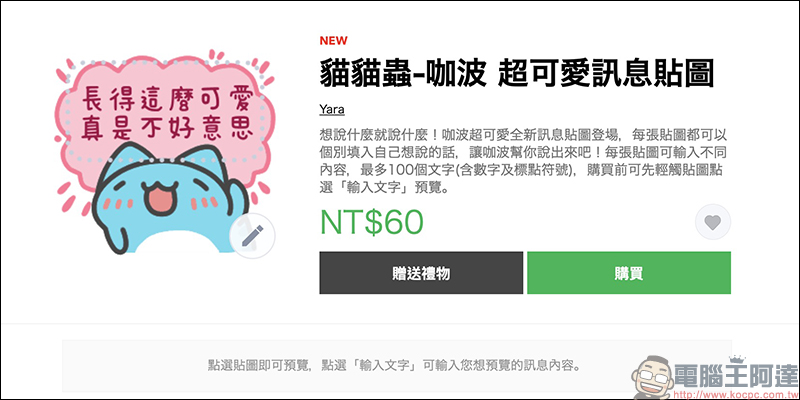
Cat Cat Bug-Kabo super cute message stickers:Click here to download
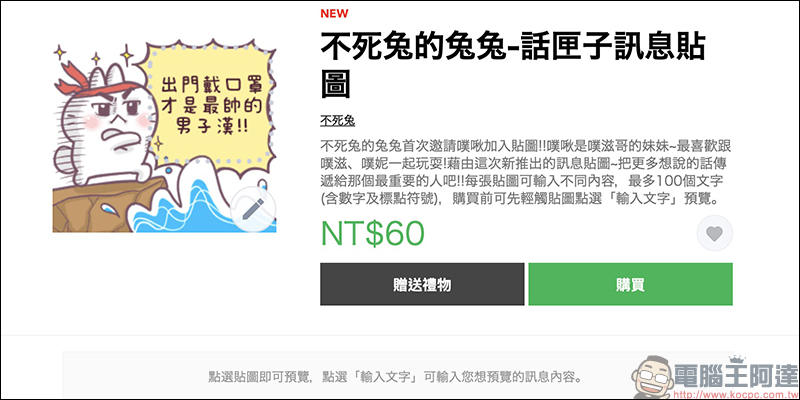
The Rabbit of the Immortal Rabbit – Chatterbox Message Sticker:Click here to download
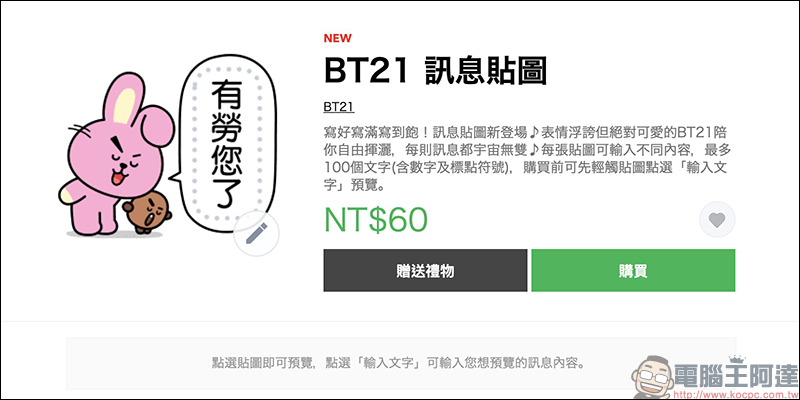
BT21 message sticker:Click here to download
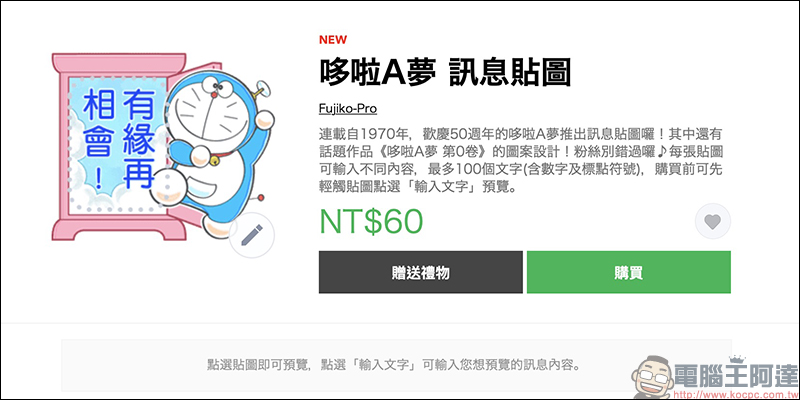
Doraemon message stickers:Click here to download
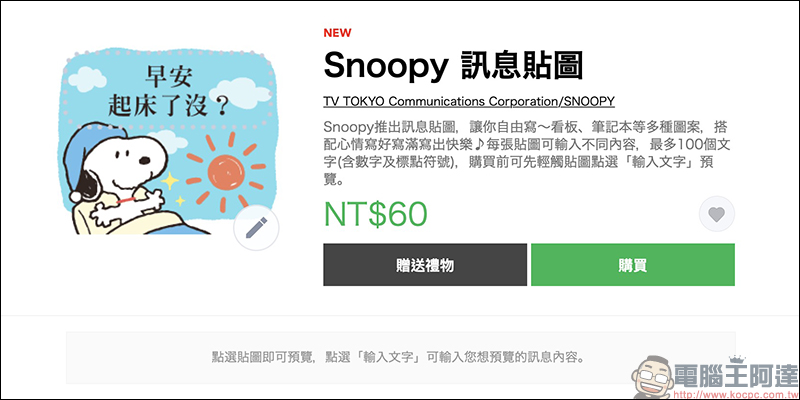
Snoopy message stickers:Click here to download
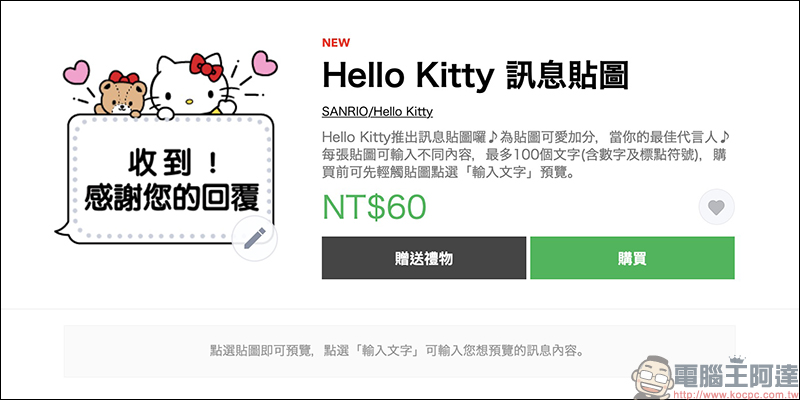
Hello Kitty message stickers:Click here to download
Further reading:
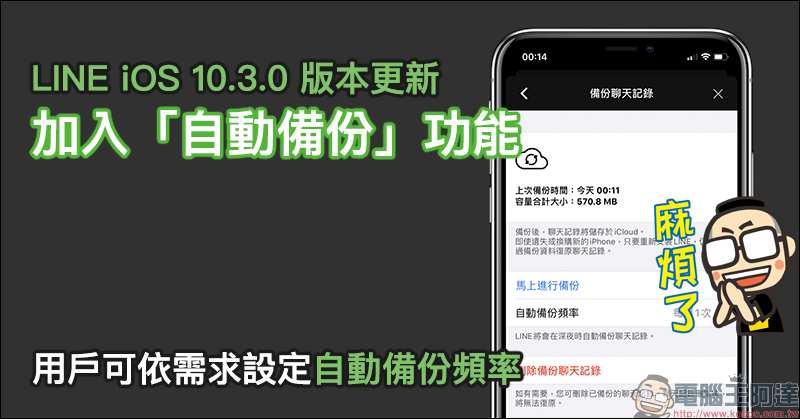
LINE iOS 10.3.0 version update: Added “automatic backup” function, users can set the frequency of automatic backup according to their needs
Source: KOCPC Chinese