


last July Google Maps imports YouBike site information, coupled with the official support of Google Assistant voice assistant, people have the expectation that they no longer need to rely on other third-party services and “just open your mouth to query the YouBike site.” It is a pity that due to the incomplete map information (New Taipei is okay, Taipei City is…), so for friends who rely heavily on YouBike services, pure Google solutions are really not practical yet. In this regard, we have previously introduced how to query relevant information through LINE.YouBike Today Helper”, and now the development team has extended this experience to the Google Voice Assistant service – the “UBike Elf” will allow you to query relatively rich YouBike site information with just one mouthful.
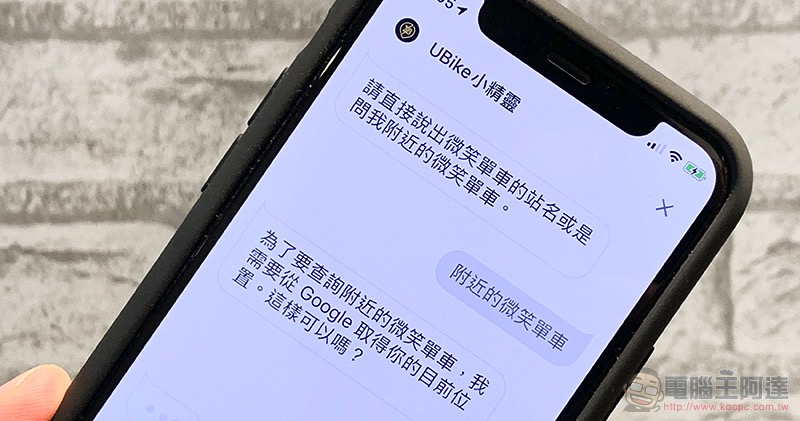
Let your Google voice assistant understand YouBike better through the UBike elf (instructions for use)
Want to add a more reliable YouBike query function to the Google Assistant voice assistant that supports many systems including iOS and Android? It’s actually very simple. The first step is to use Google Assistant
You will then be redirected to the Google Voice Assistant interface. The relevant description of the Google Assistant application is as shown in the screenshot. You can see that the supported models include iOS, Android and Google Home devices. Instructions include “OK Google, call the UBike elf to check nearby smiling bikes“, or “OK Google, call UBike. Check the elf OOOO (location)」:

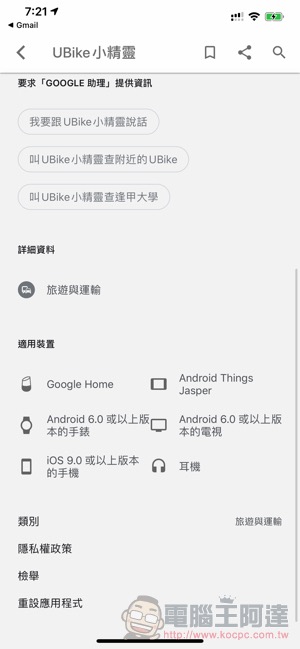
You can also use “OK Google, I want to talk to the UBike elf” to summon the exclusive voice function:


Then you can query the YouBike site by simply saying the site name or asking “Smile Bike near me.” The information is actually quite complete. You can also see how many units are currently available for rent and how many vacancies are left:

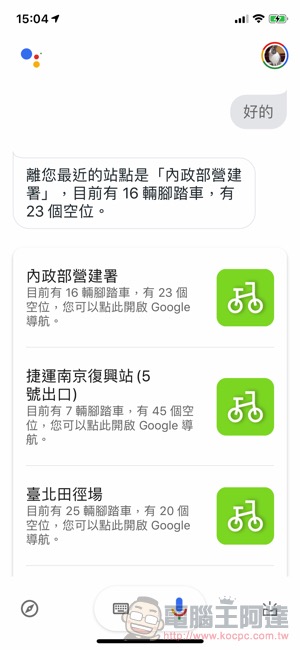
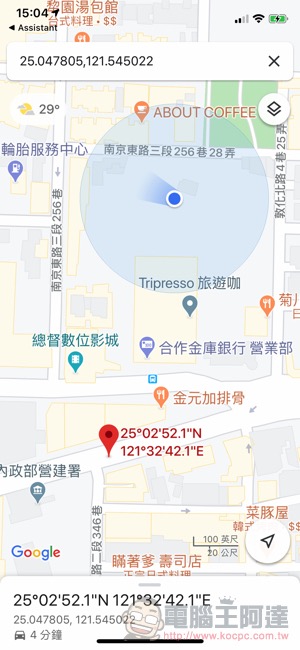
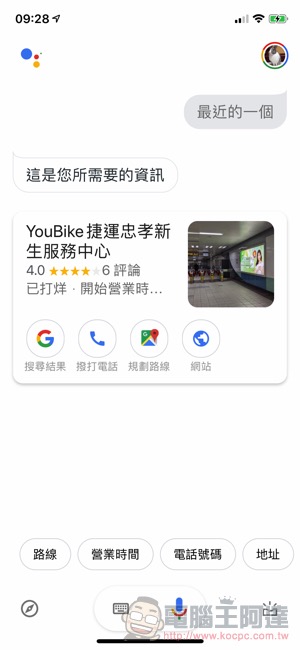
Clicking on the searched card will jump to Google Maps for quick navigation. We also compared the search results of using Google Assistant directly in the same place… Well, it can only be said that the site information in Taipei City really needs to be improved. Fortunately, there is the UBike elf:
Solution to iOS location permission “ghost blocking wall”
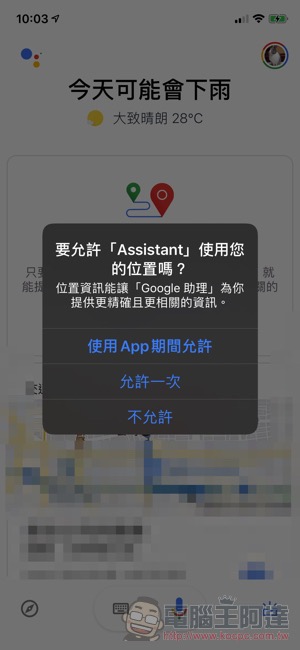
If you, like the editor, encounter the situation where the super ghost blocking wall on the left of the picture below keeps jumping and saying that it wants to get the position, you can refer to the solution below:

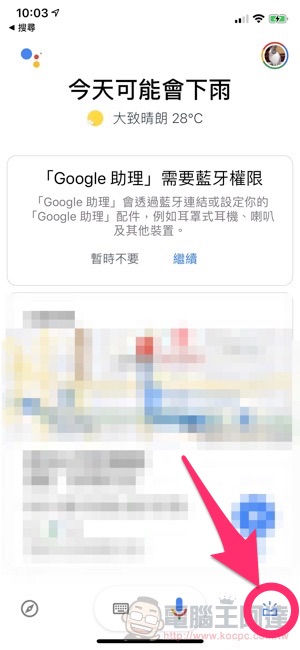
Click the toolbox in the lower right corner. After the Bluetooth permission prompt, the system will ask “Get traffic and nearby area information” on the card. This can prevent Google Voice Assistant from continuing to jump on the issue of location information:
Further reading:

Facebook traffic surges due to Wuhan pneumonia, but they are not happy

Source: KOCPC Chinese