


Gmail It can be said that it is the main mailbox service used by many people today, even for companies. Although the default functions are sufficient, in some cases, if it can be presented in a table or the like, it can be expressed more clearly, but I don’t know why Google has not added this function. Good news, now it has been developed by a third-party company. I recently found this Gmail Tables by cloudHQ Free expansion plug-ins, after installation, it will immediately give Gmail the function of inserting tables. In addition, it also provides the production of hyperlink buttons. Those who need it can refer to it, and it is completely free.
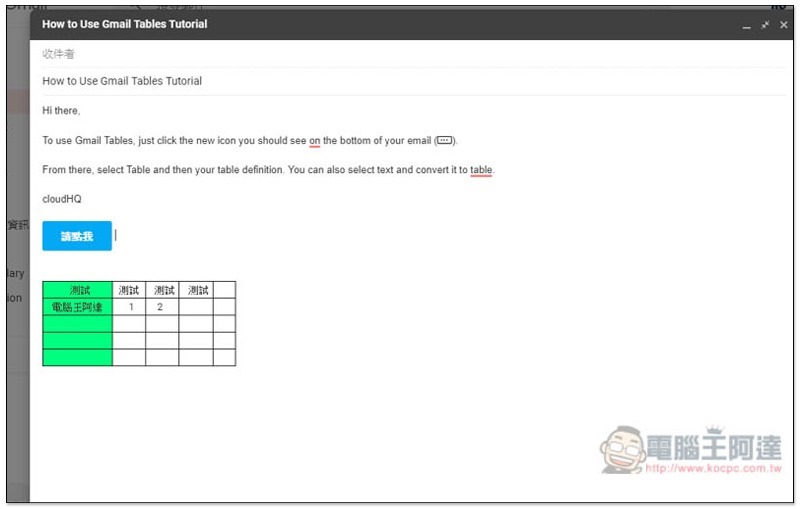
Gmail Tables by cloudHQ extended plug-in introduction
This Gmail Tables by cloudHQ free extension plug-in needs to be used with the Chrome browser. If you use other third-party email software, this function will not appear even if you install it. You must open Gmail in Chrome to see it.
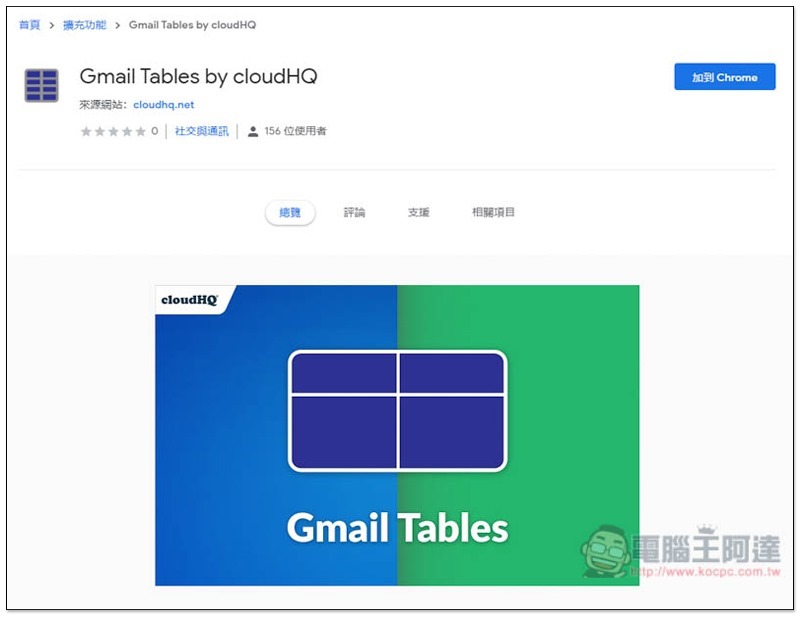
Click me to go to the Chrome App Store page, click “Add to Chrome” in the upper right corner:
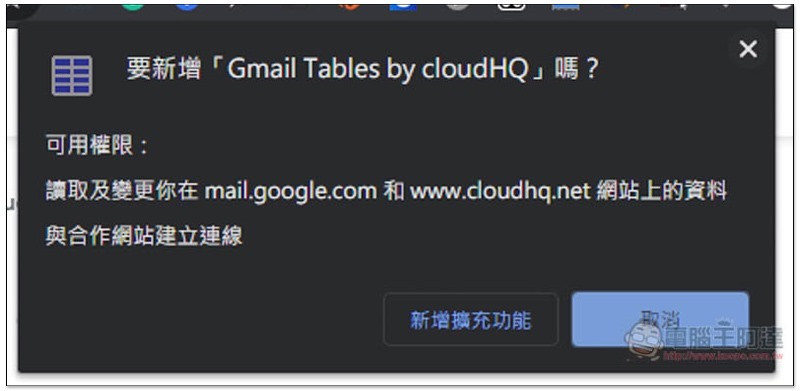
This message will pop up at the top, click “Add extension”:
After the installation is complete, you can start using it without registering:
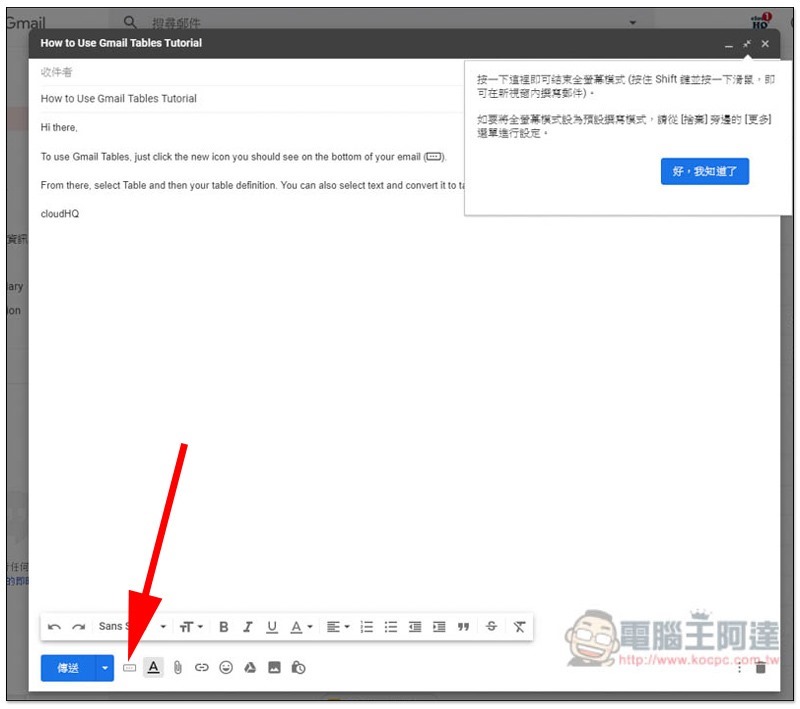
After opening Gmail to compose an email, you will see an additional icon at the front below:
Two functions are provided after clicking: Button button and Table table:
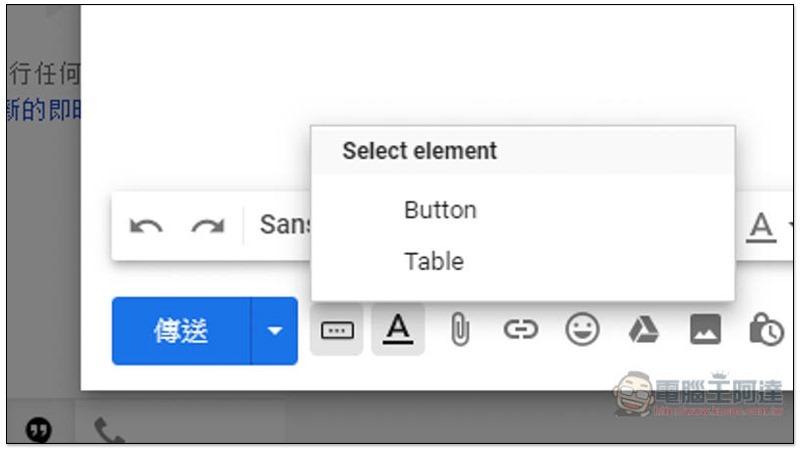
Button allows you to make hyperlink buttons more refined instead of just text hyperlinks:
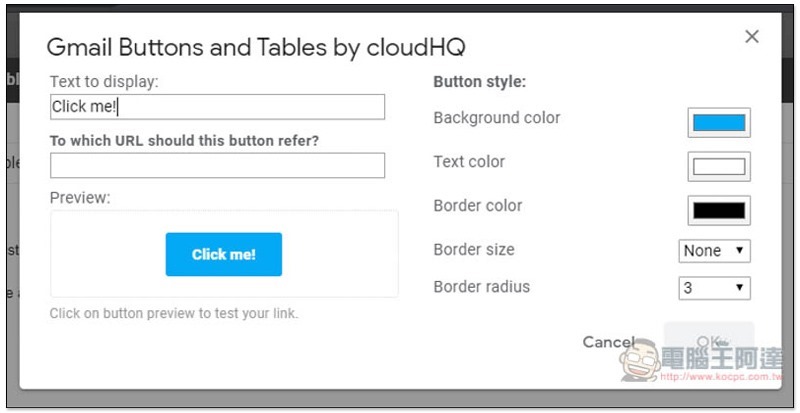
Text to display is to display text, To which URL… hyperlink, Button style on the right can modify the background or text color, border size, etc. The Preview below will display the effect instantly for your reference:
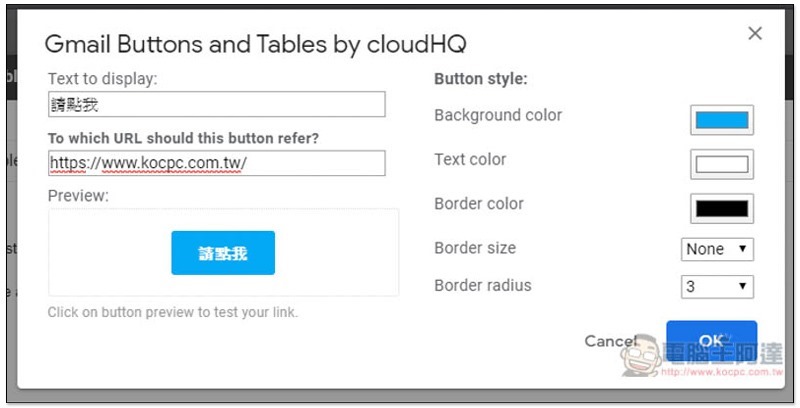
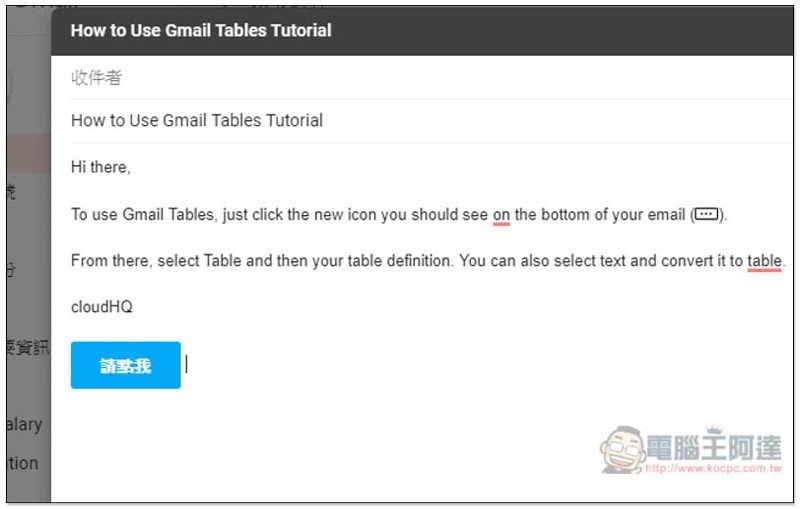
After pressing OK, this button will appear in Email:
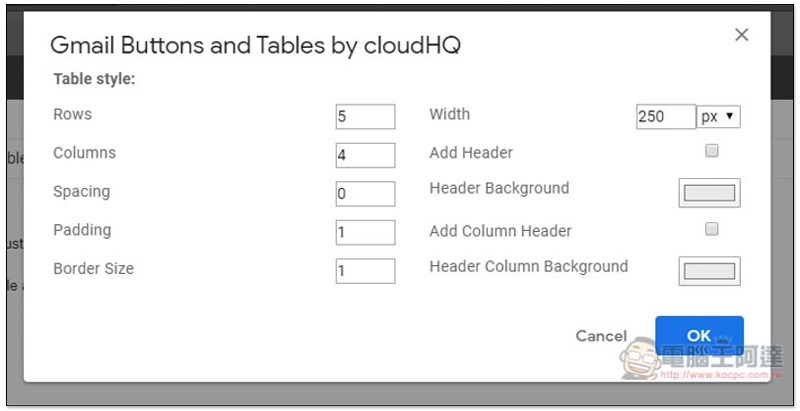
In the table part, rows, columns, border size, width, title column background color, etc. can be modified:
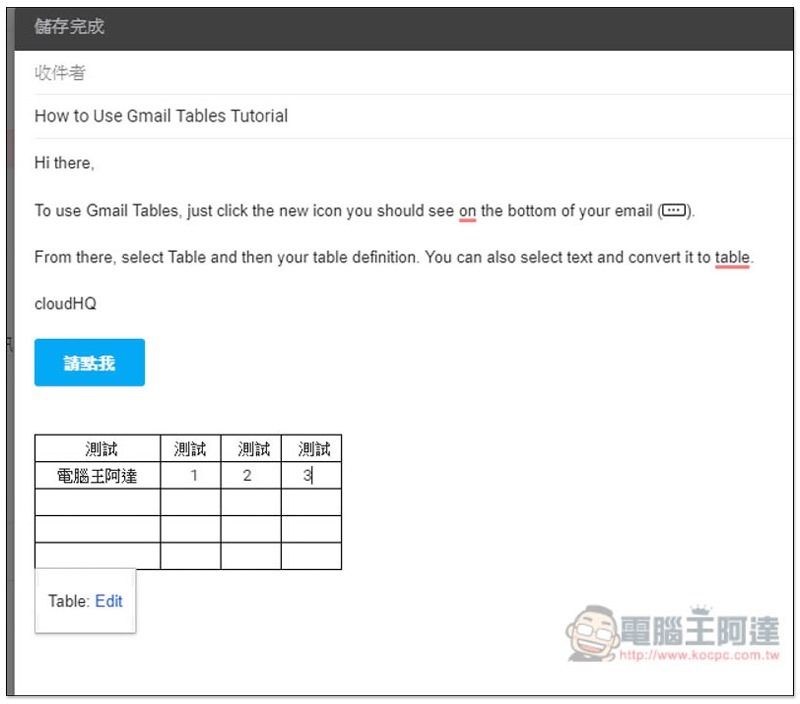
After pressing OK, the table will be inserted into the email and can be modified again later if you need more rows and columns or other colors:
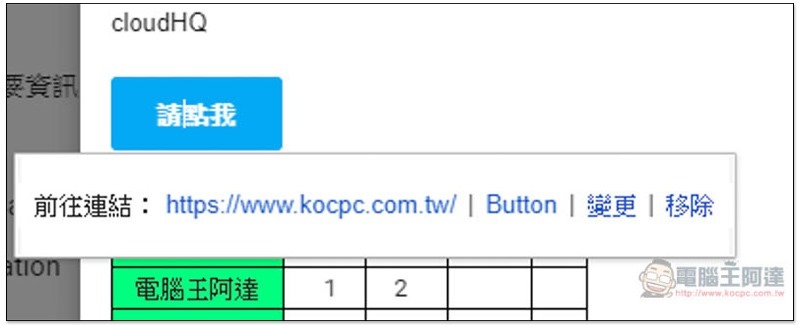
The same goes for the button just now. Move the mouse over the button and press Button to modify:
Below is the official video. After watching it, you will probably know its features and how to use it:
Supplementary information
Gmail Tables by cloudHQ expands the plug-in store page:Click here to go
Source: KOCPC Chinese