


Although Google Calendar can also be used to plan time, I think it is more suitable for “busy” people, that is, business work types, bosses, or people who have many different meetings and things to do every day. If it is just to plan every hour of work, work and rest every day, then this Time Block Youth Edition is a better choice. The blocks for each hour of the day have been set, and they are divided into 30 minutes and 30 minutes. Divided into two, planning can be completed with just two clicks (when and what to do). It is very simple and makes daily time planning a burden-free task.
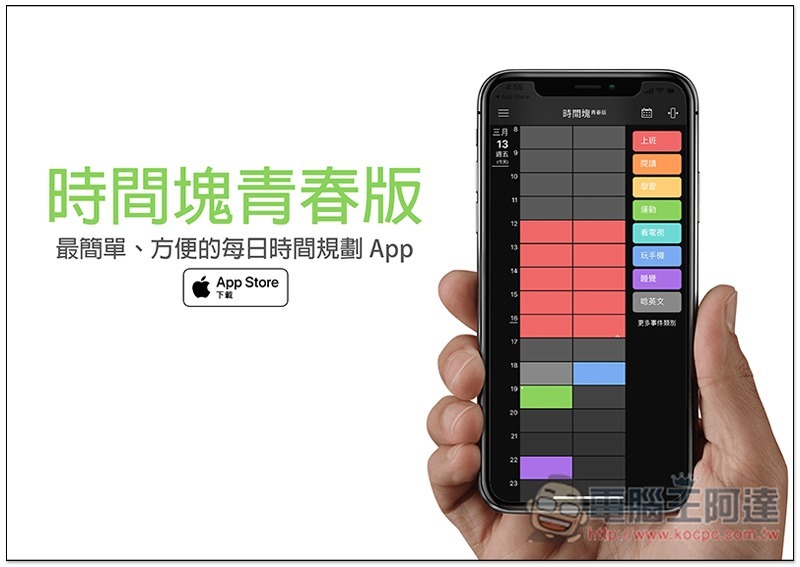
Introduction to Time Block Youth Edition
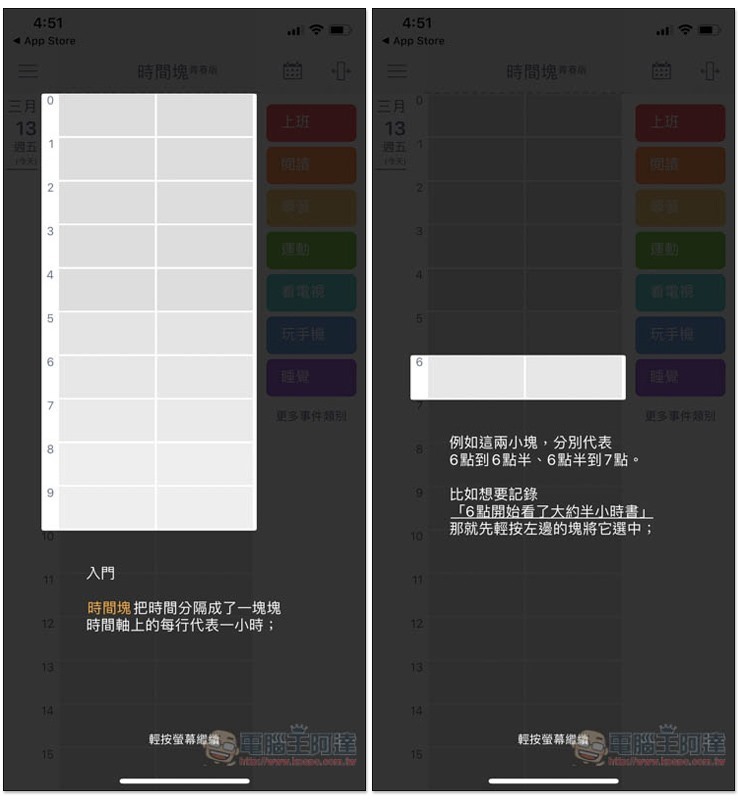
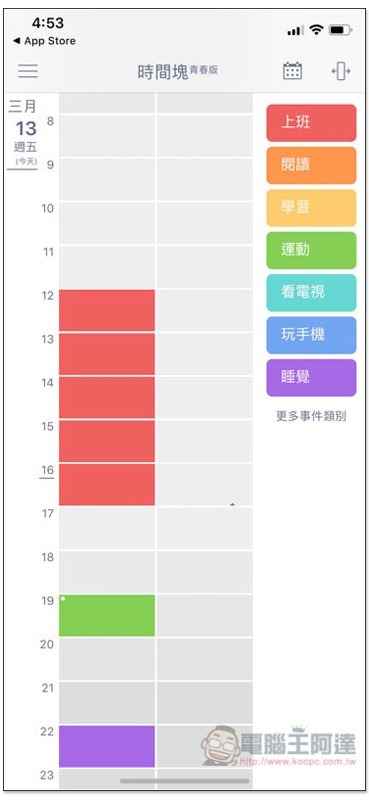
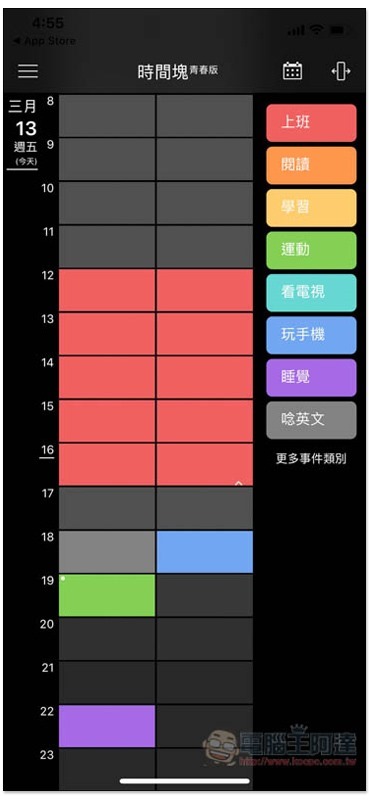
The first time you open Time Block Youth Edition, there will be an introduction to the operation. To put it simply, the gray on the left is the hourly time block, which is divided into two 30-minute and 30-minute blocks. The bar with many colors on the right is the work project:
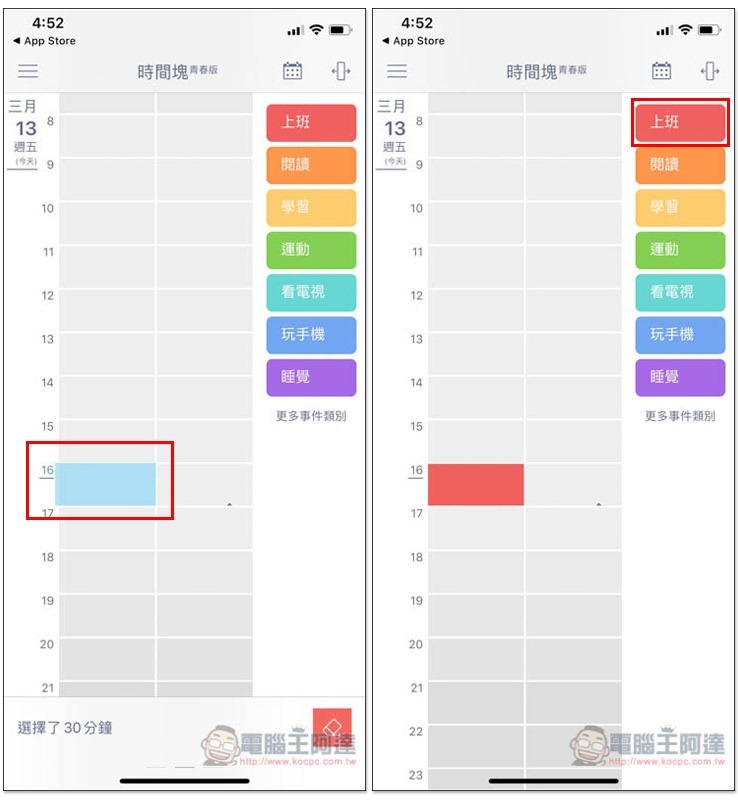
The operation method is as follows. After clicking on the left side to plan the time for a certain work, then click on the work name on the right side. The block will automatically change to the same color, which means that this app uses color to mark the work:
Multiple time blocks can be selected at one time:
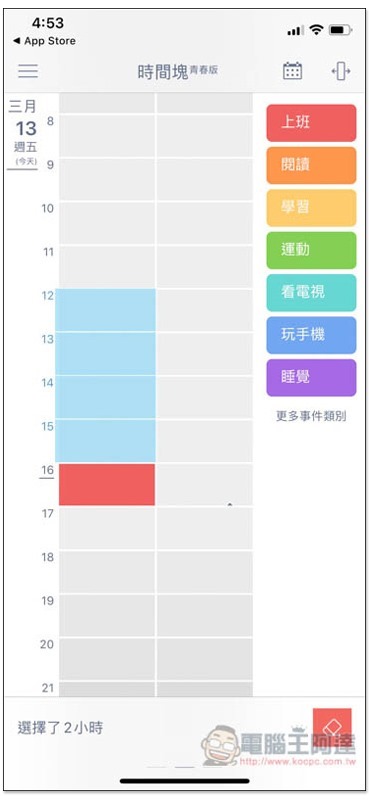
Then set it to the same work event at once, no need to click one point:
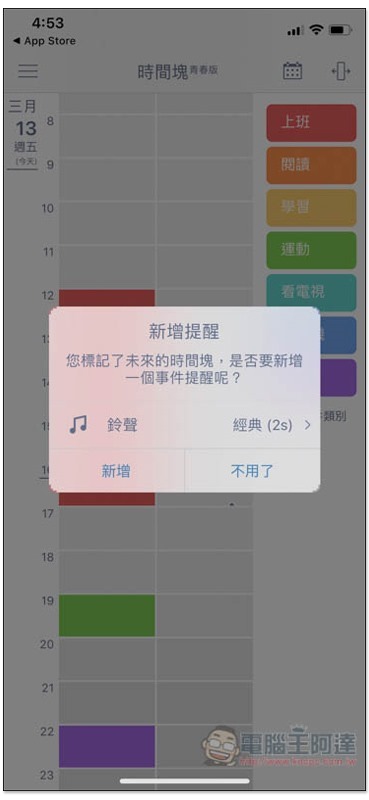
Reminders can also be set for each time block, if you need:
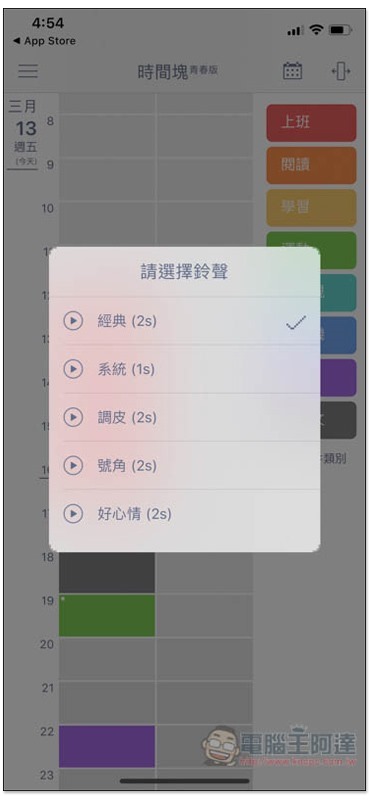
There are 6 types of reminder ringtones:
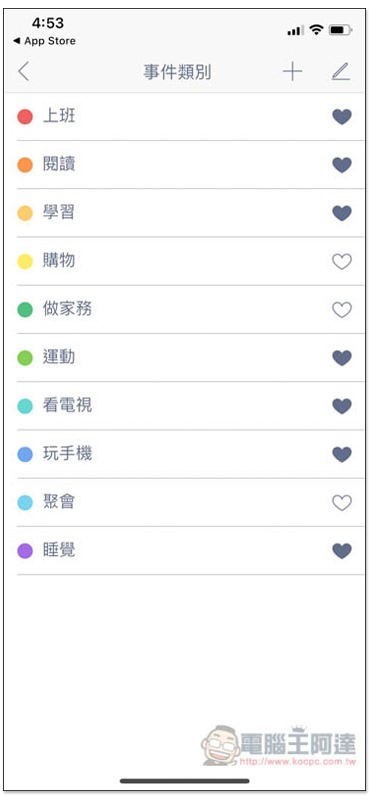
The event category section has preset 10 commonly used ones. Of course, you can also add or remove unwanted ones by yourself. Representatives marked with a heart on the right will appear on the main screen, so remember to add them to favorites if you use them frequently:
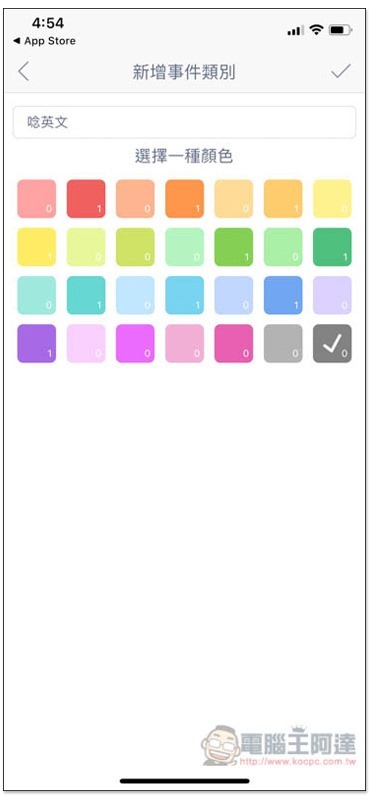
The operation of adding a new event is also very simple. Enter the name and select the color. If there are already events using this color, the number of them will be specially marked in the lower right corner:
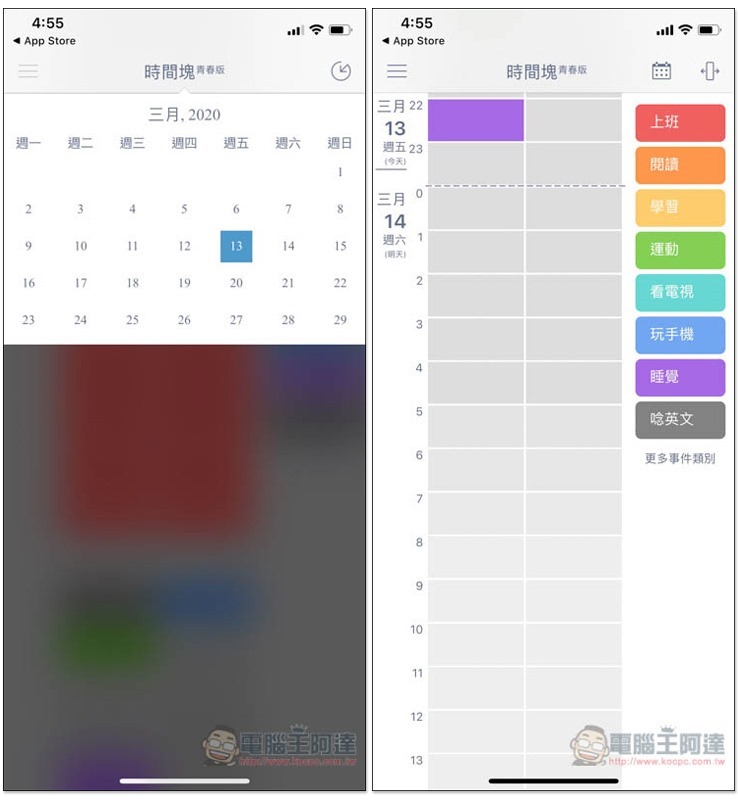
Of course, you can also plan future time. You can directly scroll down on the main screen to switch, or you can click on the schedule above:
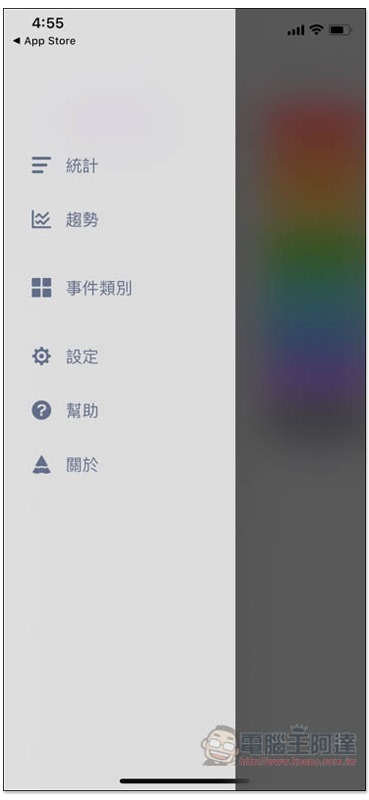
It also provides trend statistics functions, and all functions are free, which is quite good.
It also supports iCloud automatic backup, so you don’t have to worry about switching to an iPhone. There is also a dark mode, which I personally think looks better:
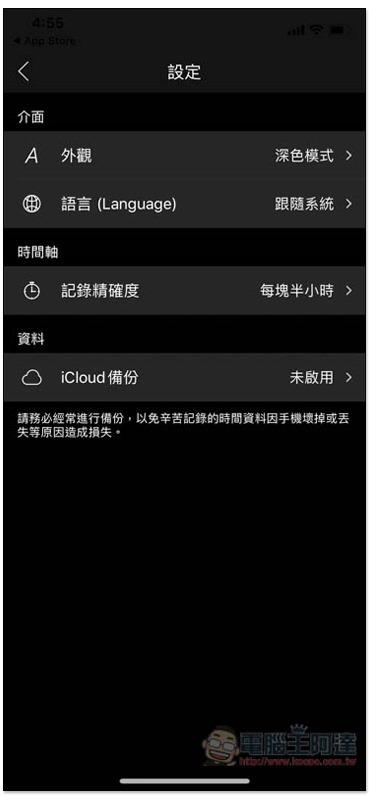
The time block on the homepage is also easier to read, highly recommended:
Supplementary information
Time Block Youth Edition download page:Click here to go
Source: KOCPC Chinese