


Recently, due to the Wuhan pneumonia, many companies, learning institutions, etc. have adopted the method of working and studying from home. For people who do not have remote working habits, home is warm but also full of traps, which often makes people feel that their time is wasted if they are not careful. If your willpower is relatively weak, you must not miss the application “Little Tomato” introduced to you this time. Let it use the popular “Pomodoro Technique” to help you allocate time!
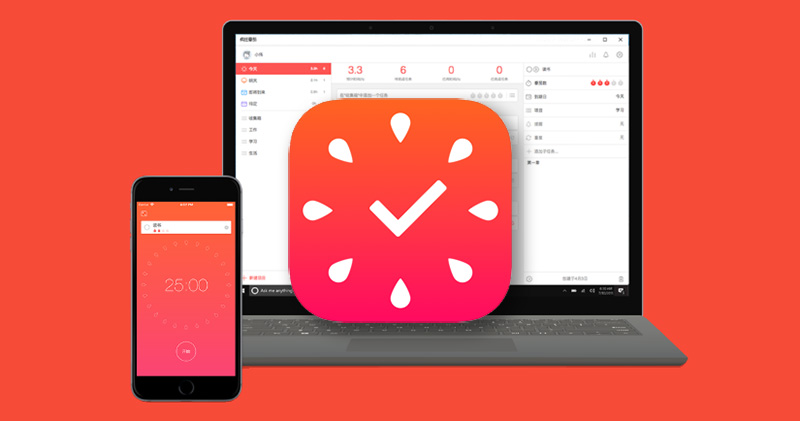
Not being productive at home? “Little Tomato” app helps you allocate your schedule and make good use of your time
The most common misunderstanding when working from home is to go to bed too late in the morning, and suddenly run off to do other things or browse the Internet in the middle of work. When you wake up, you find that you have not done anything you should do all day. The so-called “Pomodoro Technique” refers to taking 25 minutes as the basic unit. When you focus on working for 25 minutes, you can rest for 5 minutes. These time periods are called Pomodoros, which means tomato in Italian. You can rest for 15-30 minutes after every 4 times of execution. 25 minutes is an average time set by considering psychological, physiological and other factors. During these 25 minutes, you must eliminate all possible influences and external factors and focus only on the work goals you set. The “Little Tomato” app is used to help you implement the Pomodoro Technique and help you manage tasks.

Android download:Click here
iOS download:Click here
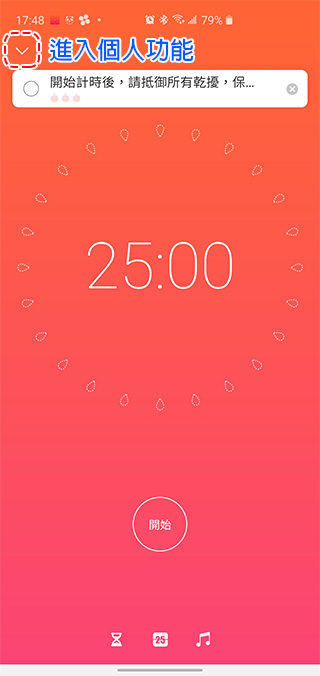
After opening the app, you will first see a timer page that says 25:00. You can enter the personal function page from the menu on the page and set the list according to the task type. In my case, I divided the list I want to complete recently into two tasks: work and general cleaning. If you want to set tasks in the list, just click on the list you selected, and you can directly add tasks and set the Pomodoro number. Pomodoros refer to the unit of time you want to spend on this task. Each Pomodoro is equal to 25 minutes of working time.
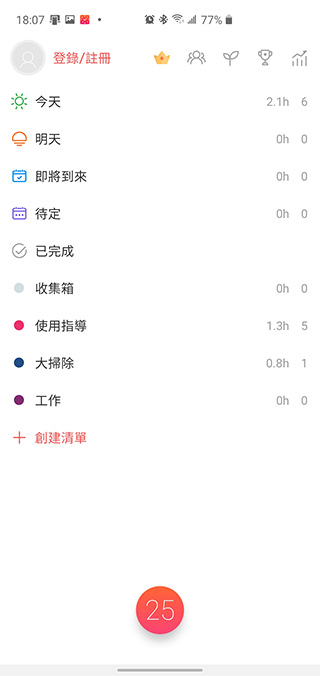
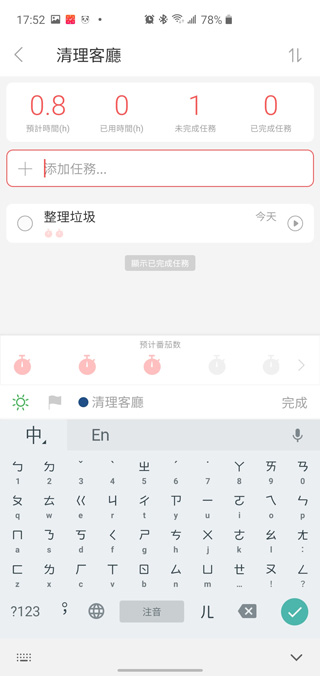
Click on the avatar part of the personal function to further edit more personal settings, such as adjusting the length of each Pomodoro according to each person’s concentration time limit, as well as prompts for arrival time, etc., and whether to enable the focus forest function.
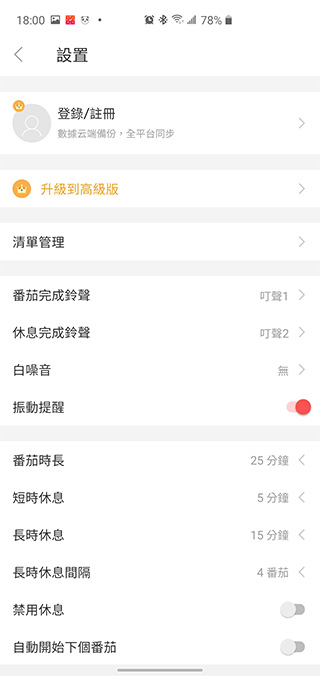
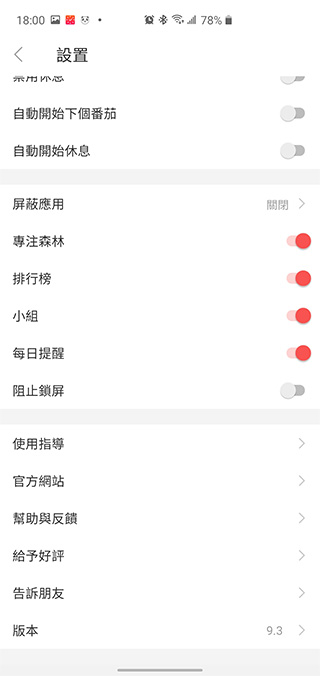
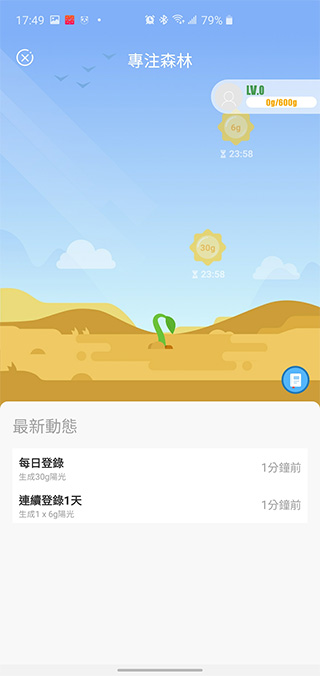
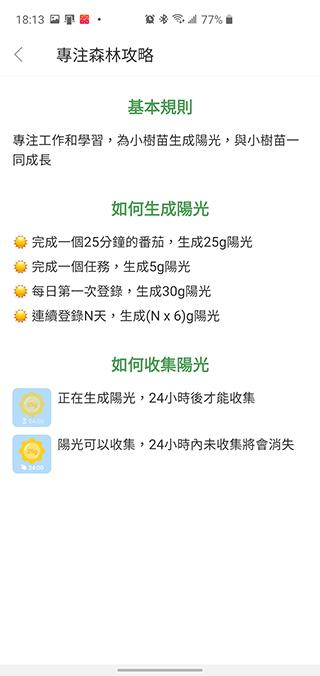
The so-called Focus Forest is an interesting feature included in this app. The longer you focus throughout the day, the more sunlight will be generated, allowing the saplings to grow with you.
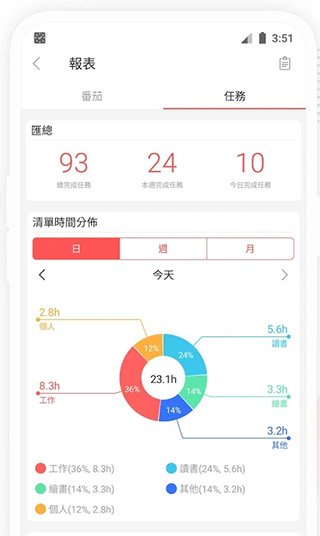
In Little Tomato, your focus process will also be recorded and a complete and detailed time report will be generated, allowing you to know more clearly what tasks you are spending your time on every day, every week, and every month.
The author personally thinks that the free basic functions are enough to help time management, but if you want to add unlimited lists, synchronize data with other devices, connect to the cloud and other advanced functions, you can use the profile page to upgrade to the premium version (permanent premium is 270 yuan). Are you also a person who works from home? Are you worried about wasting too much time on meaningless things? Let’s be tomatoes together!
Source: KOCPC Chinese