


Accounting has always been a test of perseverance and patience. Although there are many options in the App Store, most of them are too complicated. That is, you have to set up a lot of things every time you record expenditures. Over time, you will become more and more lazy, making it unsustainable. If you also encounter this situation, this free accounting app “Small Ticket Box” is worth trying. The accounting speed is super fast and can be completed in just a few seconds. The operation is very smooth. Currently only available on iOS.
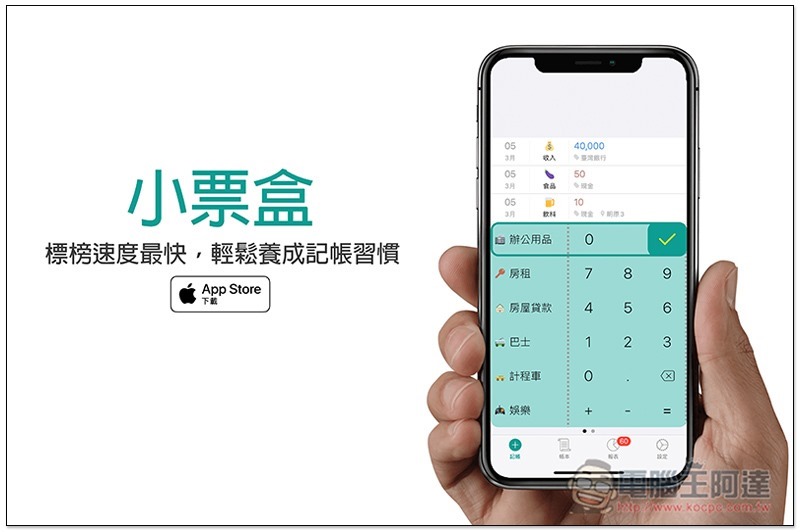
Receipt Box Free Accounting App Introduction
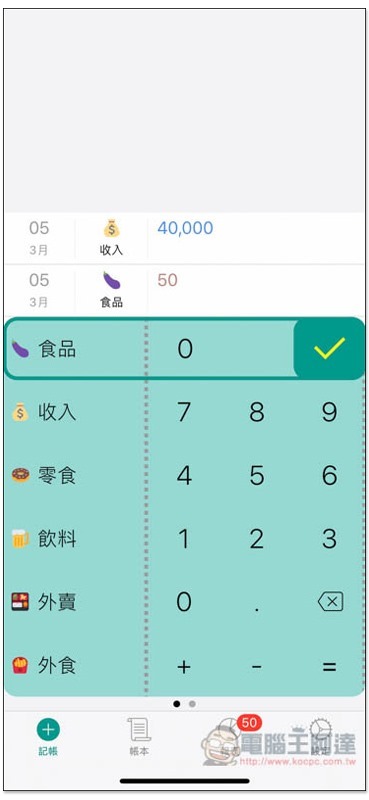
Although the interface design of the receipt box is not as exquisite as some accounting apps, it is really simple and easy to use. You can start accounting as soon as you open it. It has built-in up to 30 commonly used expense items. Slide up and down to switch. After selecting, enter the consumption amount on the right, and then press the “tick” symbol in the upper right corner, and you are done:
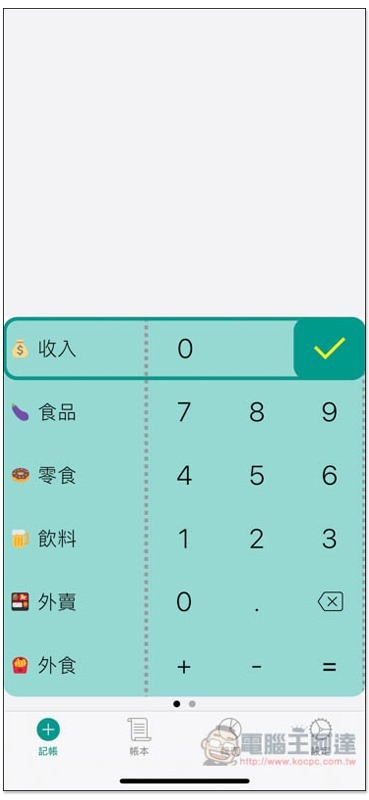
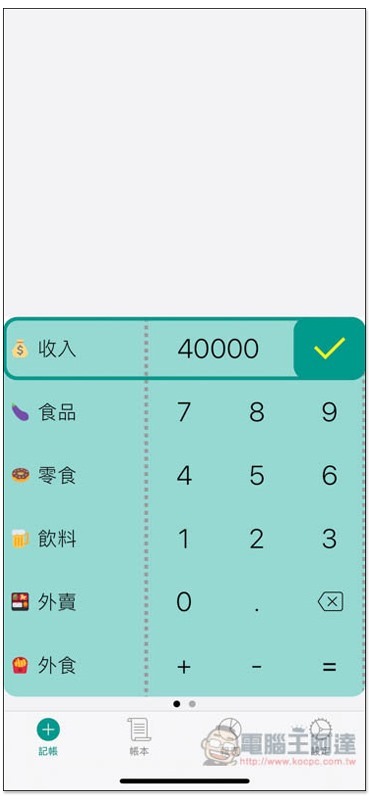
Taking income as an example, I enter 40000 and press the tick in the upper right corner:
This will appear at the top, with the date defaulting to today:
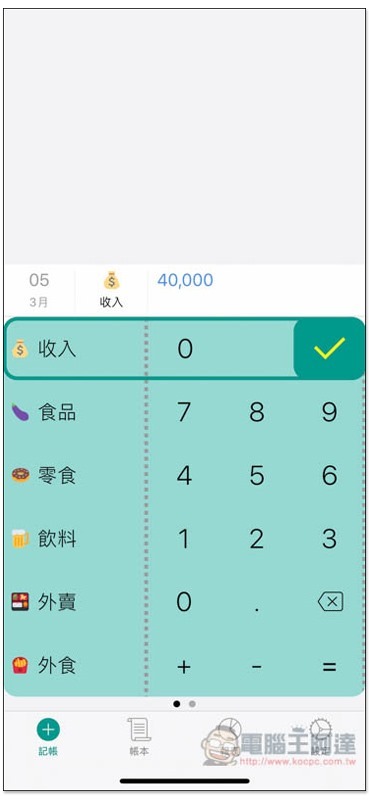
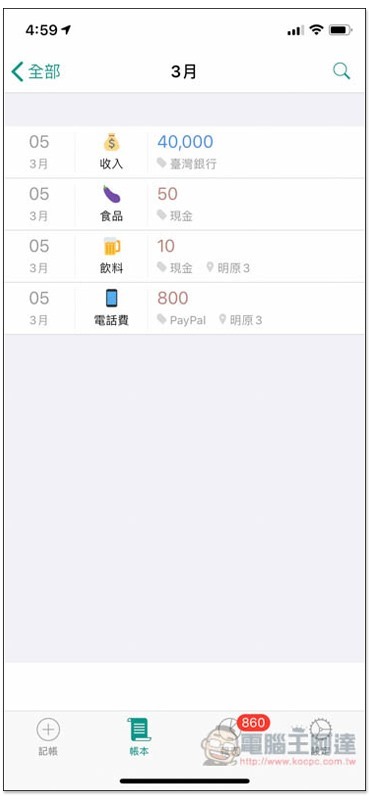
Subsequently entered items will be arranged below, with blue numbers representing income and light red representing expenses:
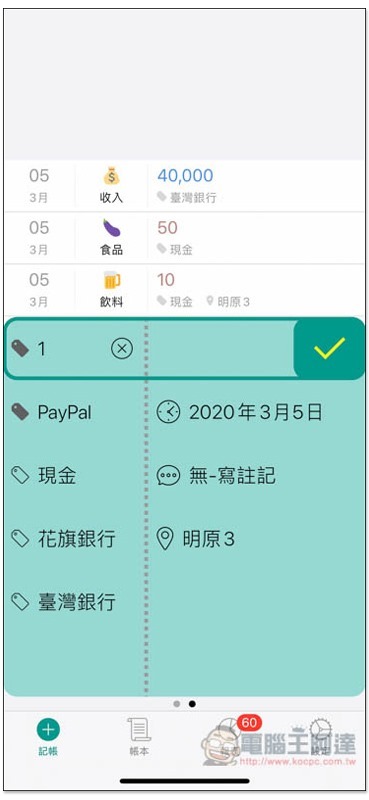
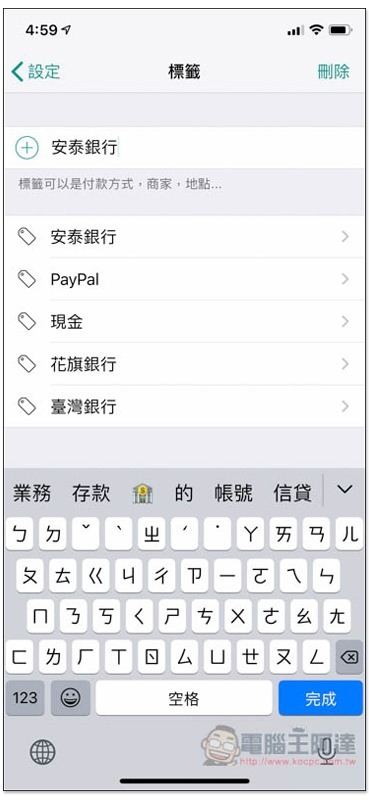
If you need, you can also specify the date and label (which bank, what payment method, etc.) for each expenditure or income. Swipe left on the screen to find it. In addition, if the positioning function is turned on, this account will automatically record your current location:
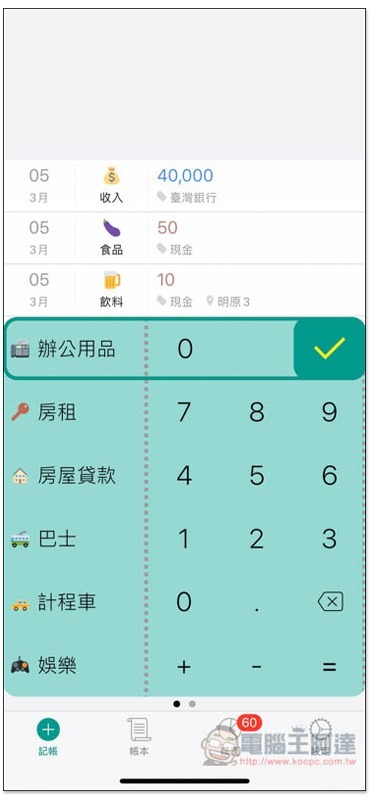
Basically, the built-in project categories are enough, and you can definitely find something suitable, such as rent, loan, bus, taxi, etc.:
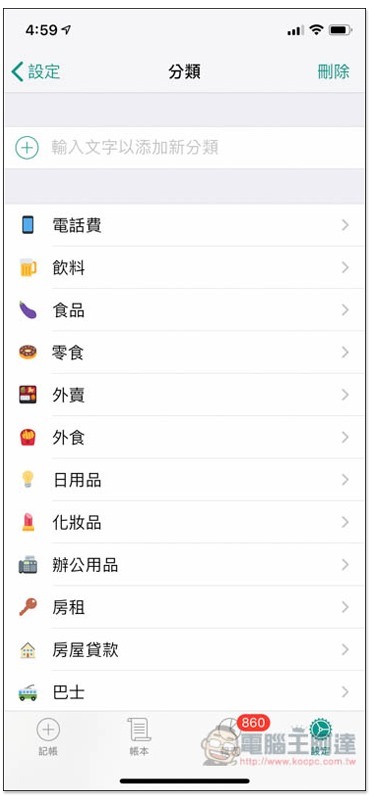
Of course, if you want to add more, go to the settings menu and you will find the classification and labeling functions:
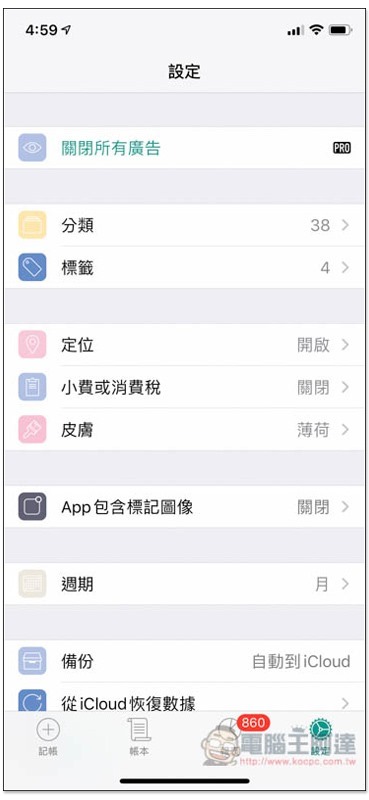
In the category menu, enter the name of the expense item you cannot find at the top, and then press + on the left:
The same goes for labels:
There is also a ledger page for you to view all expenses and income:
It also provides a report function, which will automatically calculate the accounting content you enter, and provide pie chart statistics so that you can quickly know the spending status of this month:
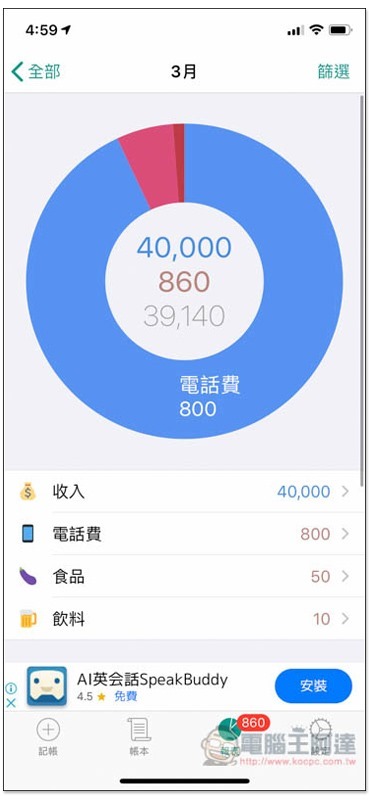
Each category and label will also be counted separately:

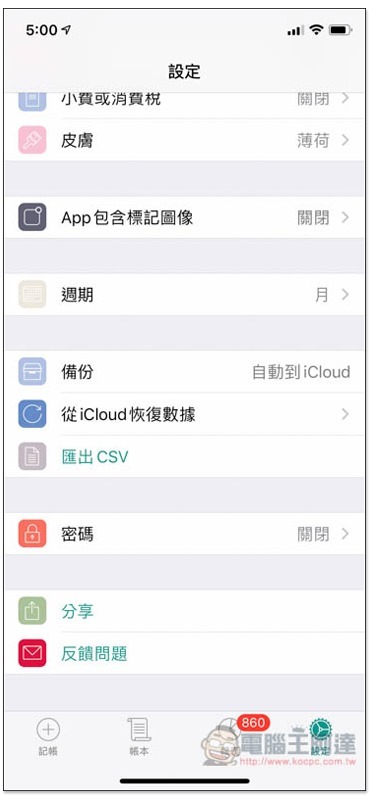
This one also supports automatic backup (with iCloud), but this must be upgraded to the Pro version to use it. The only difference between the free version and the professional version is advertising and backup, and there are no other restrictions:
If you are looking for something that is easy to use and can do accounting quickly, this one is really worth trying. I liked it after using it once. It is super simple and easy.
Supplementary information
Ticket box download page:Click here to go
Source: KOCPC Chinese