


Nowadays, there are many Apps that can realize YouTube music background playback, such as: iOS DownTube、MeTube(If you are looking for music to download,YoungTunes Very powerful), Android Videoder Wait, although they are all useful, they require additional downloads after all, which may be lazy or disliked by some people. Therefore, this article will teach you a very useful trick to achieve YouTube background playback through LINE.
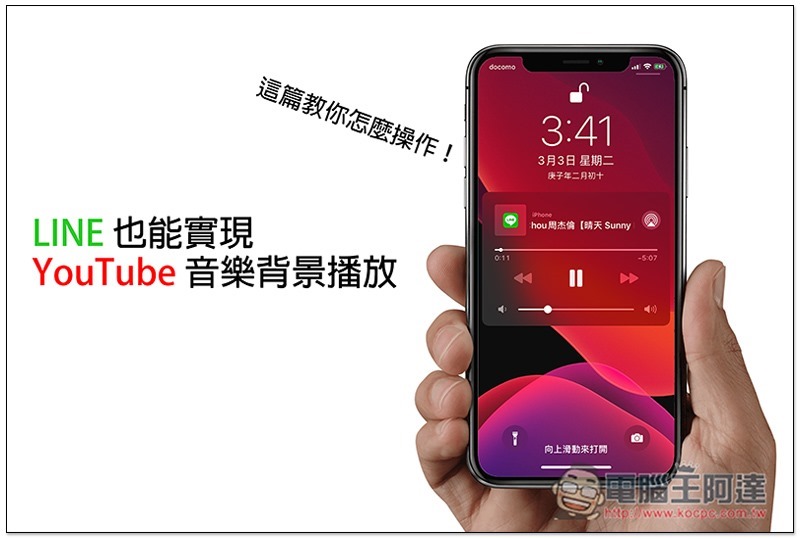
Teach you how to play YouTube music background through LINE
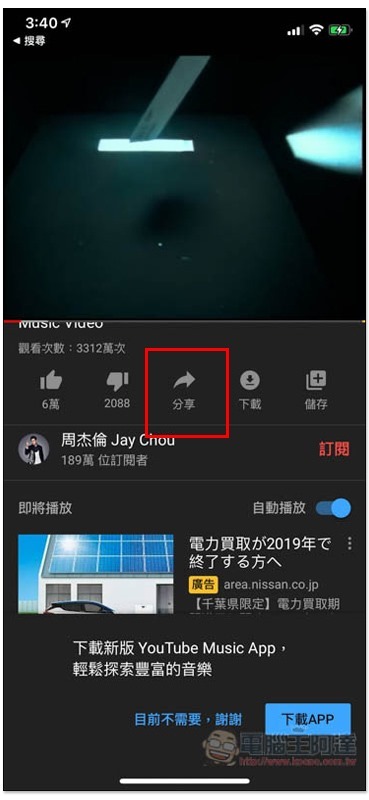
First open the mobile version of YouTube, find the song you want to listen to, and then click the “Share” function below:
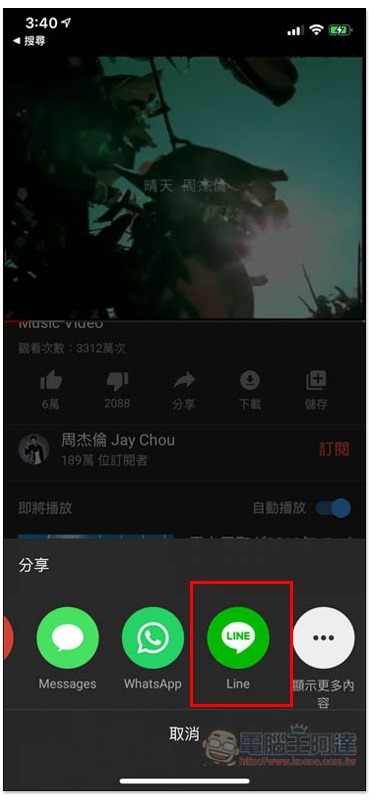
Find the LINE icon. If you don’t see it in the iOS version, please click “Show More” and you should find it:
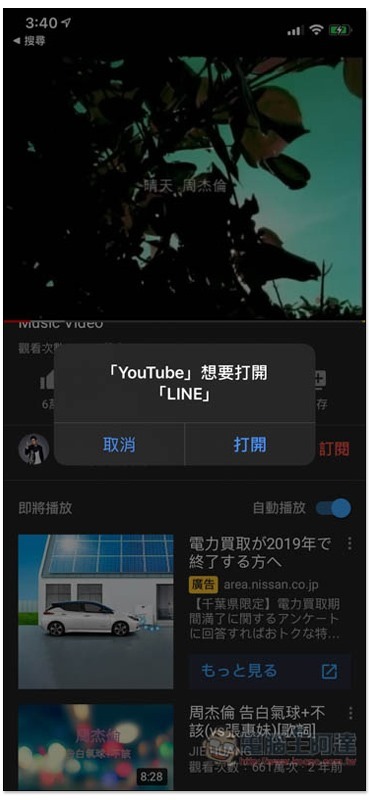
If a query window pops up, please click “Open”:
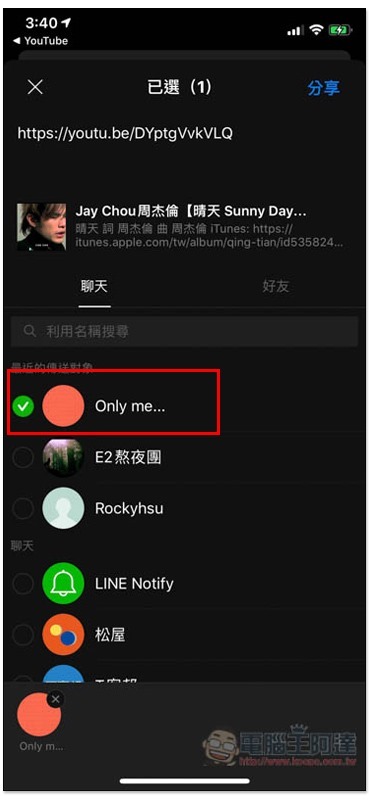
You will then be asked to choose who you want to share with. It is recommended to share with yourself (personal group) so that you don’t have to disturb others. If you don’t know how to create a personal group,Please refer to this tutorial. Of course, if there’s a person or chat window you can keep interrupting, that’s fine too:
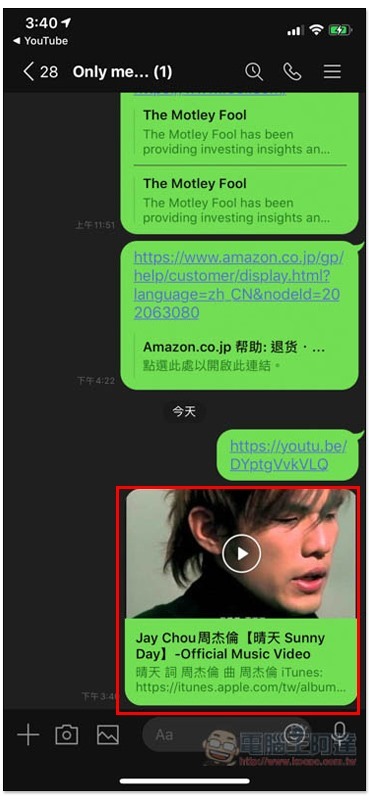
Open LINE and enter the chat window. You will see the YouTube video link you just shared. Open it:
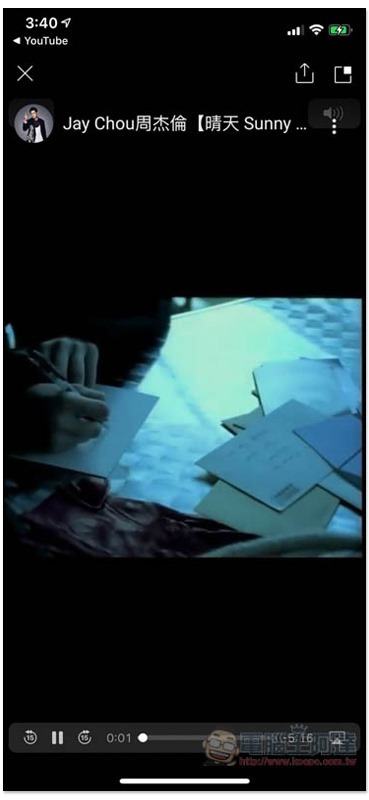
The screen will start to play and then jump back to the main screen of the phone (playback will automatically pause):
Open the control center and you will see the name of the video just played by LINE. Press the triangle key to continue playing:
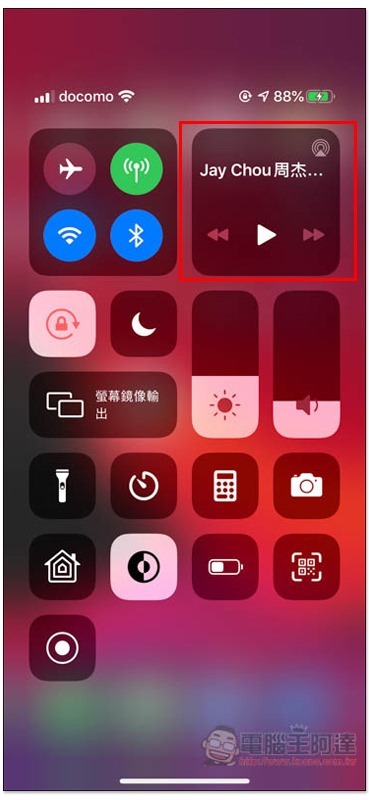
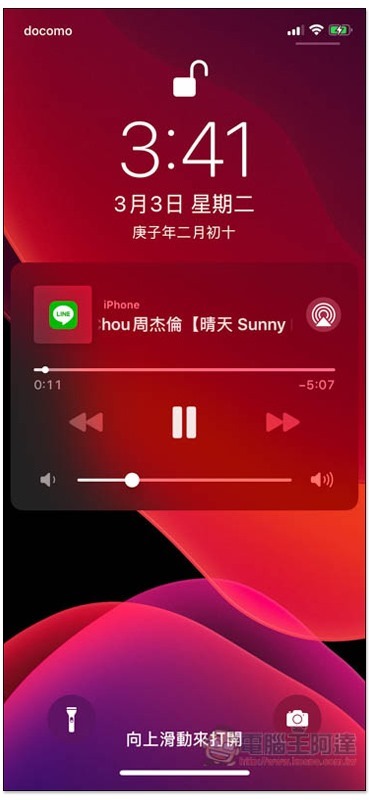
The measured lock screen will also continue to play:
However, this method is limited to a single YouTube video, and the playlist part is not supported. Simply put, after the playback is over, if you want to continue listening to other music, you must find another YouTube video link.
I personally recommend looking for YouTube videos where someone strings together many songs, so that you don’t have to worry about this problem and can keep listening (the one below is more than an hour long):

Source: KOCPC Chinese