


Many people should be like me and subscribe to many online services. Like me, I have Netflix, iQiyi, iCloud, Google Cloud, WSJ, Wall Street Journal, Adobe, etc. There are some overseas and domestic ones, so the currencies charged are different. Some are in US dollars, and some are in Taiwan dollars, which we have introduced before Billey、Bobby Two useful subscription service management tools can only use one currency, so it is difficult to grasp the amount accurately. The Subscriptions to be introduced in this article has a multi-currency function, and you can choose the currency fee charged by the service, so that you can have more complete control.
Currently only Android version.
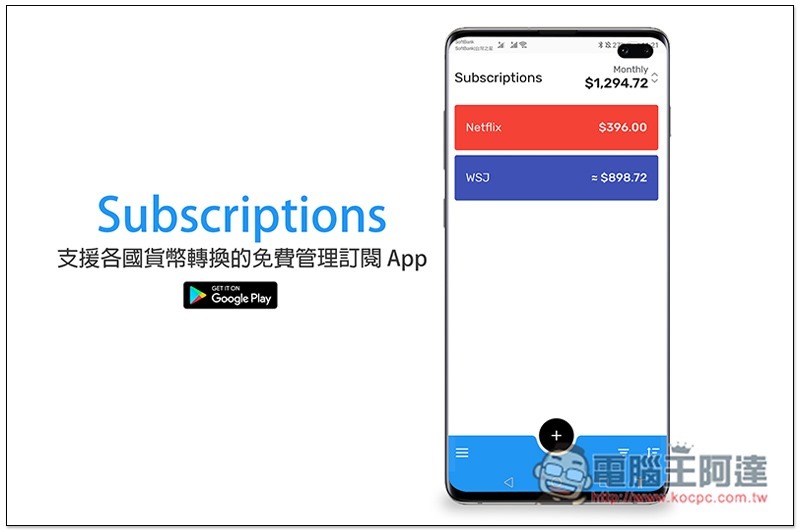
Subscriptions Free Management Subscription App Introduction
When you open Subscriptions for the first time, first select your commonly used currency (that is, the default). After that, each subscription management can be modified individually:
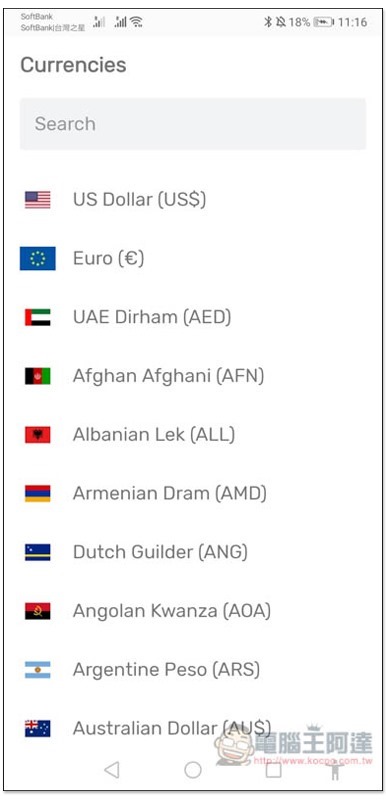
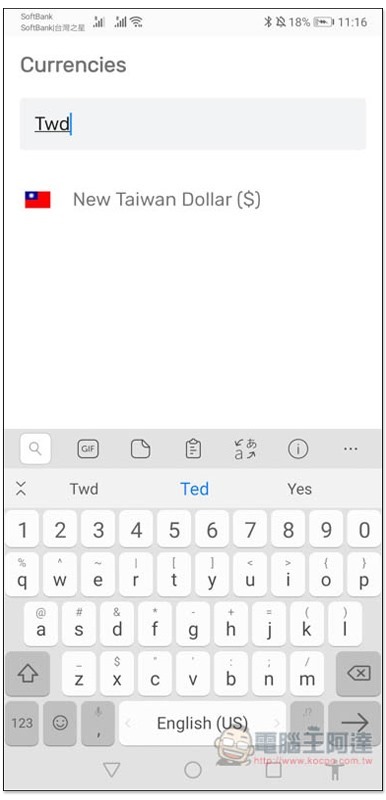
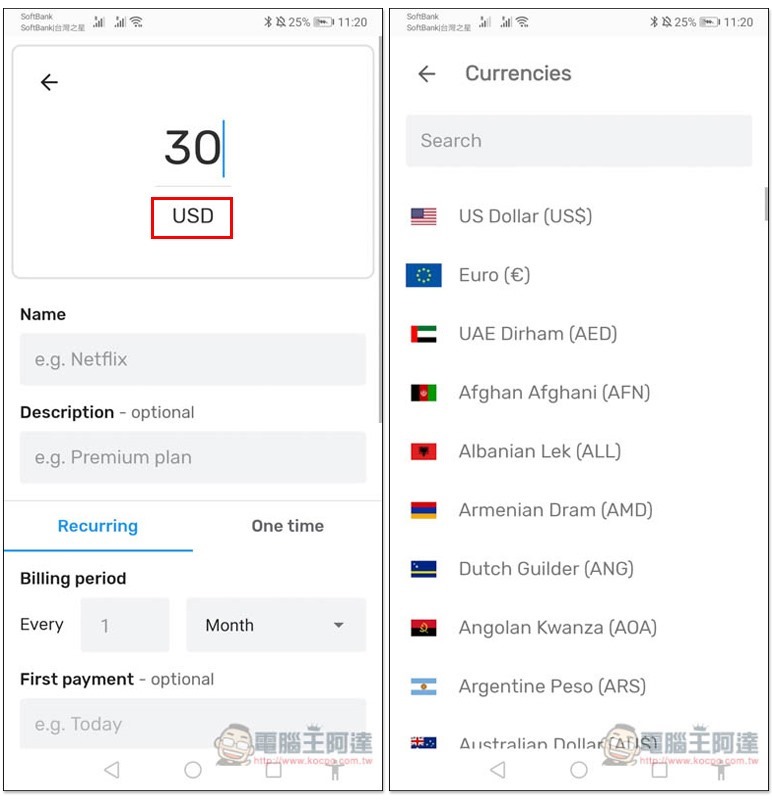
There are currency units in almost all over the world, so it is recommended to enter keywords directly above for easier search:
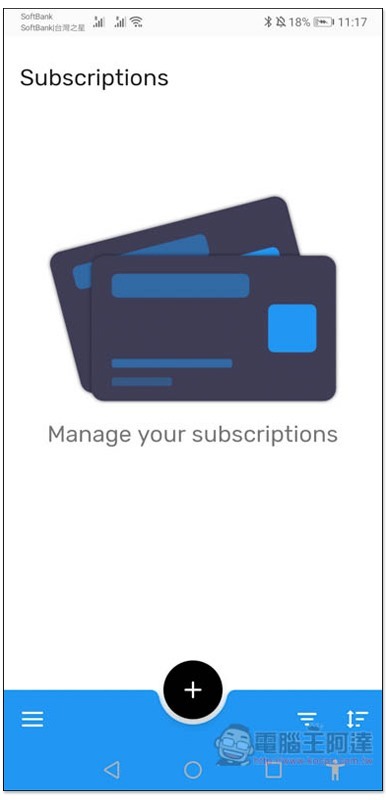
Then you will jump to the main screen, click + to add a new subscription service. This set does not currently support Chinese language, but it is very simple to use, so don’t worry too much:
Enter the amount to be charged above, and Name is the name of the subscription service:
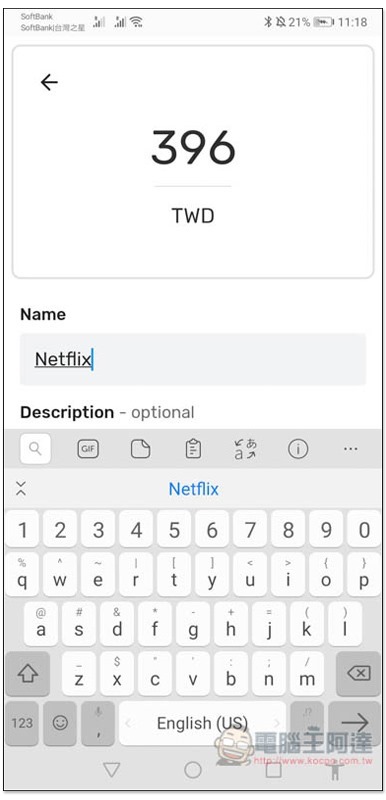
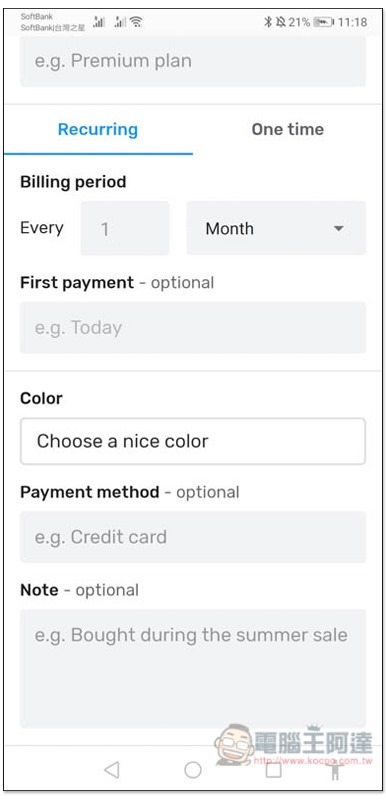
Billing period is the payment period. The default is once a month. If you charge once a year, click the down arrow on the right side of Month to switch. First payment The first payment information depends on whether you need it or not. If not, skip it. In addition, in addition to recurring payment (Recurring), this set also provides one-time switching:
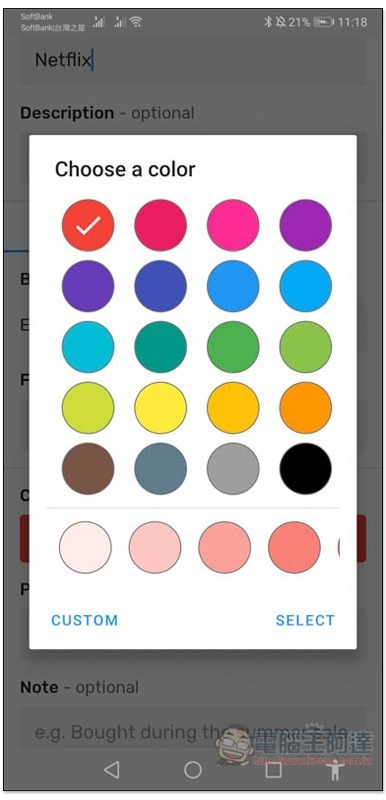
Color selects a color to help you quickly identify each subscription service:
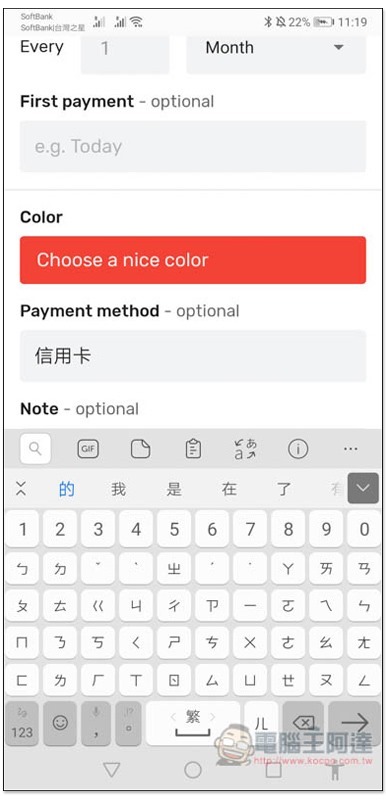
Payment method The payment method is also optional. You can enter which credit card, or which bank to use for remittance, etc.:
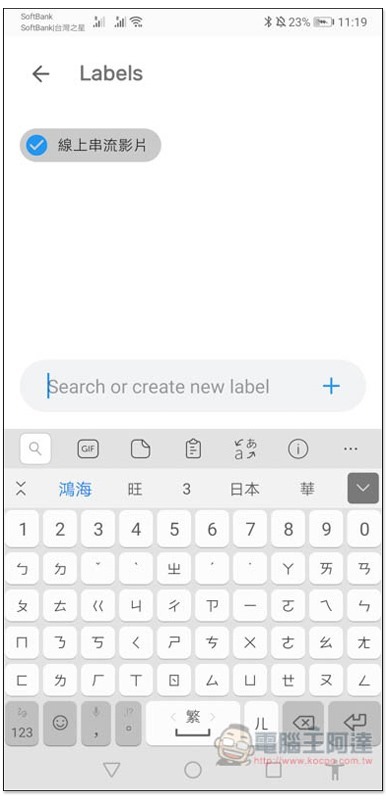
Tag functionality is also supported:
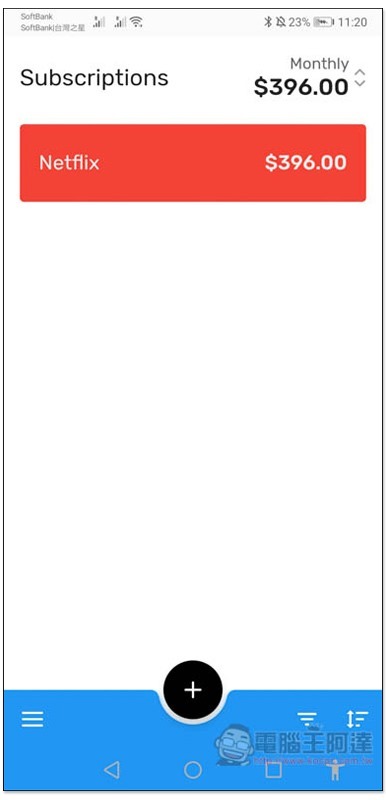
After saving, the subscription will appear on the main screen:
When adding a new subscription service, you can switch to another currency unit according to the currency unit below the price:
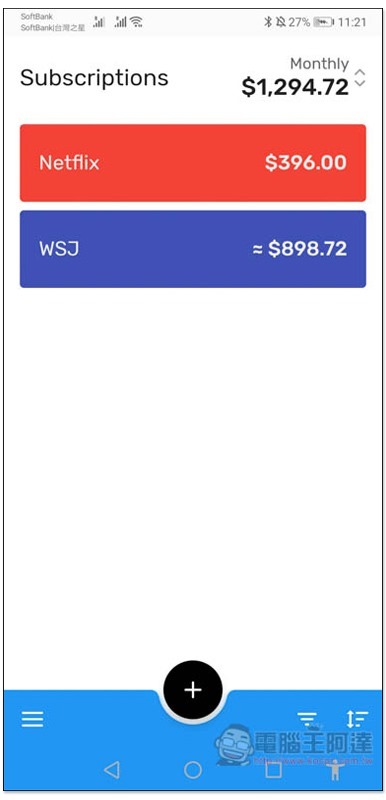
The foreign currency part will automatically be converted into approximately Taiwan dollars for you. Monthly at the top is the total monthly expenditure:
This set also provides a backup function with Google Drive. Those who need it can find it in the menu in the lower left corner (Backup):
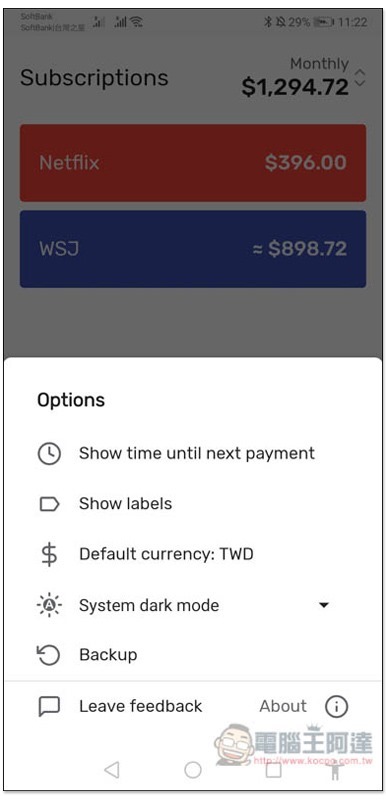
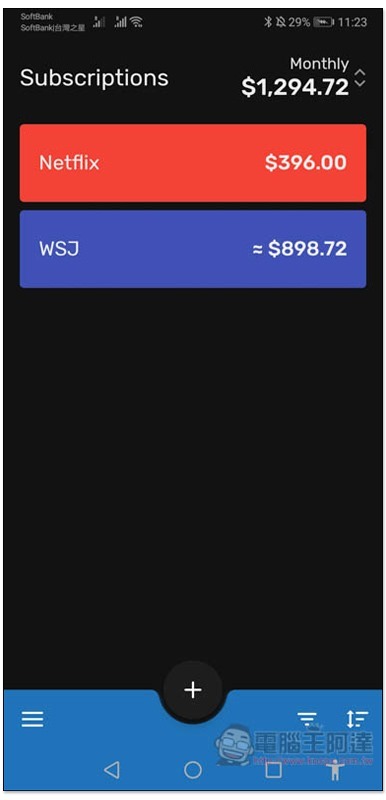
Support dark mode:
Supplementary information
Subscriptions download page:Click here to go
Source: KOCPC Chinese