


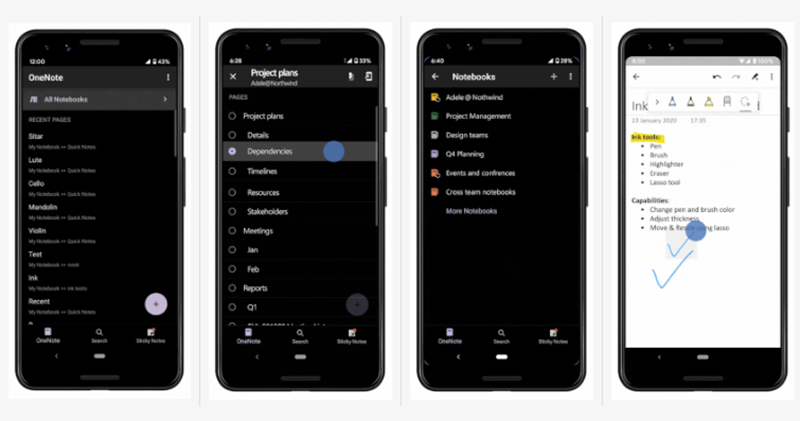
Apart fromIf we stay together for a long time, we will separate. If we stay apart for a long time, we will unite.Re-integrated Office apps, Microsoft also has some new updates for its signature note-taking application OneNote. One of the biggest highlights is probably the introduction of the Dark theme, which is less dazzling in low-light environments (finally), and there are also many good features added. Continue reading OneNote mobile version finally has a dark mode and better drawing functions.
▲Image source: Microsoft
OneNote mobile version finally has a dark mode and better drawing functions (see here for how to enable it)
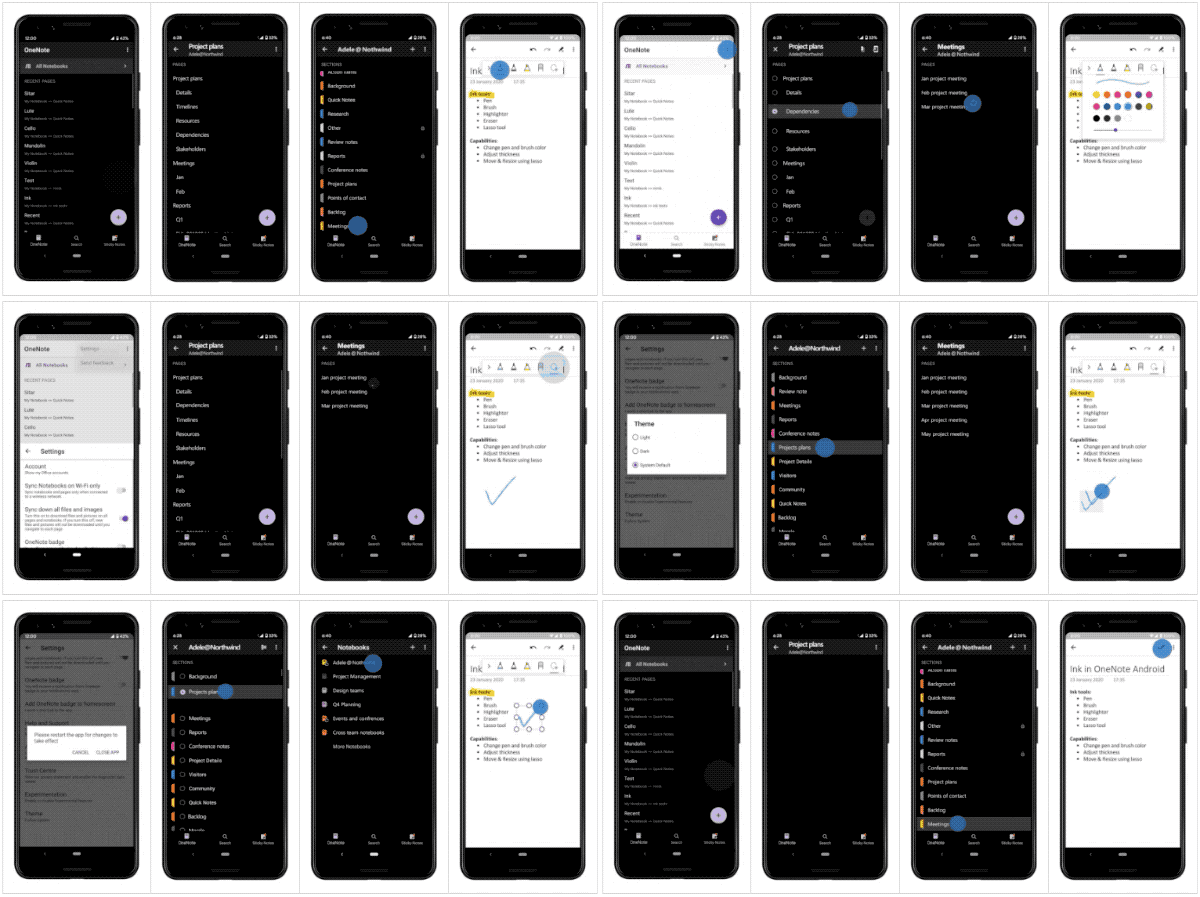
Friends who like to use OneNote to take quick notes or even draw, the new version of OneNote has introduced dark theme support for the Android version that can follow system settings changes (Want to customize it? It’s easy)You can choose Light or Dark theme in “Settings > Theme”). After selecting this theme, the note interface will be converted to white text on a black background, and related interfaces will also change.
▲Image source: Microsoft
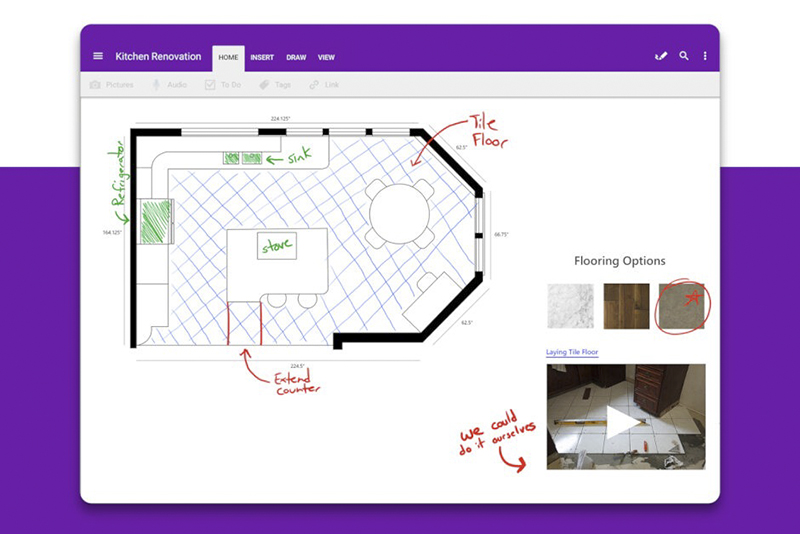
This update is not only for the theme, but also has small improvements in functionality. For example, two new bright colors have been added to the drawing tools, and two more types of brushes, highlighters and erasers can be used. A selection tool has also been introduced, allowing you to quickly rearrange the position or change the size of objects and other editing operations.
▲Image source: Microsoft
If you want to arrange your own note content list, this Microsoft OneNote for Android update also provides the function of long pressing to change the order. Another update to the interface function also introduces the currently common drop-down reorganization function, allowing users to quickly synchronize note data with gestures. This update is said to have been pushed to Google Play. I wonder if it will also be available on iOS soon?
Click here to download Microsoft OneNote(Google Play)
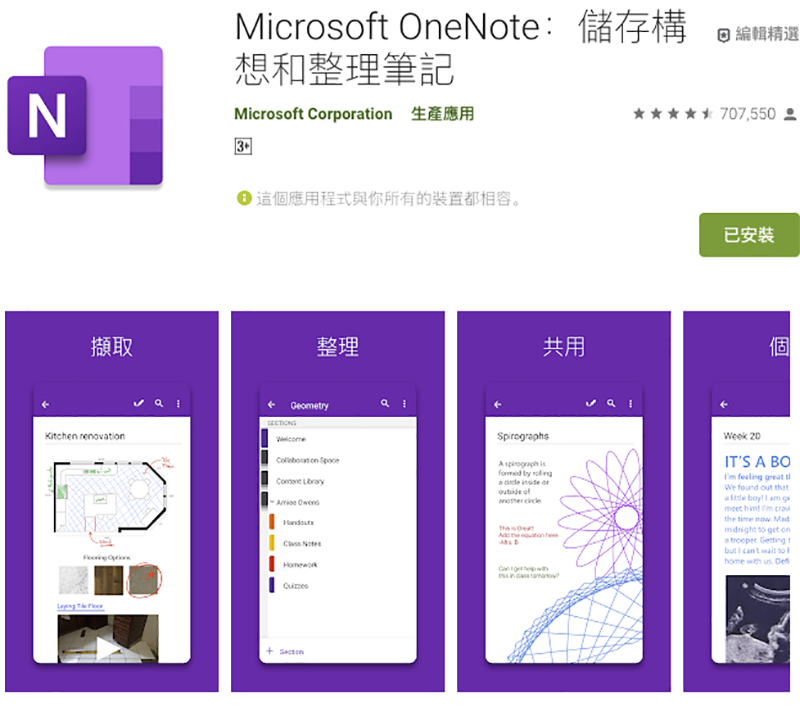
Take your notes, your way in #OneNote for Android. Learn more about the four key updates rolling out now: https://t.co/yUt3jhKwJk pic.twitter.com/Zm8OZX8Cxn
— Microsoft OneNote (@msonenote) February 26, 2020
Pictures/sources cited in this article
Further reading:
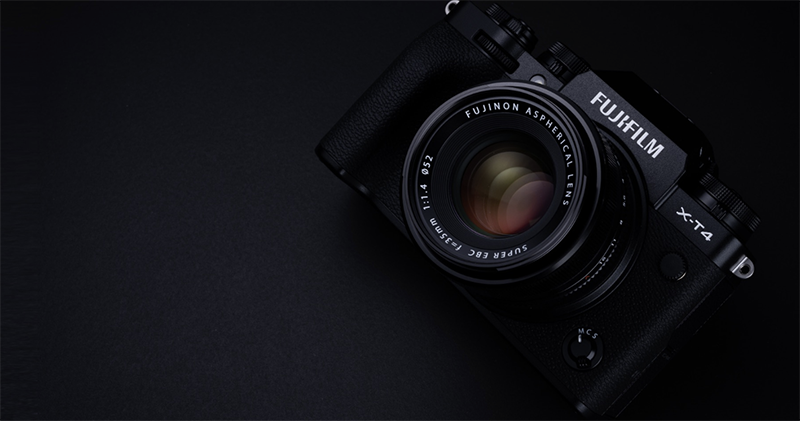
Fuji X-T4 mirrorless debut: 4K 60fps, fully flipping screen, anti-shake body, improved battery life

Source: KOCPC Chinese