


When it comes to finding a job, most people are still accustomed to searching on labor bank websites such as 104 and 1111. Now there is actually a faster way, which is to use “Google Job Search”, which is somewhat similar to the job search version of Google search. After entering the name and region of the job you are looking for, it will list all the relevant job openings in the labor bank, allowing you to view them at one time without having to search on the labor bank individually, making your work more efficient. Even platforms such as Recruit and LinkedIn are supported, and you can also search for foreign jobs.
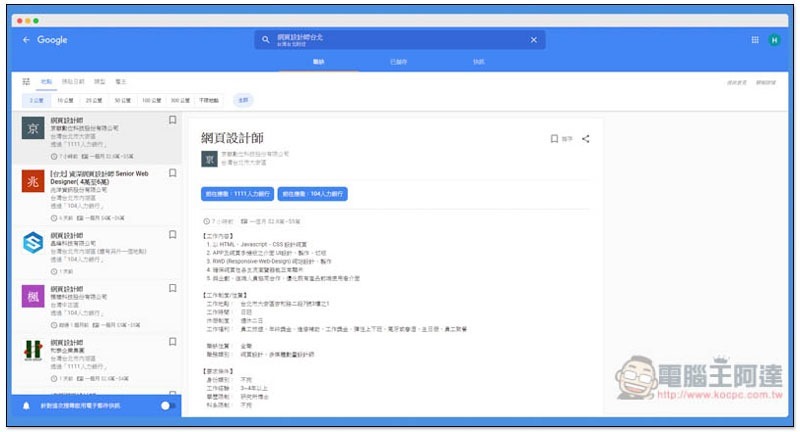
Google job search introduction
At present, it stands to reason that if you enter job vacancies + jobs through the Google search function of your mobile phone, the Google job search results should appear. If you don’t see them,You can click me to jump to the web version。
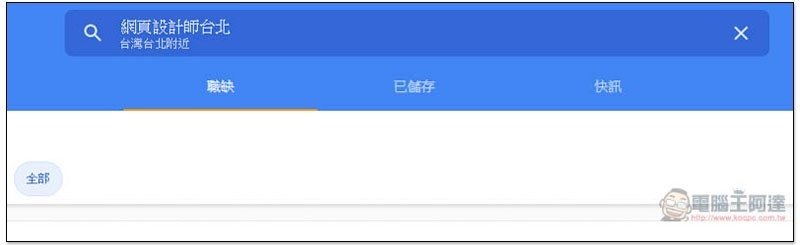
After entering the Google job search page, enter the name of the job you are looking for at the top. By default, it will search for jobs near your current location. For example, if you are in Taipei now, jobs in Taipei will be displayed. If you want to find a job in another city or country, add the name of the city or country at the end:
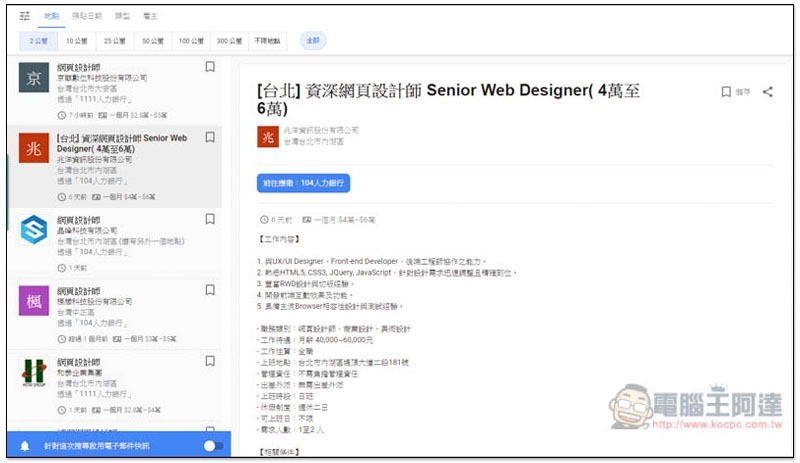
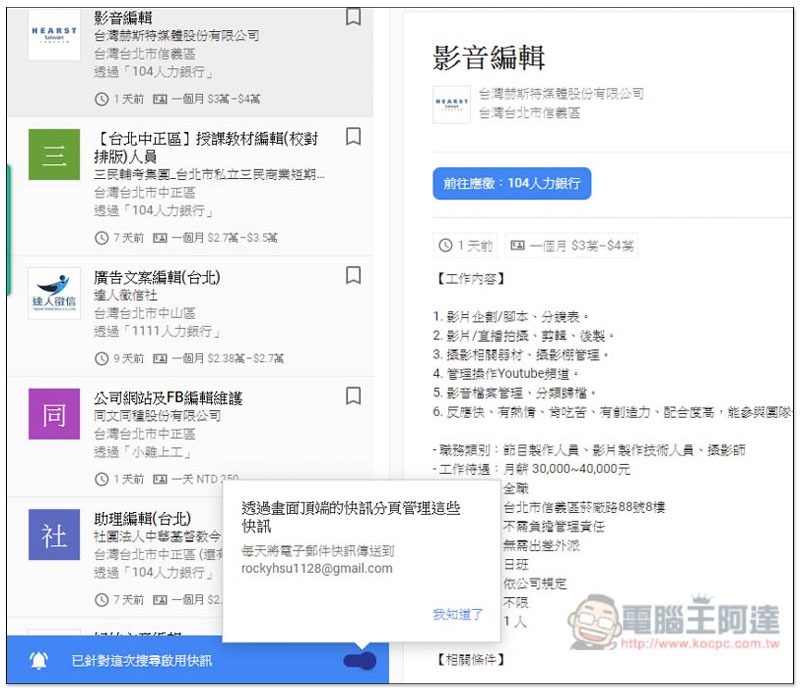
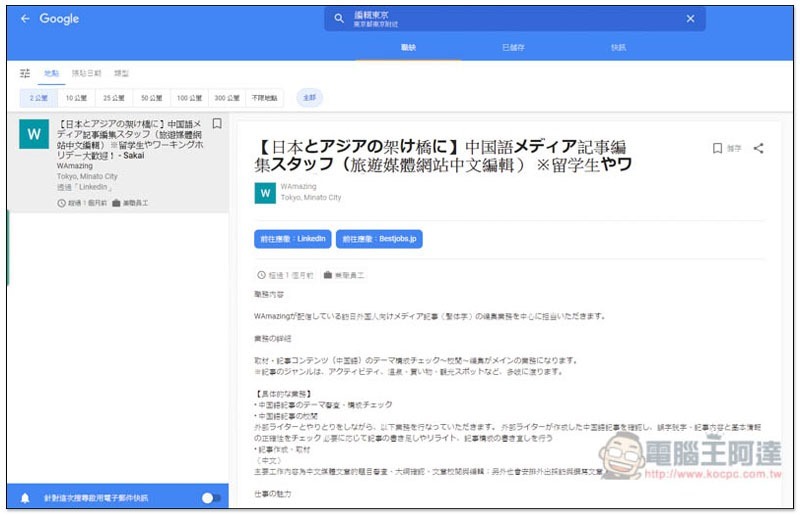
The menu on the left will list relevant job vacancies on all labor bank websites. In addition to the commonly used domestic job banks, such as: 104, 1111, 518, and yes123 job search websites, it also supports foreign Linkedin, Recruit.net, MichaelPage, Jobs77.com, etc. (if there are also relevant job vacancies). After clicking on the job you want to view, relevant descriptions will be displayed directly on the right, such as: job content, salary, company name, work location, etc., just like what you see on the Human Bank website:
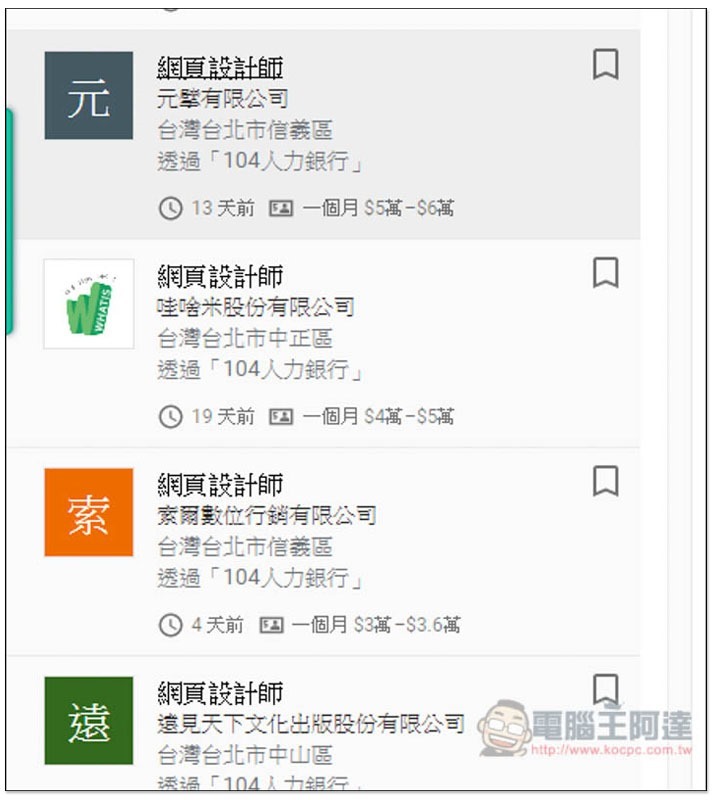
What I personally think is the best thing is that if the company has published salaries in the left menu, they will be listed directly below, so that you can quickly filter out unsatisfactory salaries:
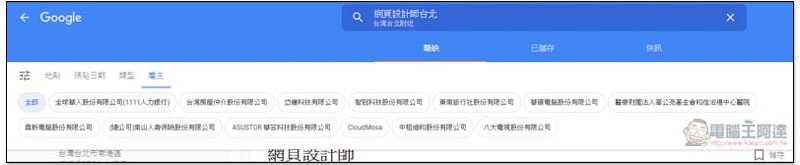
There are also some filtering options above, such as: location (close to far from your current location), posting date, type, employer:
If you don’t like the current job vacancies, you can also turn on the enable alert function in the lower left corner. As soon as Google finds this keyword appears in a new webpage, it will send you an email notification so that you can receive the latest job information as soon as possible:
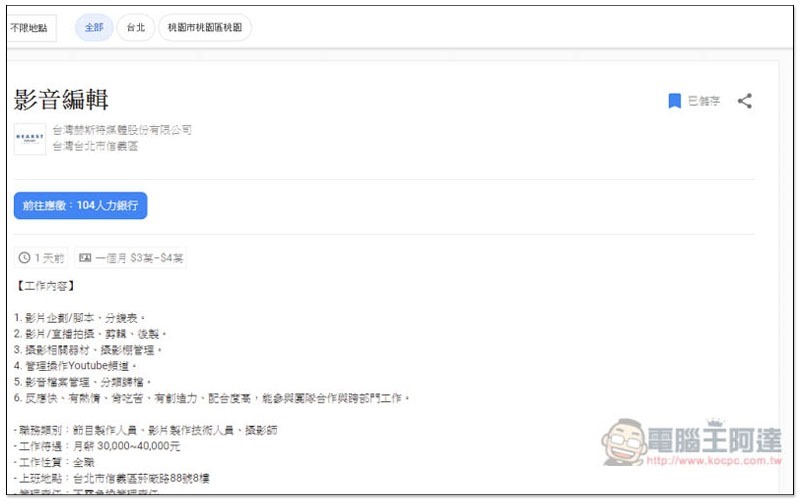
If you think the job openings are good, you can click the bookmark icon on the upper right to save them:
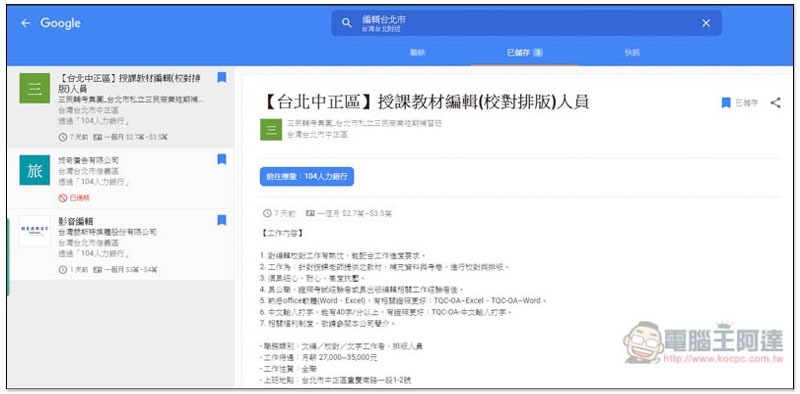
These job vacancies will be organized into saved menus to facilitate your second or final selection:
For friends who are interested in developing abroad, you can also search for foreign job vacancies on Google Job Search. It is recommended to use English or local language, and you will find more results:
Supplementary information
Find a job on Google:Click here to go
Source: KOCPC Chinese