


The latest version of Wear OS has officially launched, coinciding with the rollout of Android 17 on Pixel phones. Overall, Wear OS 7 doesn’t look dramatically different from its predecessor, Wear OS 6, but this update brings several new features—some are already available, while others will roll out gradually over time. If you just updated to Wear OS 7, you might not be sure what’s changed, so here’s a roundup of the key updates you won’t want to miss.
Wear OS 7: New Features and Compatible Models Explained
Currently, Wear OS 7 is rolling out updates to watches that were originally running Wear OS 6, while future new Wear OS devices, such as the Galaxy Watch 9, are expected to ship with the new system preloaded. Devices confirmed to be eligible for the update include:
- Google Pixel Watch 4
- Google Pixel Watch 3
- Google Pixel Watch 2
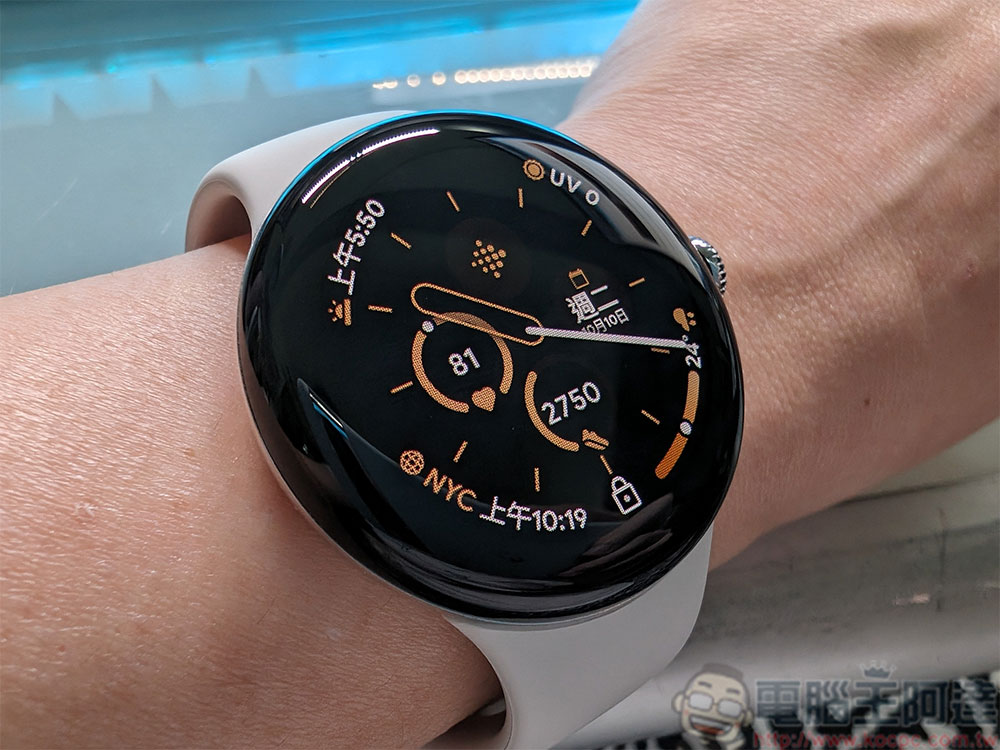
Beyond the Pixel Watch series, earlier Galaxy Watch models (including the latest Galaxy Watch 8 lineup) are also expected to join the update roster; other brands’ Wear OS devices may receive updates as well, though no specific timeline has been announced yet. Visually, Wear OS 7 continues the Material Design style with no significant changes compared to Wear OS 6. However, Google has made considerable optimizations at the system level and added several new features, some of which are already available, with more to follow in future releases.
Real-time update notifications
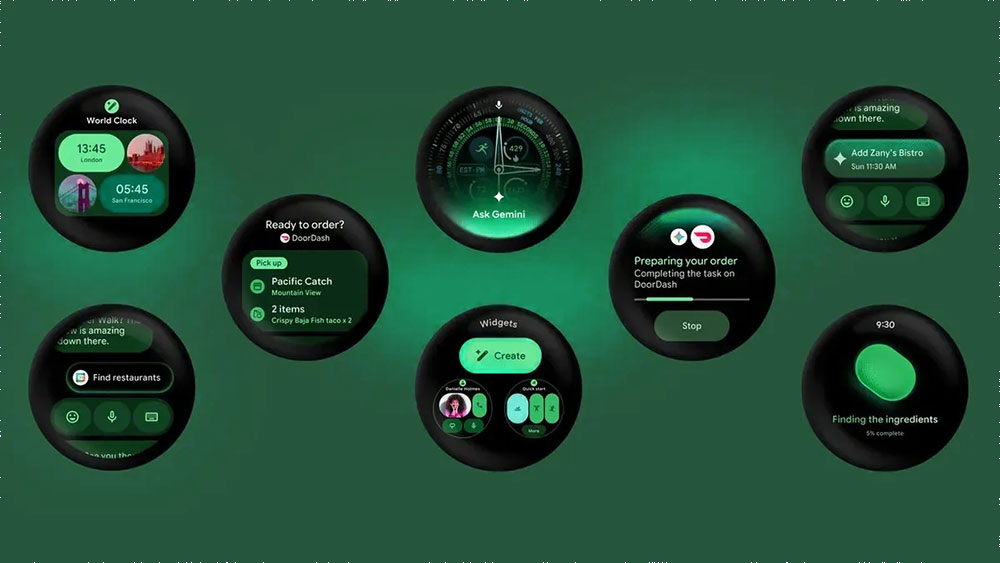
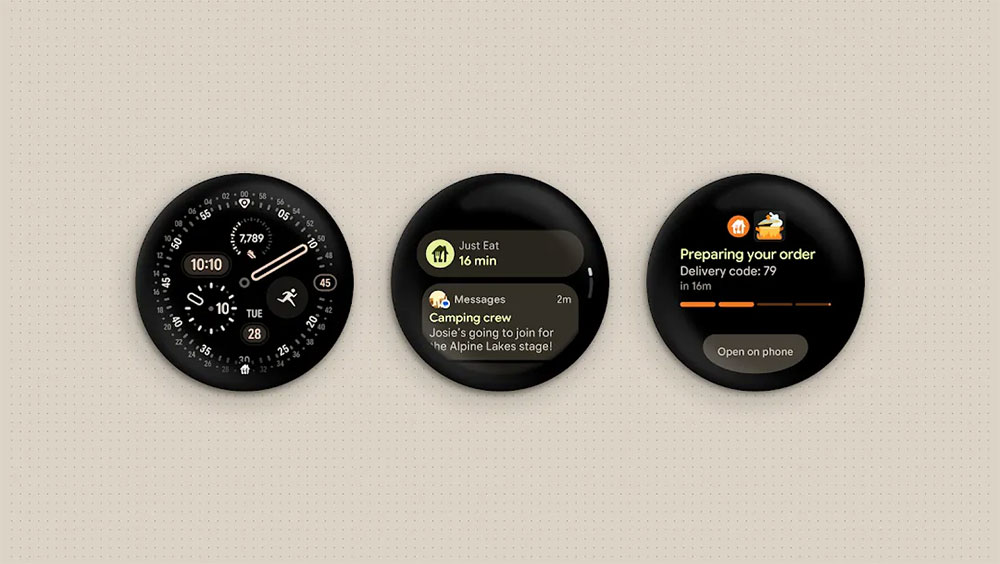
Android’s real-time update notifications are coming to Wear OS 7, letting you view delivery progress, sports scores, and more on your watch in real time. Simply tap the notification icon to access the notification view for full details.
Remote Media Routing and Application-Level Auto-Start
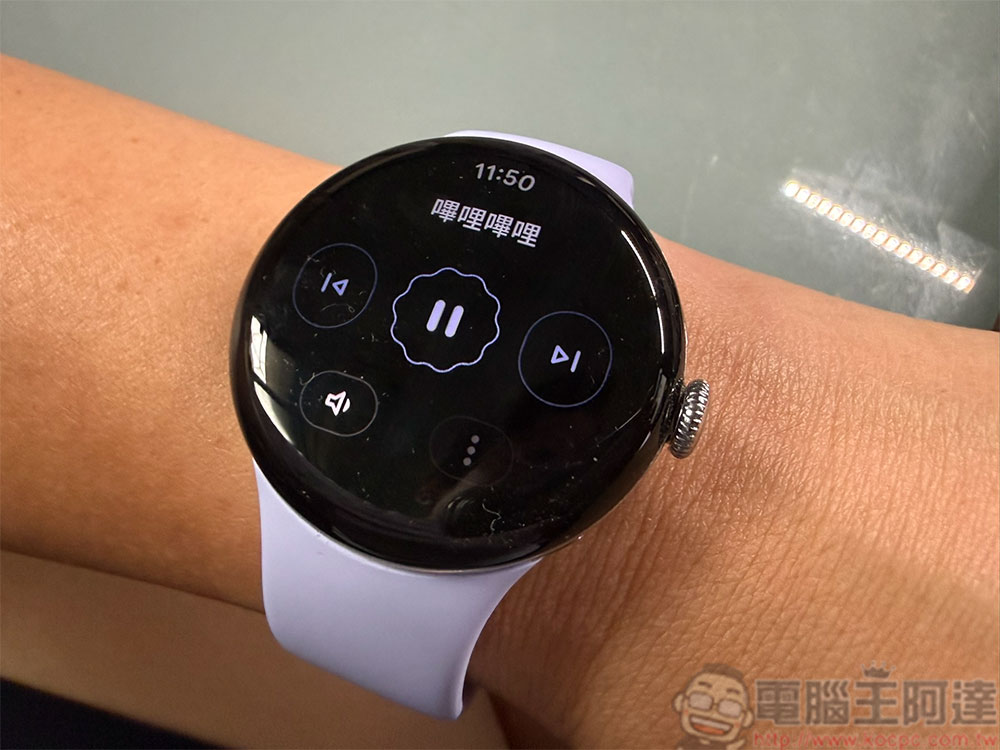
Wear OS 7 will change how media playback is handled. You can choose which apps are allowed to automatically launch the media player, such as YouTube, YouTube Music, or Spotify.
When playing audio, you can also switch the audio output source directly from your watch. If you’re playing music on your phone, you can also use your watch to switch the audio to other connected devices, such as smart speakers.
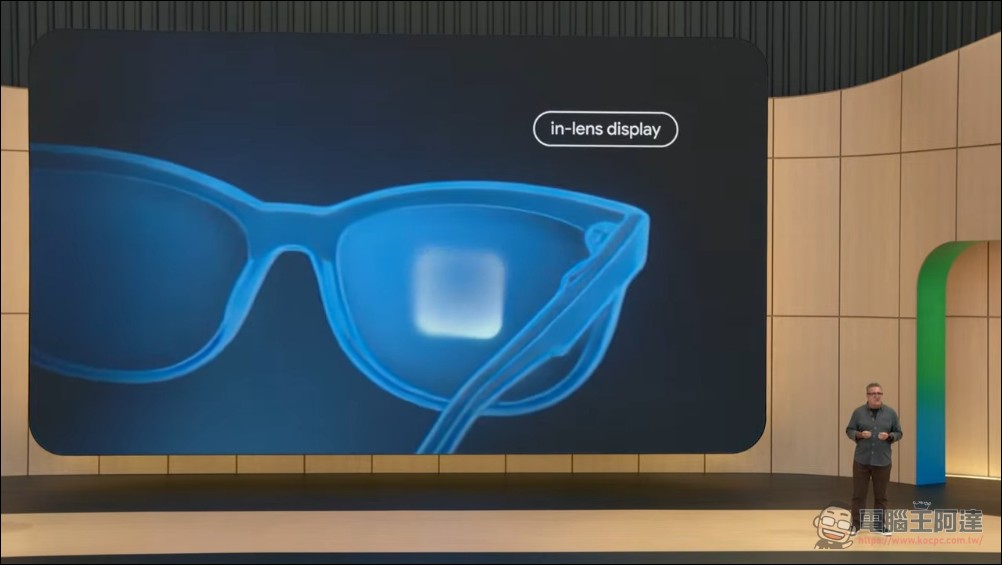
Android XR Control
Android XR devices launching later this year will offer deep integration with Wear OS 7. Google’s demo showed how taking photos with connected Android XR glasses syncs the preview to your watch. Other interaction methods between watches and XR devices remain to be seen.
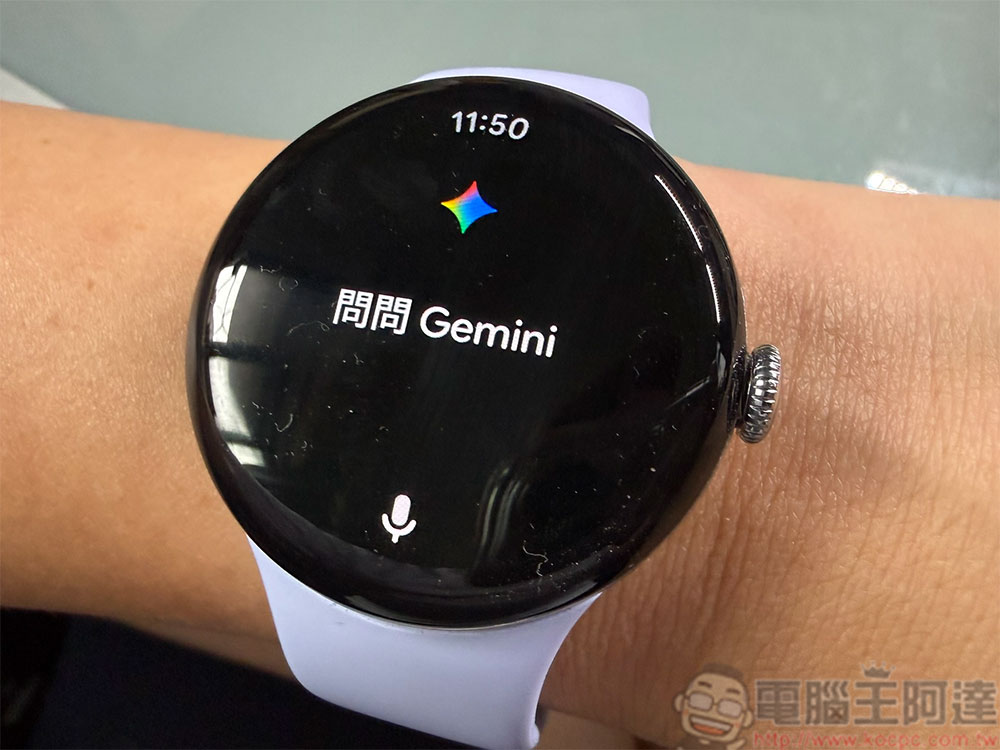
Latest Gemini Update
Gemini sees significant changes this time around, including the adoption of an entirely new neural expression design language for a smoother, more natural interface. The feature set is further enhanced through Gemini Intelligence. Wear OS 7 users can directly invoke Gemini on their watch to trigger automated tasks on their phone and track task progress right from the watch. Additionally, Gemini can extract personal context from connected apps like Gmail, Search, and other information services to provide more precise suggestions and responses.
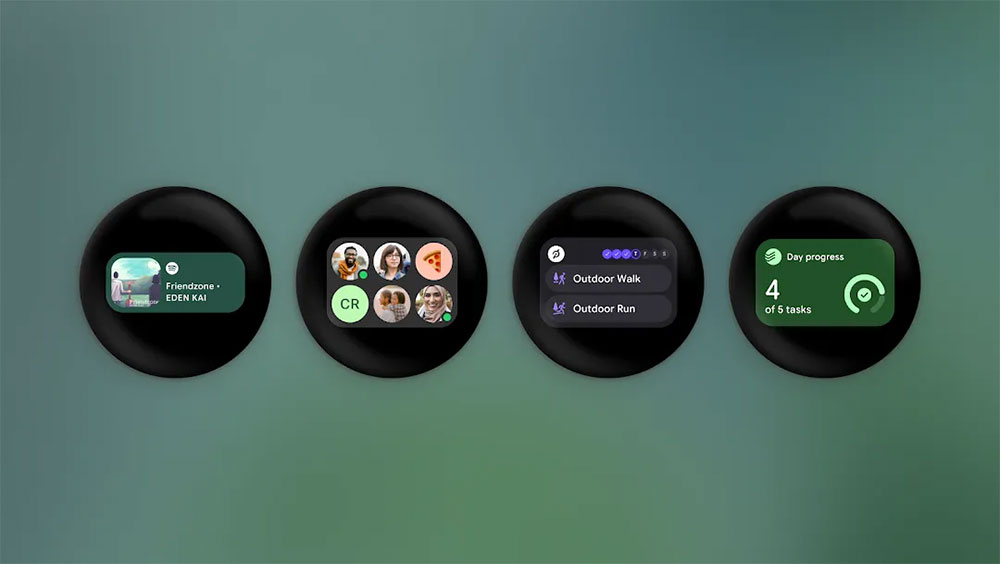
Widgets
Widgets are the next evolution of Wear OS Tiles, enabling developers to create more flexible, dynamic information dashboards that keep the watch app experience consistent with your phone. Paired with Gemini Intelligence, you can even describe what you need in natural language, and Gemini will generate a custom widget for you, quickly displaying the information you want.
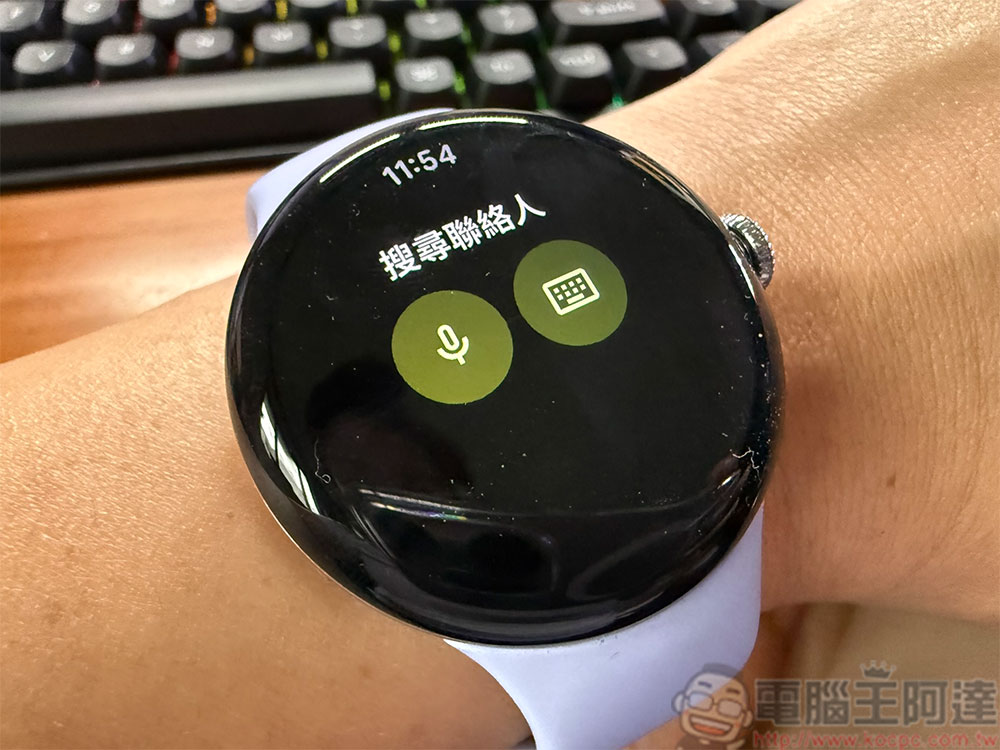
Google Contacts App Update
The Google Contacts app receives multiple experience improvements. When searching contacts, it now uses a three-button layout with support for keyboard and voice input, making search faster. The interface has also been updated, including a clearer favorites list, more intuitive quick action buttons, and larger contact photos.
Emergency Share
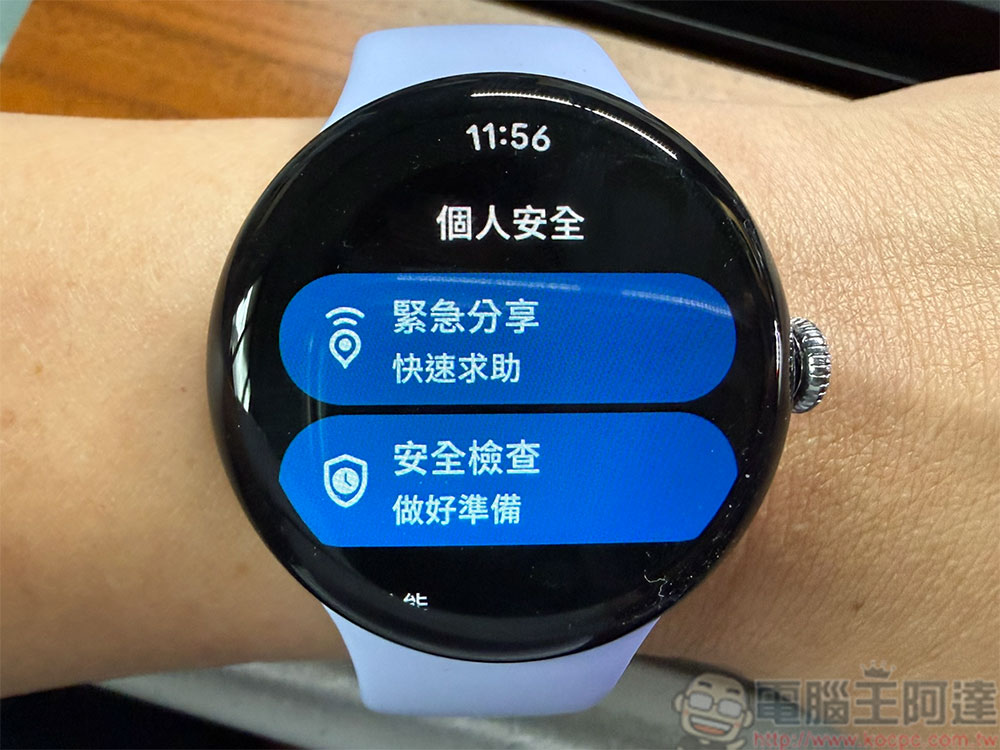
In the Safety & Emergency Call settings, Loss of Pulse, Crash Detection, and Fall Detection now have a new Emergency Sharing option. When enabled, if you are unresponsive and the system detects a fall, crash, or loss of pulse, your watch will automatically share your location and relevant information with emergency services.
Built-in fitness tracker
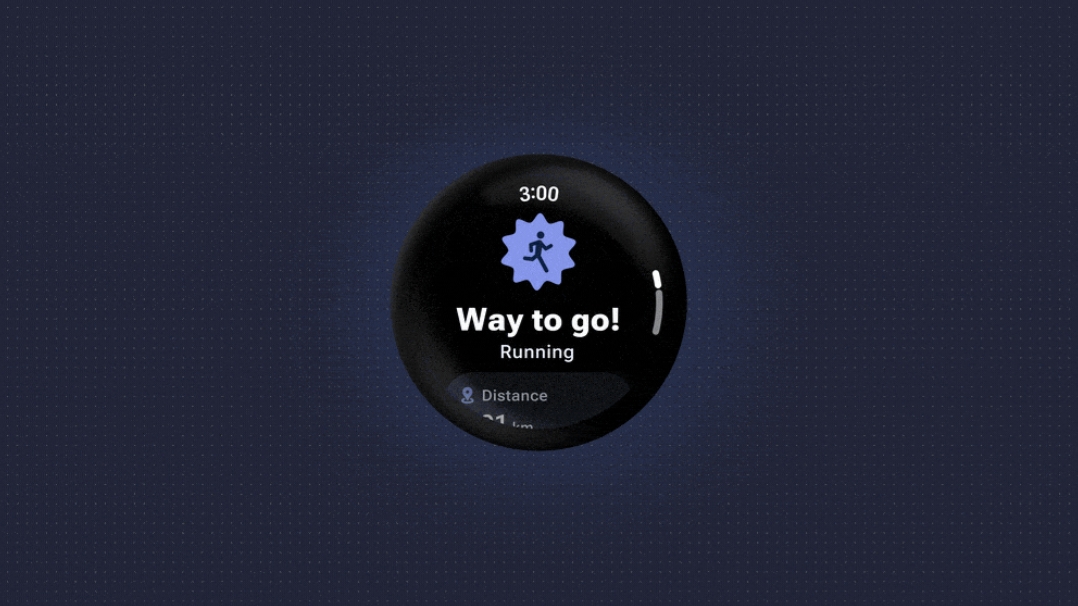
To reduce developer burden, Wear OS 7 includes a unified workout tracker built-in. Fitness apps like ASICS Runkeeper will be able to directly use the watch’s heart rate monitoring, media controls, and other features, making the workout tracking experience more consistent across different Wear OS devices.
Improved battery life
One of the most notable improvements in Wear OS 7 is enhanced battery life. Google states that through system-level power optimization, battery life can be extended by up to 10%, equivalent to several extra hours of use—a highly practical improvement for smartwatches.
Source: KOCPC Chinese