


If there is anyone who has experienced monocular or similar monocular, then FiLMic Pro is definitely an APP that you will like very much. When you switch to a mobile phone device to record videos, you will definitely feel that the built-in camera functions are really limited. Simple operation screen, simple designation of focus position, simple adjustment of exposure value, aperture size, shutter speed, ISO cannot be adjusted. The biggest problem I have encountered recently is using an external microphone as a sound receiver. When shooting, I am completely unsure whether the external microphone is picking up the sound correctly, because the built-in camera function will not display the current sound volume. This means that when filming, I am not sure whether the microphone plug is firmly plugged in or whether the equipment is faulty. I have to send the video to the computer to check whether the sound is being picked up correctly. For filming where every second counts, it is really troublesome! FiLMic Pro is a professional-grade APP that can solve the above problems:
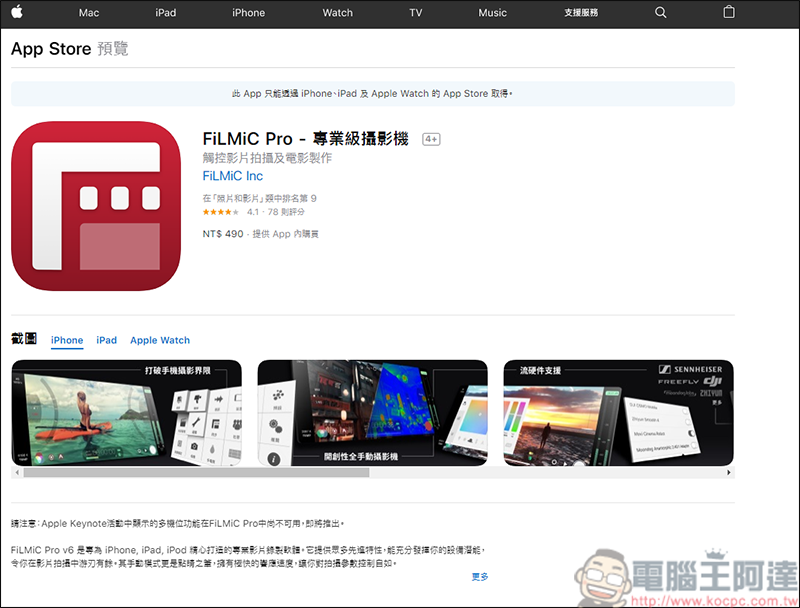
Powerful functions, automatic or manual
My mobile phone is currently using iPhone7. In the new generation iPhone version, because the screen has become larger, there will be color temperature value and audio L/R value on the left and right sides of the APP interface. First open the APP, the interface looks much richer than the built-in camera function: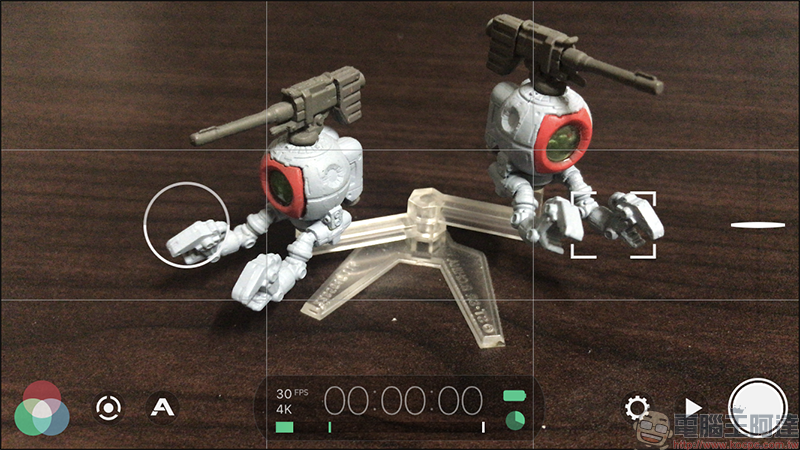
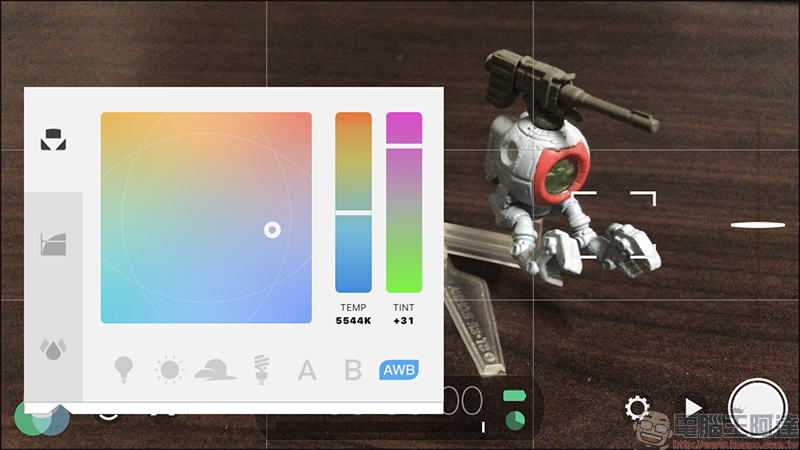
The lower left corner is the color control function of FiLMic Pro. Here you can adjust your color temperature:
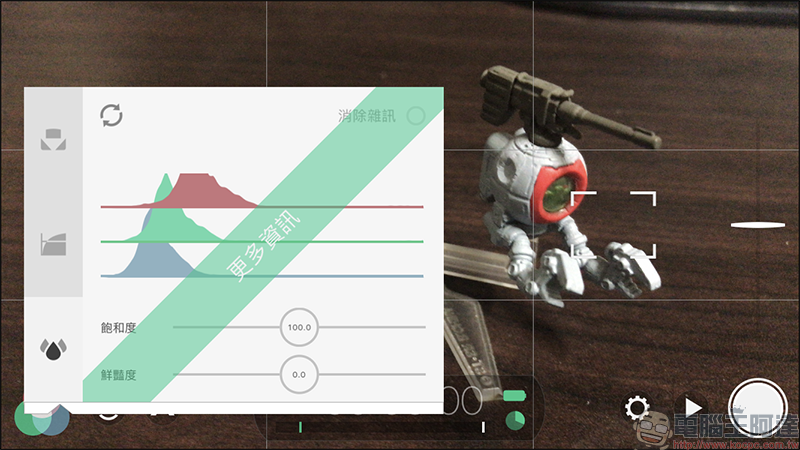
In addition, the following Log mode and saturation functions require additional payment. If you have such needs, it is recommended to purchase them, or rely on post-production software to handle them yourself: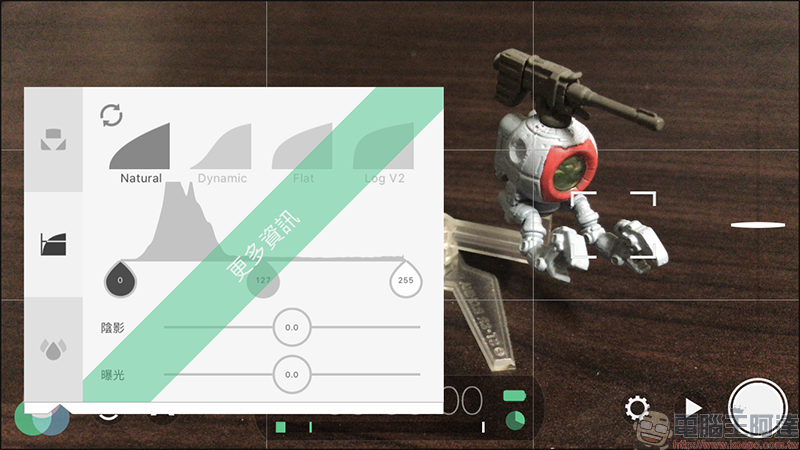
The buttons next to the color control are to control ISO, shutter speed, focus, and magnification functions. After pressing it, upper ISO and lower shutter speed will appear on the left, both of which can be locked. On the right, manual focus and manual magnification can be used: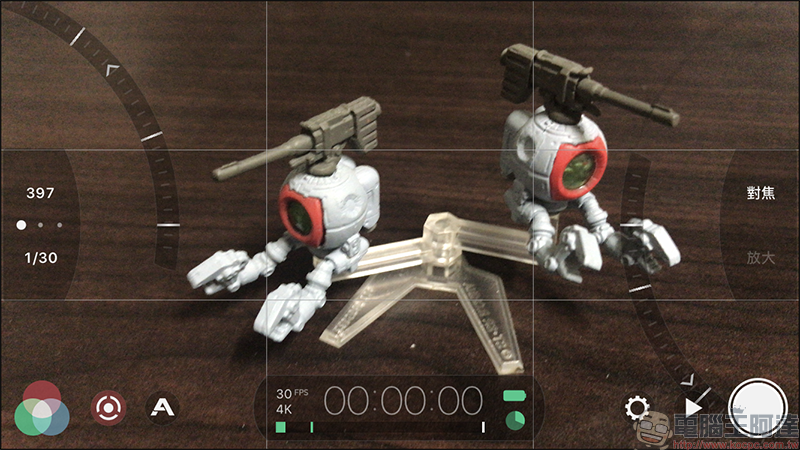
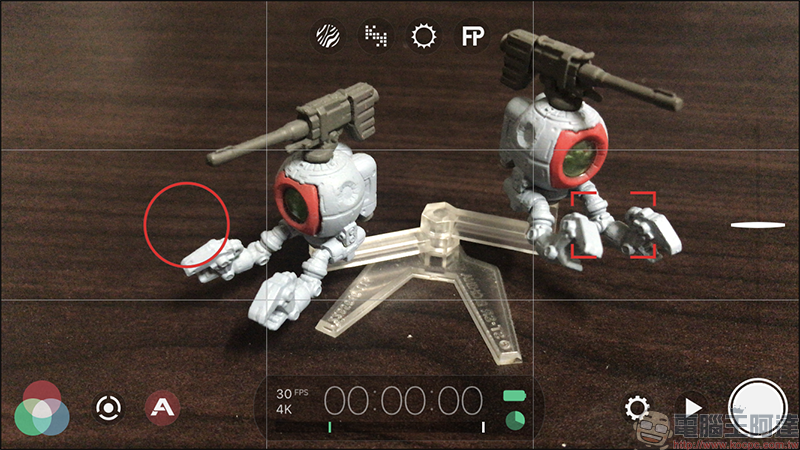
The red circle in the screen is to lock the current exposure value, and the red box is to lock the focus area. As long as you press and hold one of the two, the above ISO & shutter and focus rotation will pop up. It is suitable for people who simply choose one of the functions:
Of course, if you don’t want to make any settings, if you want to zoom in or out, just slide the slider on the right side of the screen: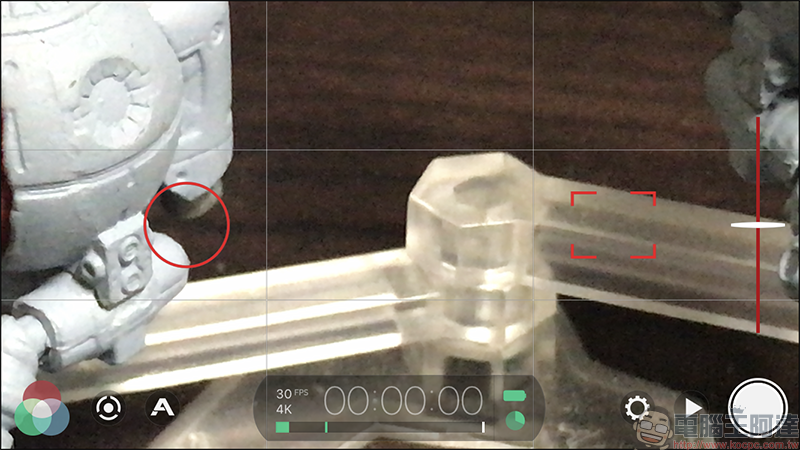
Moving to the A button on the right, there are four browsing options above. The function is like the zebra pattern function of the camera, letting you know the overexposure of the current scene: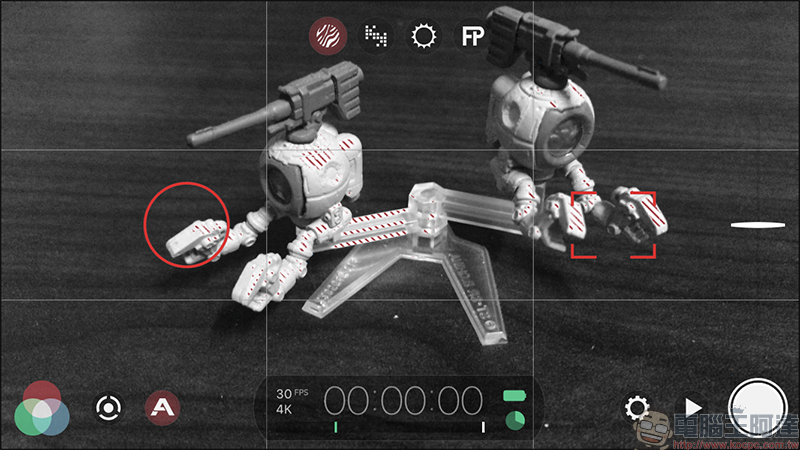
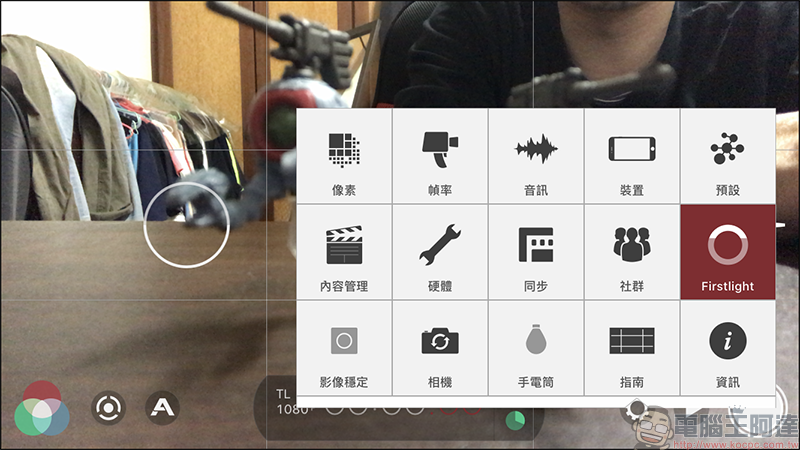
Then enter the setting section and see the screen with so many functions. You will definitely feel that $490 is well spent:
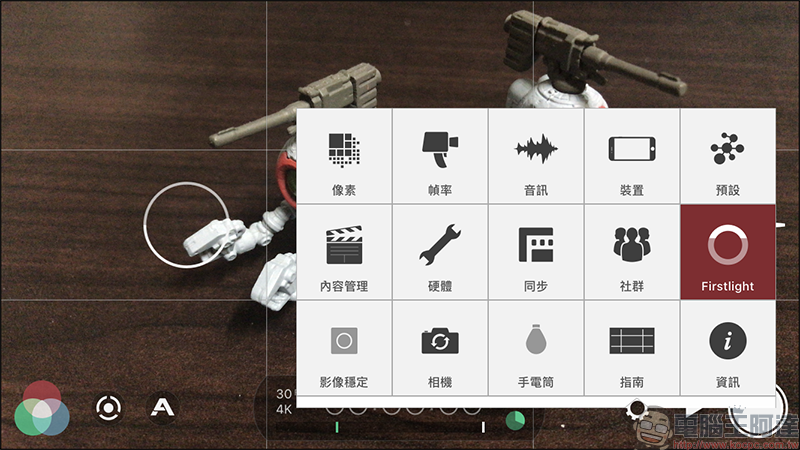
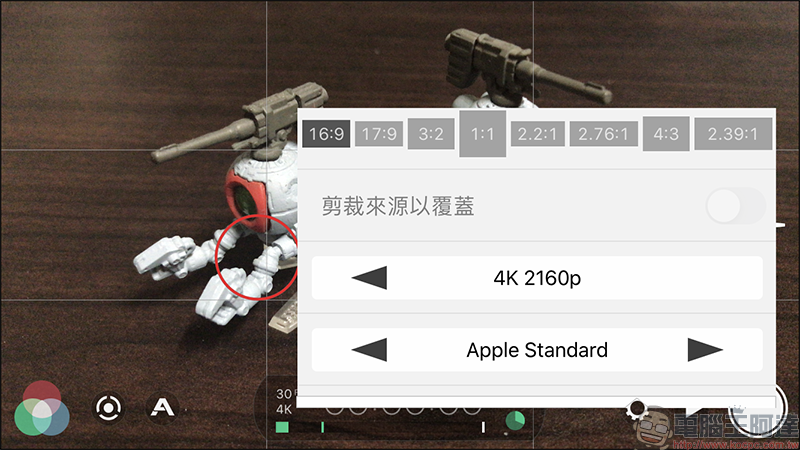
The first is the pixel part. You can choose the aspect ratio of 16:9 or some weird ratio. The video formats range from the lowest 540P to the highest 4K 2160P, depending on the capabilities of your phone. Then you can also choose the recording quality of the video. Of course, the higher the resolution, the greater the storage capacity:
Frame rate: Here, you can choose the number of frames per second. The maximum number of frames also depends on the phone. If you want to take timelapse photography, you can also set it here: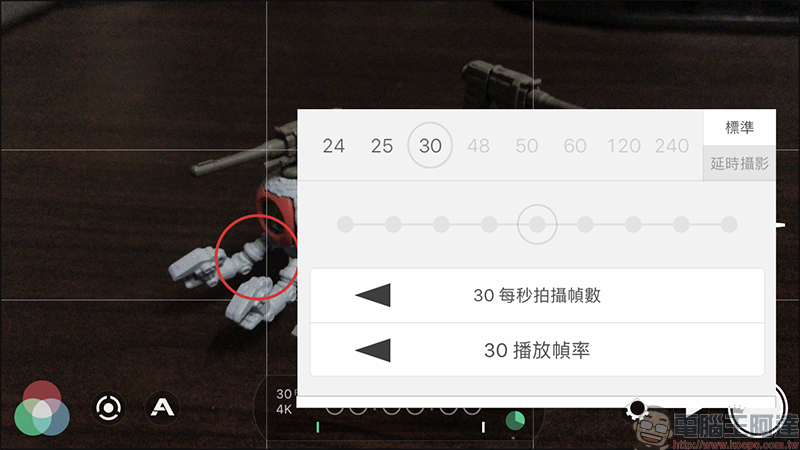
Next is the audio settings. It was also because of this function that I purchased FiLMiC Pro. The first option is to choose the built-in radio device of the phone or an external radio device. Generally, the built-in camera program does not display the volume, so even if there is a problem with my external audio device, I cannot determine the current radio status. With this function, the volume will appear under the timeline of the APP screen, which is really useful. There are also some encoding, automatic adjustment, and speech processing functions below: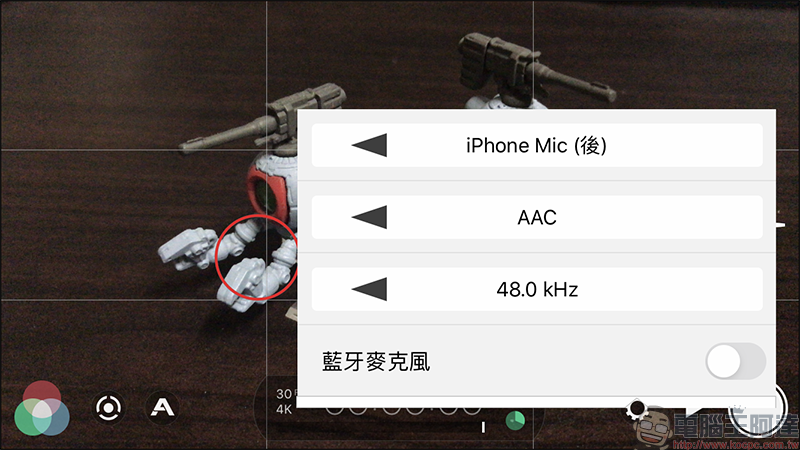
In the device options, you can choose to automatically save to the built-in photo album, remote control, lock direction… and other interface function settings: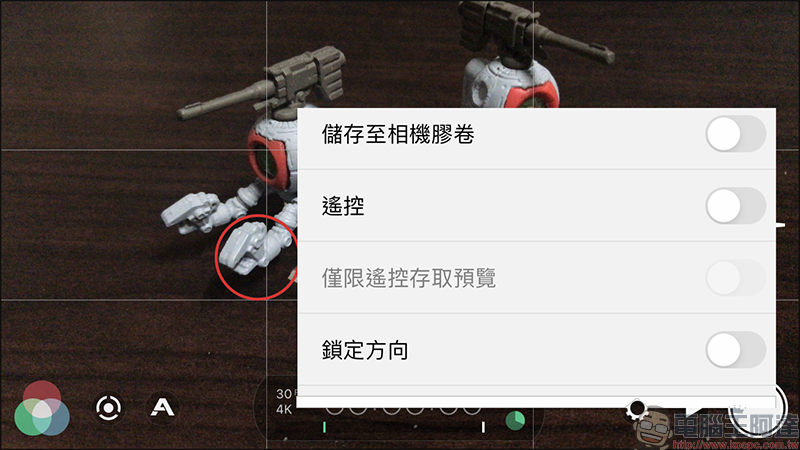
Content management settings allow you to set scene names, timecode tracks, etc.:
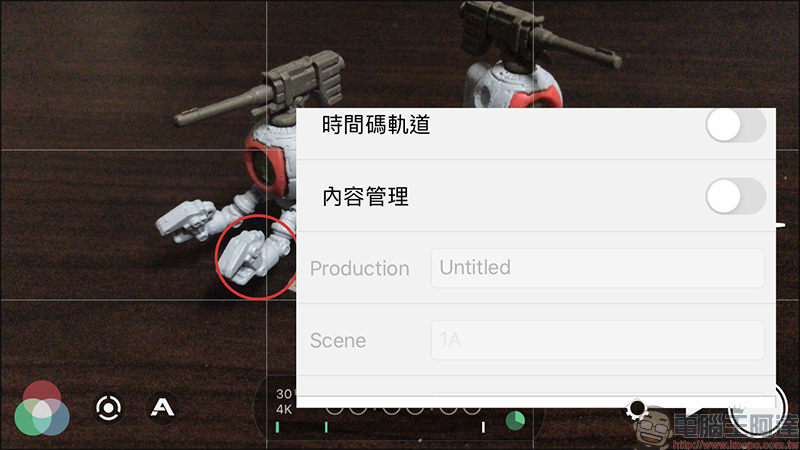
Of course, if you have external devices, FiLMiC Pro also supports some devices:
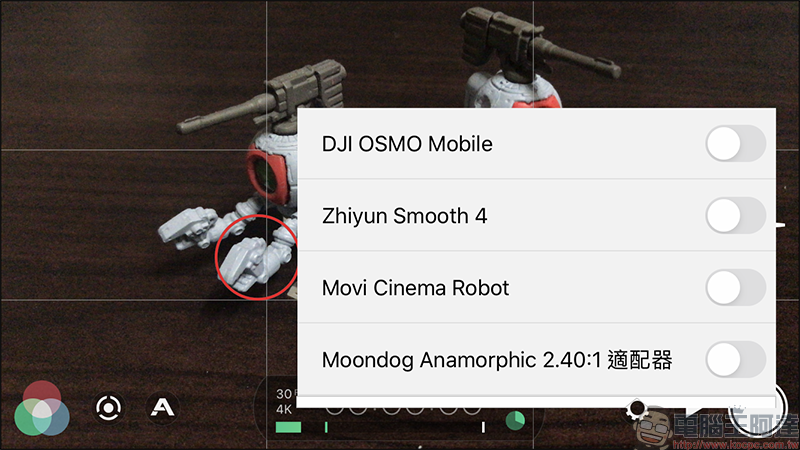
If you want to take a selfie video, just click on the camera option and it will change to selfie mode:
After you record the video, the saved video file will also display your recording settings at that time, which is really intuitive and easy to use: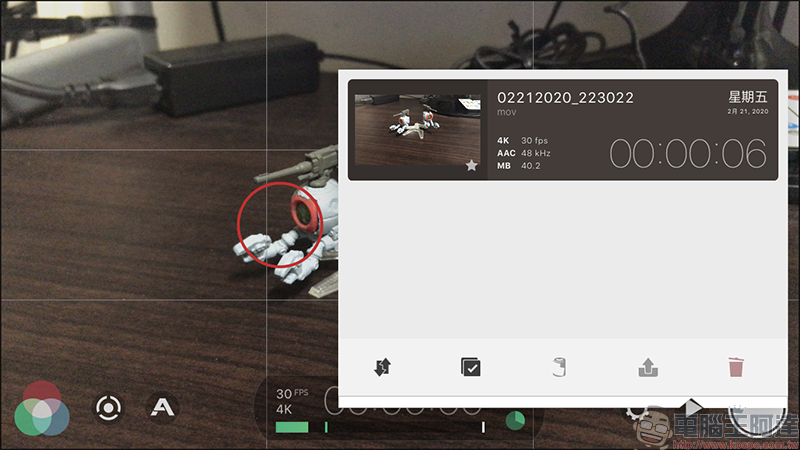
Download address: ios / android
Although FiLMiC Pro is a paid APP, to be honest, for people who often need to record videos, buying one can last a lifetime. Moreover, when your mobile phone equipment is old and needs to be upgraded, the APP can be downloaded and used at any time. The APP will even bring you a more advanced experience with the new phone due to updates. It is worth it no matter how you calculate it. Spend a little money to let yourself have a professional software to use, and maybe you will become a master because of it!!
Source: KOCPC Chinese