


Accidentally leaked a week ago Official page for Android 11 Developer Preview, has been officially launched today, and the key features at this stage have been quickly played by qualified people. I also discovered that the Screen Recording function, which had previously failed to return on Android 10, finally appeared in the quick function bar again this time. Continue reading The native screen recording function officially returns to Android 11 report text.

▲Image source: Google
The native screen recording function officially returns to Android 11, and it is really available this time (Usage Tutorial)
Although the three-party application solution for screen recording on Android is much simpler and more common than the call recording function that has been blocked (but is also said to be coming back), it may be due to the fact that iOS / iPadOS, which were often complained by users about being closed, already have native solutions. After all, Google has also officially put the “finally usable” screen recording function back into the developer preview version of Android 11 after trying it in Android 10.
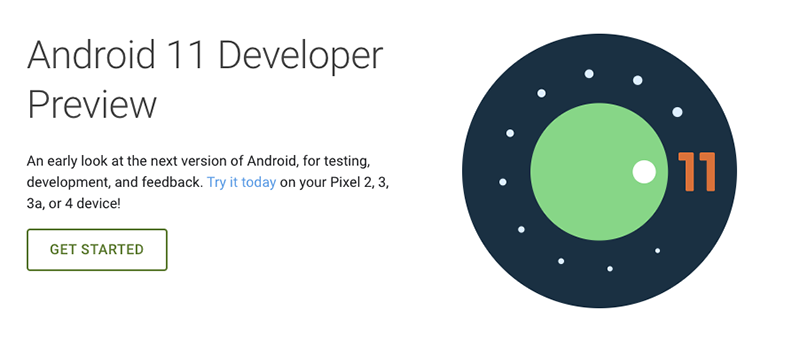
▲Image source: Google
Android Police has unearthed the latest Android 11 developer preview version that can be installed on Pixel series phones. I found that the native screen recording function that suddenly appeared on Android Q / 10 last year but was silently removed due to various bugs has now appeared in this preview version and can really be used. Although there seem to be some minor problems at this stage, such as the inability to use system recording and the lag problem when starting recording through the quick function bar, and there is no recording option query in the previous version, and errors may occur if you take a screenshot during recording (don’t worry, you can also stop it through the quick function button).
How to use Android 11 native screen recording feature
Friends who have already tried to install Android 11 on their mobile phones can search in the quick function list brought up by sliding down from the top and edit the list to see if there is a Screen Record button. Press the button to start recording, and you will see the familiar Chromecast streaming symbol “turn red” in the notification, indicating that you are recording the screen. At this time, the notification function will also have three buttons “Stop/Pause/Cancel”, allowing you to quickly control it.
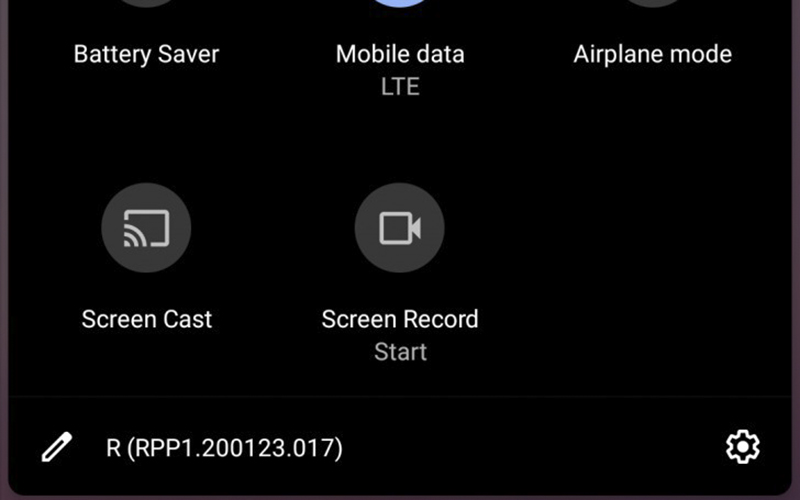
▲Image source: Android Police
◎ The functions of the developer preview version are likely to be different from the official version
Pictures/sources cited in this article
Further reading:

Source: KOCPC Chinese