


After using Windows 10 for a long time, you will feel a little tired of using the same wallpaper. Some people will replace it with photos they took, favorite animations, movie posters, etc. If you always feel that you can’t find a good wallpaper, or you have almost run out of ideas, this backiee is a very good choice, providing thousands of them There are 8K, 5K, 4K, and high-definition free wallpaper pictures, ranging from landscapes, cars, city scenery, animals, to video games, etc., and they are updated almost every once in a while, so you will never get tired of using them. It also supports one-click settings as wallpapers and lock screen functions.
Introduction to backiee free wallpaper image tool
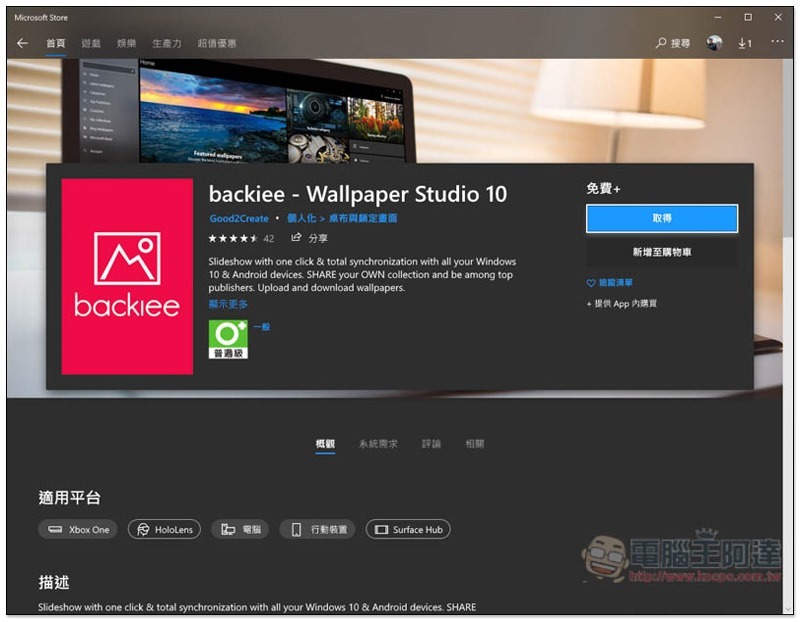
This set of backiee tools is available in the Microsoft Store for Windows. Search for this keyword orClick meYou can jump directly. Free download:
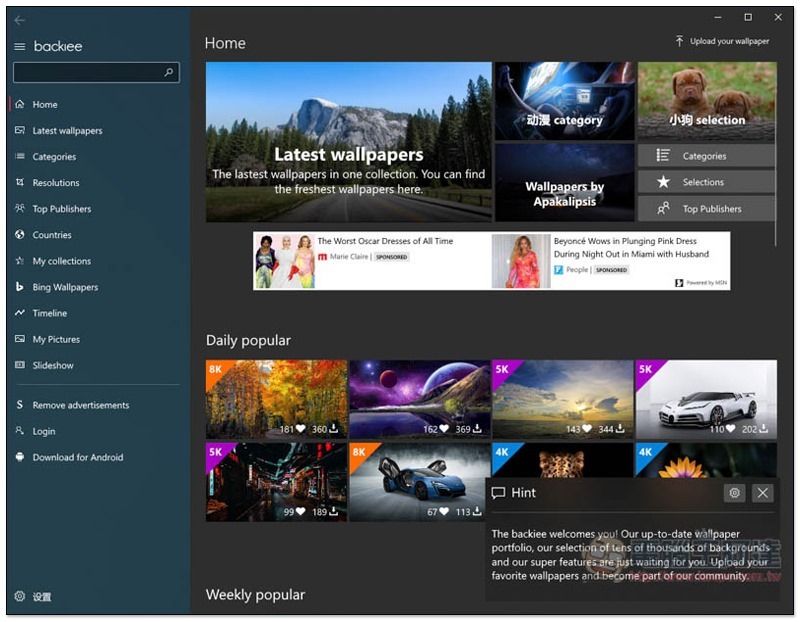
After opening, the homepage will list today’s popular wallpaper images. There are also some recommended categories above, but I personally suggest that it is easier to choose from the menu on the left, otherwise the screen will be too messy:
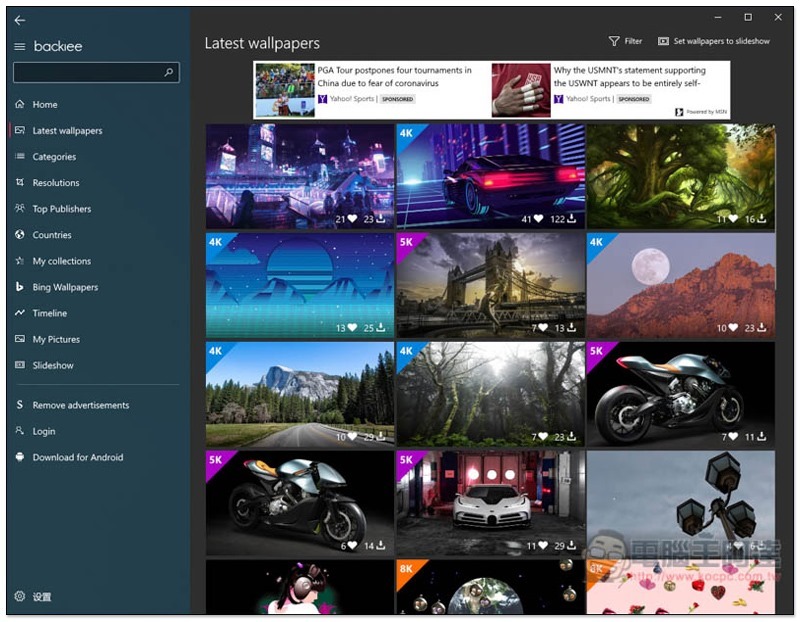
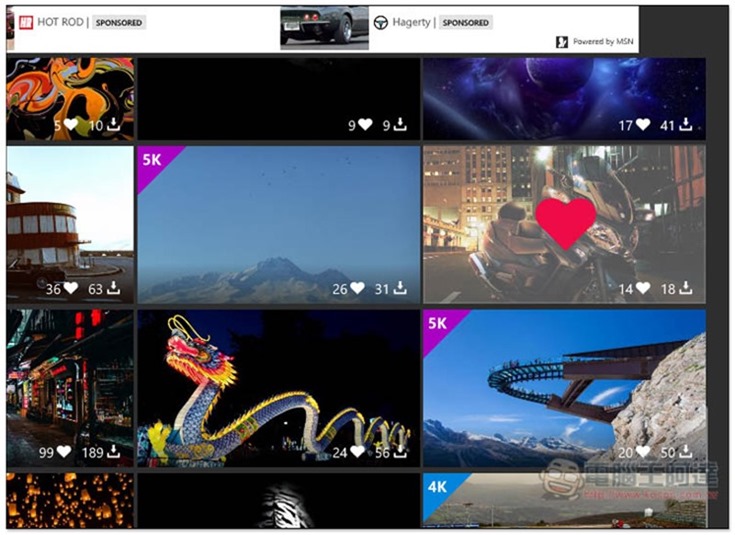
In the Latest wallpapers menu, all the latest pictures are added. If they are of 4K quality or above, they will be marked in the upper left corner, such as: 4K, 5K, 8K, etc., so that you can quickly find them. In addition, the lower right corner of each picture will also display how many people like and download it:
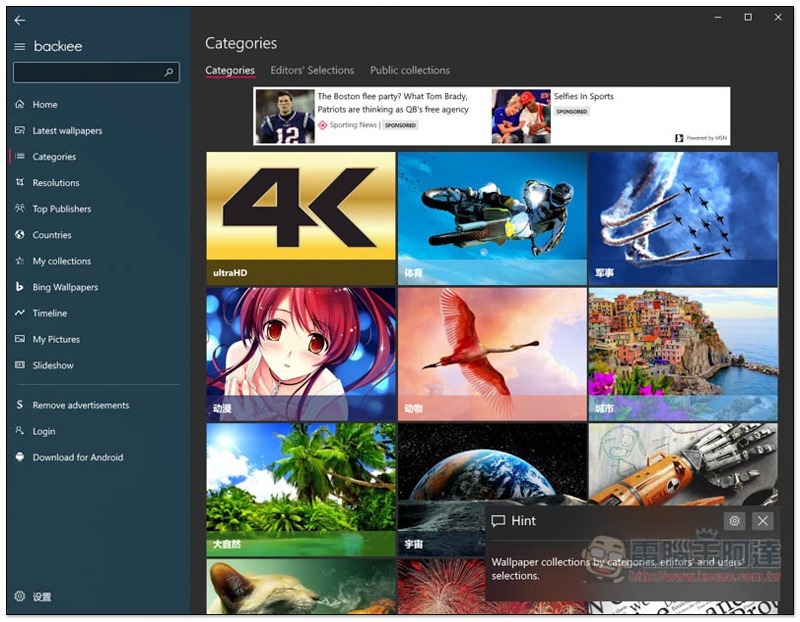
Categories are categories, and there are currently up to 20 categories, such as: sports, military, animation, animals, cities, nature, universe, etc. A list of Editors’ Selections is also provided:
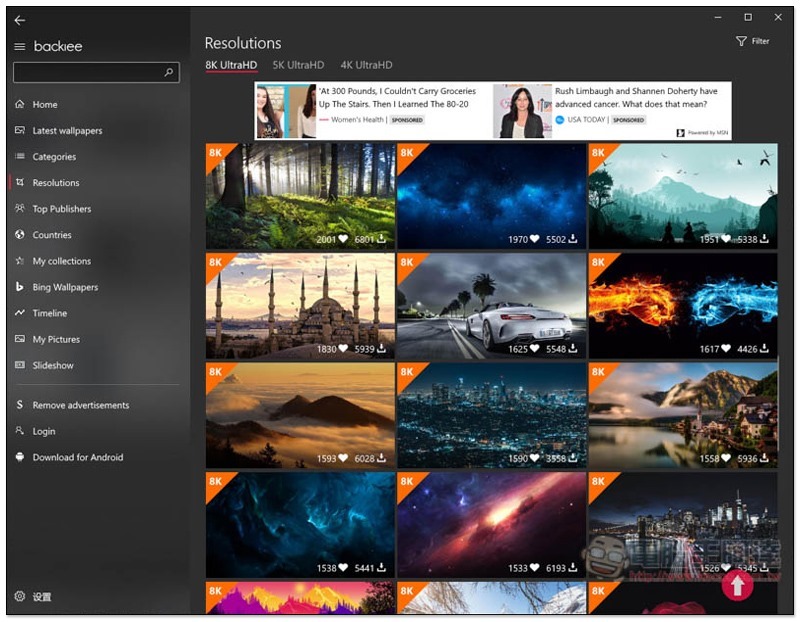
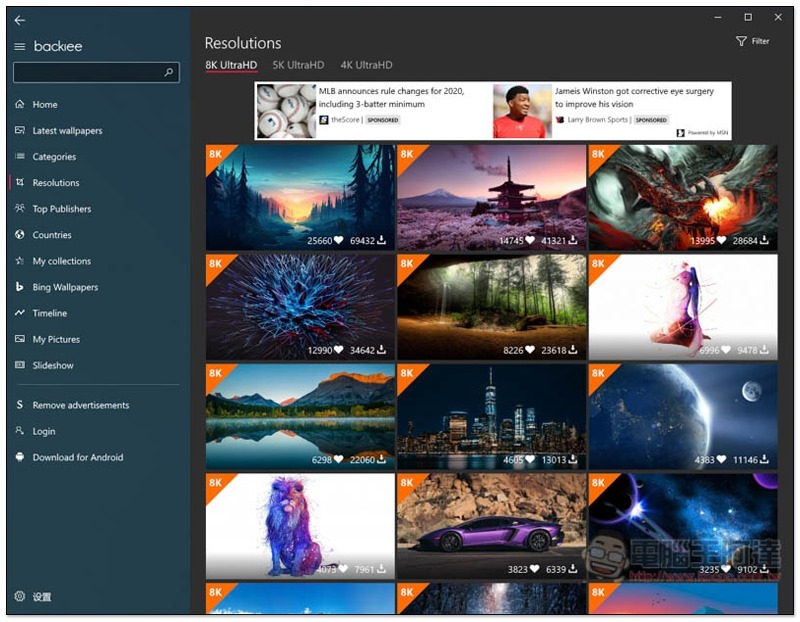
Resolutions is selected from “Image Quality”. If your screen resolution is 4K or above, I personally recommend searching here, otherwise you may find some pictures with too low resolution:
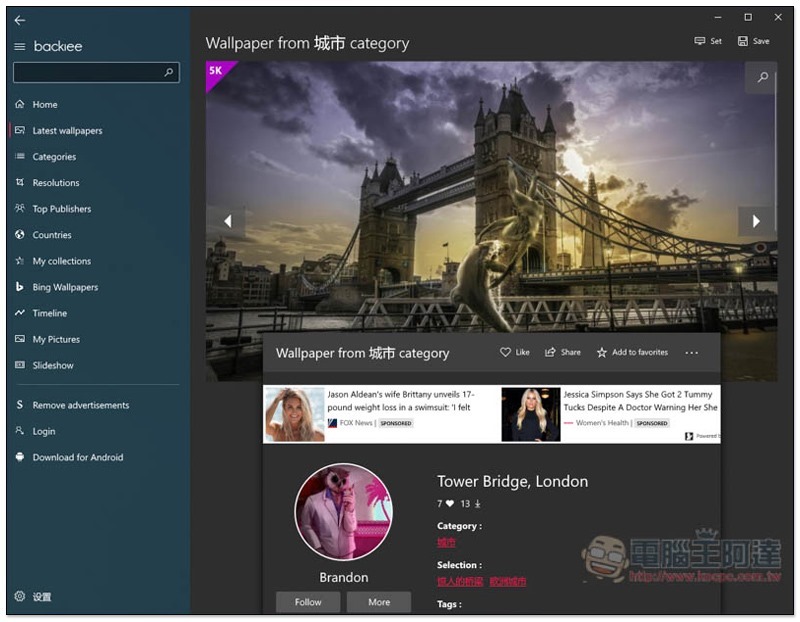
After you find a picture you like, enter the inner page to view relevant information, such as who took the photo, what colors are in the picture, other works of this author, etc.:
In the Set menu in the upper right corner, you can find the one-click Set as wallpaper and Set as lock screen functions:
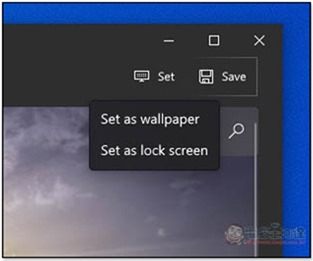
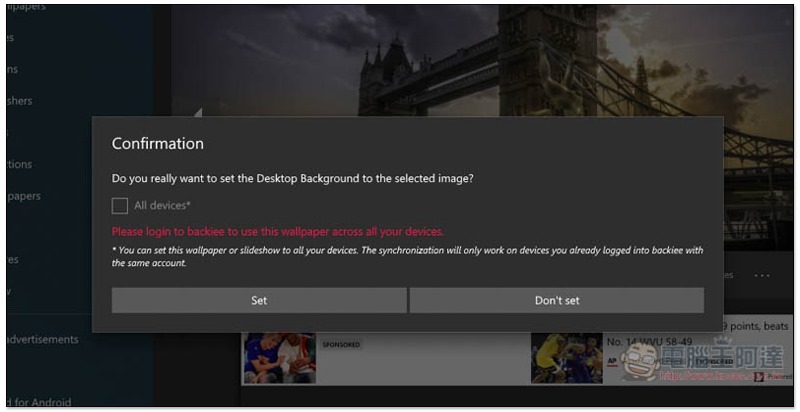
This confirmation message window will pop up, click Set:
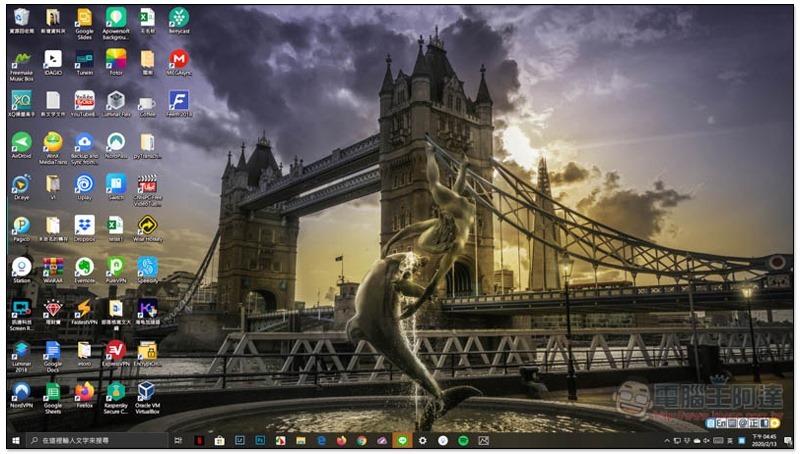
This is it:
If you see a good picture, I suggest you give the author encouragement by clicking on the love button:
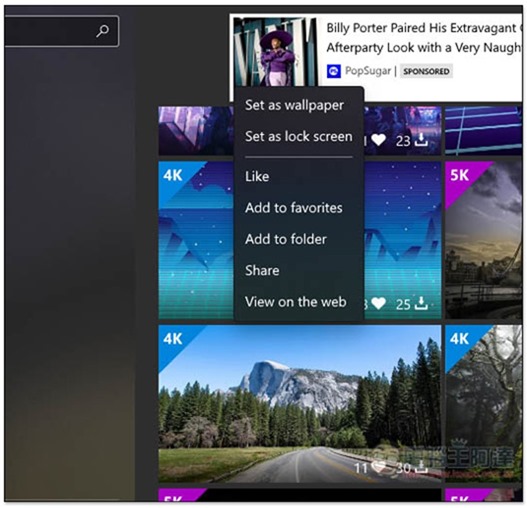
The right-click menu also provides the Add to favorites function:
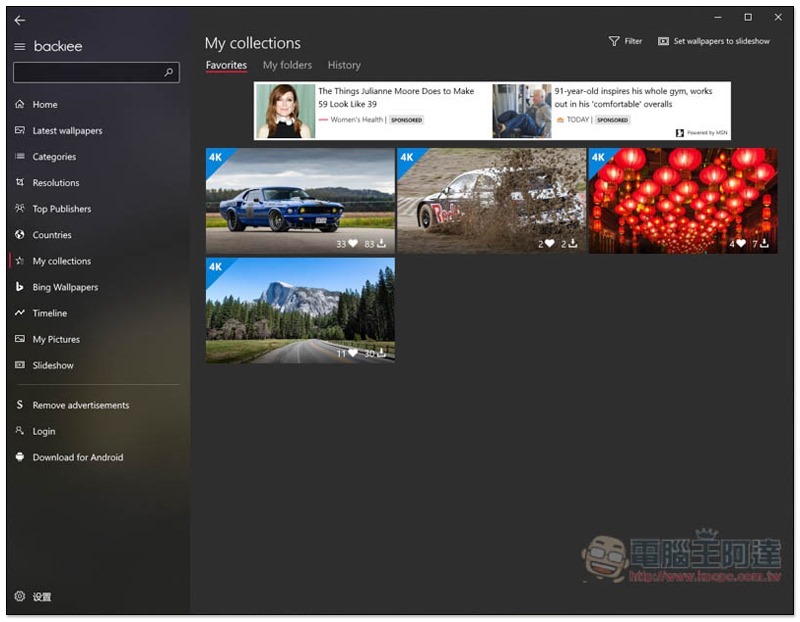
The pictures you added can be found in My collections:
Supplementary information
backiee wallpaper tool download link:Click here to go
Source: KOCPC Chinese