


Recently, Google has changed the interface of Cloud Drive. The backup option that used to be in the left menu has disappeared and has been moved to the storage space icon below. I am not sure why Google made such a change this time. It seems that it has become more difficult to find. If you can’t find it, I will teach you below.
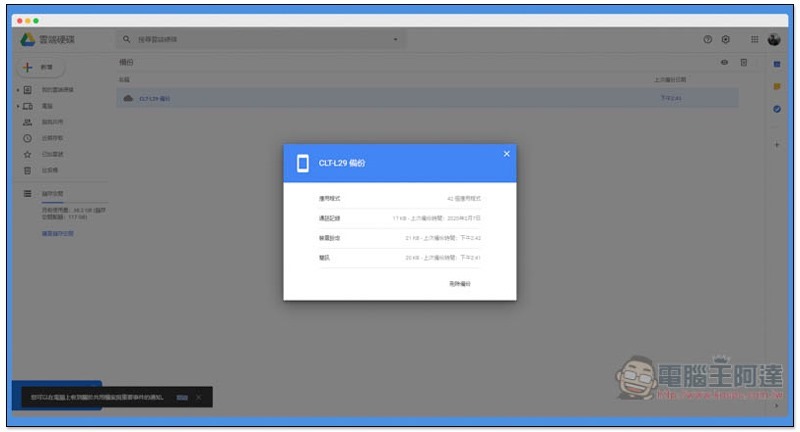
Steps to find the backup files of your phone in the new interface Google Drive
Generally speaking, when you enter Google Drive after the interface is updated, this message will pop up at the top to remind you of the “Moved Backup” location. Just click “Go to “Storage”” on the right. If you do not click the X on the right, this message will remain:

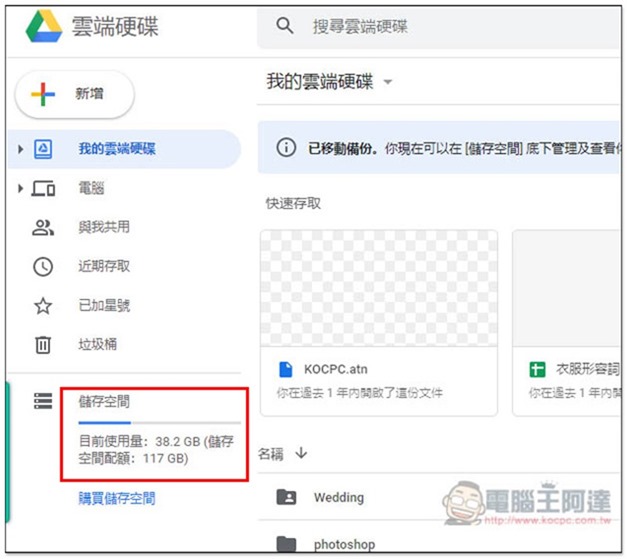
Don’t worry if you accidentally click it. Click the current usage icon under the storage space on the left to enter the storage space (if you don’t tell me, few people will know that you can click this). You can also directly paste this URL or click to jump quickly https://drive.google.com/drive/backups :
Then you will see the “Backup” function in the upper right corner:
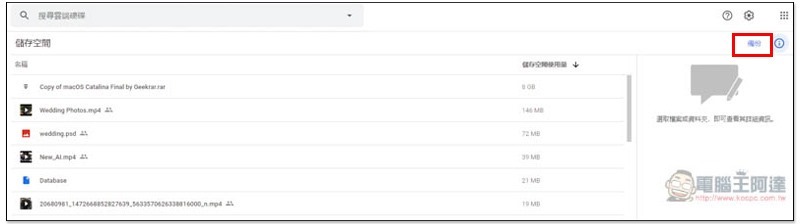
After entering, the screen will list your past mobile phone backups, just like before:

Click to view relevant information, such as: how many applications, call history, backup time of each data, etc.:
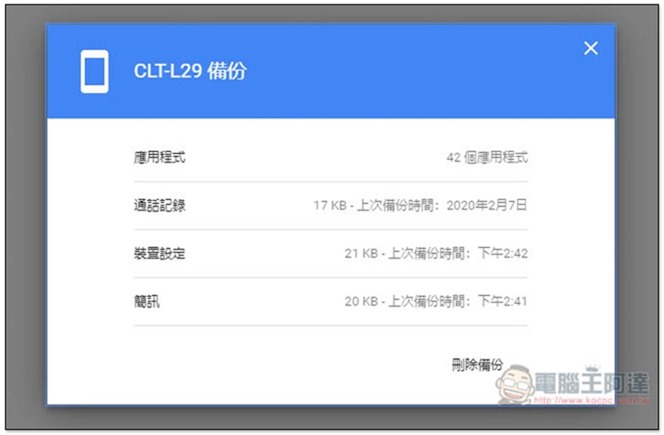
This backup data cannot be moved or downloaded, it can only be deleted. If you have changed your mobile phone, it is recommended to delete the old backup to free up more cloud hard drive space.
Also a reminder, the automatic Google Drive backup function of Android phones does not include LINE. You must go into LINE and manually click to back up to Google Drive. Here is a list of what will be backed up:
- app
- call history
- Device settings
- contact person
- calendar
- SMS (Pixel phones only)
- Photos and videos (Pixel phones only)
In addition to Google Drive backup, there are also many other good backup solutions, such as: you can also perform full machine backup through software such as wondershare, dr.fone, or what we have introduced before qico pad wireless file transfer charging padNot bad, very lazy.
People who want to know how to back up mobile phone photos can refer toFour free backups of mobile phone photos, cloud space service recommendations and summary。
Source: KOCPC Chinese