


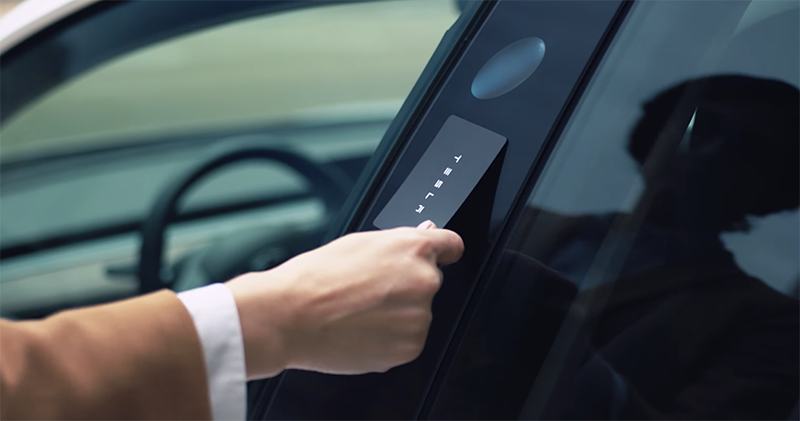
We have already known about the existence of iOS 13.4 beta version in previous reports, and now, this public beta version that has quietly built-in API, allowing iPhone or Apple Watch to be transformed into an NFC card to “start the vehicle” has also been officially launched to provide general users who are willing to join the test in advance to try it out. Continue reading iOS 13.4 public beta is here: the new email toolbar and CarKey API are in place.
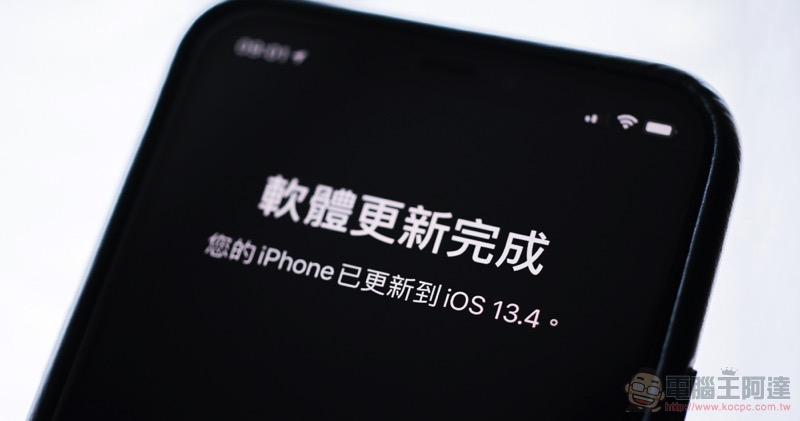
iOS 13.4 public beta debuts: new mail toolbar and CarKey API in place
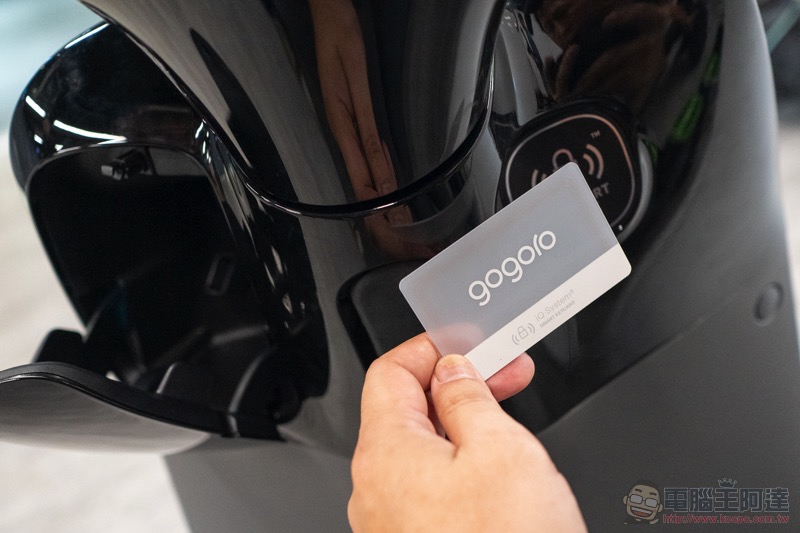
Overall, this time iOS 13.4 has a number that has been changed to one decimal place, so there are actually not many changes. As for the interface, Apple also provides system information including signal and power by sliding down the top of the control center launched from the top right side of the screen for users who use the physical Home button. Make the overall user experience more consistent with the iPhone/iPad of the Face ID generation. In addition, it should be considered a new function for people with physical inconveniences. In iOS 13.4, the “Return to Home Screen” voice command has also been introduced for Siri’s functions. You can also use the “Assisted Usage > Siri > Always Listen to “Hey Siri”” option to enable Siri to activate the Siri Assistant through voice commands even when the phone is placed downwards.
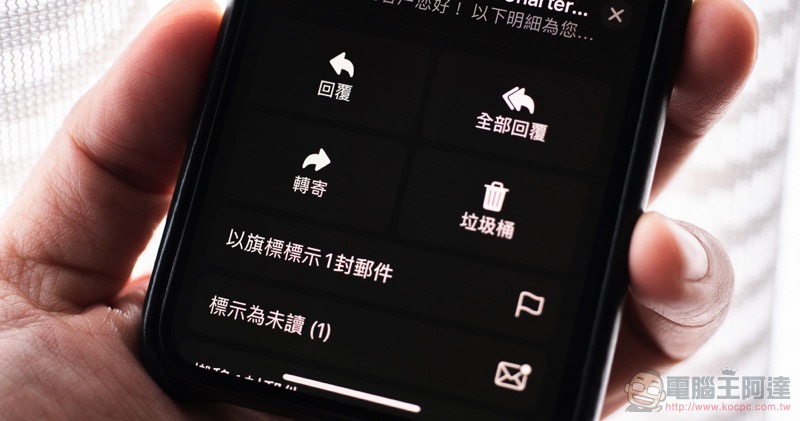
iOS 13.4 also provides interface optimization for the original mail app. The function buttons at the bottom of a single email are changed from the previous two function buttons to four, making it easier and faster to use related functions. The Files app has introduced a folder sharing function similar to Dropbox in iCloud Drive – just long press the folder you want to share and click “Share” to select which users you want to join to share the data in it.
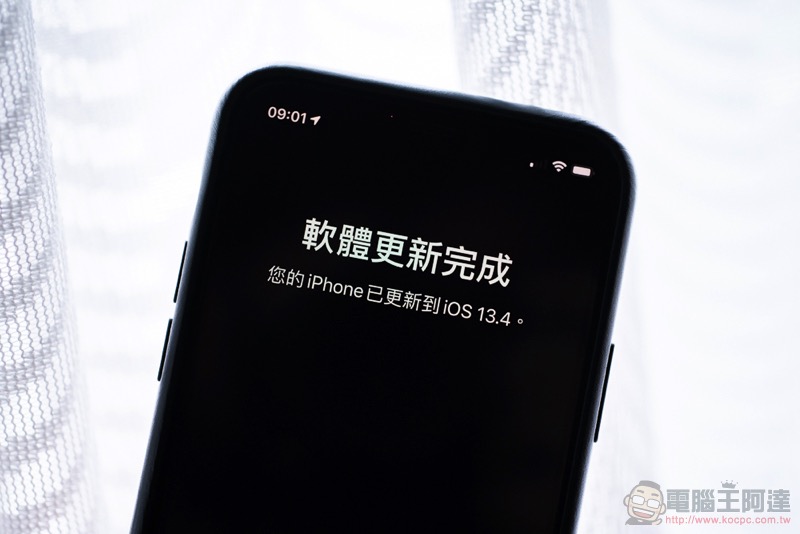
Finally, according to 9to5Mac’s report, this update also adds new button functions that can be reset for the external keyboard (Globe, Caps Lock, Option, Control and Command), and physical keyboard shortcuts can be used in the Photo app – long press the Command key to see the menu. In short, friends who often use keyboards with iPadOS should give it a try!
Further reading:
iOS’s new CarKey appears in beta: Will iPhone and Apple Watch become vehicle sensing keys?
Source: KOCPC Chinese