


When transferring files to others over the Internet, many people use cloud space or communication software. Although it is not difficult to use, you have to upload it first and then give the download link to the other party. This will take a lot of waiting time. Therefore, in this case, I would recommend using a browser point-to-point transfer service. ToffeeShare is very easy to use. It is supported by both desktop and mobile versions, and it also provides QRCode is very convenient for people who want to transfer files from their computer to their mobile phones. Just scan it with your camera and you can download and receive it, completely free of charge.
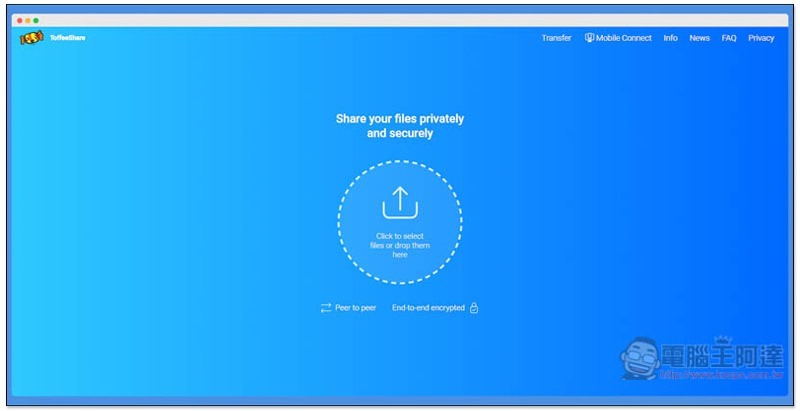
Introduction to ToffeeShare, a free browser-based peer-to-peer file transfer tool
Click here to enter the ToffeeShare website, drag the files you want to send into the window, or click on the circle in the middle (Click to select files or drop them here) to select manually:
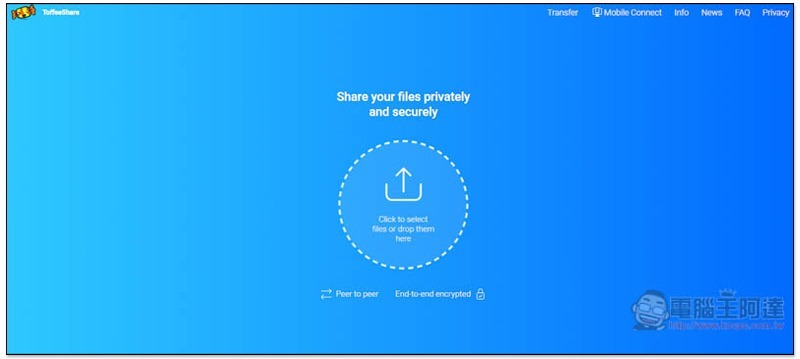
After the selection is completed, you will get the exclusive QRCode and download link. Click the icon on the right side of the download link and it will be automatically copied to the clipboard:

Multiple files transfer is also supported, and the name above will be marked Multiple files selected (the number of files selected):

I take the iPhone as an example. After scanning the QRCode with the camera, it will jump to the download screen:
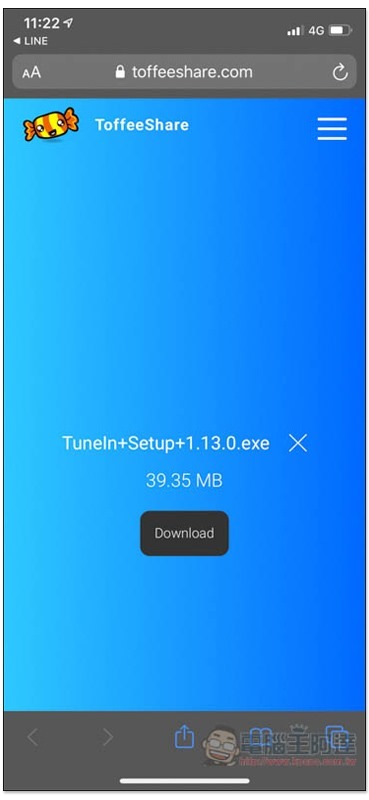
Remember that during the transfer process, this web page cannot be closed on both devices! This is a point-to-point transfer. If the host is shut down, the file transfer will stop, which means your file will not be uploaded to any server.
Whether it is Windows <–> Mac, Windows <-> iOS, or Mac <-> Android, you can use this set to transfer files across devices, even under different networks.
Of course, there is encryption during the transmission process. It is marked End-to-end encrypted at the bottom of the web page, so you don’t have to worry too much about being stolen.
Supplementary information
ToffeeShare browser point-to-point transfer tool:Click here to go
Source: KOCPC Chinese