


There are some important files, photos or videos on your computer that you don’t want to be seen by outsiders, let alone stolen by interested parties. As the safest way to store them, we will all recommend encryption. This article will recommend a very simple-to-operate EncryptOnClick free encryption and decryption tool. After installation, you will find the encryption function in the right-click menu of the file you want to encrypt. When you open it, you only need to click twice and enter the password to complete. It adopts the military-grade AES-256 advanced encryption standard.
In addition, you can also pass the encrypted file to others. As long as the other party also has this set installed, they can decrypt it.
Introduction to EncryptOnClick free encryption and decryption tool
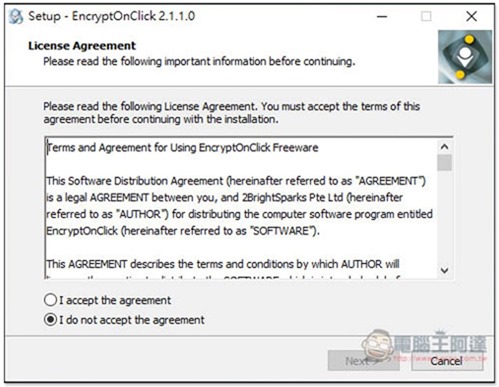
Click me to go to the download page of EncryptOnClick, just keep pressing next step during the process, and other tools will not be installed secretly. This does not provide an installation-free version:
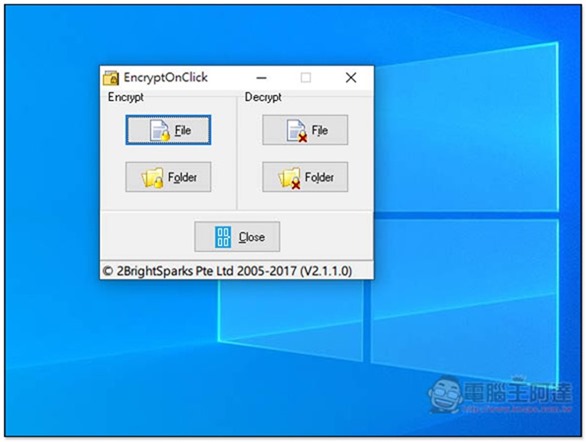
After installation, open it and you will see the Encrypt encryption and Decrypt decryption functions. However, this window is basically not used during operation, which is a bit troublesome:
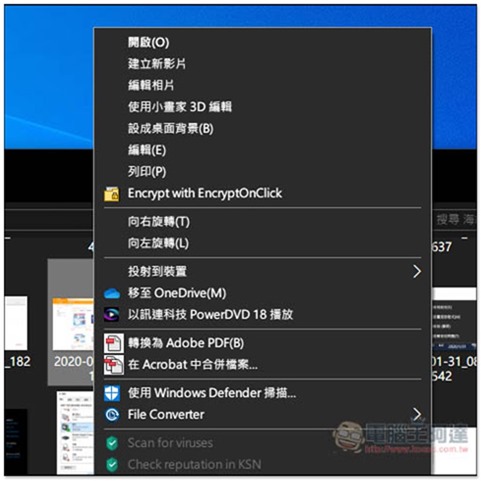
After finding the file you want to encrypt, open the right-click menu and you will see the Encrypt with EncryptOnClick function under Print:
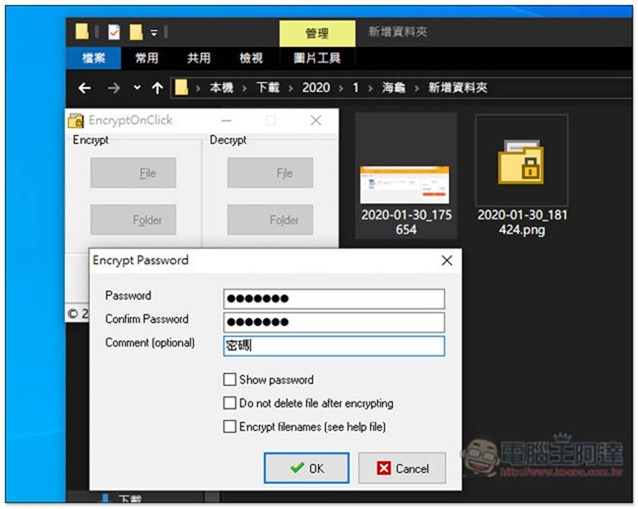
After clicking, you can perform the encryption action and set the password you want. Please remember the password. If you forget it, you will never be able to open the file. After encryption, the file will be automatically locked. If you want to keep the original unencrypted file, check Do not delete after encrypting:
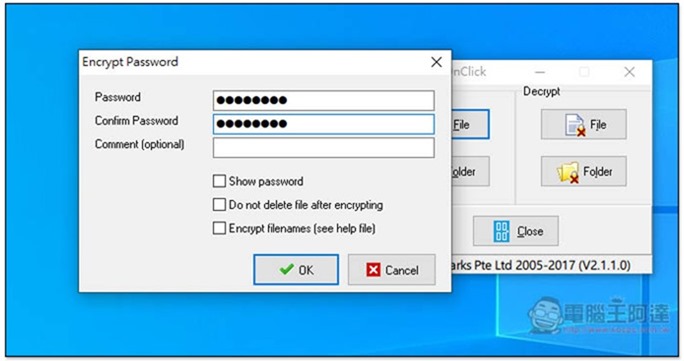
If you encrypt a folder, this tool will encrypt all the files in it, not the folder itself.
The encrypted file will become this icon, and the file extension will use the original one:
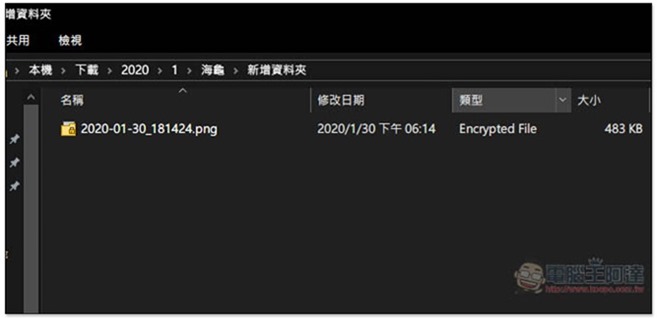
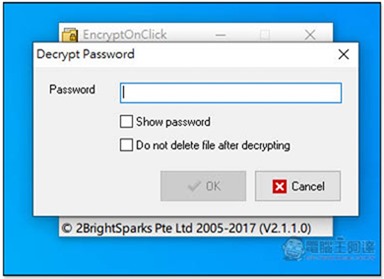
The decryption method is also very simple. Click the file twice and the screen will pop up asking for the password. Just like encryption, after decryption, the originally encrypted file will be removed by default, and only the decrypted file will be retained. If you want to retain it, please check Do not delete file after decrypting:
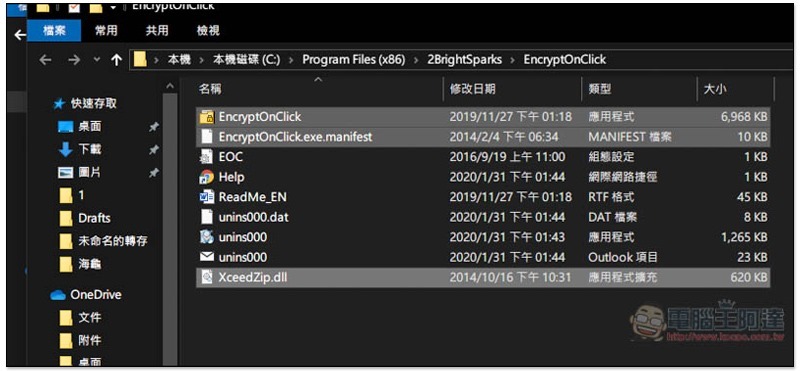
Although this set does not provide an installation-free version, I tested that as long as I copy the three files EncryptOnClick, EncryptOnClick.exe.manifest, and Xceedzip.dll, create another folder or put it into a USB flash drive, it will work normally. Friends in need can try it:
Supplementary information
EncryptOnClick free encryption and decryption tool download page:Click here to go
Source: KOCPC Chinese