


Although there are many free English word learning programs on the App Store and Google Play, Apps are mainly single-character books, such as TOEIC, English Guide, IELTS, etc. After long-term study, many people will have the same feeling as me. Many of the words learned are rarely used in life. For me, I read foreign news every day, but most of them are related to science and technology. Therefore, most of the lists I use are in the field of science and technology. Some life terms, politics or other aspects are almost never used. Without deliberate review, it will be easy to forget in the long run.
If you are like me and are not learning English for exams, then the “Check Danzi” that I will introduce in this article is a very good choice. Although its main function is to look up single words (single word dictionary), it also provides learning functions, and can learn from our past historical search records, organize tags, etc. It means that the words we learn are often used in life, otherwise you would not look them up. Both iOS and Android versions are available.
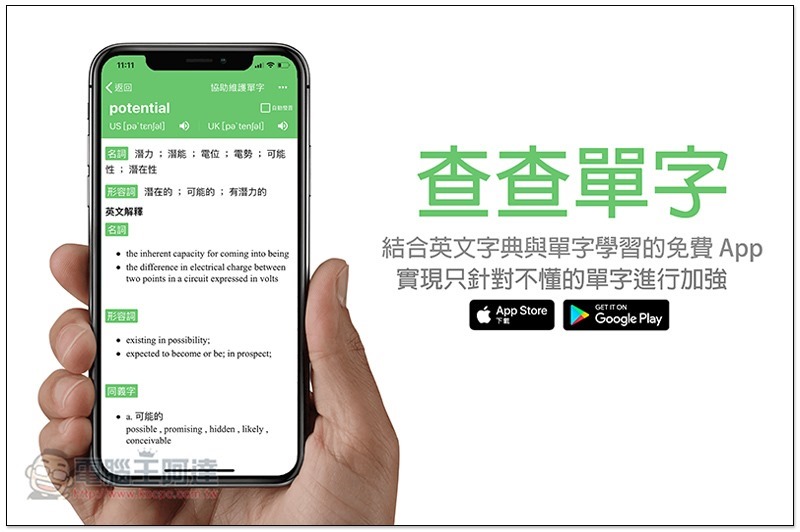
Check Words is a free app that combines English dictionary and word learning
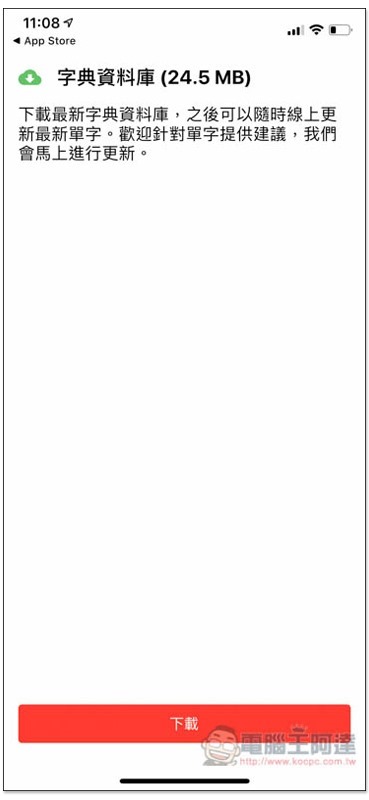
When you open it for the first time, it will download the dictionary database first, which means that this app can look up words offline, which is great:
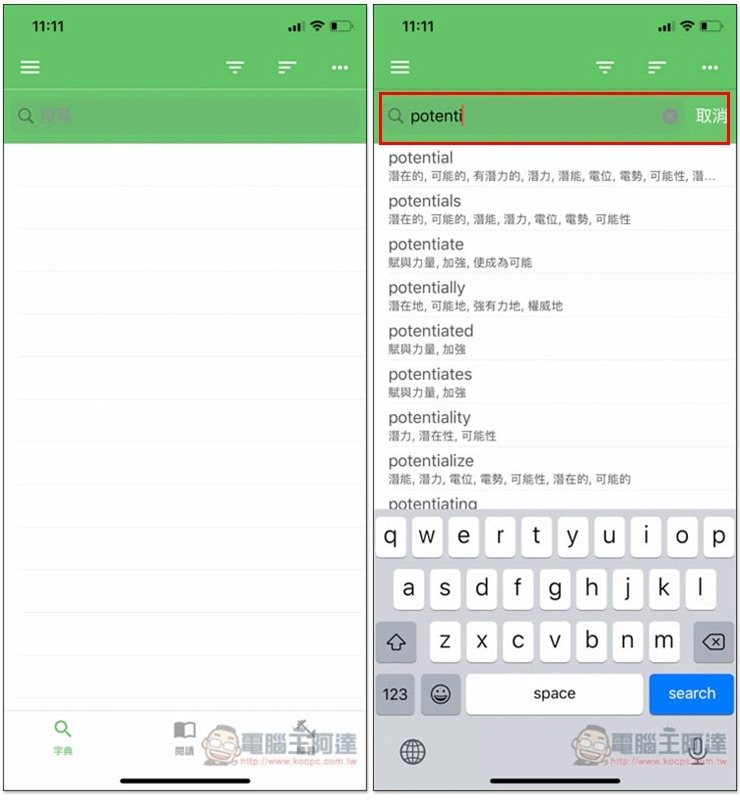
The interface design is very simple. Enter the English word you want to query in the search bar above, and the relevant results will be displayed immediately below:
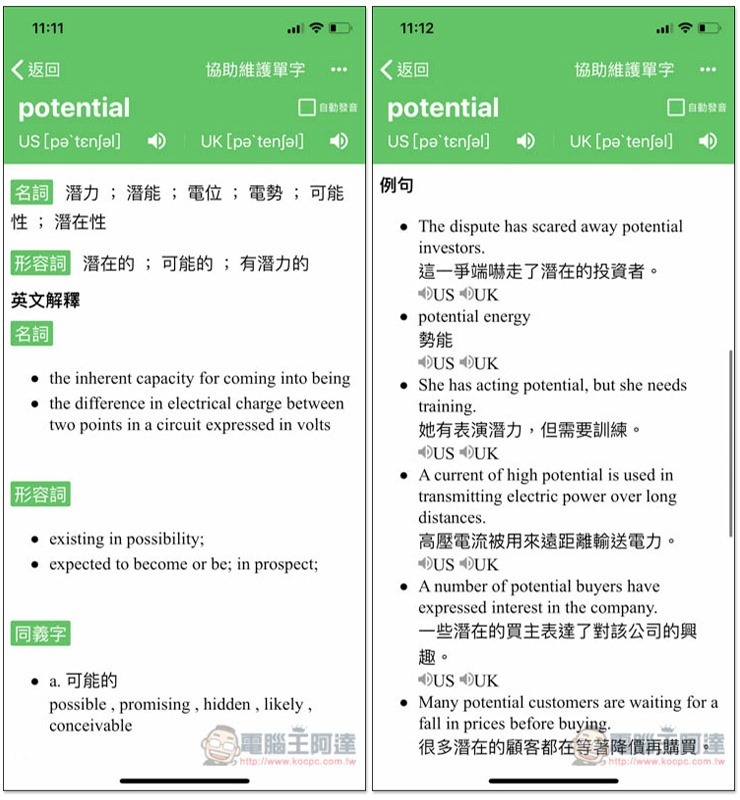
In addition to the Chinese explanation, an English explanation will also be provided so that we can better understand the meaning of this word. There are many examples below for reference. The pronunciation part is both American and British:
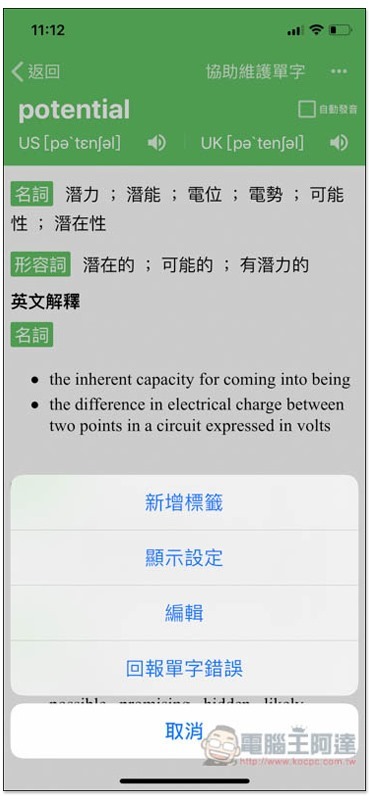
Although the queried words will be automatically saved in the history, I personally recommend classifying them through tags, such as adding all the words you don’t understand at all to an “I don’t understand the word” tag. If you have already learned something but it is easy to forget, add it to an “easy to forget” tag, so that when you study in the future, you can review and practice based on the tag instead of all the words together, making learning more efficient. Click the… menu in the upper right corner to find the label function:
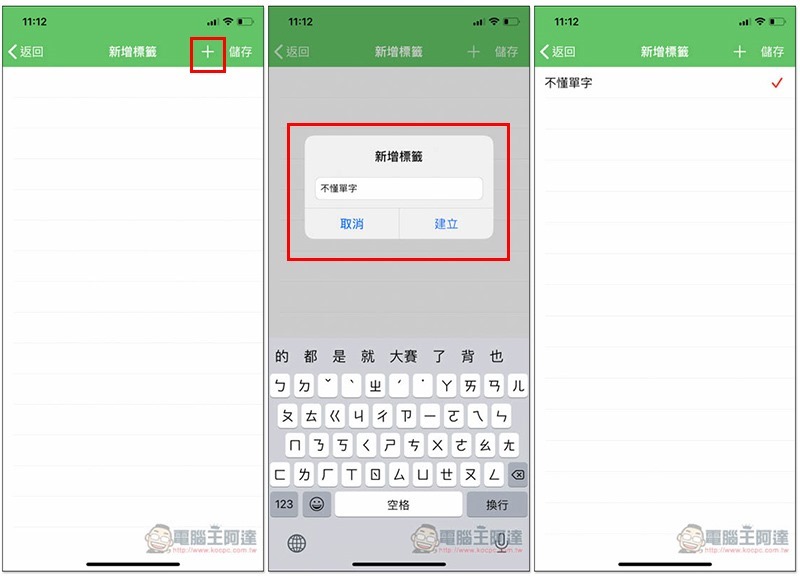
After entering the tag name, check the right side to indicate that the addition is completed. Check-checking is also supported:
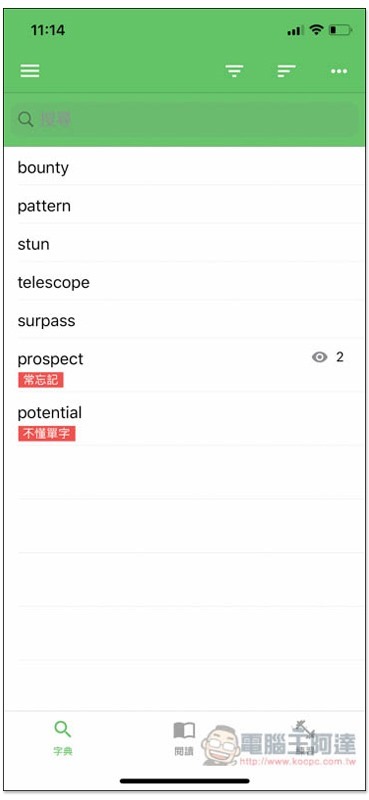
In the historical search records, if a word has a label, it will be specially noted below, and the right side will also record how many times you have viewed it:
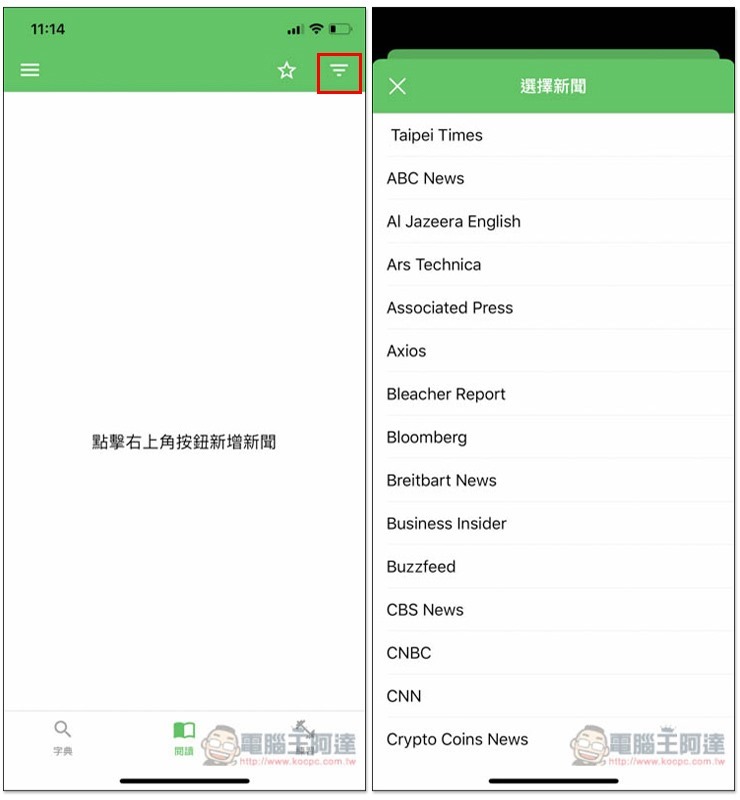
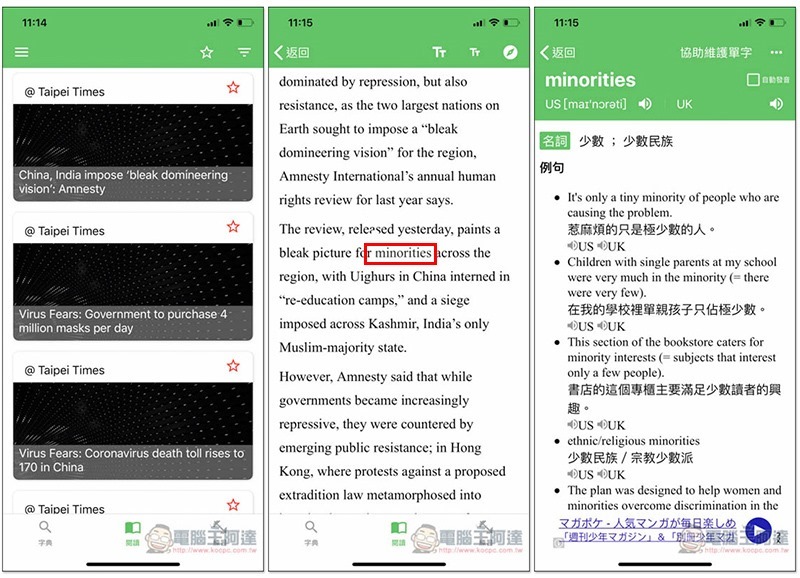
In the reading menu, this app also organizes a lot of domestic and foreign English news, such as: Taipei Times, ABC News, Bloomberg, Business Insider, CNBC, etc.:
After you find the news you want to read, if there is a word you don’t understand during the process, long press for a few seconds and it will automatically jump to the explanation of the word. This function is great:
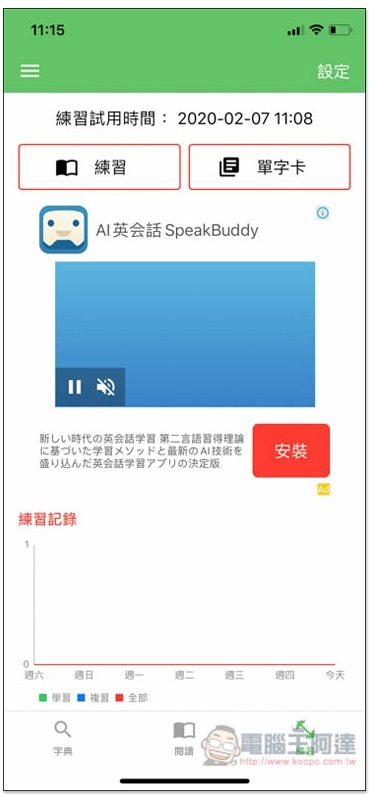
There are two learning methods: “Practice” and “Word Cards”:
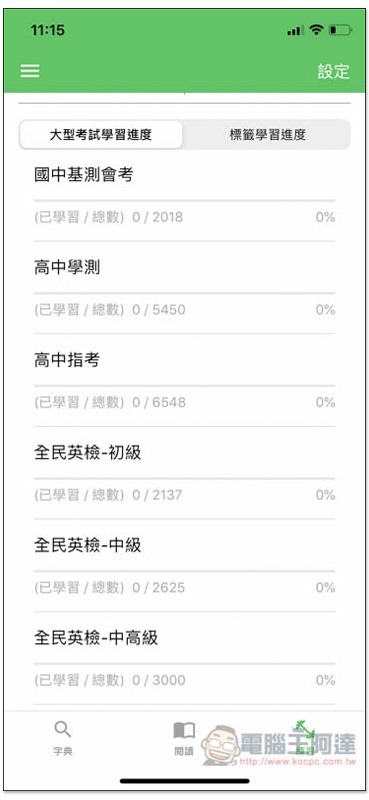
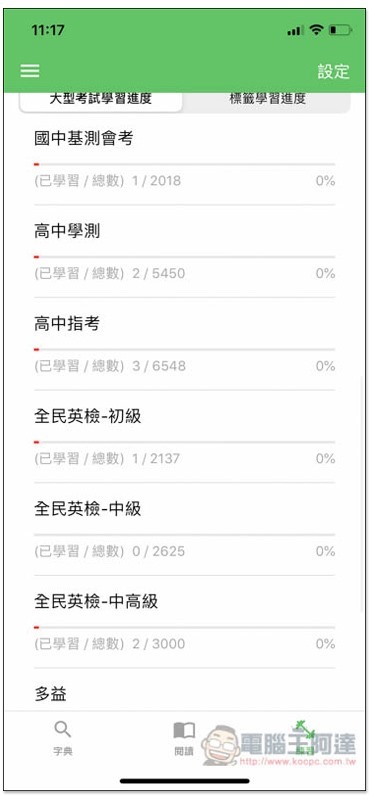
In addition to the history records and tags mentioned earlier, this App also has many built-in single-character notebooks, such as: Junior High School Basic Test, High School Academic Test, National English Test, etc.:
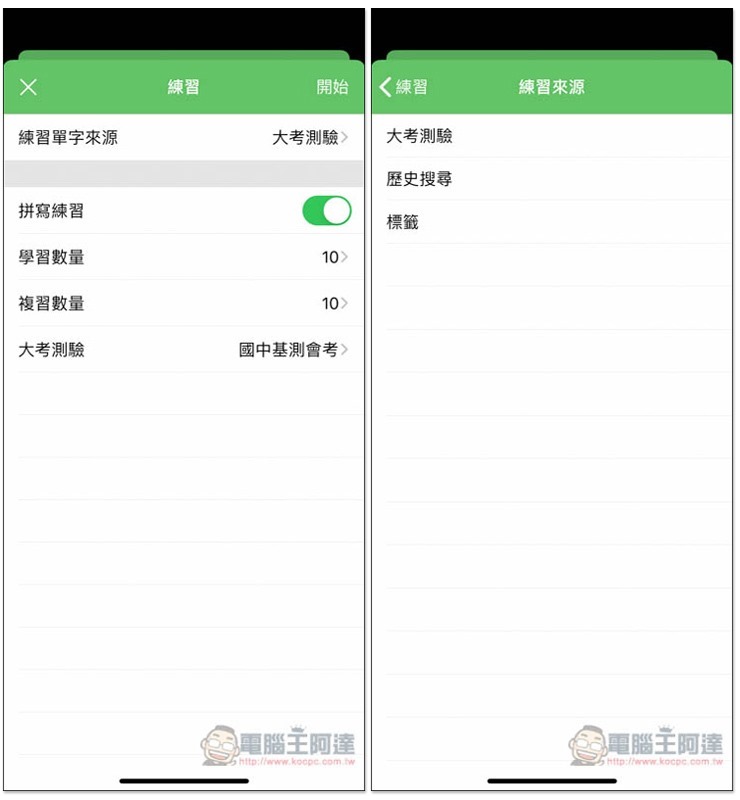
In the practice mode, you can choose the source of the words you want to learn. For the big test, you can choose from the built-in word book:
There are listening, fill-in-the-blank exercises, etc.:
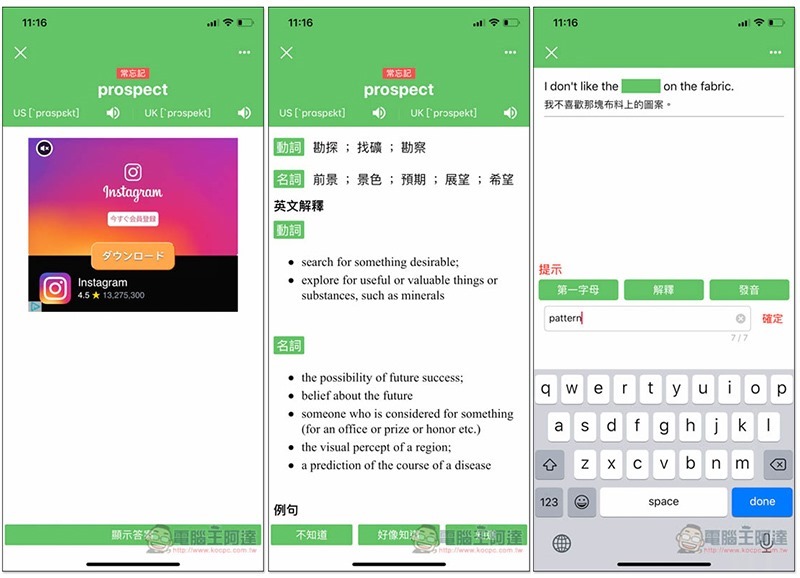
Single word card mode:
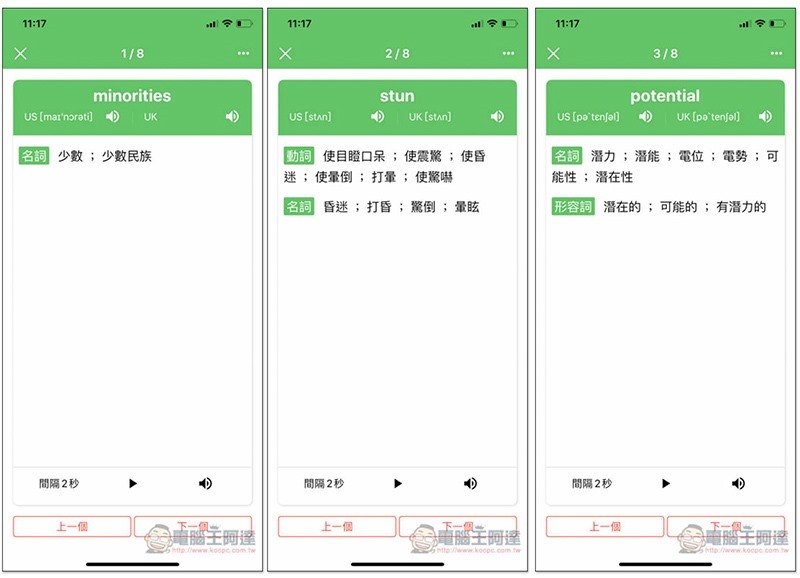
As for the words you have practiced and you already understand them, if they are also available in other vocabulary books, such as stun, this word is also available in the junior high school basic test vocabulary books, then the number of learned words below will also be recorded simultaneously, making it easier for you to master:
Check single word download link
App Store:Click here to go
Google Play:Click here to go
Source: KOCPC Chinese