


Although there are many useful video editing tools in the App Store, it is difficult for people who are not well versed in technology or mobile phones. They must understand the function of each function, such as how to insert video clips, add text, select soundtracks, etc. Trash – One Tap Video, which I will introduce in this article, is a super lazy video editing app that uses AI artificial intelligence technology. All you need to do is select the video clips you want to combine, and AI will do the rest for you. Currently, it is only available in the iOS version.
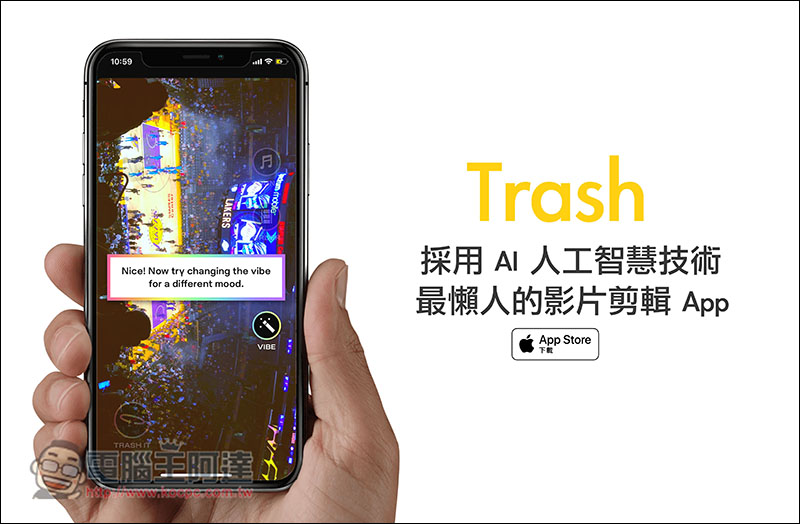
Trash – One Tap Video Introduction
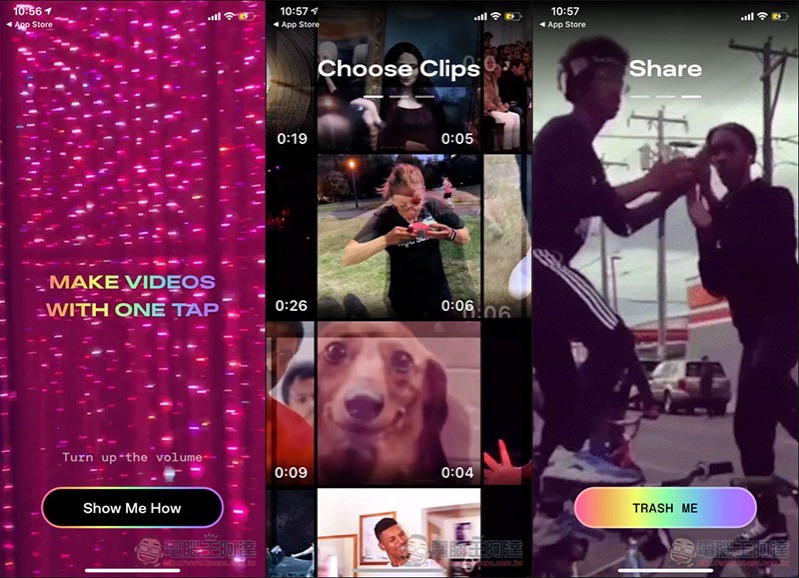
Trash currently only has an English interface, but it is very simple to use. I will quickly explain it to you below. There will be a brief introduction when you open it for the first time. Those who are interested can take a look:
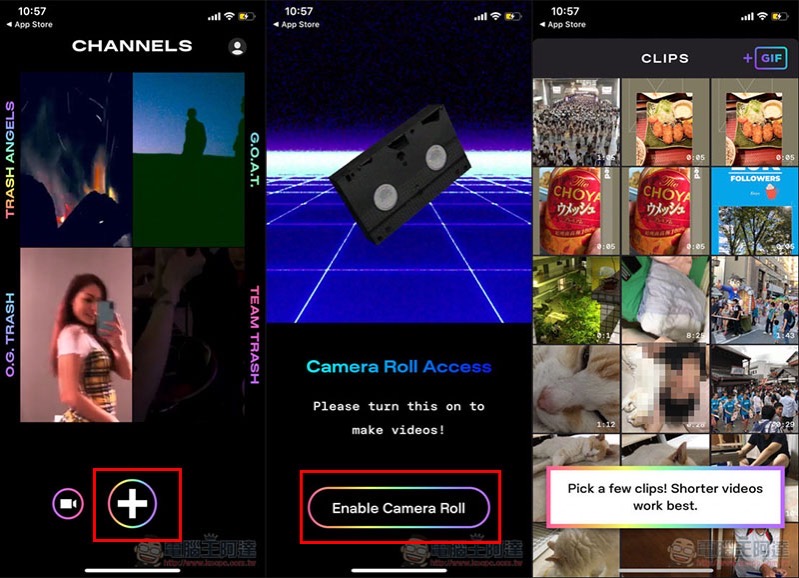
Strictly speaking, this is an AI video editing + video social platform app. The edited video will be automatically shared to your personal page for others to enjoy. Of course, you can delete it if you don’t want to share it. Press the + below to select a video clip. First-time use requires authorization to access photos. Click Enable Camera Roll:
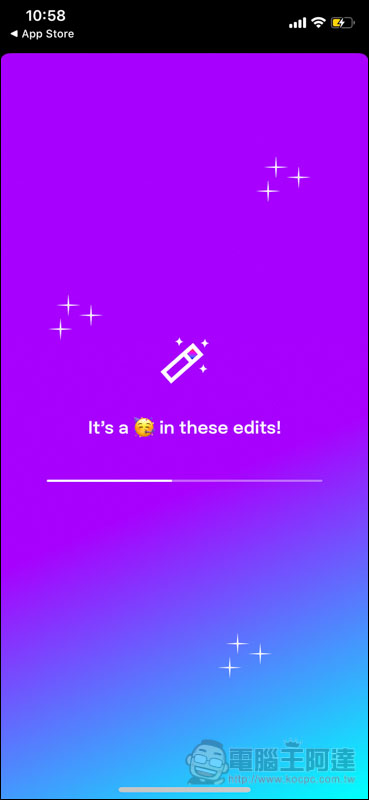
After selecting the video clip, AI recognition processing and editing will begin, which is basically completed in tens of seconds:
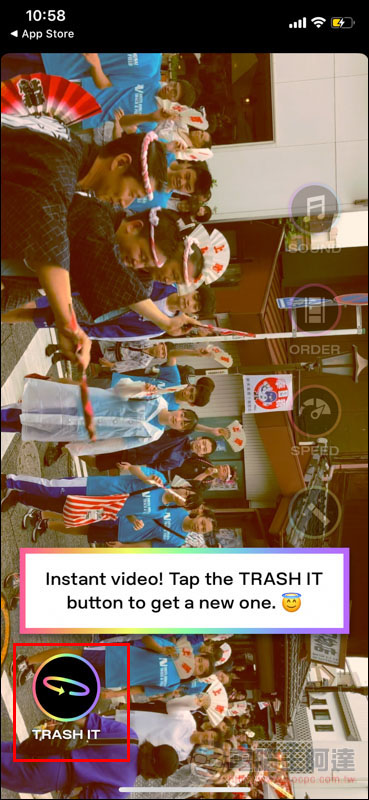
Then the screen will show the editing effect, and there will also be a soundtrack. If you don’t like this clip, click TRASH IT to get new results:
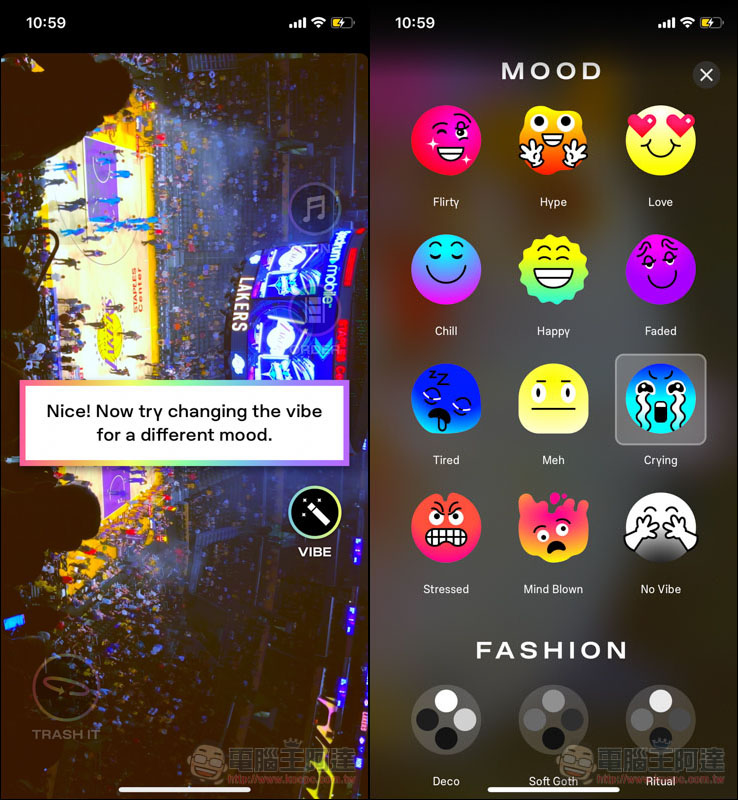
There are also some functions on the right side. VIBE can select your current mood or the mood you want the movie to show. It will re-edit the appropriate soundtrack and video clips based on these conditions:
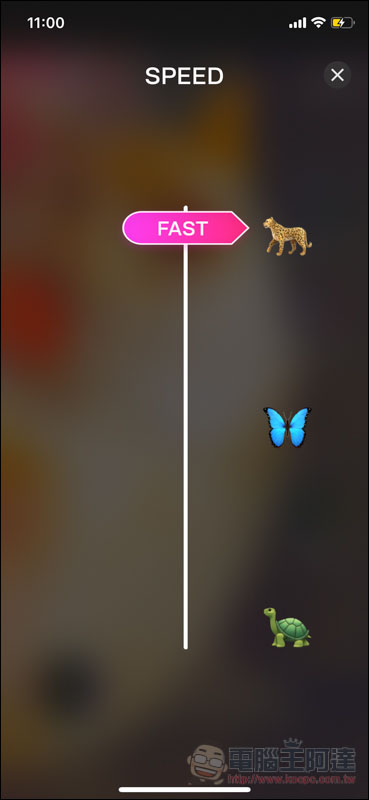
The speed can also be adjusted, and the default is the fastest. If you don’t want every video clip to switch so fast, you can slow it down through this function:
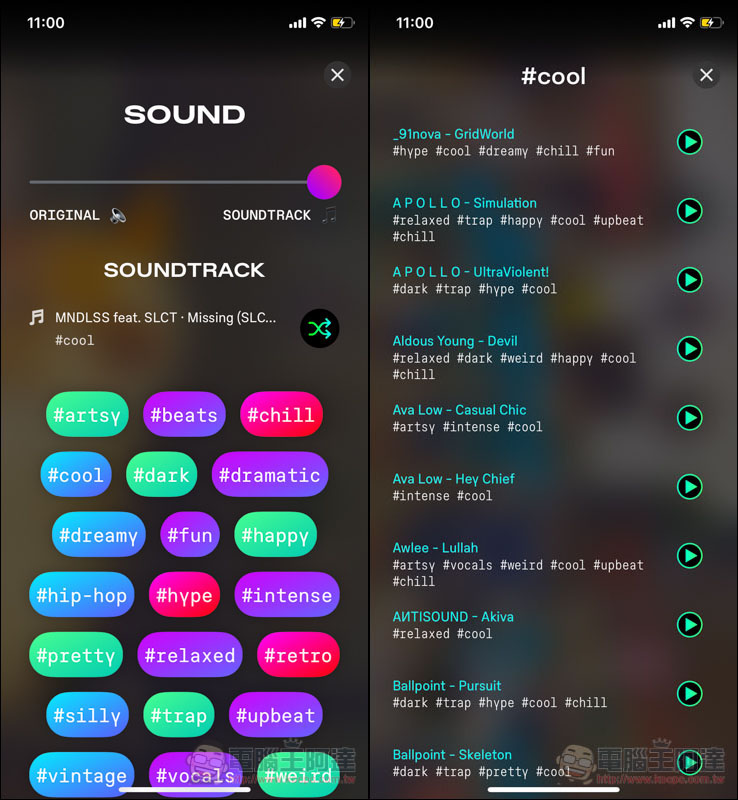
There are also a lot of background music provided, including beats, relaxed, hip-hop, dark, fun, etc. Click on each category tag to view all matching music:
After deciding, you must register an account before saving to photos:
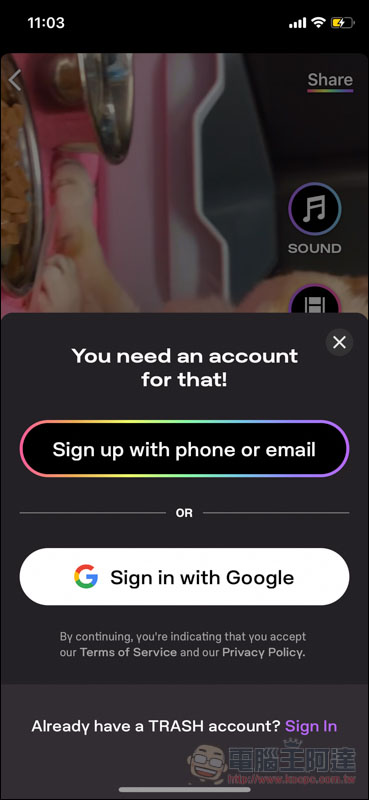
Then you can find it in the photo. Below is the result of me using this app to edit three video clips. The process takes less than a minute:
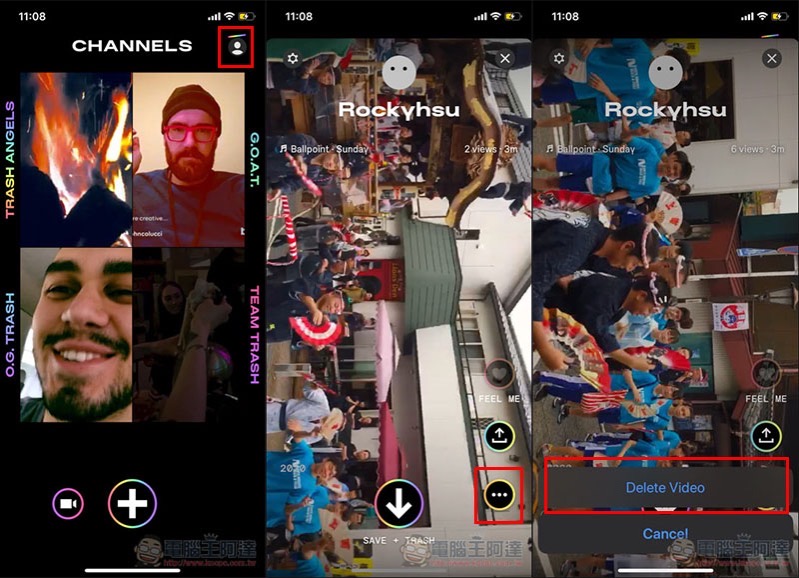
In addition, this video will also be automatically shared to your personal page, which means that all users can see it. If you don’t want to show it to others, click the avatar ->… menu in the upper right corner of the main screen and you will find the delete video function. Not sure if the automatic sharing function can be turned off:
Supplementary information
Trash – One Tap Video download page:Click here to go
Source: KOCPC Chinese