


I would like to introduce to you a complete tutorial on how to use Telegram. Telegram (hereinafter referred to as TG) has become very popular in Taiwan recently. The main reason is because LINE has changed the charging mechanism for official accounts such as LINE@, which has increased the operating expenses by more than dozens of times (personally, I have gone from less than 5,000 to at least more than 120,000 per month), resulting inTzu ChiThe “escape wave” began on many social media. In fact, Telegram is used by quite a few people around the world. The number of users far exceeds that of LINE (only Japan, Taiwan, and Thailand are the main countries where LINE is used). Its functions are 87% similar to LINE, but not exactly the same. To put it simply, TG does not have all the shortcomings of LINE. TG not only has the advantages of LINE but is more powerful (but some functions of TG are not as user-friendly as LINE). We have written about it beforeintroduce、reason, this time we teach you from the beginning the most basic functions, hoping that more people can enter the world of Telegram.

Telegram installation, account application and Chinese culture
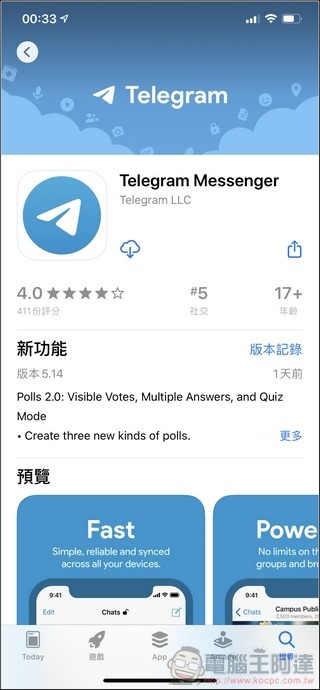
First you can go to hisDirect download from the official website (please click me)Or search “Telegram” in the App Store or Play Store to download the App. TG also has a desktop version and a web version, with quite a lot of options. The following is an introduction to the iOS version (because the interface is not much different):
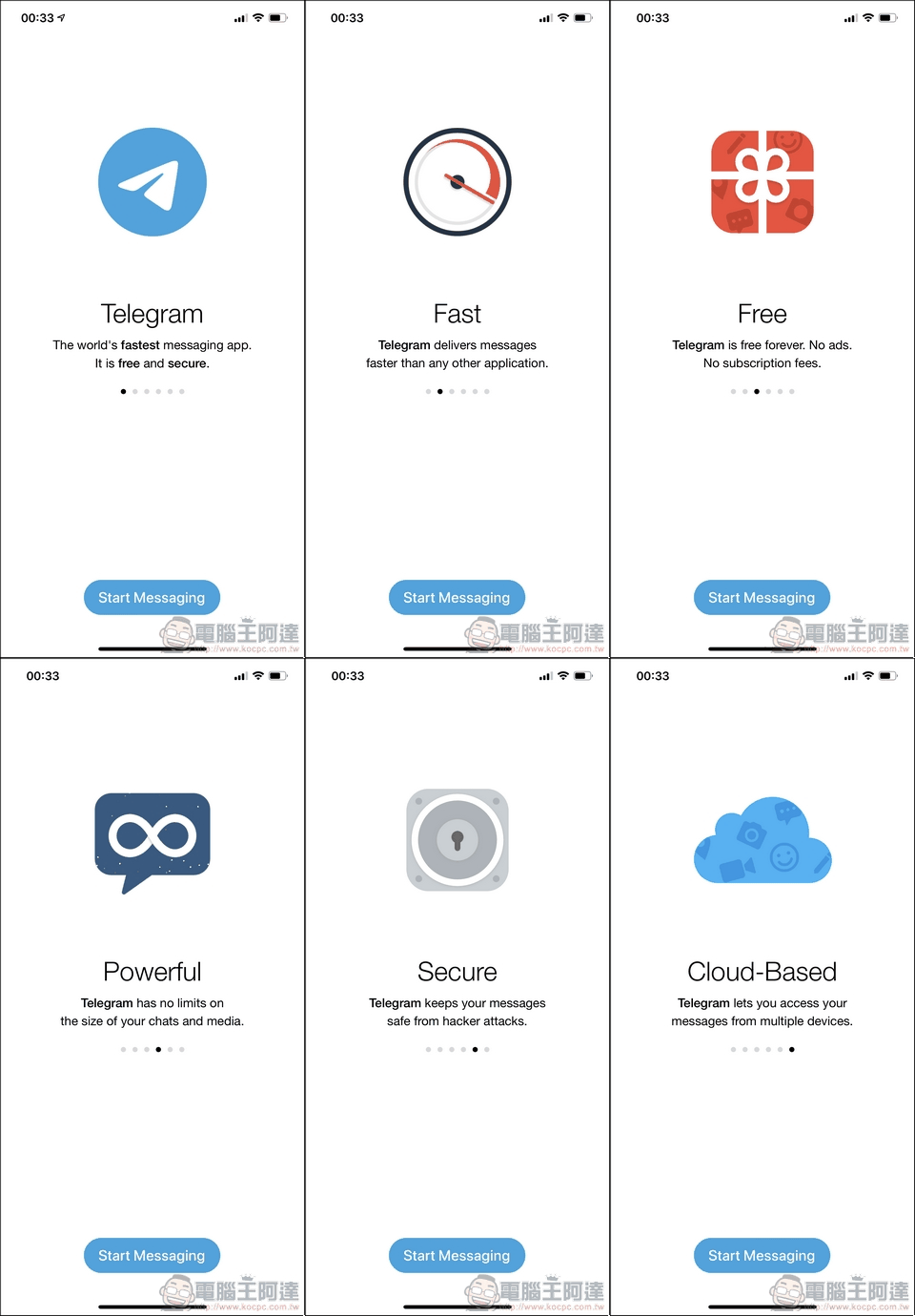
▲Telegram has the advantages of being more secure (the founder personally wrote the encryption method), faster, free (stickers and all services are free), more powerful, and a full cloud architecture (data will not disappear due to changing mobile phones or for any reason + unlimited cloud space). A group can have up to 20,000 people, will not be changed, has two-stage authentication… a lot of advantages.
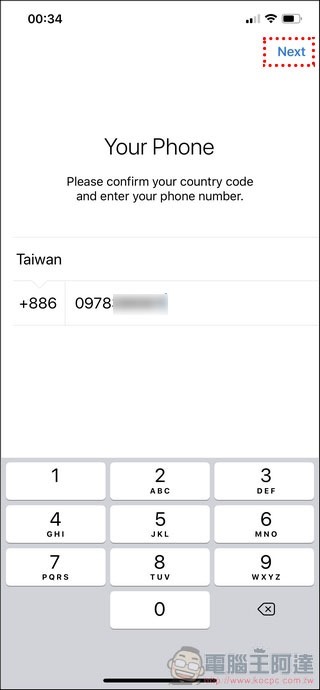
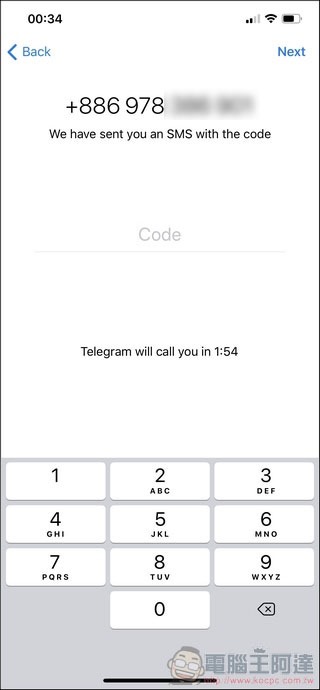
When you use it for the first time, you need to enter your mobile phone number. At this time, the system will send you a set of verification codes or call you (randomly, I have encountered both), and then the registration is completed:
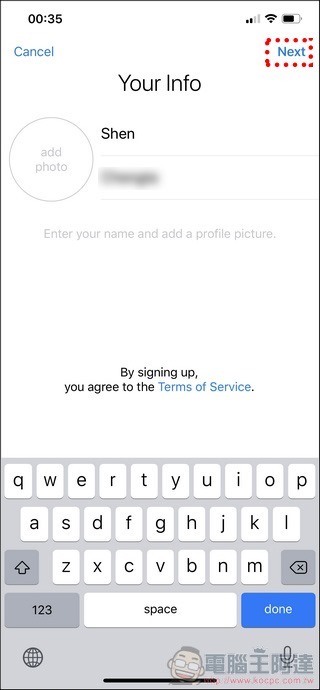
When registering for the first time, you need to enter your name and upload a photo. This can be modified later. Then it will ask for some system permissions, so give them all:
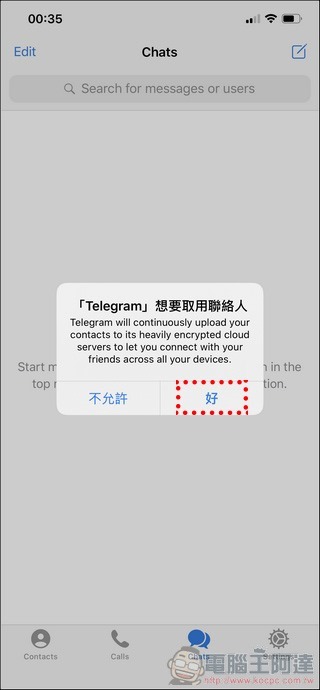
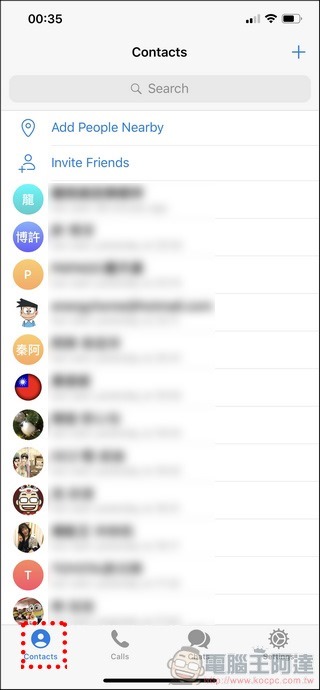
After completing the registration, TG will automatically scan the contacts in your phone. If your contact also has TG installed, it will appear in the “Contacts” option. The Calls next to it is the Telegram number you have dialed (the Android version function menu is “three” in the upper left corner):

Chinese culture
The third Chats is chat room information, which is empty because it has not been opened yet. The fourth Settings is settings. When you see this, you should notice “Why is there no Chinese”? don’t worryJust click the linkJust get it:
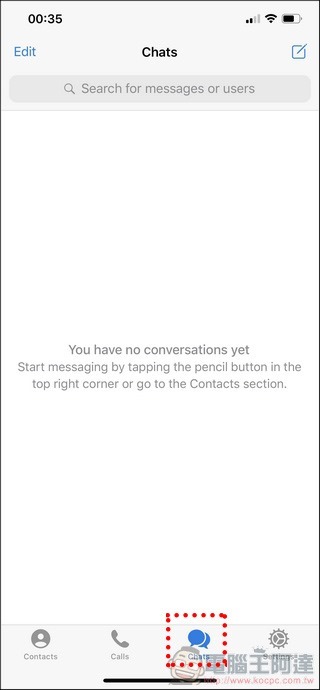
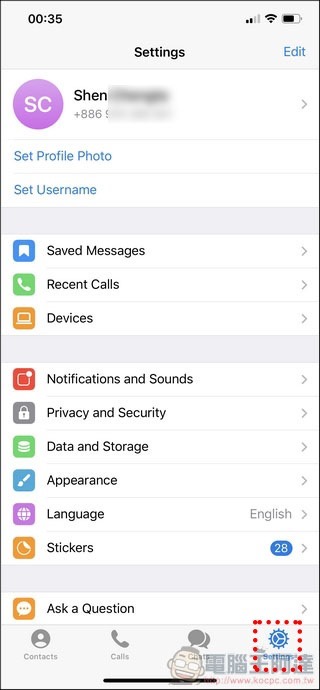
I don’t know why the default language of TG has never been Chinese, but don’t worry, here I will teach you how to learn Chinese in one second:
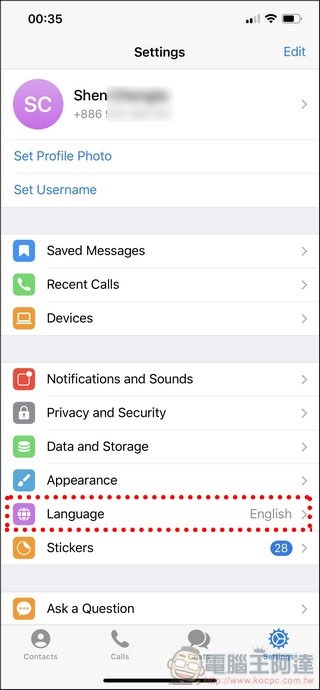
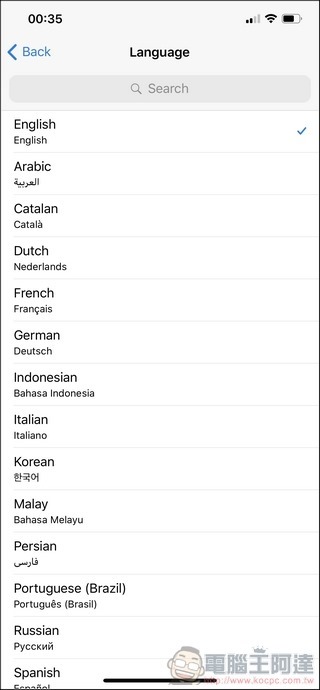
Just clickResource packinsideChinese culture link (please click me),and open:
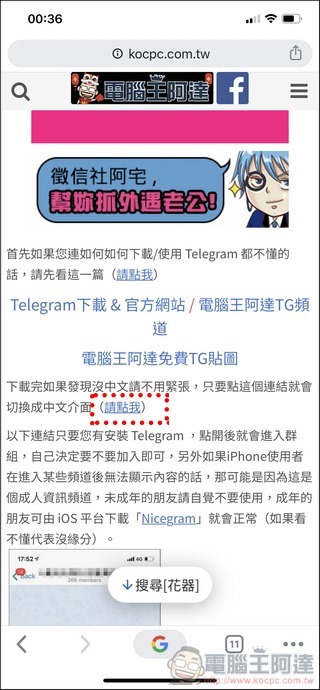
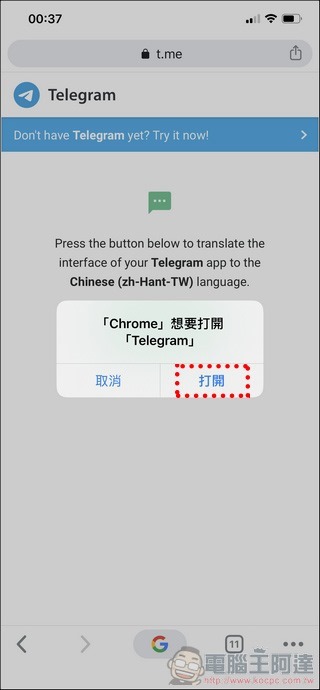
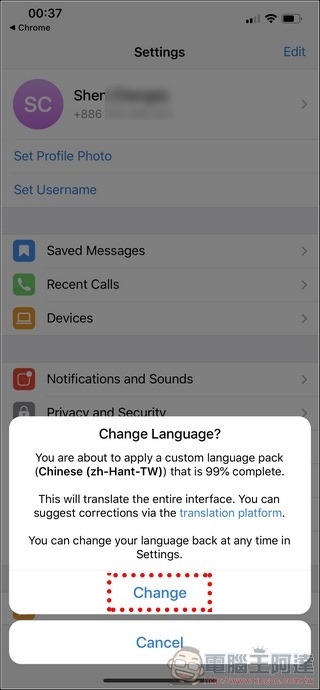
At this point, the system will ask if you want to change the language. Click “Change” and the entire interface will become Traditional Chinese. It’s simple:
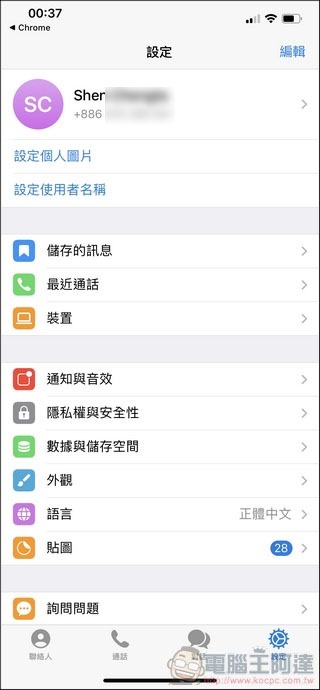
important! Follow me to set privacy settings
It is recommended to execute “Privacy and Security” in the settings and change the “Who can see my phone number” to “No one” (If you don’t change it, your phone number will be visible.:
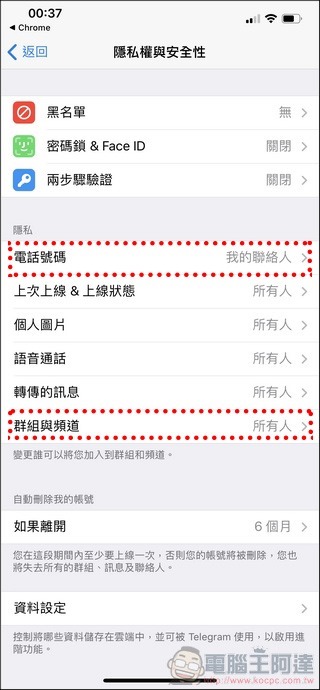
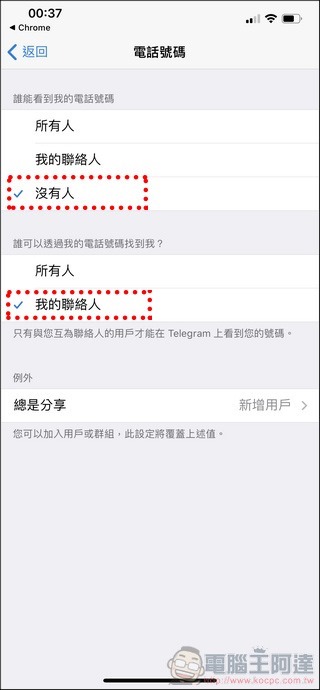
If you don’t want people to add you from the group chat room, you can change everyone to my contact in “Groups and Channels”:

Add new contact
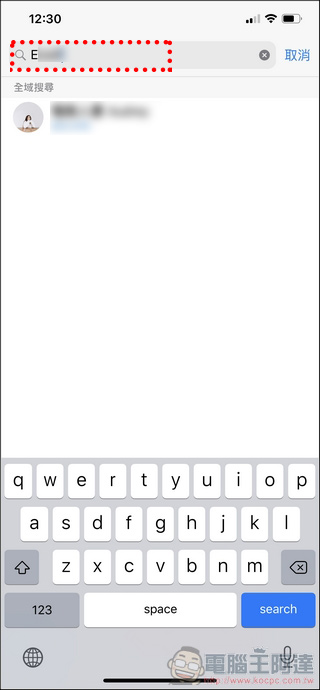
If you want to search for other TG users or share your account with other netizens, without publishing the phone number, you can directly search for his TF ID in the “Contact” option:
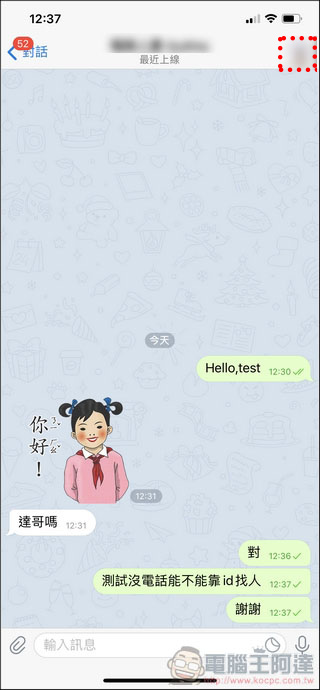
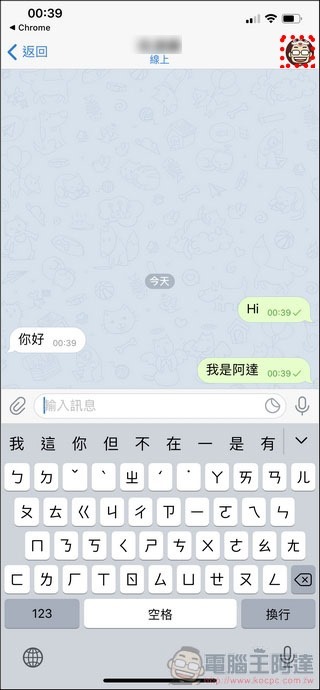
After clicking on the photo in the upper right corner of the chat room dialog box, you can make a TG voice call or add the other party as a contact:
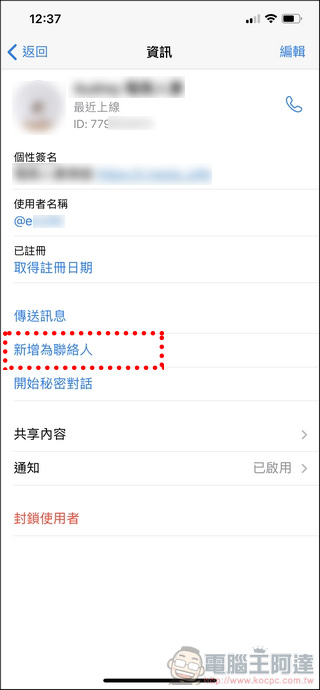
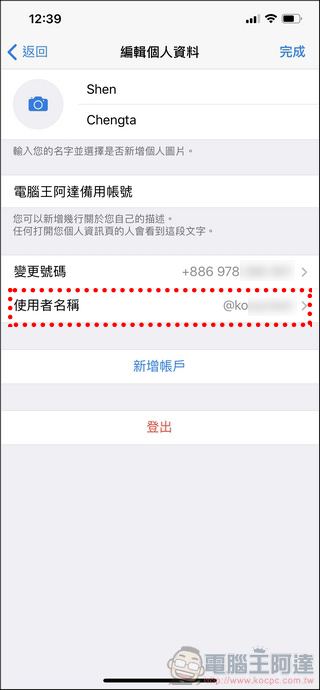
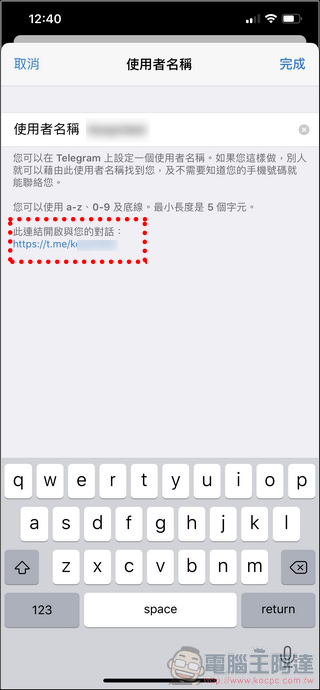
After registering an account, you can set your own ID in the “Personal Information” settings. If you want to share your TG ID with the community, just share the link below “http://t.me/TGID”. It is quite simple:
Telegram use
chat
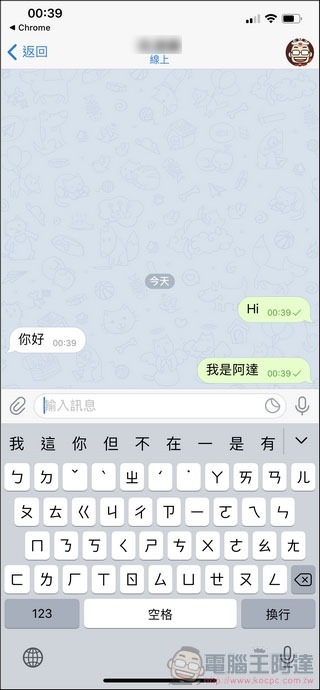
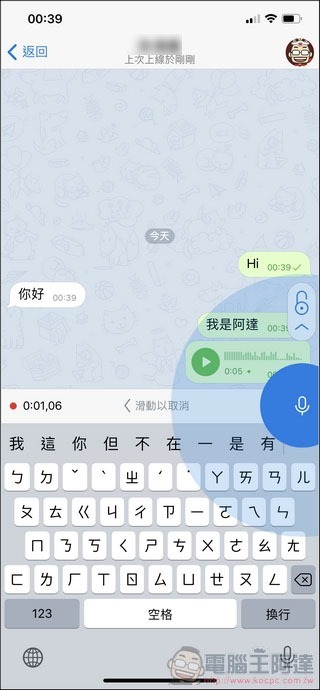
The use of TG is actually almost the same as that of LINE. As long as you find a friend, you can start chatting. You can generally text or record. You can also send files, photos, pictures… you can even send your current coordinates. Due to the characteristics of TG, unless you delete these records and files yourself, they will not have the problem of expiring and being unable to be viewed and listened to like LINE:
stickers
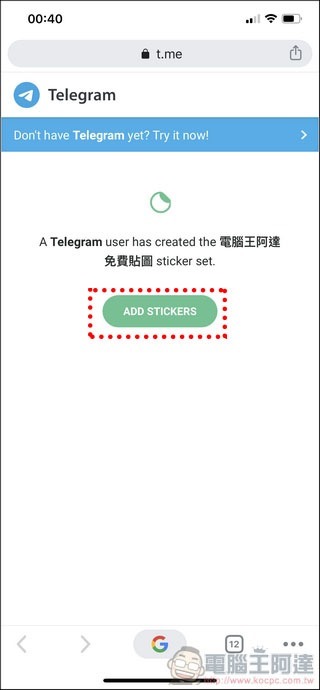
TG’s stickers are completely free, and you can even make them yourself, so there’s nothing you need to spend money on to buy stickers.If you want to download Ada’s stickers, just click on the sticker linkThat’s it. When you see a GIF you like, you can add it to your own GIF gallery for chatting at any time, which is very convenient:

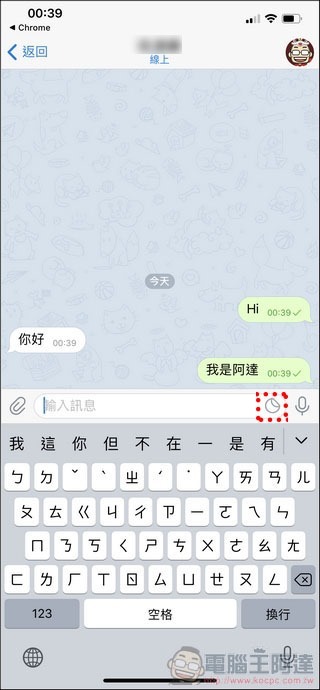
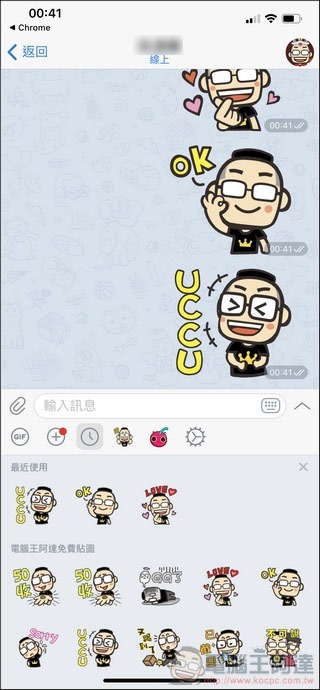
After that, just execute the texture LOGO next to the text box to quickly select the texture to use:
call
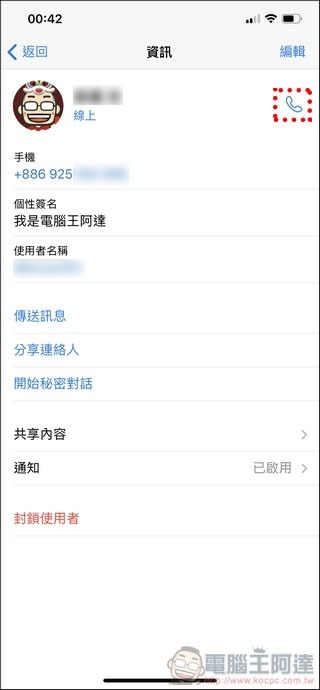
Of course, TG also supports calls. Just click on the contact or click the icon in the upper right corner during chat to perform the Internet voice call function:
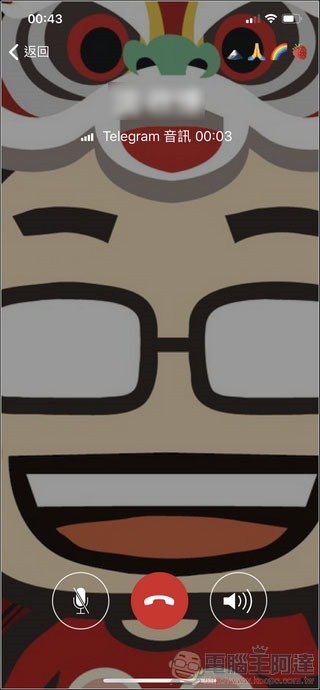
After the call is connected, the four icons on the upper right side of the screen can confirm whether the call is fully encrypted and safe. I think the quality of the voice call is good. However, TG does not have a video call function, which is why it cannot compare with LINE:
Other resources
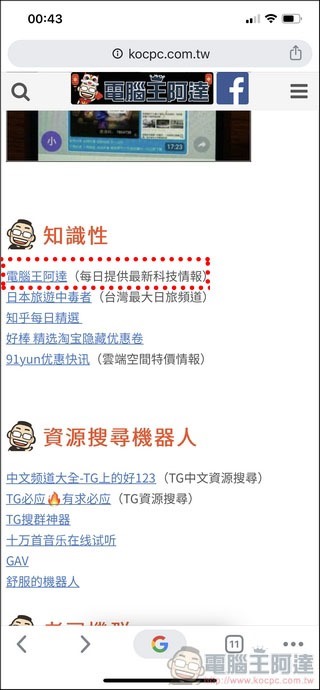
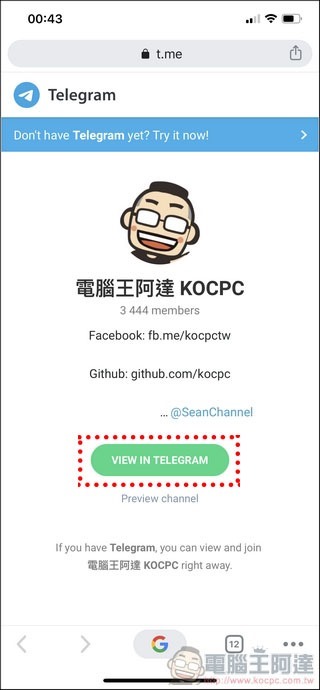
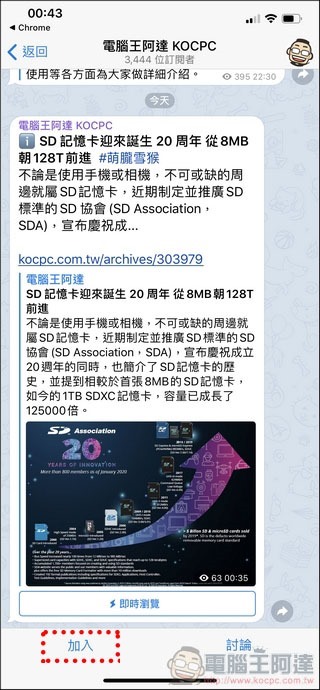
The most powerful thing about Telegram is that it has a rich variety of channels, robots and other resources (Please click me for various TG resources), regardless of various topics, almost as long as you are interested, you can find your favorite channel on TG. For example, joinComputer King Ada Channel(You must be self-promoting), as long as there are new articles, you will be notified in the group:
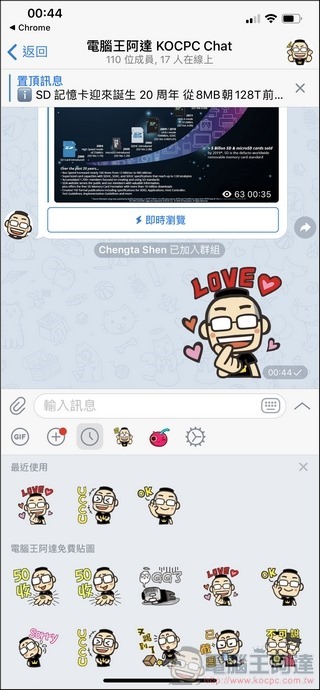
In addition, some channels also have group chat rooms. Once you join, you can chat with like-minded netizens from all over the world:
iOS specific content unblocking (Nicegram)
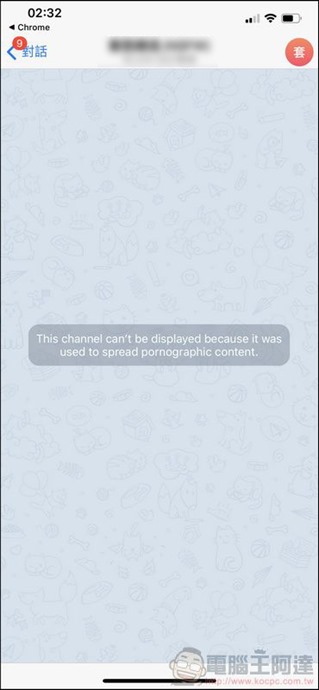
This only happens on the iOS platform. For example, if some specific groups are judged to contain adult content and will not be displayed (Telegram was once removed from the shelves by Apple because of this problem), then “Nicegram” must be used. Please be over 18 years old before continuing to follow the following steps. First, search for “@nicegram” in Telegram App and open:
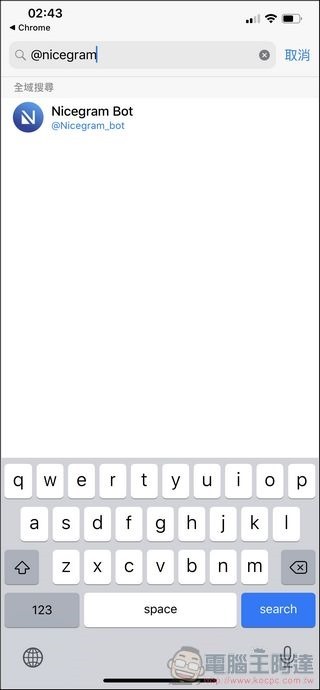
Then execute “I’m 18+ Years Old”, then go to the App Store to download “Nicegram” and install it:
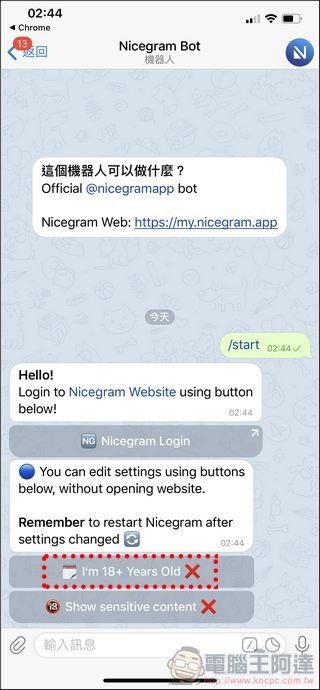
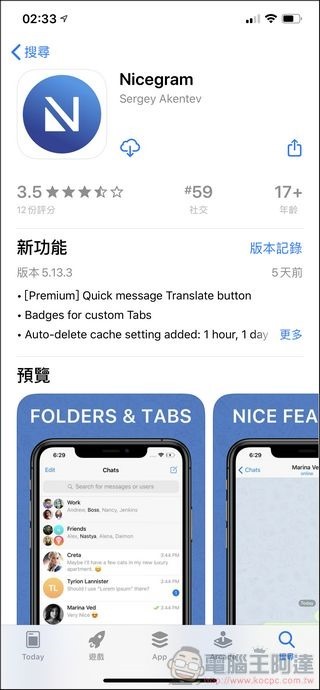
Nicegram actually has the same interface as TG. After that, you can completely replace TG with Nicegram. When you join these groups, the originally blocked content will be displayed normally:

If you still can’t figure it out, I suggest you go to Nicegram’s official website to view other methods (please click me)。
Telegram Download & Official Website / Computer King Ada TG channel
Computer King Ada free TG stickers / TG resource organization
Having said so much, does Telegram have no shortcomings? Of course, if there is no video chat, no complete package like LINE in terms of online marketing and robots, and no other functions such as payment,I don’t think TG can completely replace LINE either, may have the same relationship as FB and IG in the future (elderly people use LINE, young people use Telegram), but currently it seems that TG is indeed a very close to perfect messaging software. Its security and confidentiality were even widely used by Hong Kong people during the previous Hong Kong sports. I personally think it has great potential. Through this article, everyone can better understand how to use TG. If there are any errors or omissions in the content, please let me know.
Source: KOCPC Chinese