


After opening the new tab of the Chrome browser, although recently used websites will be displayed on the page to allow you to click more quickly, this is still a long way from being personalized. For example, you may prefer that websites that you must use every day be displayed on this page, or that some embarrassing private browsing will not be displayed. The extension plug-in “Infinity New Pagination” introduced to you this time is a tool that allows you to customize everything. It will be easier to use after opening the browser.
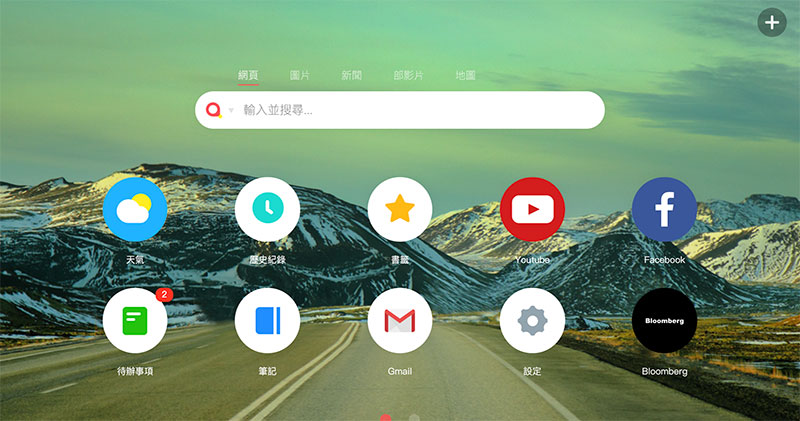
“Infinity New Page” extension plug-in makes your Chrome simpler and more customized
The Infinity new tab extension allows users to freely add website icons and high-resolution wallpapers to new tabs, and quickly browse bookmarks, weather, notes, to-dos, extended management, and history through customized icons. Compared to Chrome’s built-in new tab, you can add a website to it at any time and choose a built-in or custom icon.
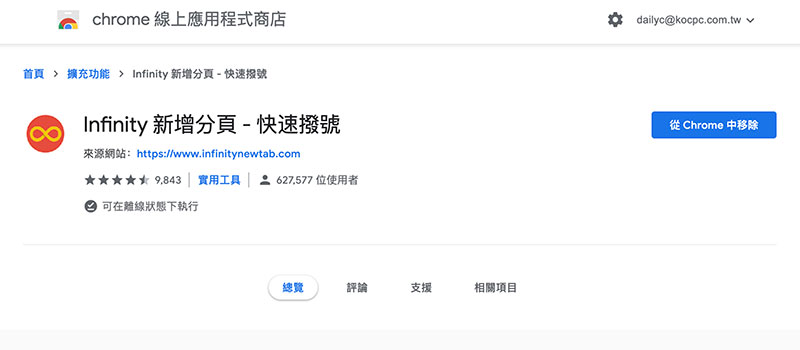
【Infinity new tab installation, click here】
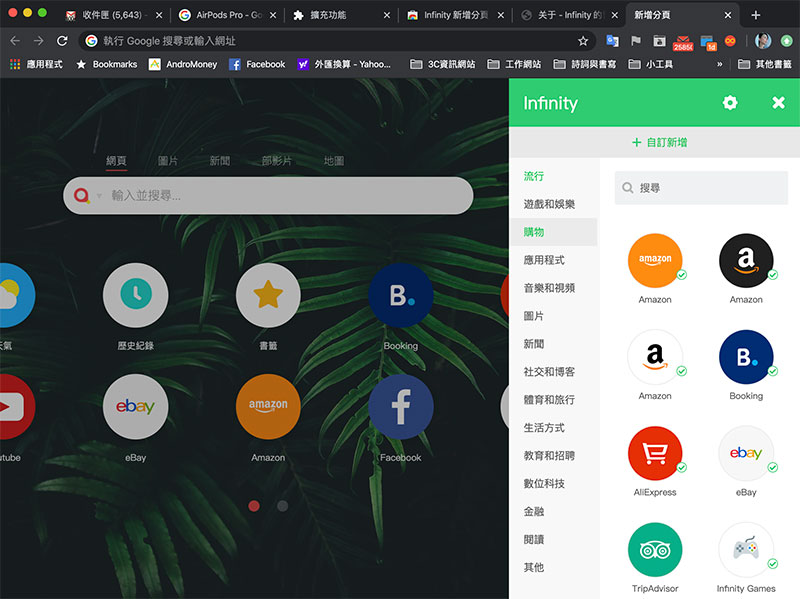
You can directly click on the thousands of website items that have been collected and add them to the new tab, or you can manually enter the website name, site, and select the icon.
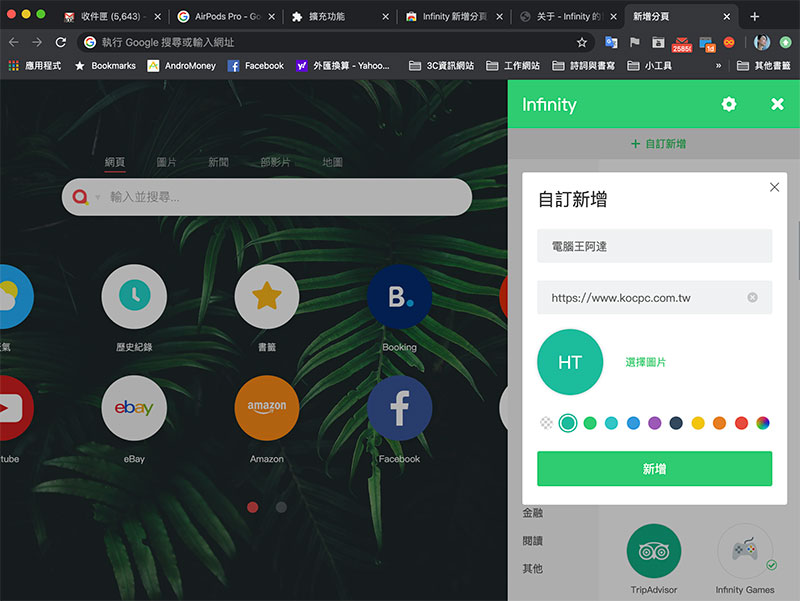
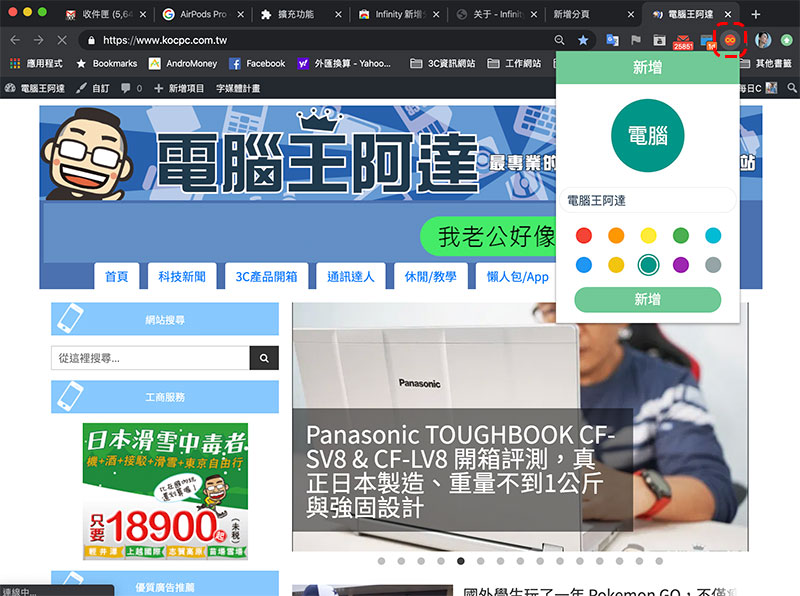
If you are on a website and want to easily add it to a tab shortcut, just click the Infinity icon in the upper right corner to instantly create a new tab shortcut.
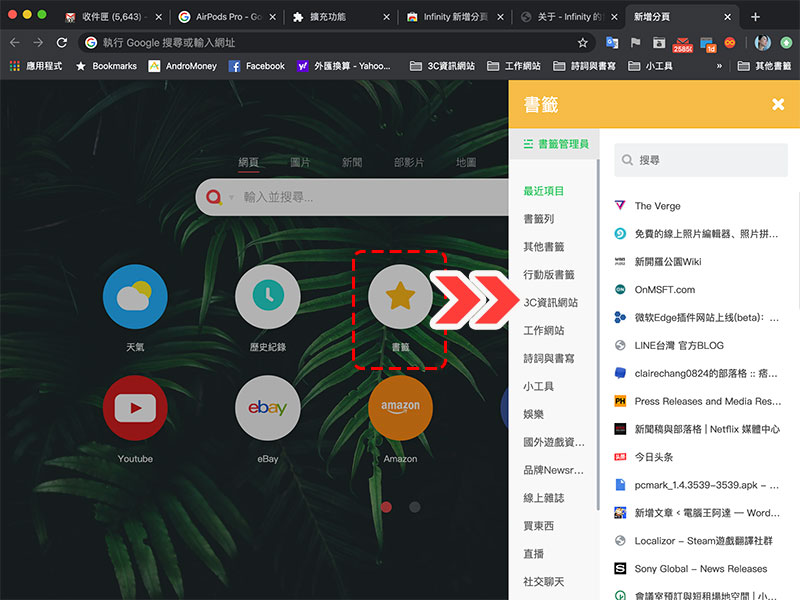
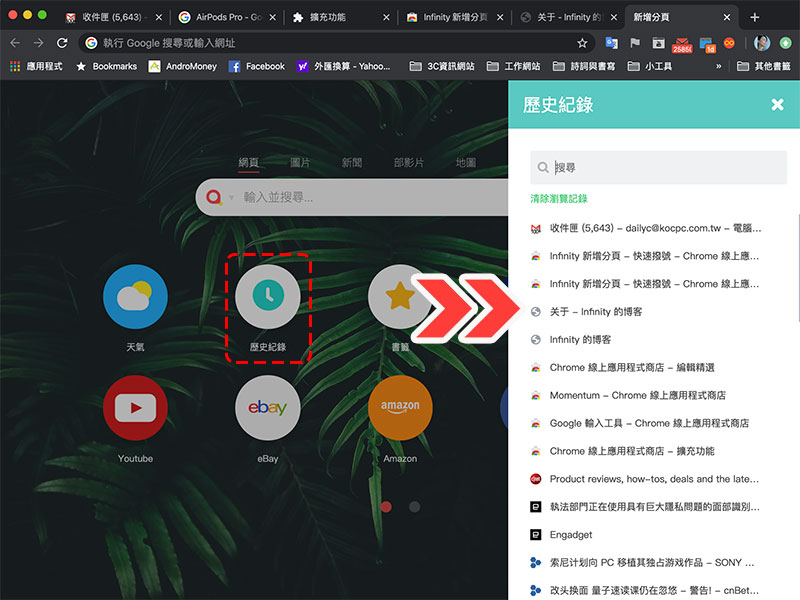
In the past, if you wanted to view bookmarks, you had to swipe through the custom tabs above, and they would easily run away. If you wanted to view the history, you had to go to the Chrome backend. With this extension, you only need to click on the icon, and it will be displayed as a sidebar on the new tab, making it easier to browse and select.
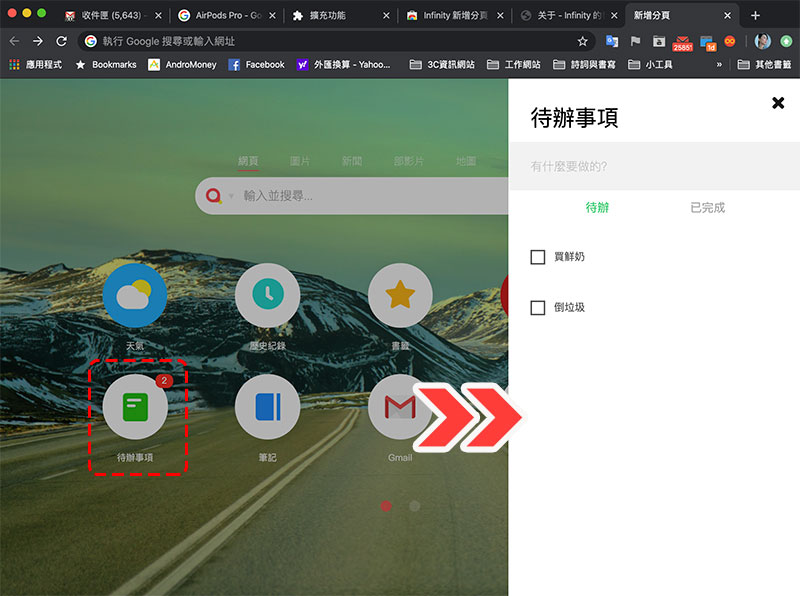
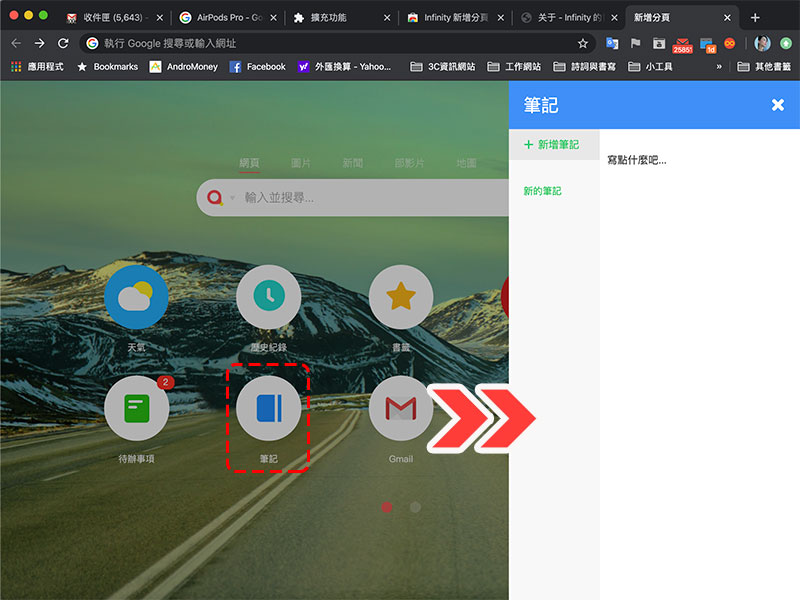
If you need to-do list tools and note-taking tools, through the Infinity new tab, you can directly click on the “To-do list” and “Notes” icons on the new tab to bring up the sidebar for input, integrating what would have been independent third-party tools, and installing one to have them all.
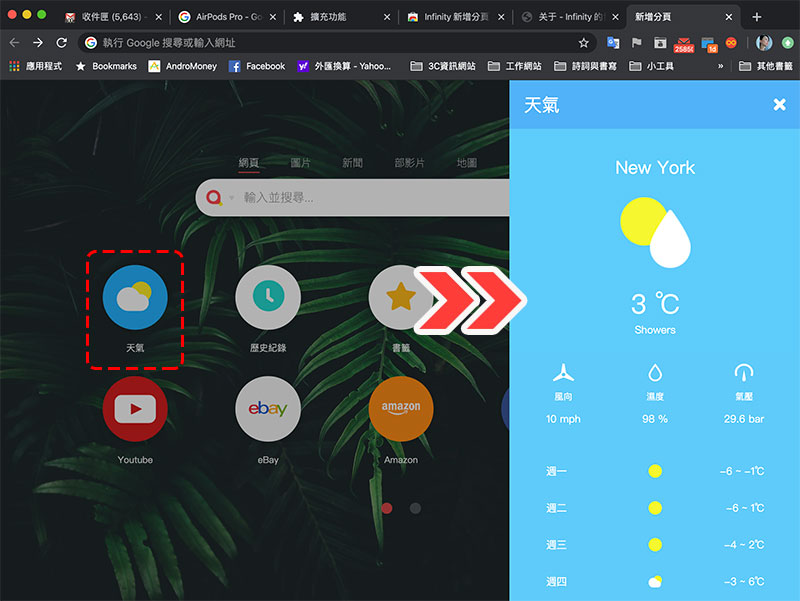
Real-time weather information and other content can also be displayed in the sidebar, allowing you to grasp the latest weather conditions.
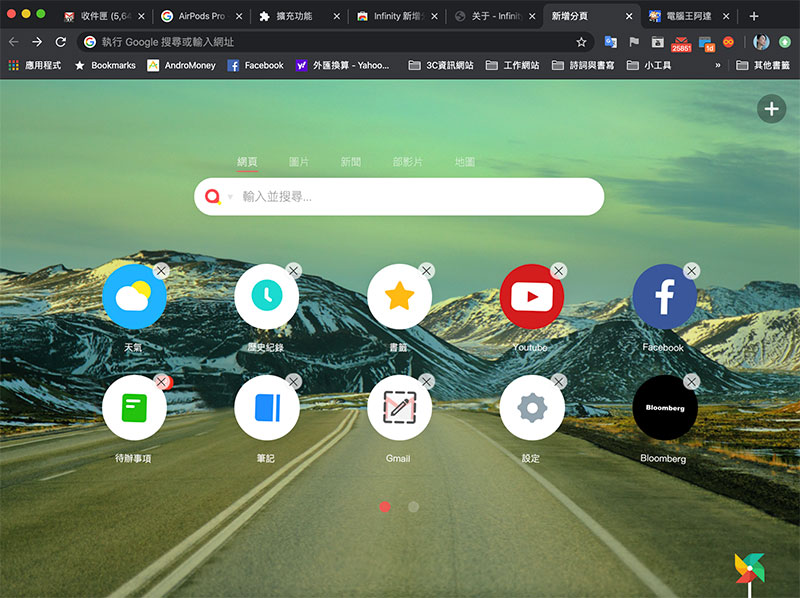
It is also very intuitive to manage the icons on the pagination. You only need to click the left mouse button on the icon as if you were using a mobile phone, and all the icons will start to shake like the icons on the mobile phone. At this time, you can remove, sort or edit them.
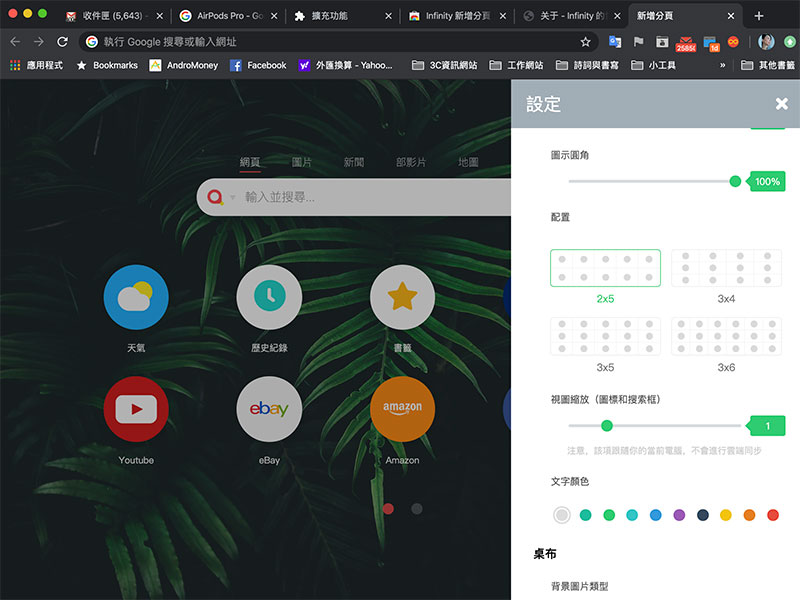
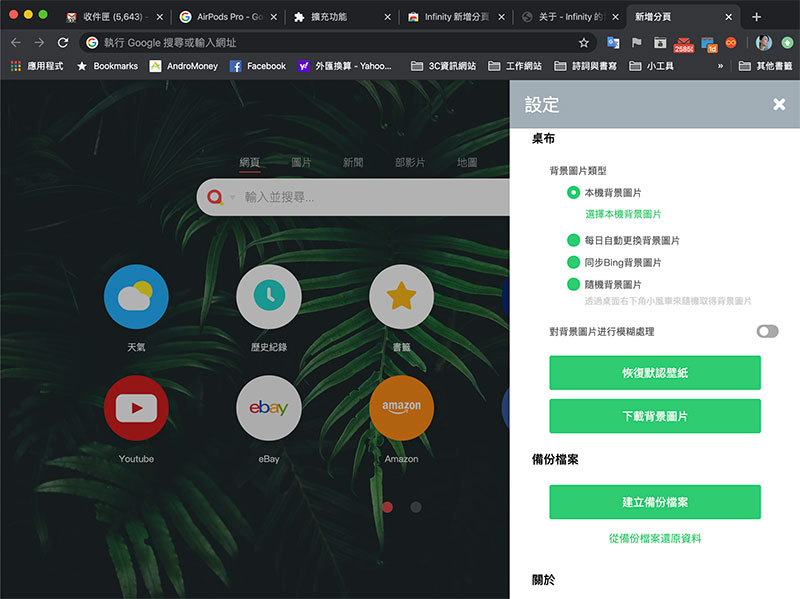
As for how many icons you want to display on the previous page and how to arrange them, you can customize and manage them from the settings. You can also choose high-resolution wallpapers on your computer or online from the settings.
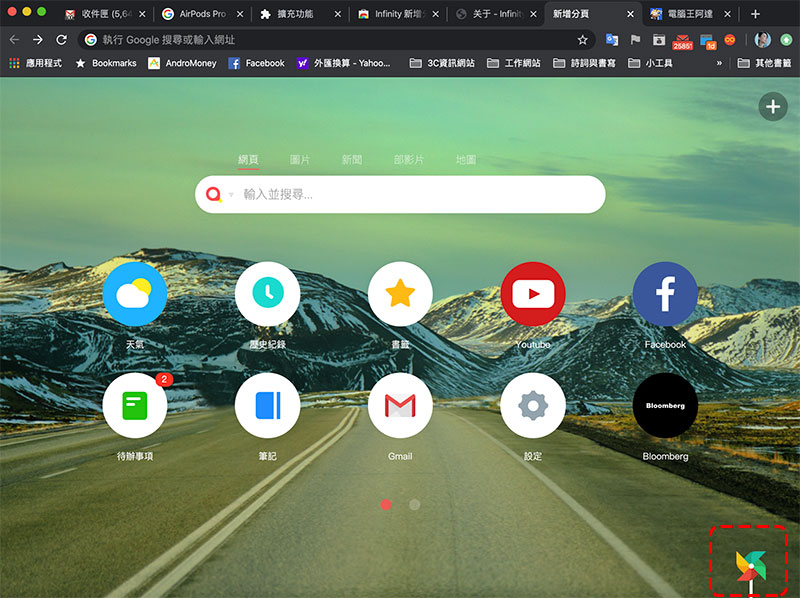
Have you noticed that there is a small pinwheel in the lower right corner? Click on the pinwheel to randomly change the tablecloth style, bringing you new surprises at any time.
In the Internet age, many people’s work has been transferred to the Internet. With the help of various extensions, the Chrome browser allows everyone to customize various productivity tools in a mode that best suits their habits. There are more and more integrated tools such as Infinity New Pagination. You may wish to try various plug-ins to find the most suitable plug-in for you.
Source: KOCPC Chinese