


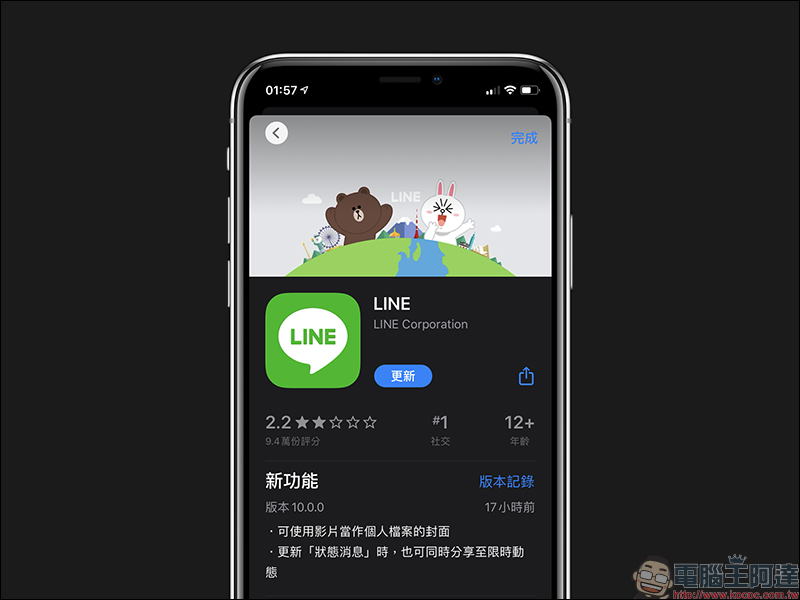
LINE only launched dark mode support for the iOS version at the beginning of the month, following up on the Android version. Recently, the LINE mobile version 10.0.0 update was released, allowing LINE users to not only select pictures as the cover of their profile, but also use videos as their profile cover. For users who want to show more of their own style and preferences, they can put interesting videos on the cover of their profile to share with friends.
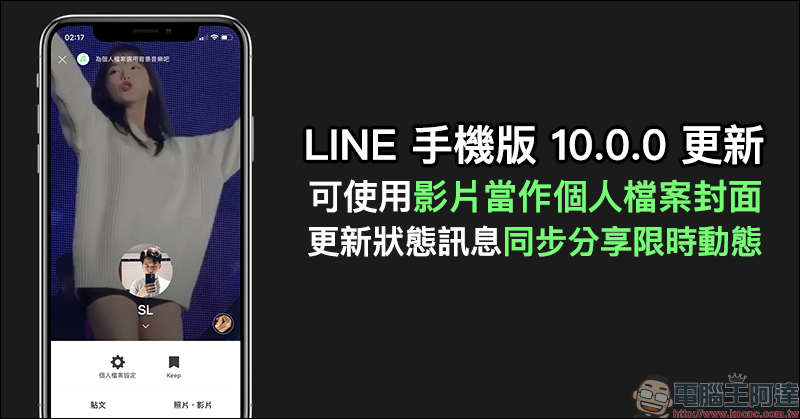
LINE mobile version 10.0.0 update: You can use videos as profile covers, update status messages and share limited-time updates simultaneously
LINE has continuously enhanced the user experience over the years, especially in terms of personal style functions. In addition to being able to send limited-time updates and set LINE MUSIC music as the background music of personal files. From now on, LINE users can not only use pictures as the cover of their profile. In the LINE mobile version 10.0.0 update, the feature of using “video” as the cover of the profile has been added simultaneously to the iOS and Android versions.
How to set “video” as the cover of my profile?
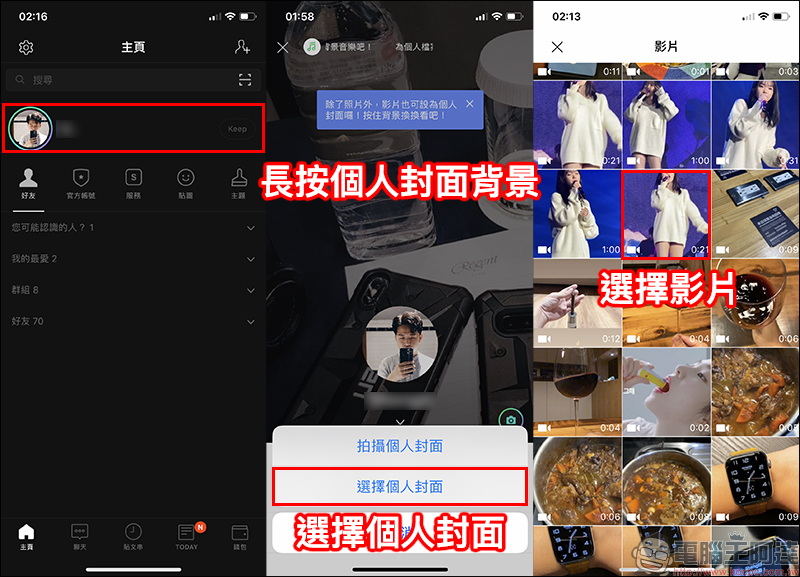
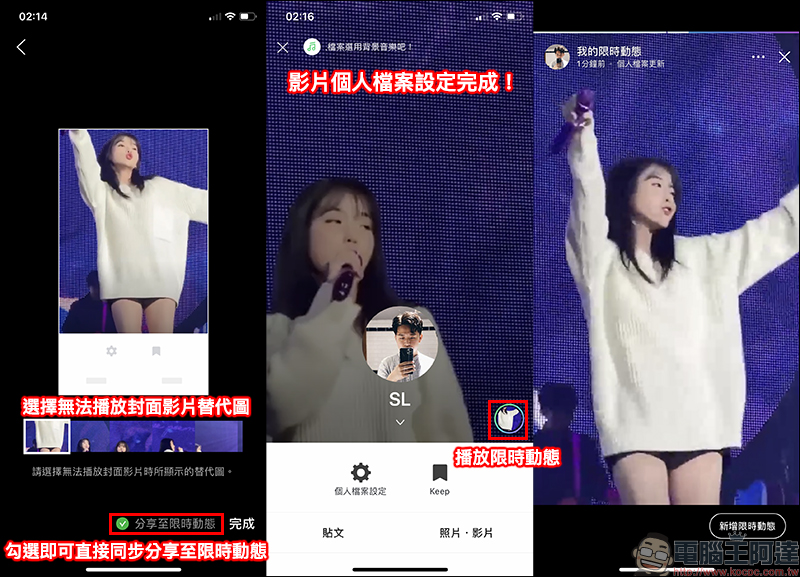
The method of setting a video as a profile cover is quite simple. In fact, it is similar to setting a picture in the past. First, open the personal profile page in the LINE mobile app, then long-press the personal cover background. If you want to directly use the camera to shoot a video as the cover, select “Shoot personal cover”, and click “Select personal cover” to use the video in the album as the personal file cover in this demonstration. Select the video in the mobile phone album to proceed to the next step:
If you want the video display effect to be more ideal, the next step is very critical:
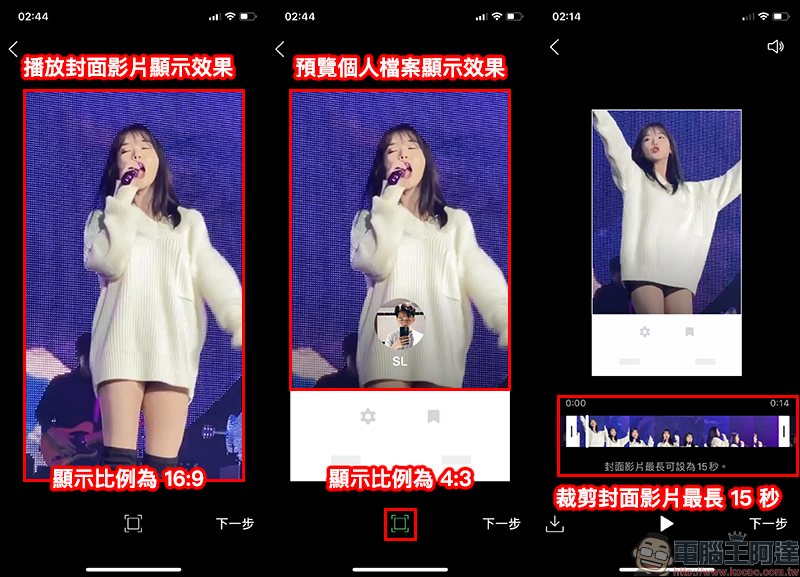
“Since the function bar on the profile page will block part of the video, LINE also provides two display effects for previewing at this stage. When the user clicks on the profile video, the video will be played in full screen, and the display ratio at this time is approximately 16:9; when the user displays the profile normally, the display ratio of the video after it is blocked in the screen is approximately 4:3.”
However, because LINE currently does not support the video cropping function in this setting, it is recommended that you adjust the video to the ideal ratio before setting it. After confirming that the display effect is OK, click Next to crop the video cover length, which can be set to a cover video of up to 15 seconds. In addition, with the play button in the upper right corner of the screen, users can also decide whether to play the sound of this video:
Entering the next step, the user can choose the “Unable to play cover video alternative image”, which is actually the display screen when the video is still. If “Share to limited time dynamic” is checked at this stage, the video will also be shared to the user’s limited time dynamic after setting it up:
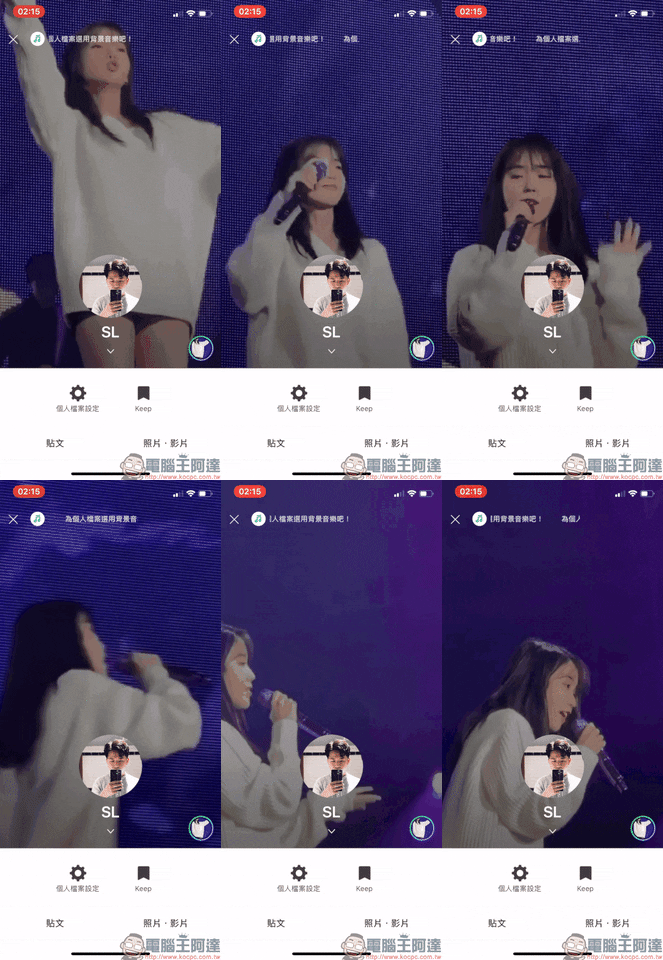
Video profile cover playback effect:
LINE App download:
iOS version (App Store)| Android version (Google Play Store)
Further reading:
LINE iOS update: Added dark mode support, compare the differences with the “Extreme Black” theme
Source: KOCPC Chinese