


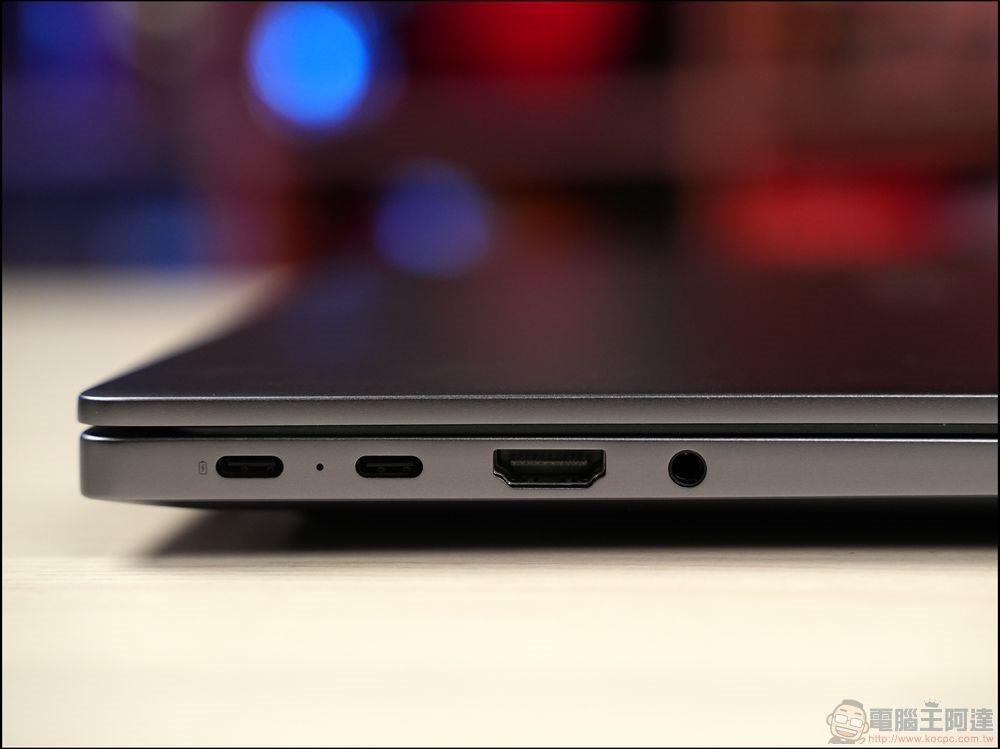
When shopping for new laptops in 2026, many people start by checking the processor, memory, or screen specs. But there’s another detail worth paying attention to: whether it has an HDMI port. For most users, HDMI is the most intuitive and common way to output video and audio from a laptop to an external monitor or TV. However, as various new connection methods have become more popular, not all laptops still include this port.
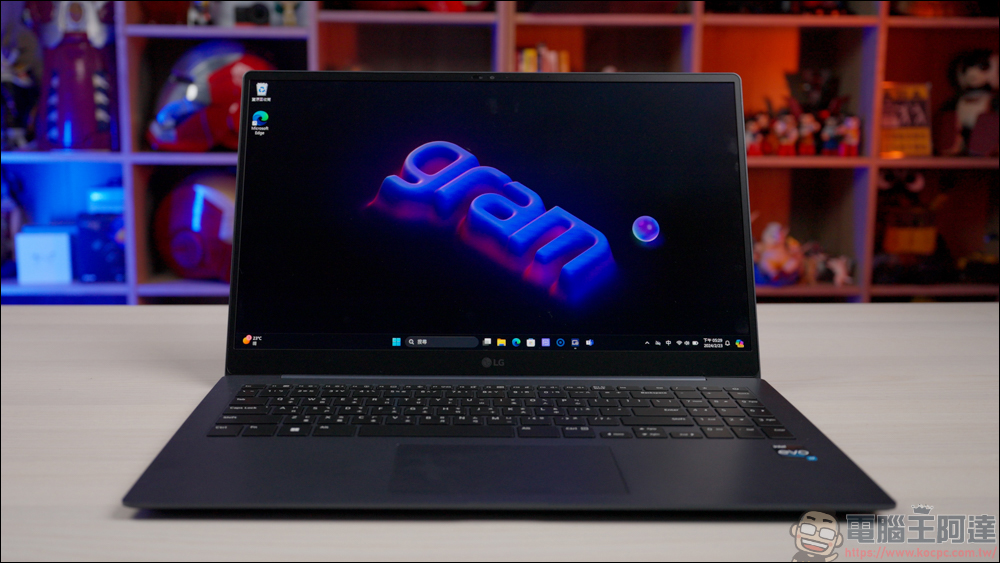
Why do some laptops not have HDMI ports?
The most obvious impact has been the rise of USB-C. Because this interface can handle multiple functions through a single connector, it has become the preferred choice for many manufacturers. Depending on the specifications, USB-C not only transfers data but can also output video and audio like HDMI, and even charge laptops. For manufacturers, USB-C’s versatility allows them to provide full display output capability without adding extra ports. As a result, some laptops have dropped HDMI entirely, using USB-C as the primary external display interface.
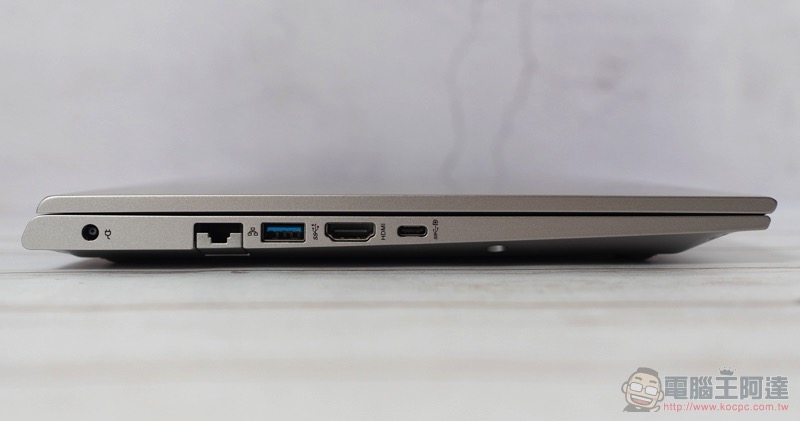
Apart from functional integration considerations, design orientation is also one of the reasons HDMI is being gradually removed. Laptops are getting thinner and lighter, naturally leaving less room for ports along the edges. HDMI is relatively bulky, so removing it can free up more space for ultra-thin and lightweight models. However, this doesn’t mean HDMI is fading away. In fact, many new laptops still include HDMI, and some even offer both HDMI and USB-C, allowing users to choose the most convenient connection method based on their needs.
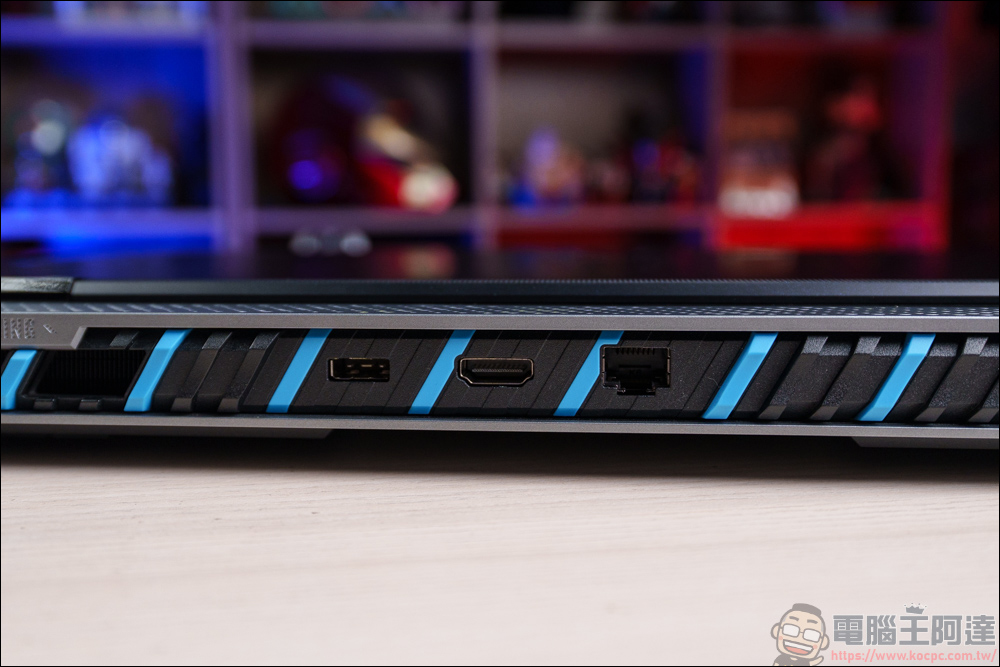
However, if the laptop you choose doesn’t have HDMI, you’ll need to consider the associated costs and convenience. For example, you may need to purchase an additional USB-C to HDMI adapter, or use a multi-port hub to connect your existing monitor, projector, or other devices. Different external devices may use different interfaces, and the costs of these adapters as well as the inconvenience of carrying them around could become a burden over time.
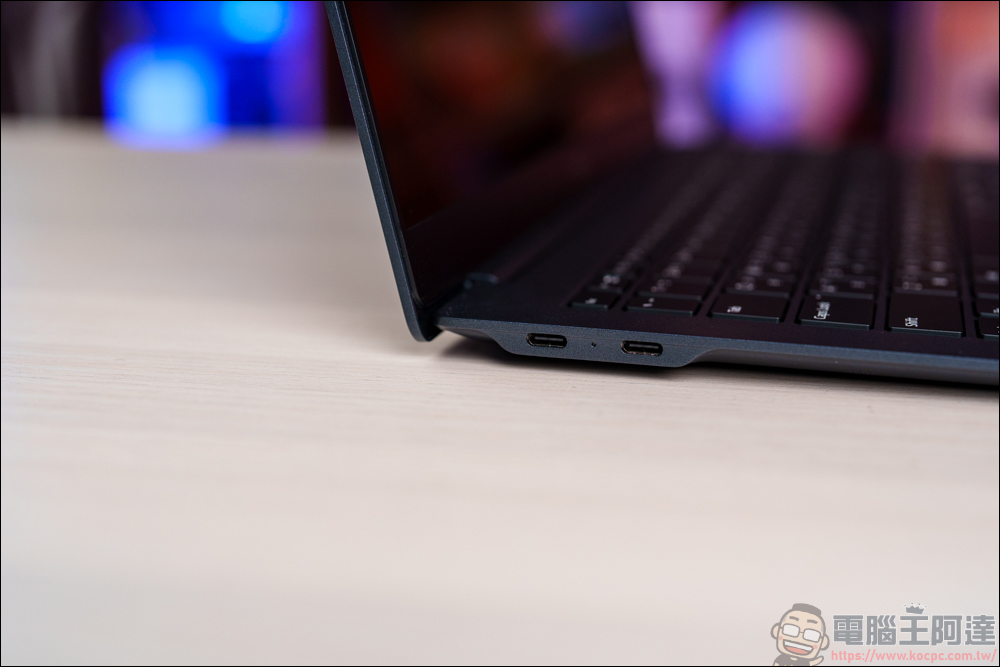
When inspecting USB-C ports, you may also see Thunderbolt markings. Modern Thunderbolt (3rd generation and later) uses the same USB-C connector but offers more powerful capabilities—it supports faster data transfer speeds, can drive multiple external displays simultaneously, and enables connections to docking stations, giving laptops a more complete desktop experience. These advantages have made Thunderbolt a popular feature on high-end laptops.
Beyond interface changes, another trend in laptop design is the soldering of internal components. To make the body thinner and lighter, some manufacturers have chosen to solder memory or SSDs directly onto the motherboard. While this does save space, it comes with obvious drawbacks: repair difficulty increases and upgrade flexibility decreases. When a component fails, often the entire motherboard needs to be replaced; and if more memory capacity or a larger SSD is needed in the future, self-upgrades are not possible. For heavy users or those who need long-term use, this may become a limitation down the road.
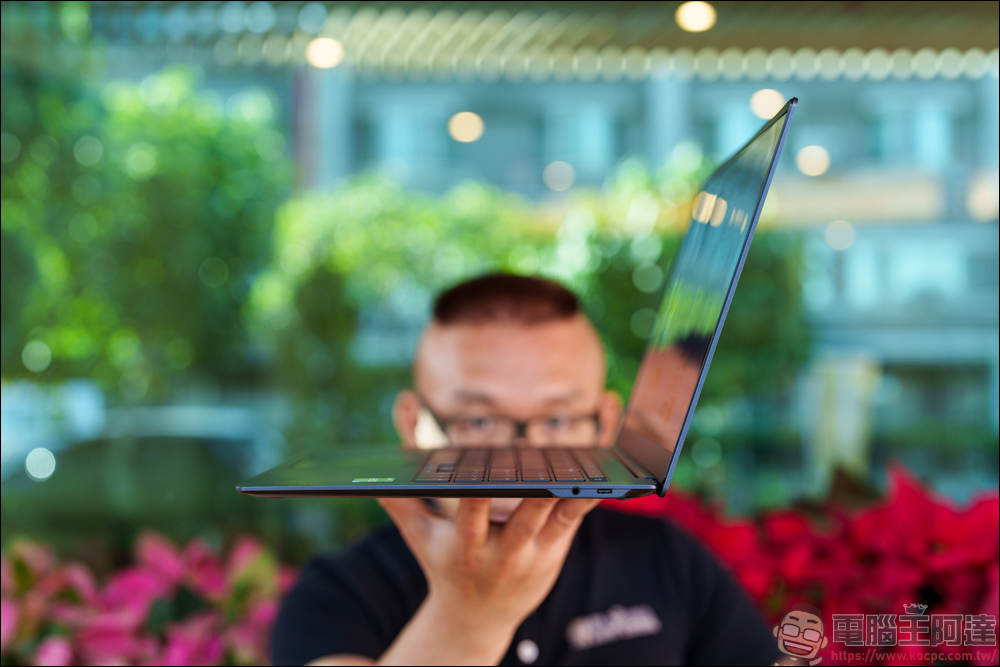
In summary, whether HDMI is present, whether the USB-C specifications are complete, whether Thunderbolt is supported, and whether internal components are replaceable are all details worth paying attention to when choosing a laptop in 2026. These seemingly minor differences often affect your future convenience of use, expandability, and overall costs. When purchasing, take a bit more time to confirm these details, so you can find a model that truly meets your needs.
Source: KOCPC Chinese