


Although there are many free password management tools on the market, many developers are either not well-known (or use open source code) or do not support enough platforms. I believe many people are worried about password management that requires a high degree of security. The NordPass free password management tool recommended in this article is provided by a well-known VPN service NordVPN It is launched and boasts extremely high security. All your personal information and passwords will be encrypted using the XChaCha20 encryption algorithm, which is the same technology used by Google and Cloudflare, which is very good.
All functions of the free version can be used. There is only the restriction that you can only log in to one device at a time. You can create as many accounts as you want. It is supported by almost all platforms. It can be said to be one of the best password management tools currently available.
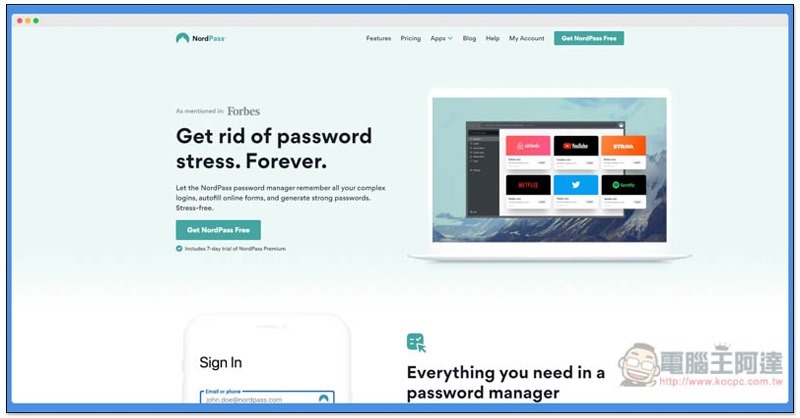
NordPass is a free password management tool launched by the well-known NordVPN. It supports all platforms, is safe and easy to use.
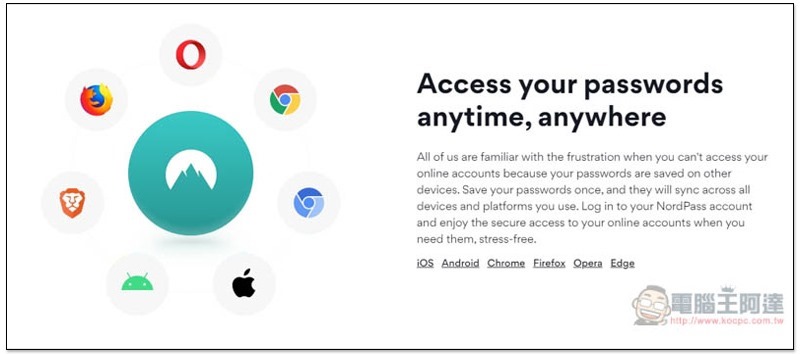
The computer version of NordPass uses browser plug-ins, which are available in Chrome, Opera, Firefox, and Edge. The mobile versions iOS and Android all support them. Below I will introduce the Chrome extension plug-in as an example:
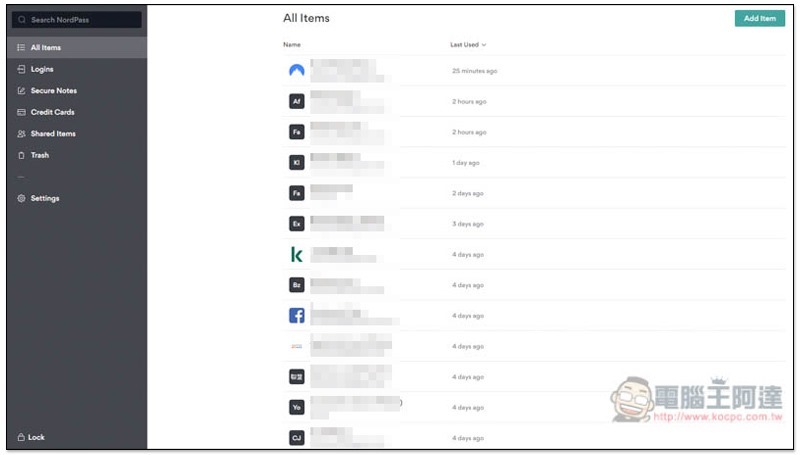
After the installation is completed, you have applied for an account and logged in, you will see the backend interface as shown below. It does not support Chinese yet, but the operation is quite simple. The left side is the main menu with seven functions:
- All Items
- Logins (login items)
- Secure Notes
- Credit Cards
- Shared items (shared items, paid version only)
- Trash
- Settings
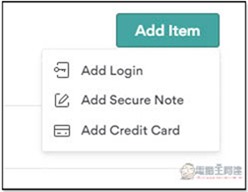
Click Add Item in the upper right corner to add an account password. There are three options, “Add Login”, “Add Secure Note”, and “Add Credit Card”:
The following figure shows the Add Login screen. After entering the Title, Email/Username, Password, Website URL and Note, click Save to save it. The password part will automatically detect whether it is safe. If it shows red, it means it is too simple and can be easily cracked. It is recommended to change it to another one. The icon above will automatically capture the image you entered in the URL. If there is one, it will be displayed. If not, the first two characters of the name will be used instead:
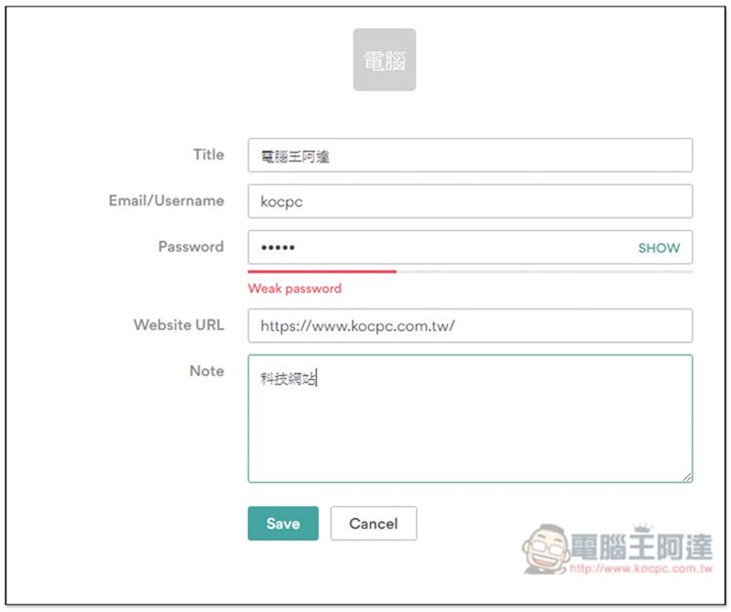
It’s a pity that this set of password generation tools is not built-in here. You have to find it in the plug-in menu, which is a bit troublesome to use. I will demonstrate it to you later.
The picture below is a screenshot of the website icon found:
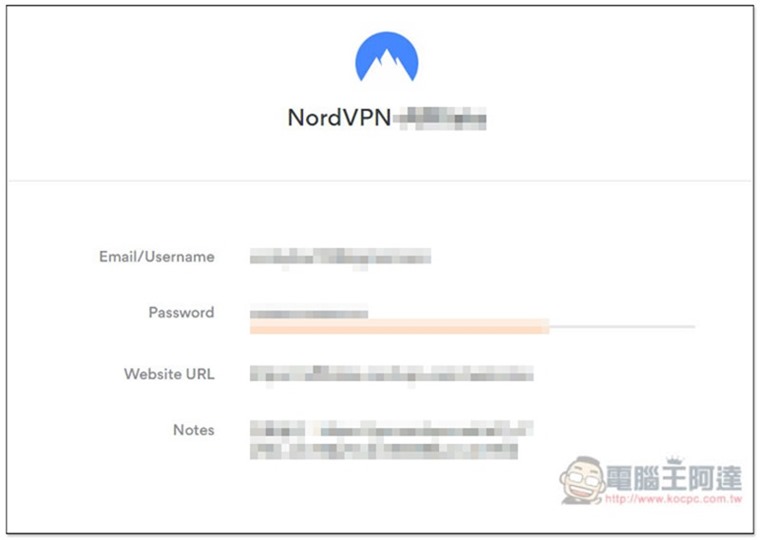
Add Secure Note has even fewer options, just name and content:
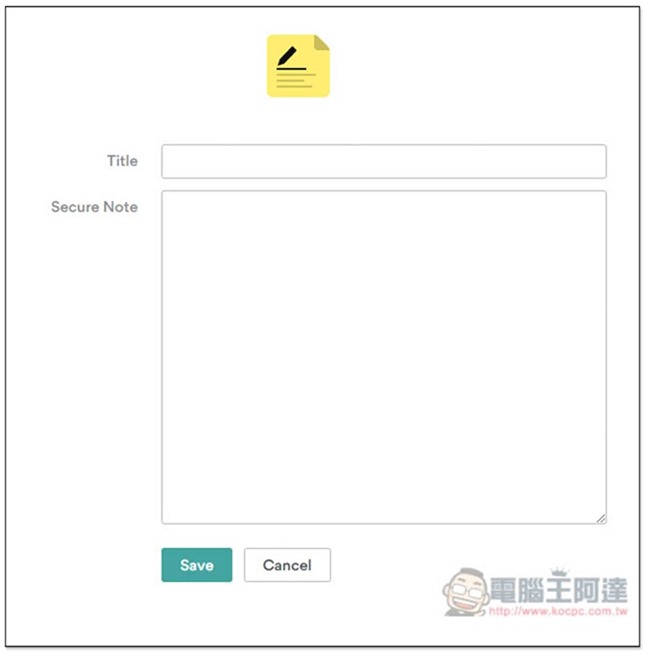
Add Credit Card (add credit card information) also fill in the name, name, card number, limited period, CVV/CVC, and the zip code and notes below can be added if necessary:
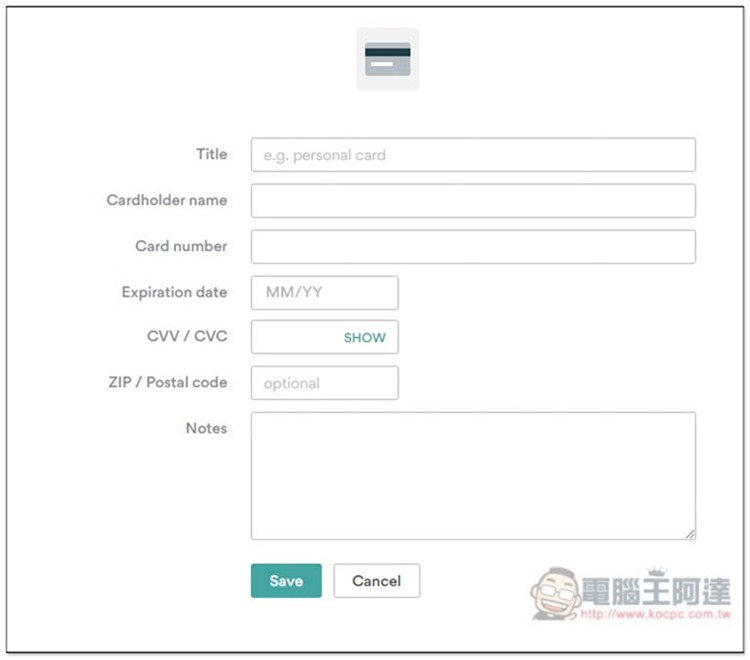
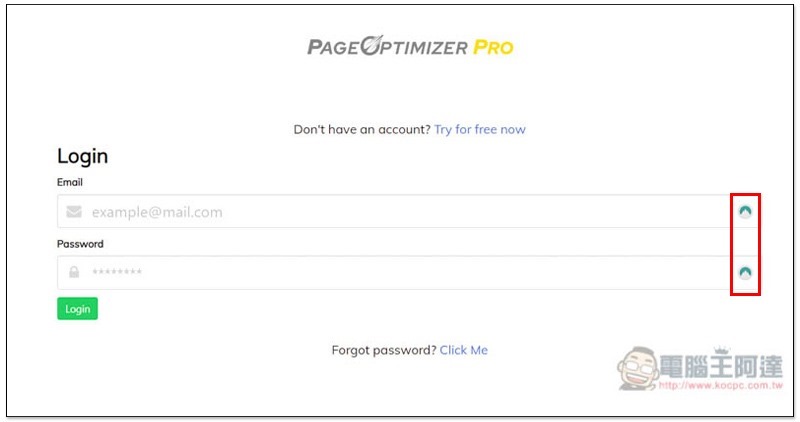
In the future, when you enter any page that requires you to enter your account password, the NordPass icon will appear on the right. Click to automatically fill in your account password:
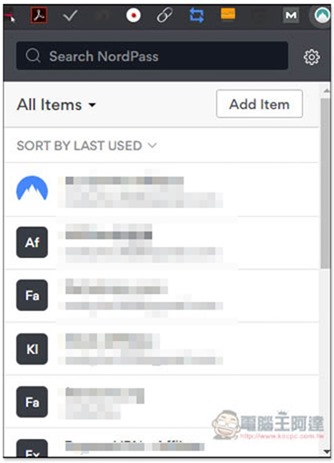
Open the icon in the upper right corner to quickly browse all saved account passwords:
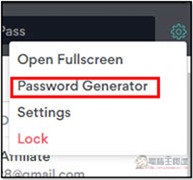
The password generation tool mentioned earlier is hidden in the settings icon in the upper right corner, Password Generator:
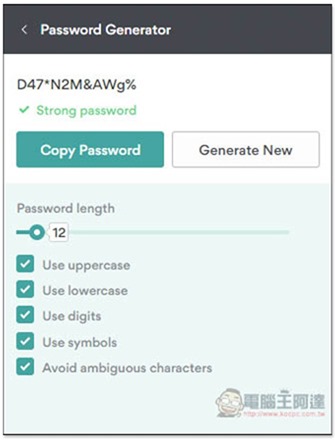
You can choose the password length, whether it needs to be case-sensitive, numbers, symbols, etc.:
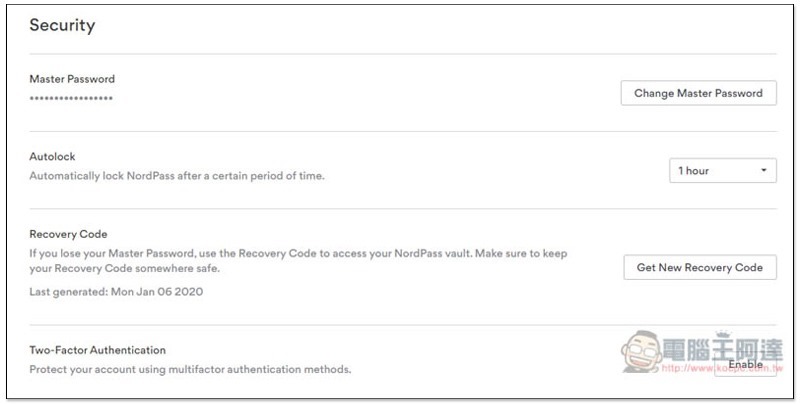
Supports Two-Factor Authentication. If you need it, remember to open it in the settings on the main page:
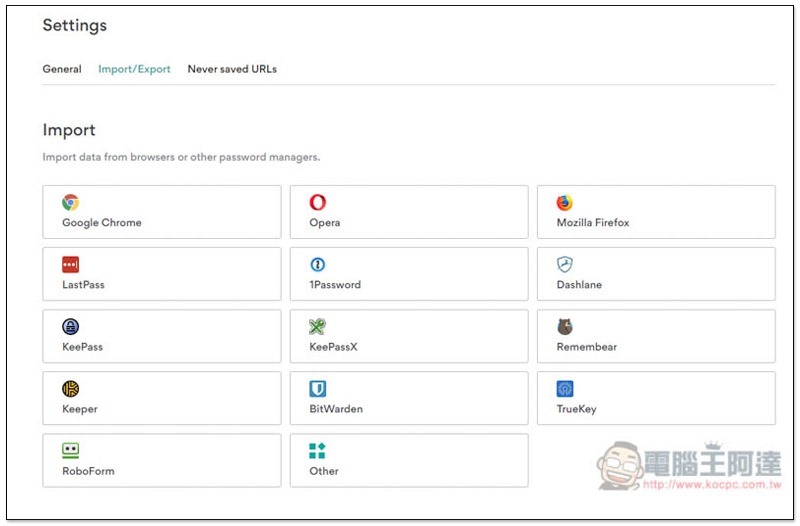
If you have used other password management tools in the past, this one also supports data import and export functions. Most well-known password management tools on the market are suitable, including Chrome, Opera, and Firefox browsers:
If you are interested in learning about NordVPN, you can refer toThis review report。
Supplementary information
NordPass official website link:https://nordpass.com/
Source: KOCPC Chinese