


As OCR text recognition technology has become more and more powerful in recent years, many useful image-to-text tools have appeared on the Internet.Like we have unified 3 before. EasyScreenOCR, which I will introduce in this article, is a free online OCR tool that I recently discovered that is quite good. Not only does it support many languages (English, Chinese, Japanese, Thai, Korean, etc.), but the Chinese recognition part is also very accurate. As long as your image resolution is high enough and clear, more than 90% of the time it will be error-free, and punctuation marks will also be recognized.
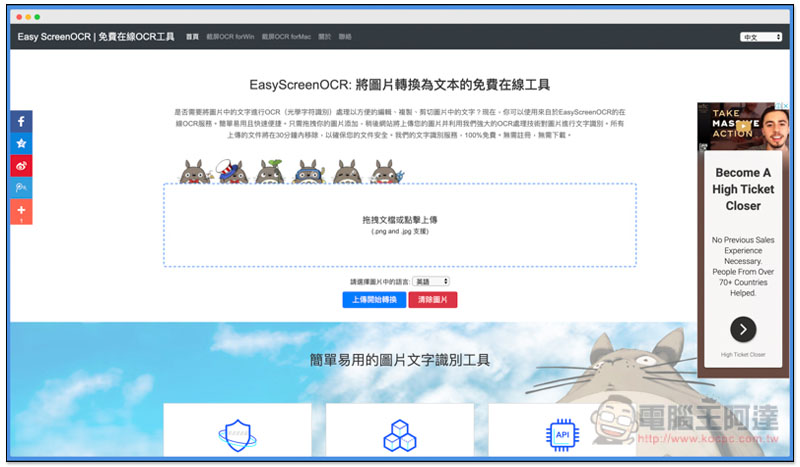
Introduction to EasyScreenOCR free online image to text tool
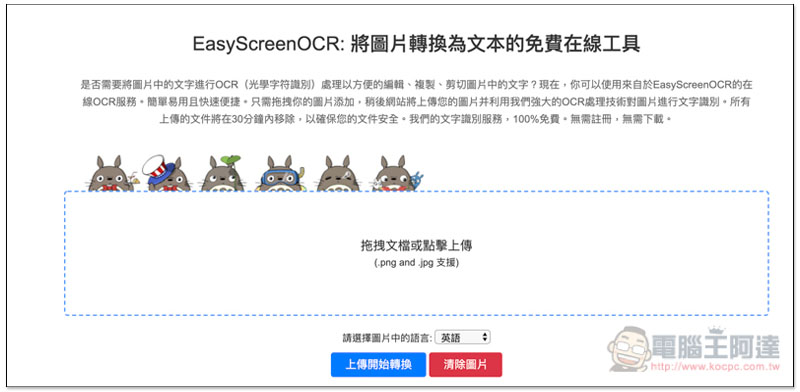
EasyScreenOCR is very simple to use.After clicking on me to enter the webpage, you can upload the pictures you want to convert into text, no registration required, supports PNG and JPG formats, and can upload multiple pictures (batch) at one time. The developer also guarantees that uploaded files will be automatically removed within 30 minutes to ensure file security. :
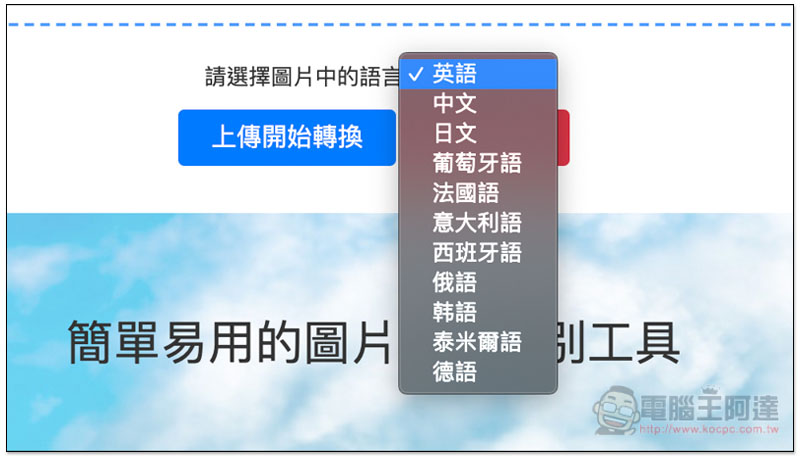
The supported OCR text recognition languages are English, Chinese, Japanese, Portuguese, French, Italian, Spanish, Russian, Korean, Tamil and German, a total of 11 languages:
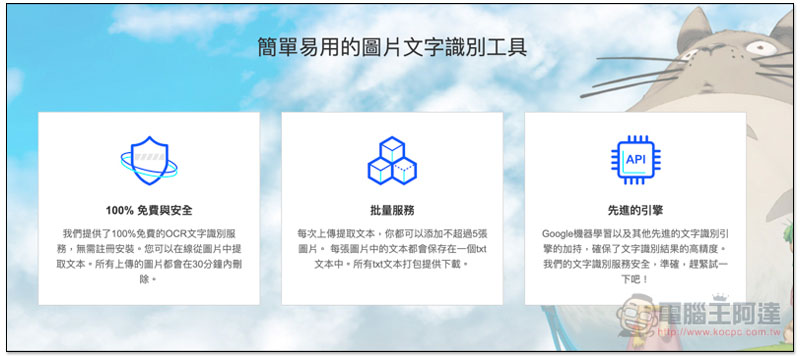
This technology uses Google machine learning and other text recognition engines to improve recognition accuracy, and is billed as highly secure and 100% free:
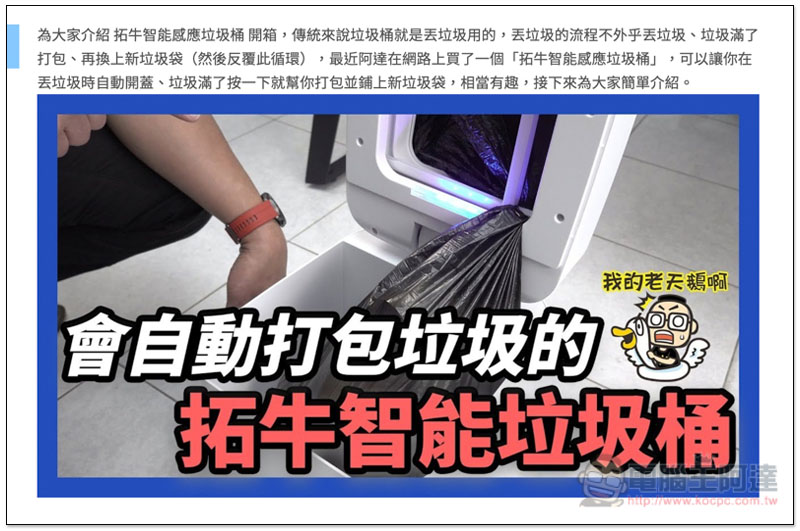
I take this screenshot as an example. In addition to the text description at the top, there are also several large characters in the picture:
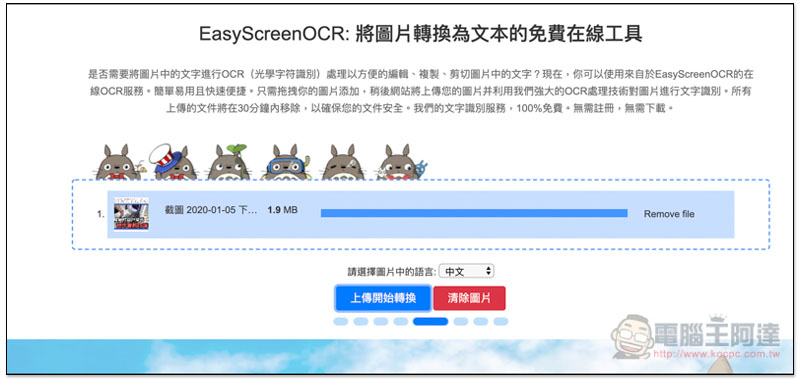
Processing will begin after the upload is completed, and how long it takes depends on the amount and difficulty of the text in your image. The more or higher the text, the longer it will take. In my case, it took less than 1 minute to complete, which is very fast:
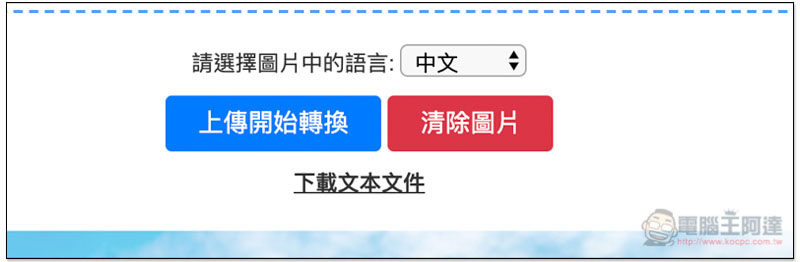
When the link to download the text file appears, you can download the recognition results:
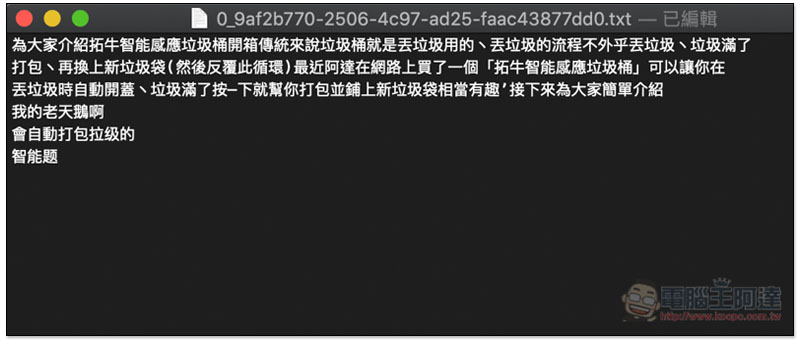
The format is TXT plain text. As you can see from the picture below, the recognition effect is quite good. 99% of the time it is correct. There are also punctuation marks. The representative said that only minor modifications are needed to complete:
This set also provides desktop tools for Windows and Mac, but you have to pay for them. The price is not expensive, but I personally think that unless you use it very often, the free online version is enough.
Supplementary information
EasyScreenOCR URL:Click here to go
Source: KOCPC Chinese