


After a computer has been used for a long time, a lot of software serial numbers and passwords are usually installed. Some of them may have been purchased by you, and some may have been downloaded for a limited time. For people who do not have the habit of keeping records, they will definitely forget the serial numbers and passwords of each software. Although you can definitely check them if you insist on checking them, the process can be said to be very complicated. The recALL free tool recommended in this article can help you save a lot of time. Use it to scan and all the software data installed on your computer will be listed, and it also provides a backup function.
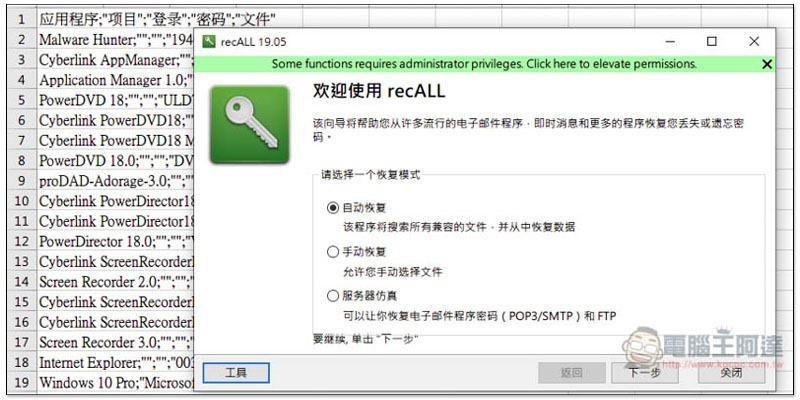
recALL is a free tool that can find all the software serial numbers and passwords stored in your computer.
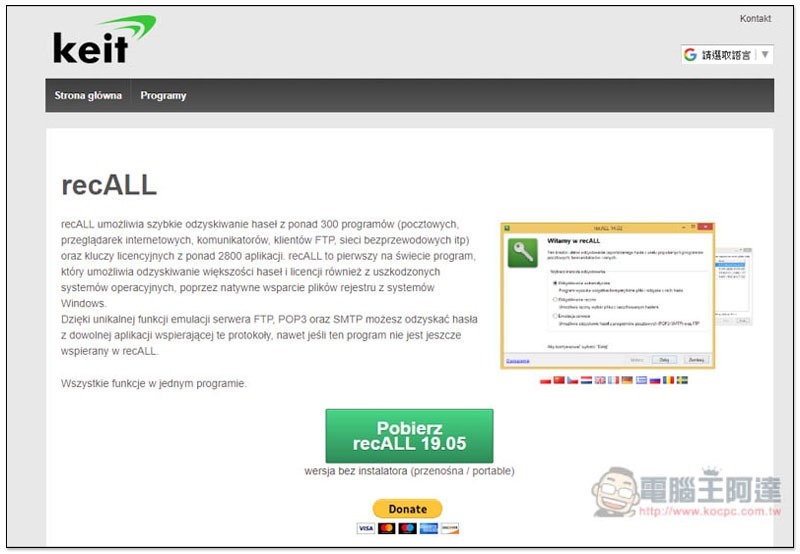
recALL is a free tool produced by a foreign developer.Click me to go to the download page, click the green button below to download. It doesn’t matter if you can’t understand the text. This set of tools has a Chinese interface, so you don’t have to worry about using it:
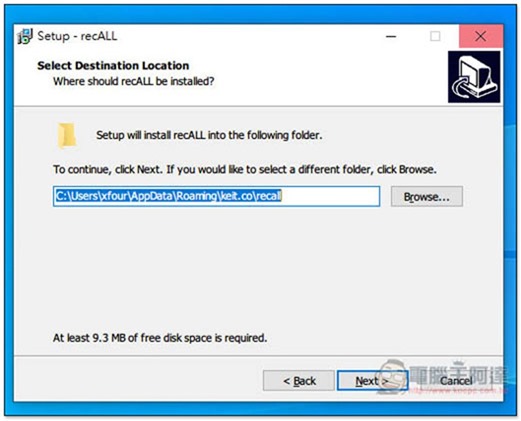
Just keep clicking Next during installation, and other tools will not be installed secretly:
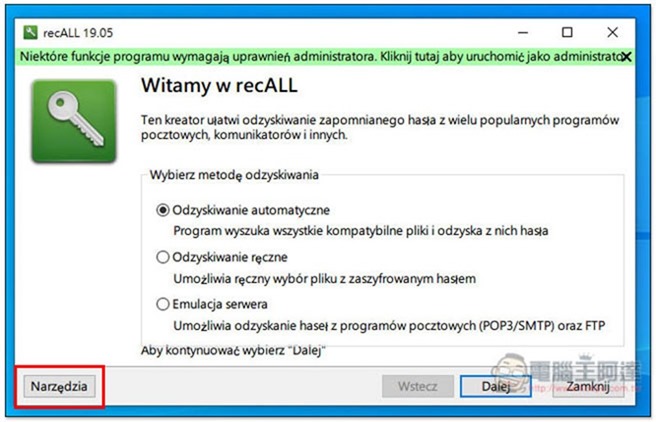
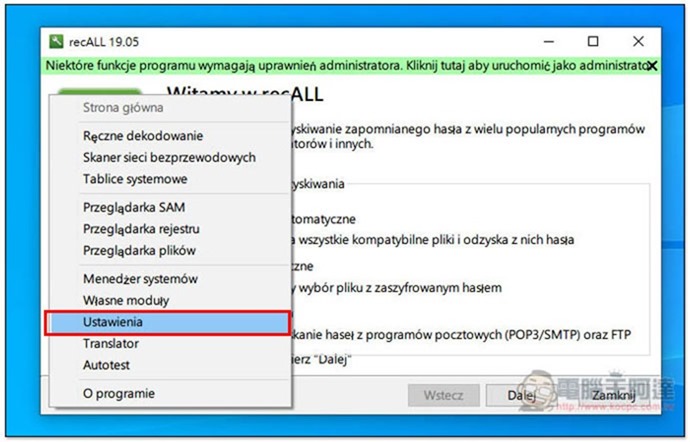
After opening, the interface language is defaulted to Russian (should it be this?), click the option in the lower left corner:
Go to the fourth option below:
In the menu shown on the screen, find zh:
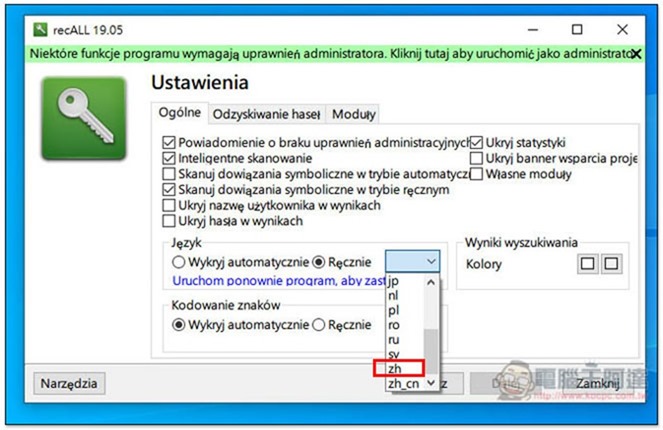
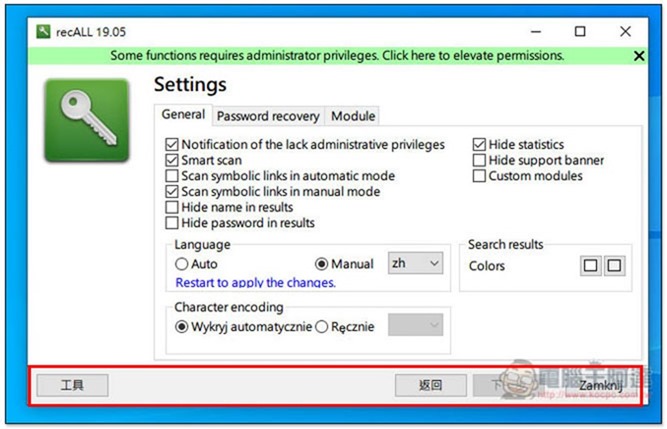
The interface language will become Chinese, but the options in the settings will be in English. Basically, there is no need to adjust anything:
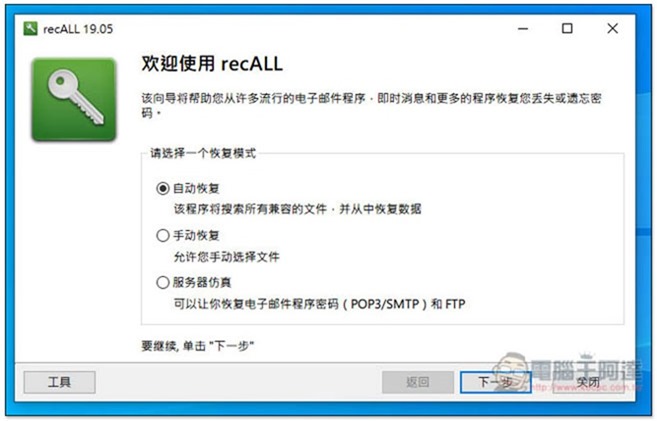
After returning to the homepage, you can start scanning. There are three modes available: “Automatic Recovery”, “Manual Recovery”, and “Server Emulation”. If you don’t know which one to use, just choose Automatic Recovery:
Then the applications (software), passwords/serial numbers in your computer will be listed. For those who have too many software installed, the scan may take a while:
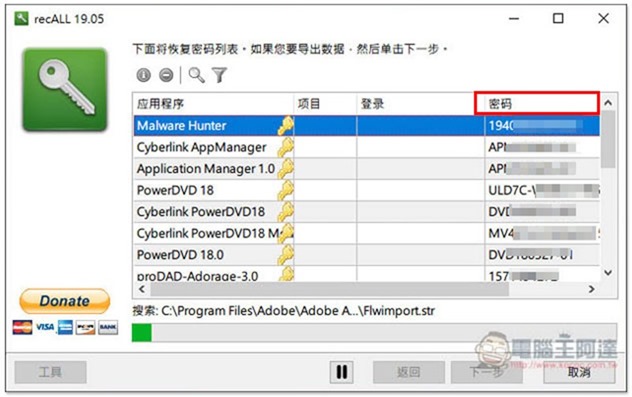
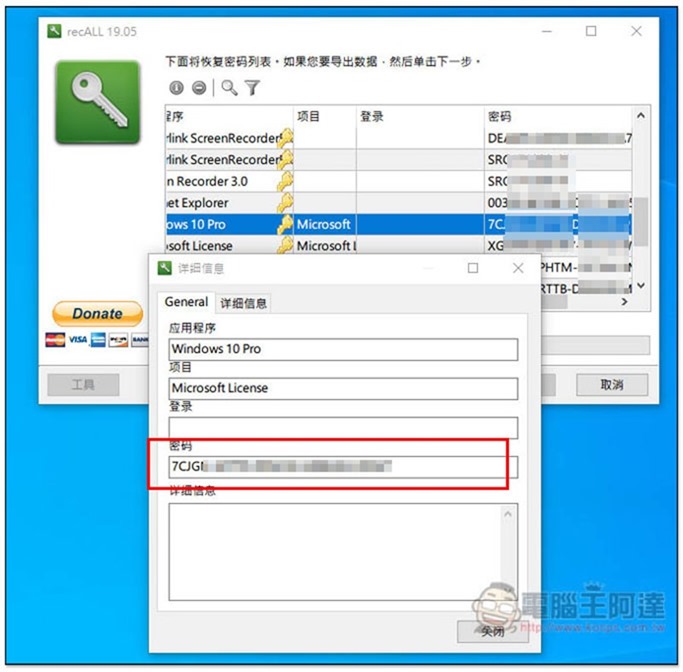
Click twice to view the details, including the complete serial number/password. If you forget or have not recorded it before, you can quickly copy it:
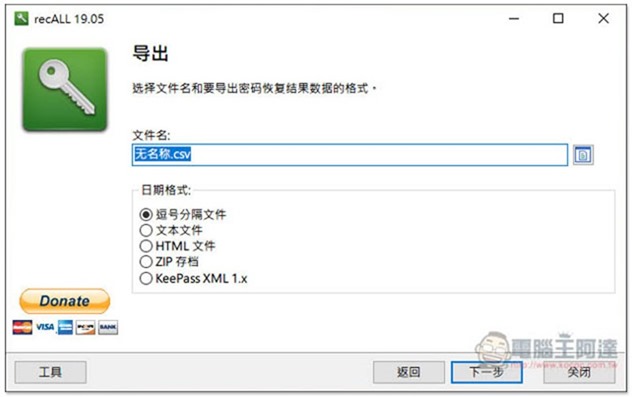
Friends who are too lazy to copy and paste one by one can also use the export function to integrate all data into a file. It supports csv, text files, HTML, KeePass and other formats:
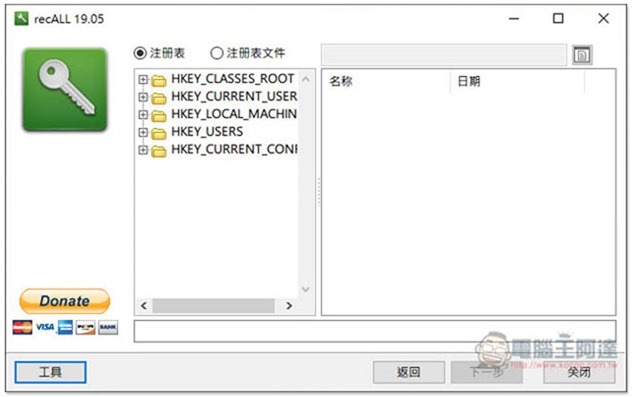
In addition to scanning passwords/serial numbers, this set also provides other practical functions, such as querying the registry. Readers can play with these by themselves:
Supplementary information
recALL official website:Click here to go
Source: KOCPC Chinese