


There are already some free online tools that can do editing. Nano Banana / Nano Banana Pro Text in images and presentation PDFs, as we covered earlier. DeckEdit、NBLM2PPTX、NotebookLM Presentation EditorBut for some people, you might also want to edit objects in the image, such as moving them, resizing them, deleting them, and so on.
This article recommends Edit Banana, a tool that can do more than just edit text—it can also edit objects within images. It is a free, open-source tool that you can install locally or use directly through the web version. More importantly, PPT files downloaded after online editing are fully editable, meaning you can first use it to convert them into editable PPT files, and then edit them with local PPT software such as PowerPoint or Keynote.
Edit Banana Introduction and Tutorial: Convert AI Images and Presentations into Fully Editable PPT, XML
Edit Banana is a tool centered on “making uneditable content editable.” It is primarily used to automatically convert static content—such as flowcharts, architecture diagrams, and technical illustrations found in AI-generated images or PDF presentations—into editable DrawIO or PPT files.
The core technology integrates SAM 3 (Segment Anything Model) image segmentation, multimodal large language models (such as GPT-4V and Qwen-VL), and OCR text recognition services. It can identify shapes, arrows, text, and hierarchical relationships in images, and reconstruct the original layout logic and styling as faithfully as possible. In other words, it is not merely image-to-text conversion, but “structural reconstruction,” enabling each element and object to be selected and edited individually.
Edit Banana now offers a web version for online use; after uploading an image or PDF, an editable file is generated within seconds.GitHub This version supports local deployment, making it suitable for users with GPU environments or enterprise needs.
Key Features
- Convert images or PDFs into editable DrawIO, SVG, or PPTX files.
- AI automatically recognizes shapes, arrows, text, and hierarchical relationships.
- Preserve the original color scheme, line styles, and layout logic.
- Supports formula recognition and conversion to LaTeX
- Dual recognition mechanism with multimodal AI and OCR improves accuracy
- Easy to operate online via the web, and can also be deployed locally.
- Supports multi-user concurrency and GPU-accelerated computing.
- Suitable for engineering drawings, flowcharts, research diagrams, and presentation reconstruction needs.
Go to the Edit Banana web version
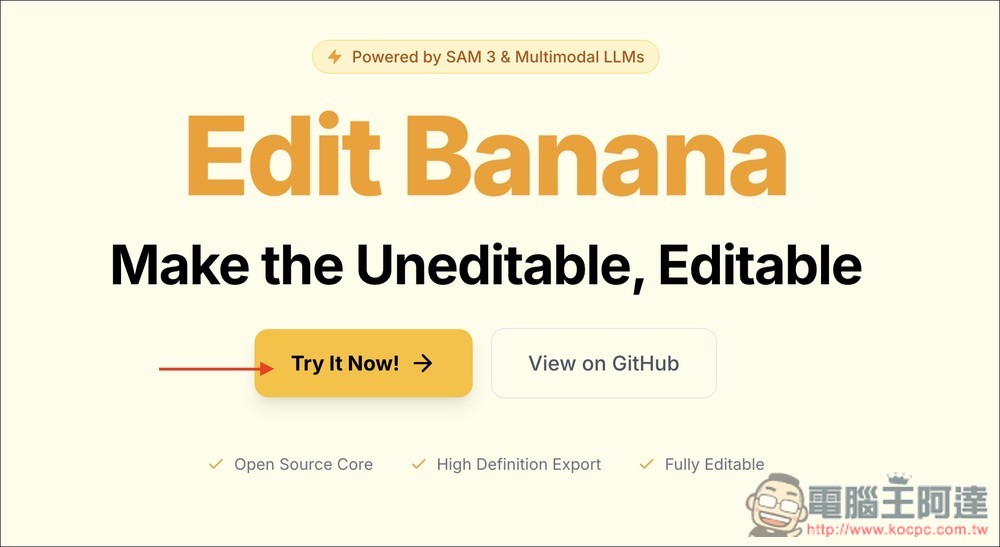
Click the link above to go to the Edit Banana web version, then click “Try It Now!” on the screen:
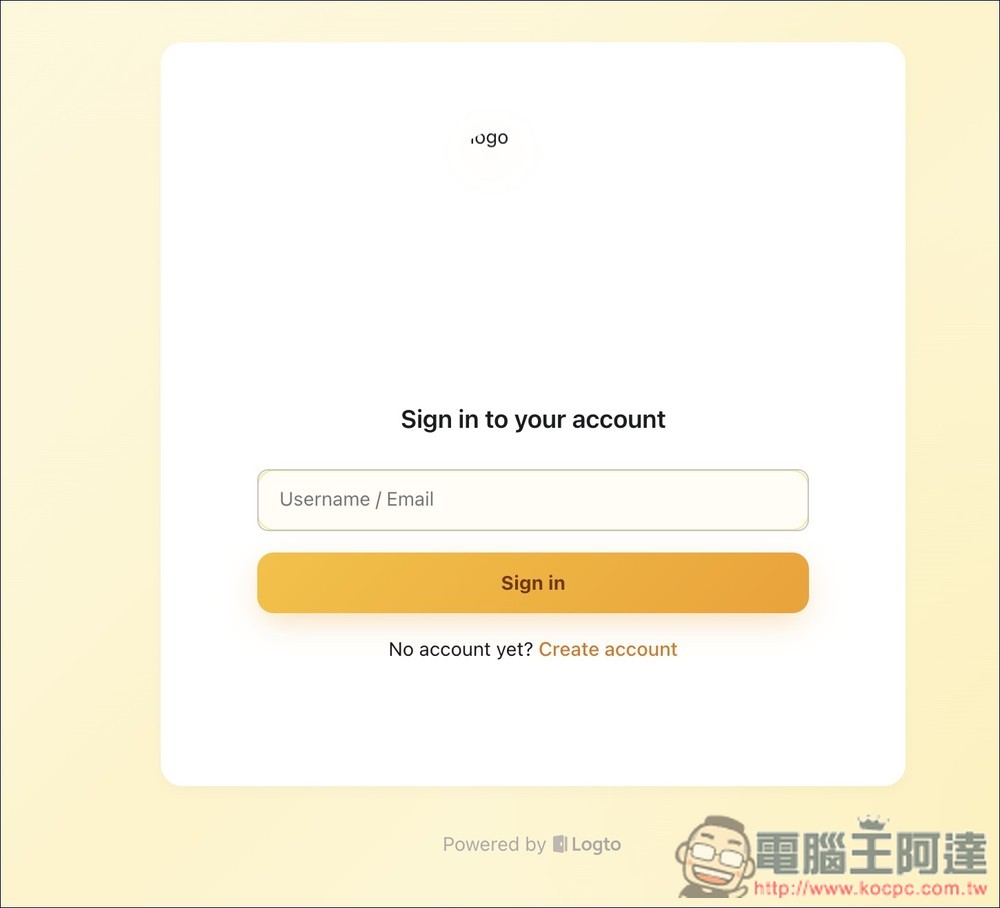
You will need to register an account to use it, which requires entering your email to receive a verification code. Click Create account below:
Register and log in to get started. Also note that although it is an open-source tool, the online version has limitations: each account receives 10 Credits, and once they run out, you can earn more by inviting friends to use it (there is currently no paid plan). After uploading your first image or PDF file, go to Credits and enter my referral code:G3AJGE86, and will receive an additional 2 points:
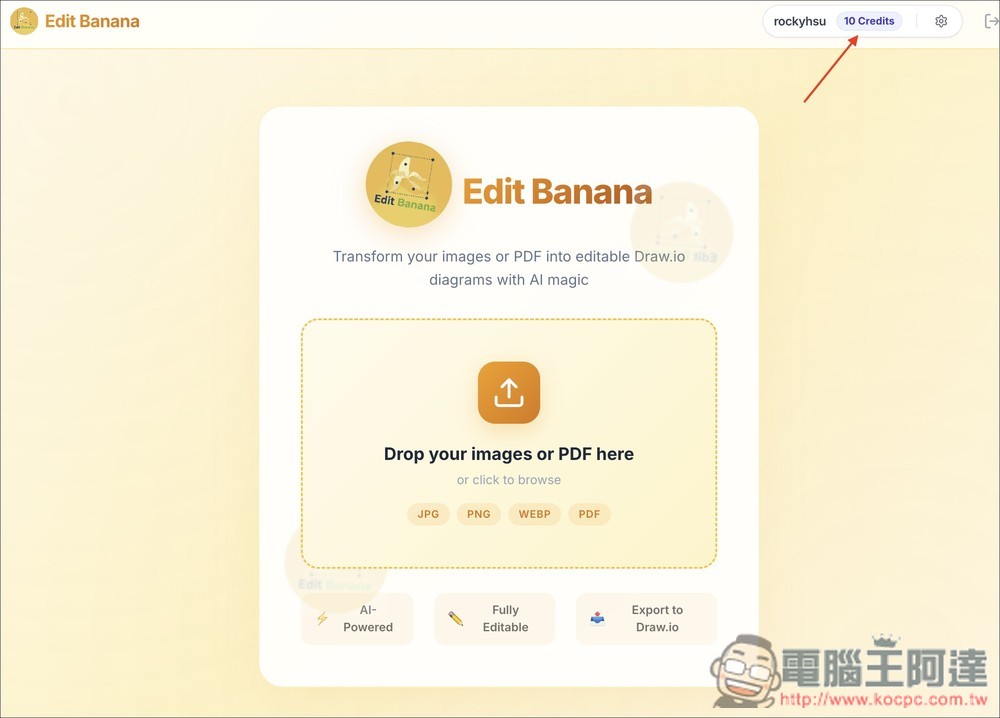
Supports JPG, PNG, WEBP, and PDF formats; recognition and conversion will begin once uploaded:
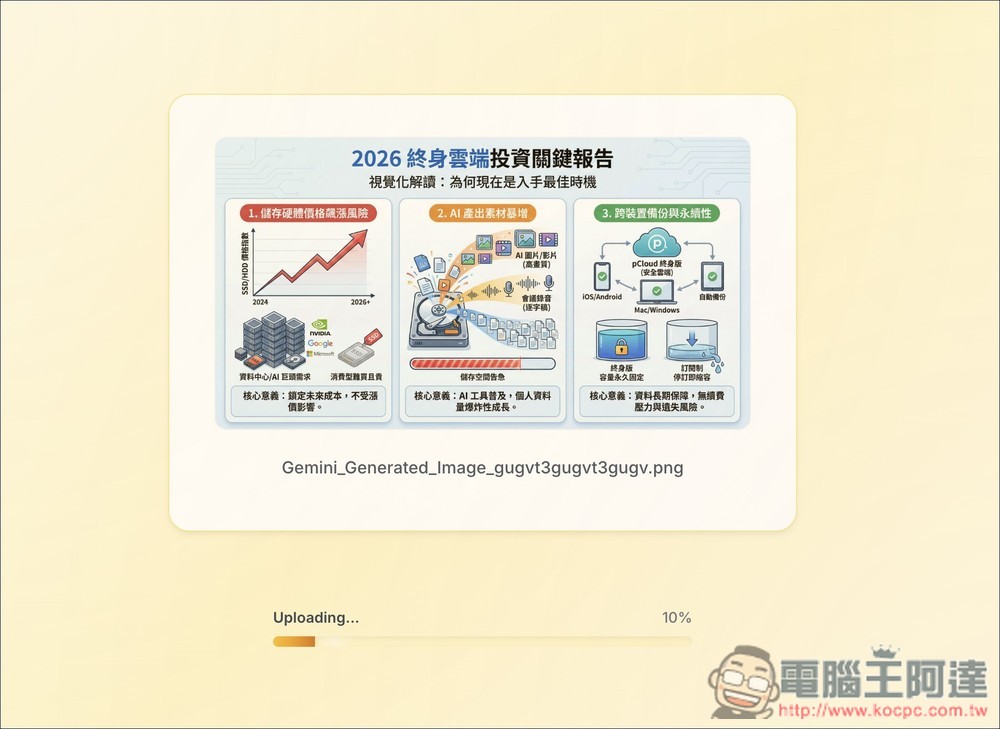
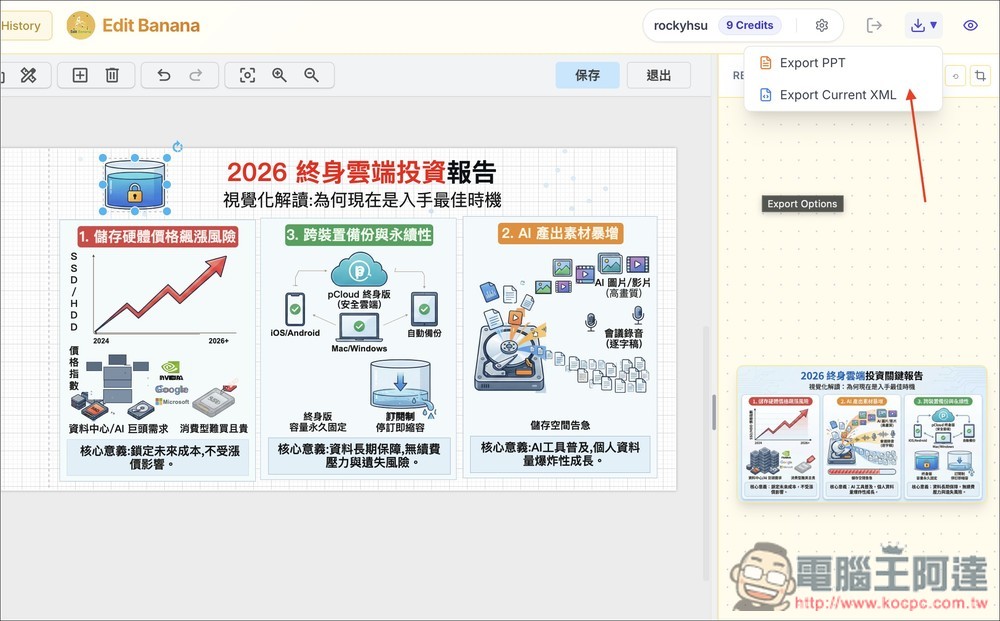
Then you’ll enter the editor screen, where you can edit directly online, or click the download icon in the upper-right corner to download it as a PPT file for local editing:
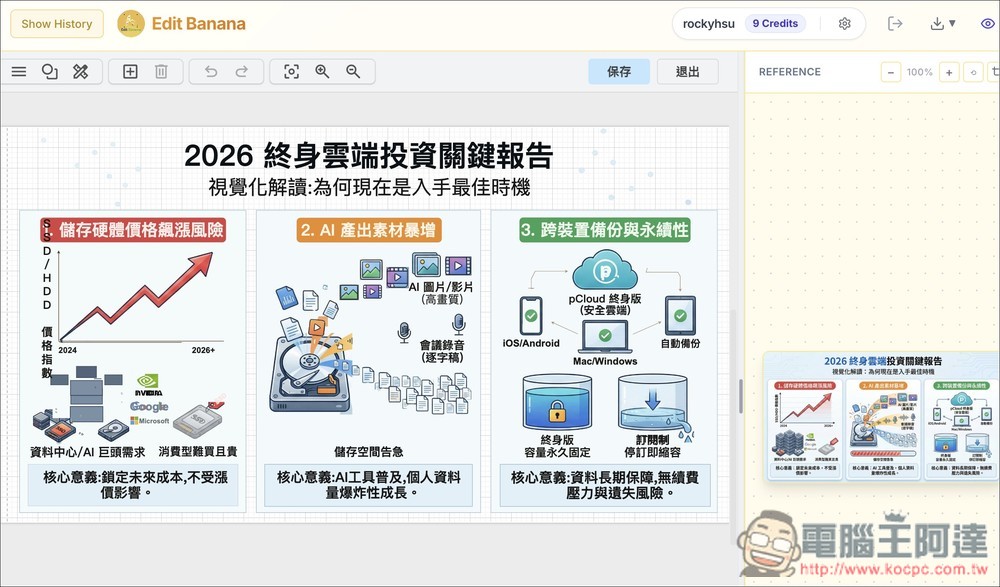
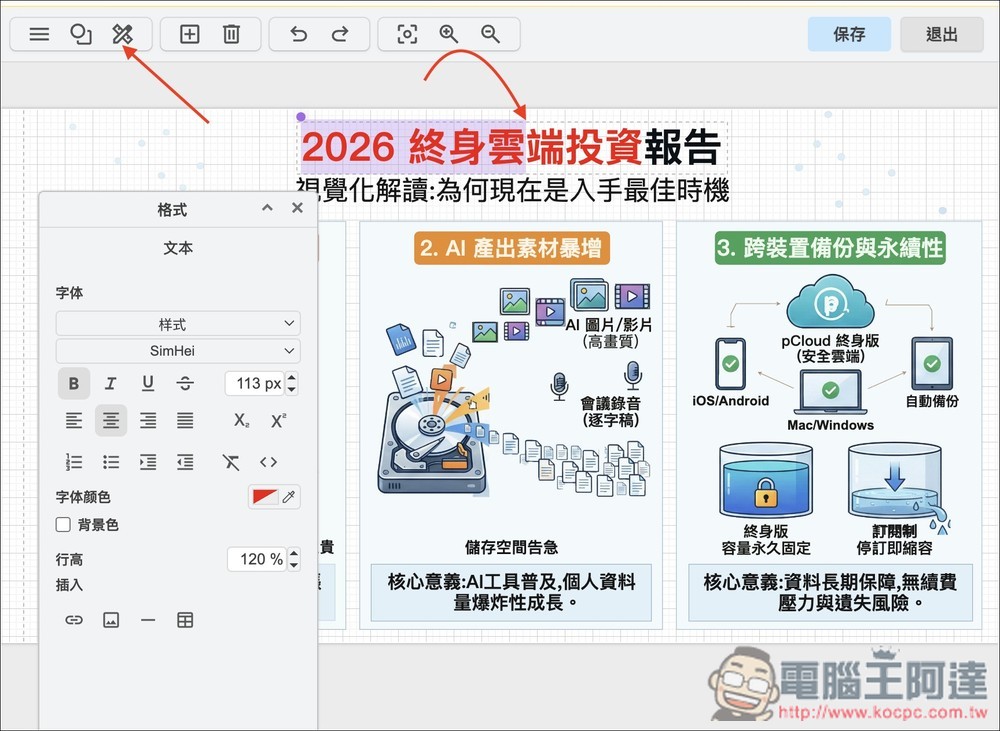
All text can be edited, added, or removed, and you can also change the color, style, background color, and more:
All objects on the image can be moved and adjusted. For example, to change the original 1, 2, 3 order to 1, 3, 2, I select all the content under “3. Cross-Device Backup and Sustainability” and move it: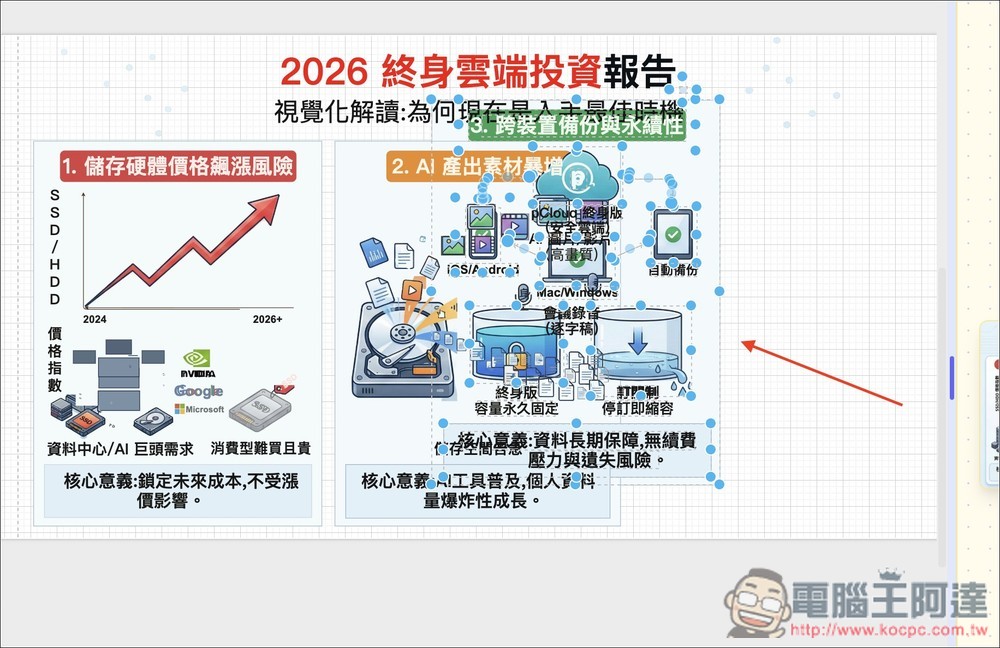
As shown in the figure below, this becomes the 1, 3, 2 arrangement:
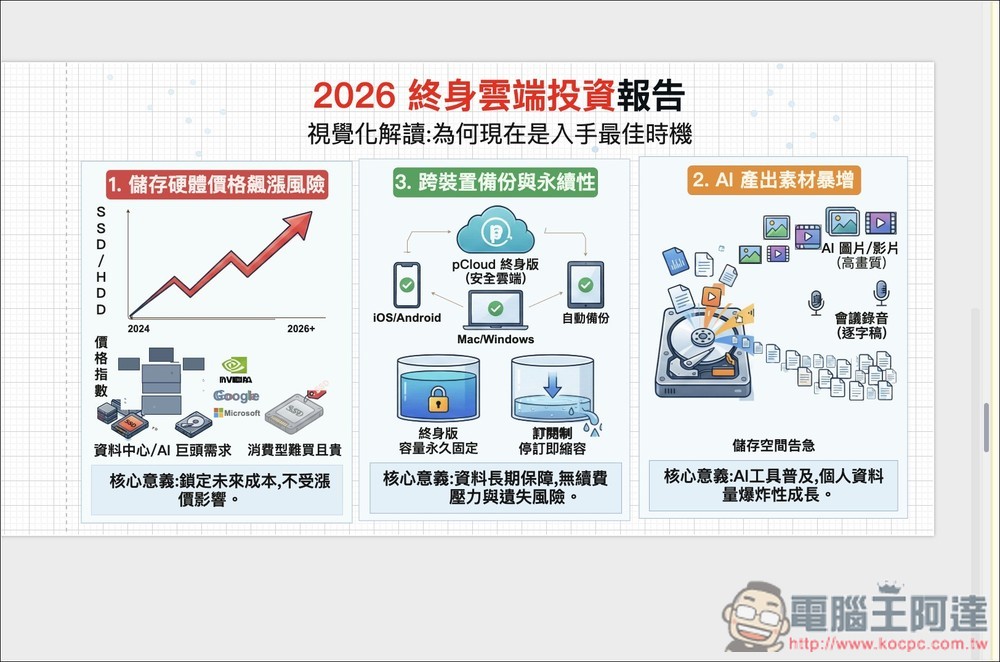
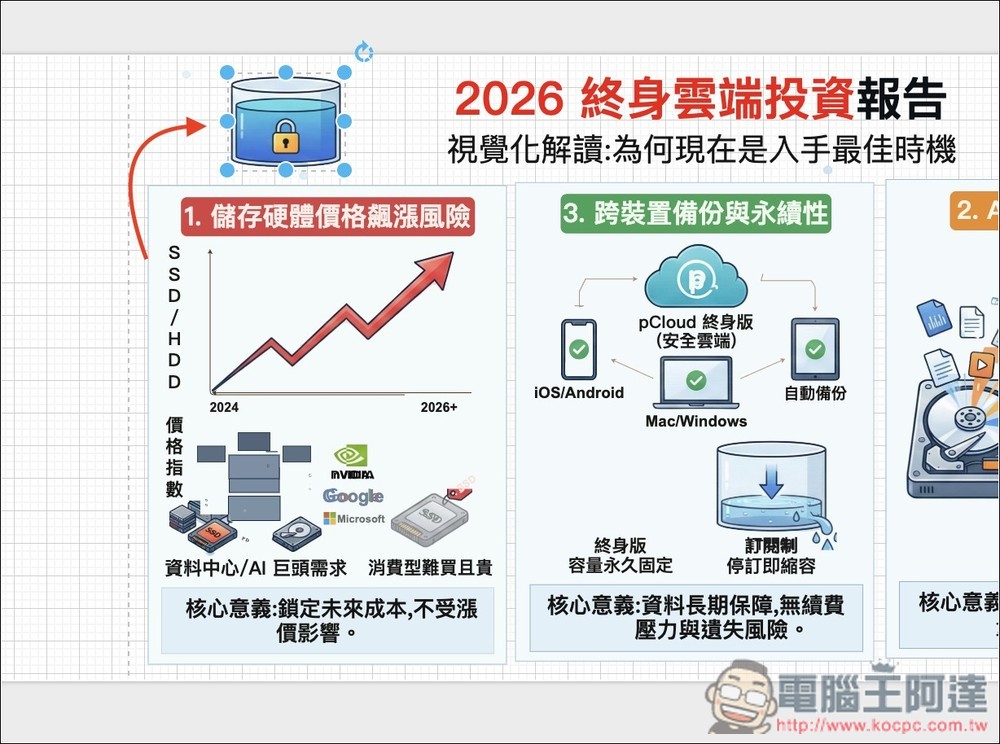
Move individual objects and delete any you don’t want:
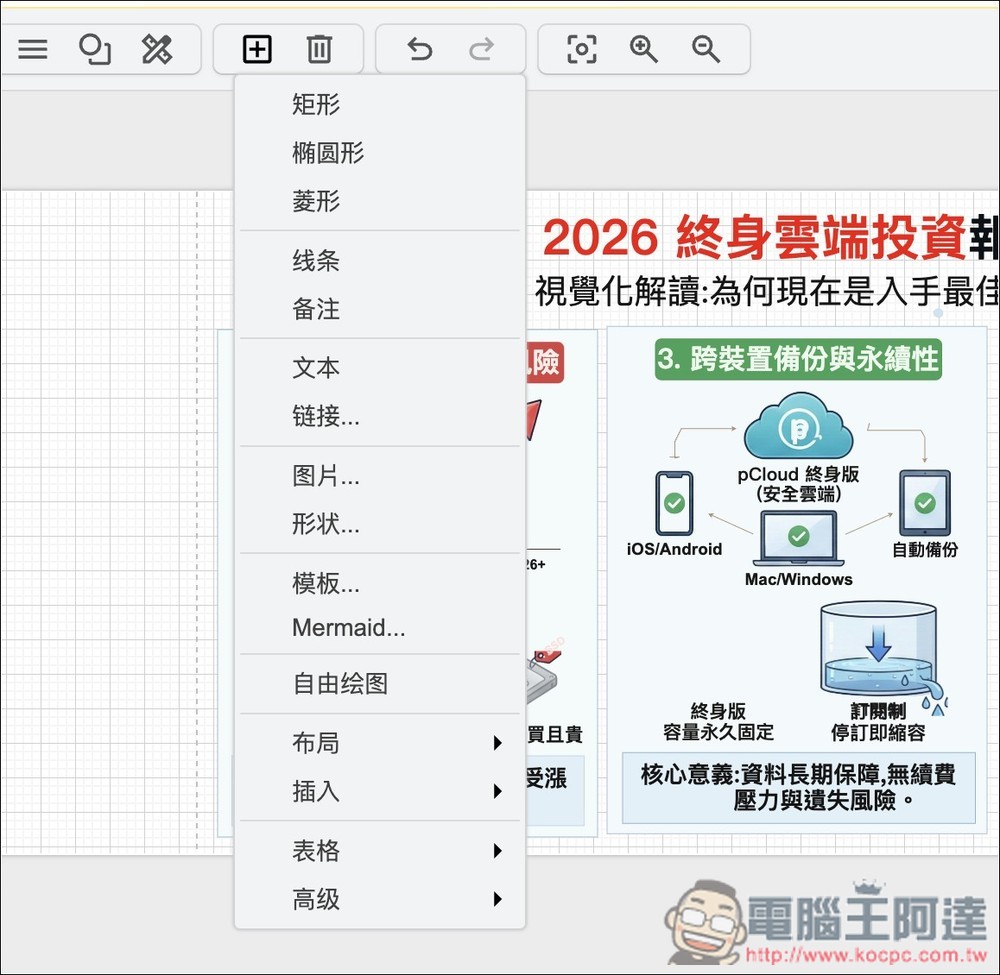
You can also add more content, such as shapes, lines, text, images, links, and even freehand drawings:
Can be downloaded as PPT or XML. Image formats are currently unavailable, so those who need them will need to convert using other tools:
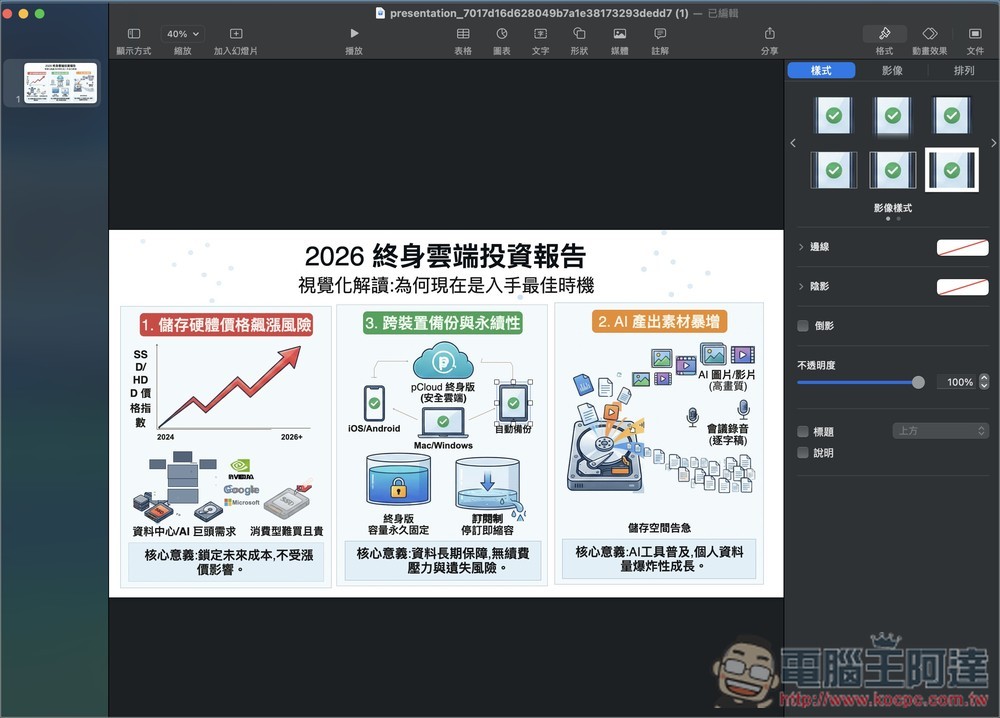
I tested it, and all content can also be edited in Keynote:
Source: KOCPC Chinese