


For years, Phone Link has occupied an awkward space in the Windows ecosystem—everyone knows it exists, but few actually open it. Microsoft seems to have recognized this issue and is preparing to completely revamp the way phones integrate with Windows 11, making smartphones feel less like an add-on feature and more like a natural extension of the operating system. According to Windows Central’s reportMicrosoft is deeply revamping multiple core interfaces, aiming to make the phone experience feel more like native Windows components.
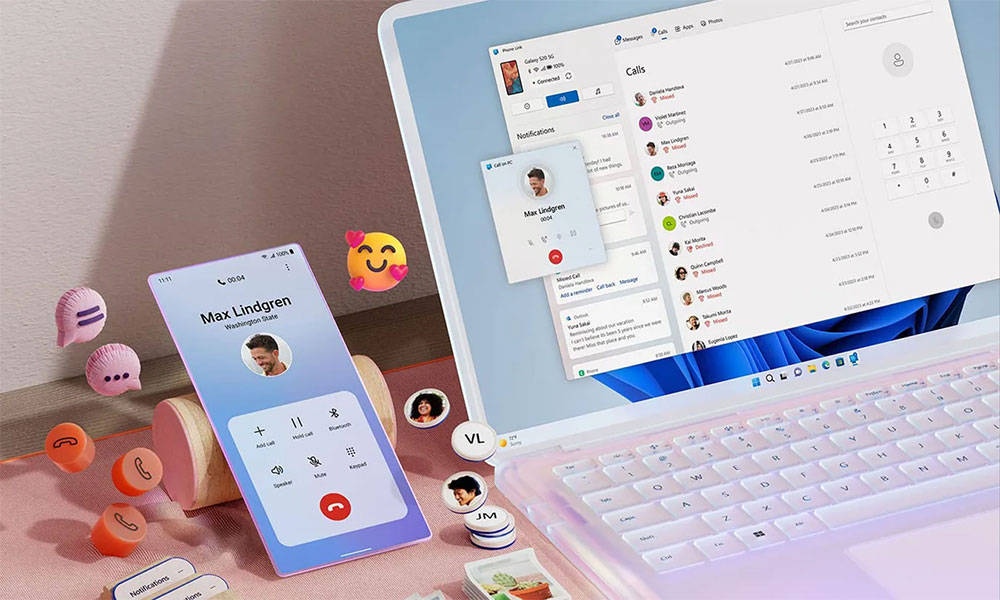
Microsoft wants Windows 11 and your phone to be best friends
The most noticeable changes appear in the Start menu. The current Phone Assistant panel only displays basic device status, but Microsoft is testing a more advanced version that can directly show users’ recent phone activity. Users no longer need to open Phone Link to swipe through text messages, notifications, or photos right in the Start menu. Hovering over an item reveals more details, such as full message content or image previews, seamlessly integrating phone information into the desktop experience.
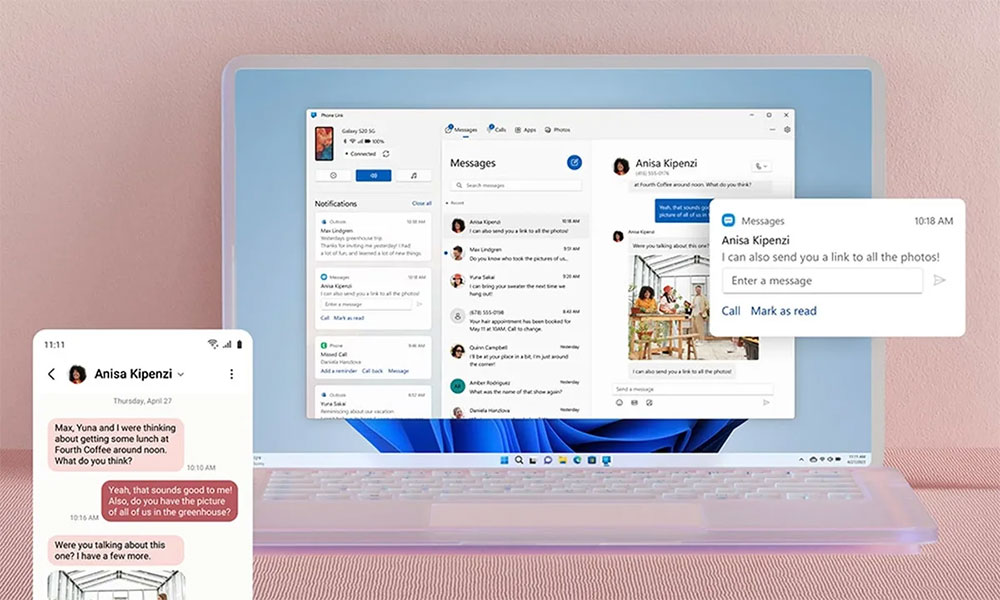
The system tray also gets a brand new phone popup design. When your phone is nearby and connected, a dedicated phone icon appears next to the Wi-Fi and battery indicators. Tap it to quickly toggle Do Not Disturb mode, Vibrate mode, or activate Find My Phone, while also checking battery level and connection status. Even more cleverly, Microsoft is testing a drag-and-drop feature—simply drag a file onto the phone icon and it transfers directly to the connected device, making cross-device sharing as natural as dragging to a folder.
Microsoft is also working on improving the clipboard synchronization experience. The current cross-device clipboard can only sync the last copied content, while the new version plans to sync the entire clipboard history. If this feature rolls out, users will be able to access the complete copy history list on both their phone and PC, whether it’s text snippets, URLs, or other content, all traceable across platforms, further reducing the operational gap between the two.
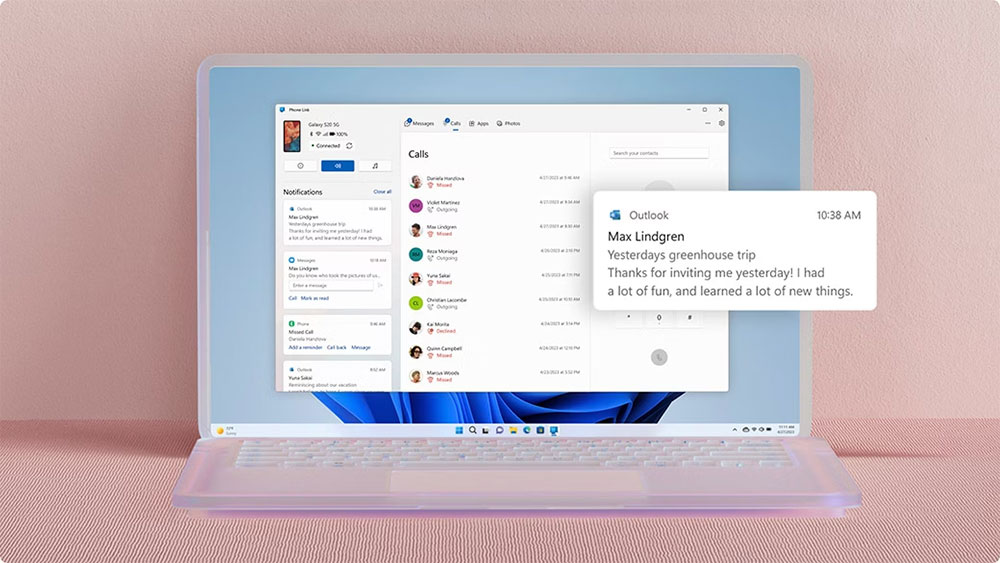
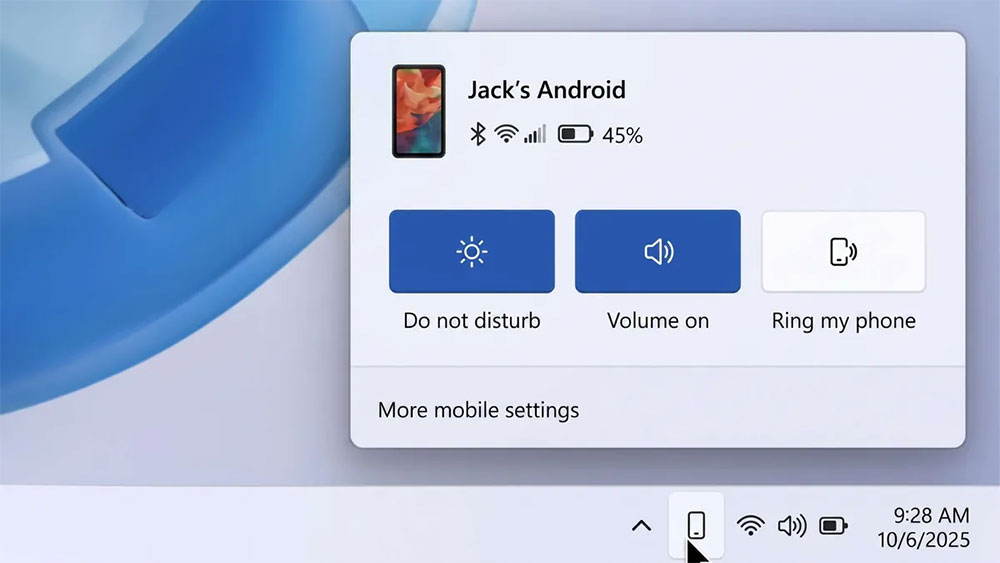
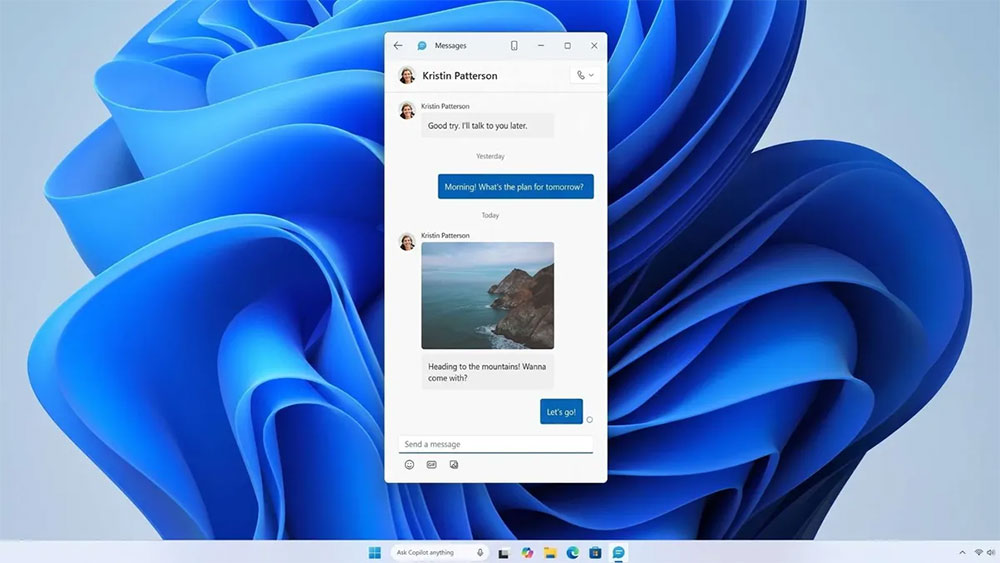
Another notable change is the brand new Messaging app. Microsoft is testing separating SMS conversations from Phone Link to create a dedicated native Windows application. Users can pin it to the Start menu and open and operate it like any built-in Windows tool, making the experience of sending and receiving text messages on a PC feel more like a native system feature rather than an add-on.
These features are currently in the internal prototype stage, and Microsoft hasn’t committed to releasing all of them. Following the usual pattern, these capabilities will first undergo testing and feedback through the Windows Insider program before deciding whether to include them in future Windows 11 updates. If this direction feels familiar, it’s because Microsoft has been steadily strengthening phone and Windows integration in recent years. Windows 11 can already browse phone storage directly in File Explorer and use supported smartphones as wireless webcams. This update goes a step further, making phone functionality feel less like external add-ons and more deeply embedded into the Windows user interface.
Interestingly, Microsoft spent years trying to push Windows Phone, but ultimately failed. Today, rather than trying to compete head-on with Android or iPhone, it has chosen to embrace them and make Windows the ultimate bridge across devices. If these new features are implemented as expected, Windows 11 might truly make switching between PC and phone almost seamless, blurring the line between the two more than ever before.
Source: KOCPC Chinese