


recently Google at/in AI The breadth of this area has been opening up wider and wider; in addition to… Gemini In addition to adding music generation capabilities, it also acquired the music creation platform Producer.ai, giving all Google users a complete platform to create on. AI musicAnd more importantly, Producer.ai is now powered by Google DeepMind models, including the latest Lyria 3, Gemini, Nano Banana, and Veo. You get quite a few credits when you sign up, and daily credits are given out too, so I highly recommend giving it a try.
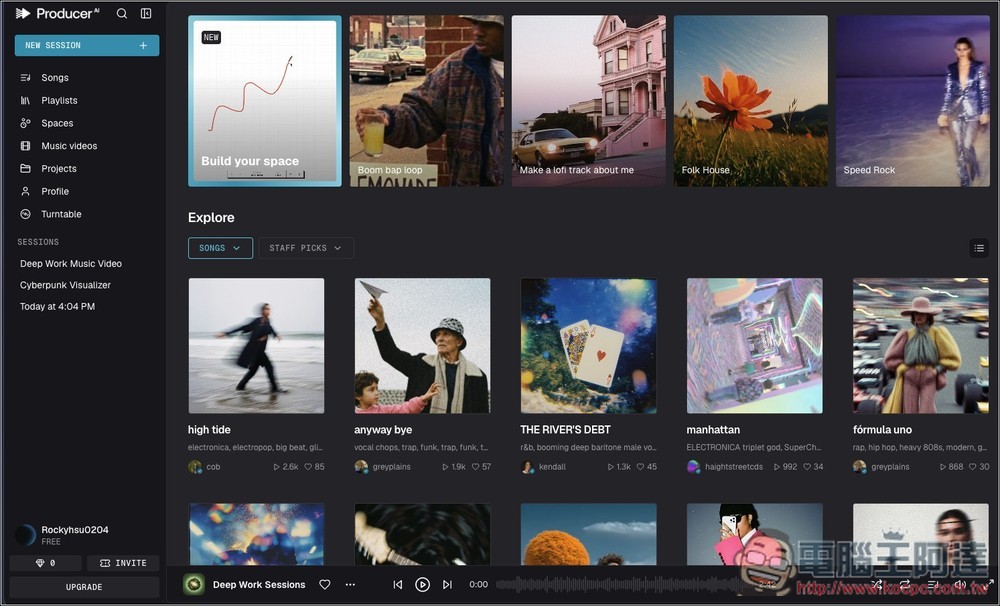
Producer.ai AI Agent Music Creation Platform: Introduction and Tutorial
Producer.ai is an AI music agent platform that lets users quickly generate complete songs through conversation, powered by multiple integrated Google DeepMind models.
Unlike traditional AI music generation tools, it doesn’t just generate music from a single prompt. Instead, it’s like collaborating with a professional music producer—you have an ongoing conversation with the AI, revising content, expanding ideas, rearranging, and ultimately crafting a complete work. Users simply describe the desired style, mood, or instrumentation, such as electronic, rock, Lo-fi, or film soundtrack styles, and the system generates melody, accompaniment, and vocal content.
In addition to music creation, it supports project management, music downloads, publishing and sharing, and can even create spaces and music videos—making it ideal for content creators, self-media operators, music lovers, and professional producers.
Key Features
- AI Music Agent Concept: Create and Modify Songs Step by Step Through Conversation
- Supports generating multiple music styles, including pop, electronic, hip-hop, film scores, and more.
- Integrate multiple Google DeepMind models
- Can generate complete song content, including melody, arrangement, and vocals.
- Supports stem separation downloads, making post-production and mixing easier.
- Built-in project management and portfolio sharing features
- Can be paired with video and cover art generation to create a complete music work.
- Offers a free plan and multiple subscription tiers.
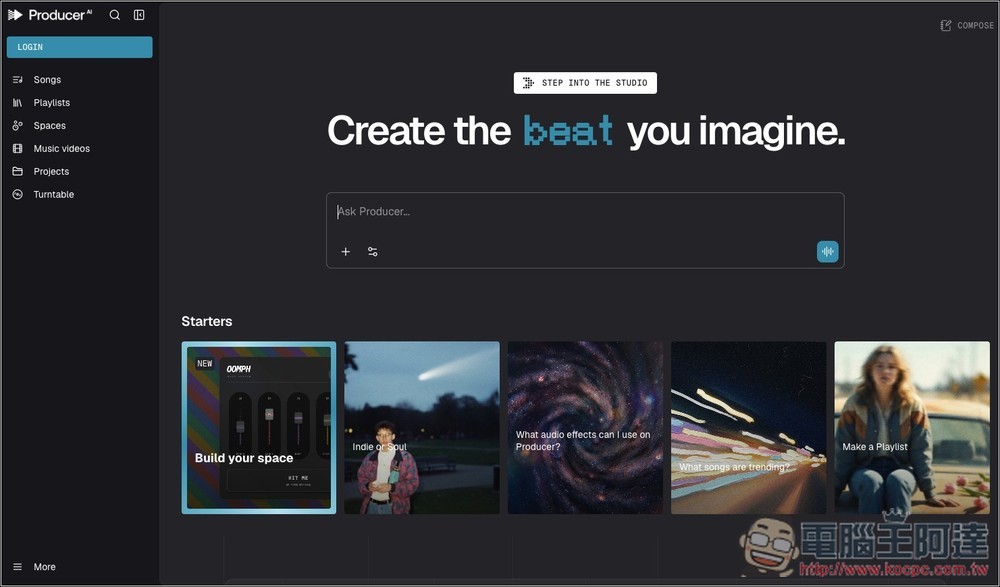
Although Producer.ai’s interface looks similar to some AI music generation tools, the way you use it is completely different—it’s more like chatting with Gemini or ChatGPT. After entering Producer.ai, please click the COMPOSE button in the upper right corner first to register and log in to your account:
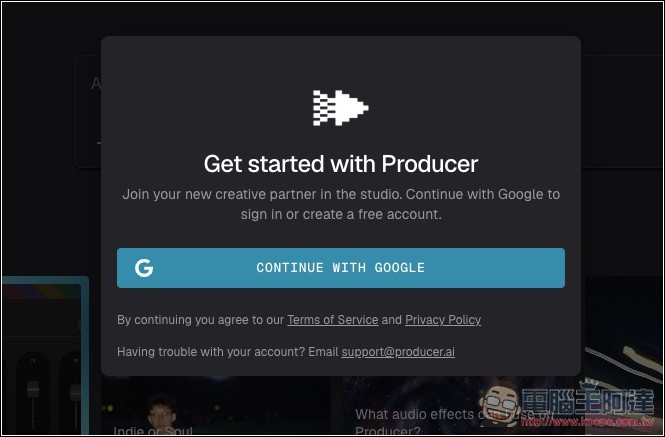
Currently, only Google account sign-in is supported:
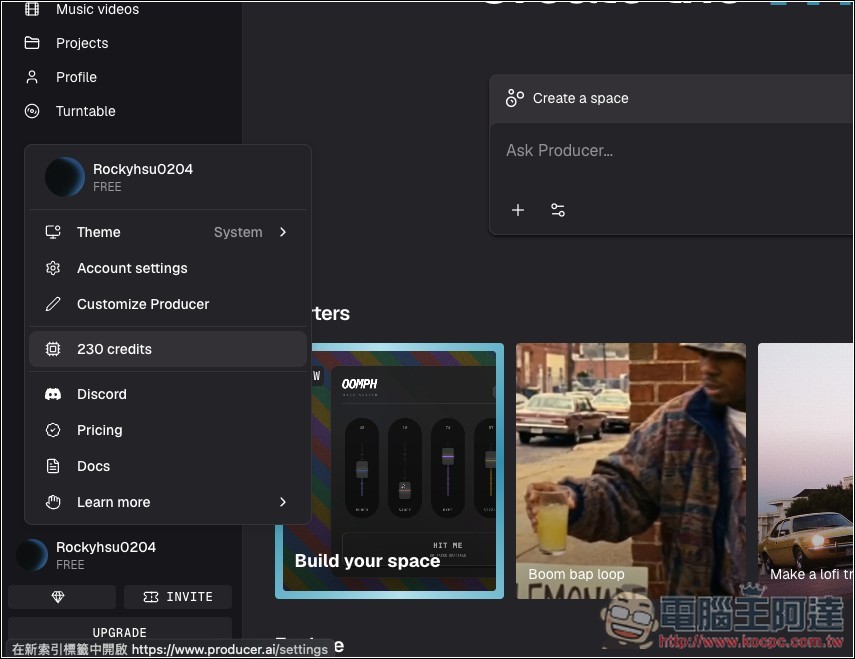
After registering, you’ll receive 230 credits, which is plenty for generating music and creating spaces, but not enough for generating music videos:
Creating music is easy: just enter your request directly in the interface, or use the “Create a space” feature to generate music along with a space that matches it:
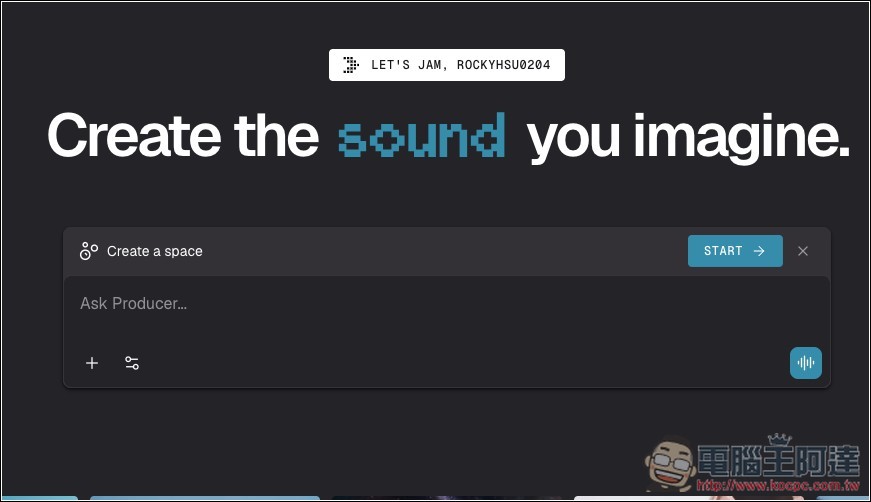
After clicking Create a space, it will automatically ask AI to create the space. Don’t worry if you see a reply in English; AI can also reply in Chinese:
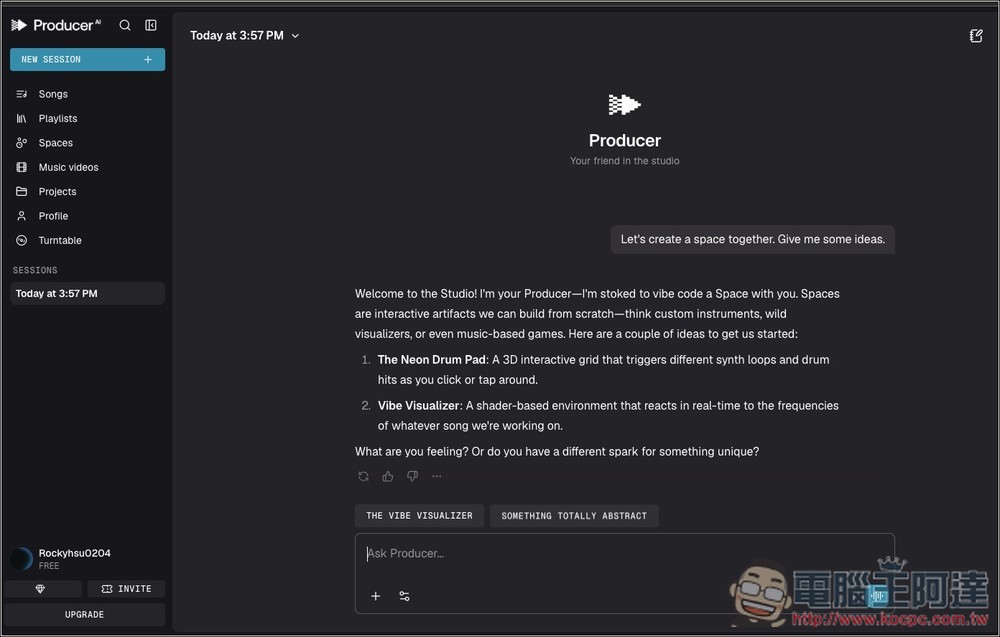
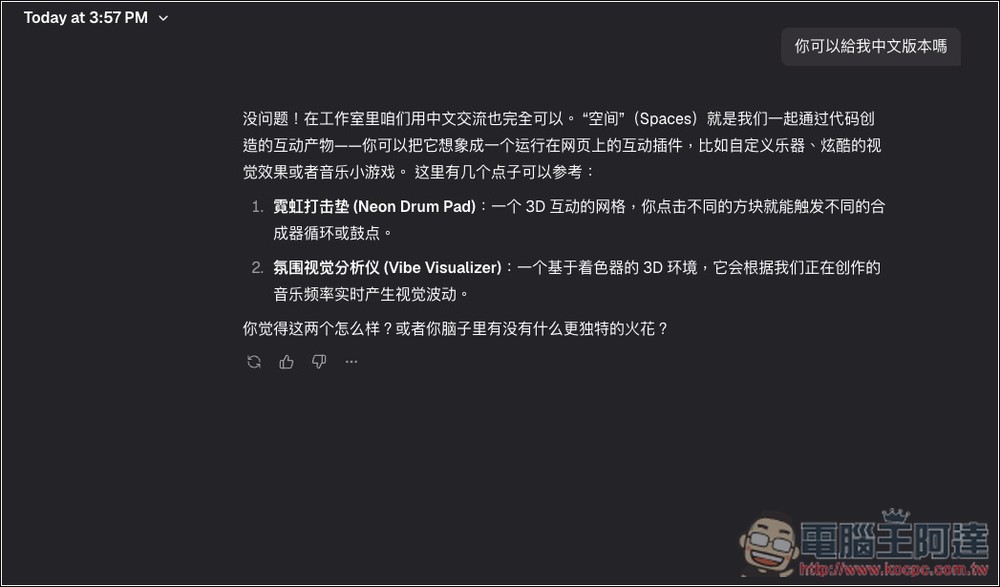
Just ask it for the Chinese version. The so-called “Space” generates an interactive webpage that makes listening to music more immersive. It also provides some ideas for reference:
Here, I just directly asked it to generate the music I wanted—a Lofi instrumental track. After waiting a few seconds, it was produced. The result is quite good, and anyone interested can take a listen to this track. Deep Work Sessions:
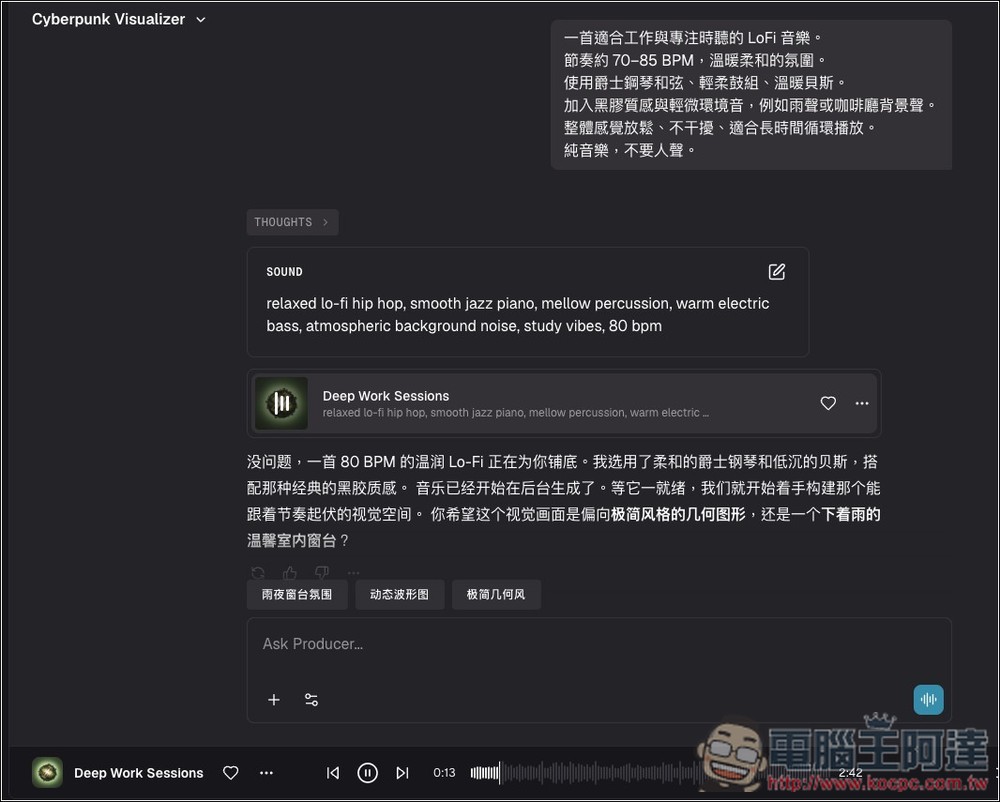
Then I followed the AI’s recommendation and generated a “Rainy Night Windowsill” space:
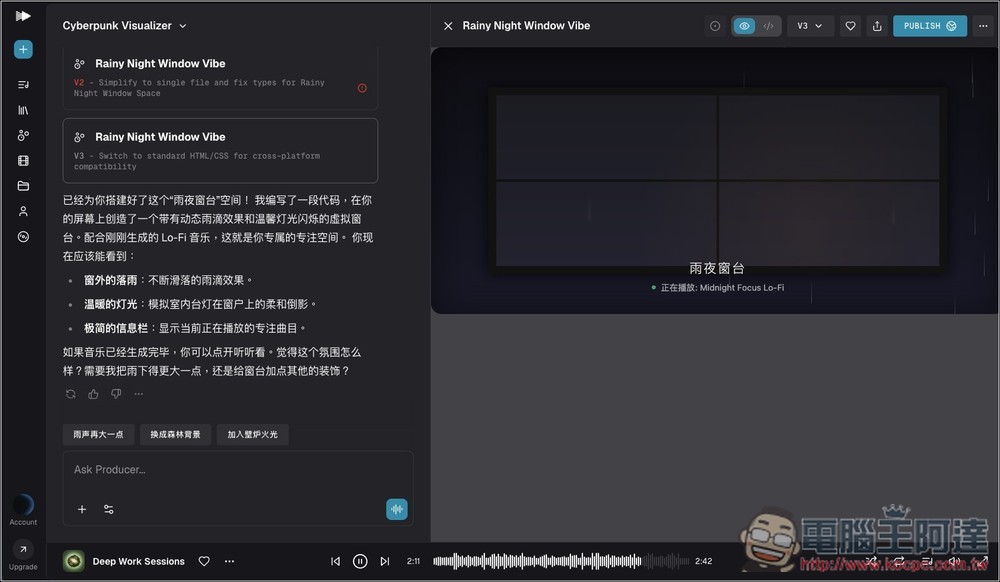
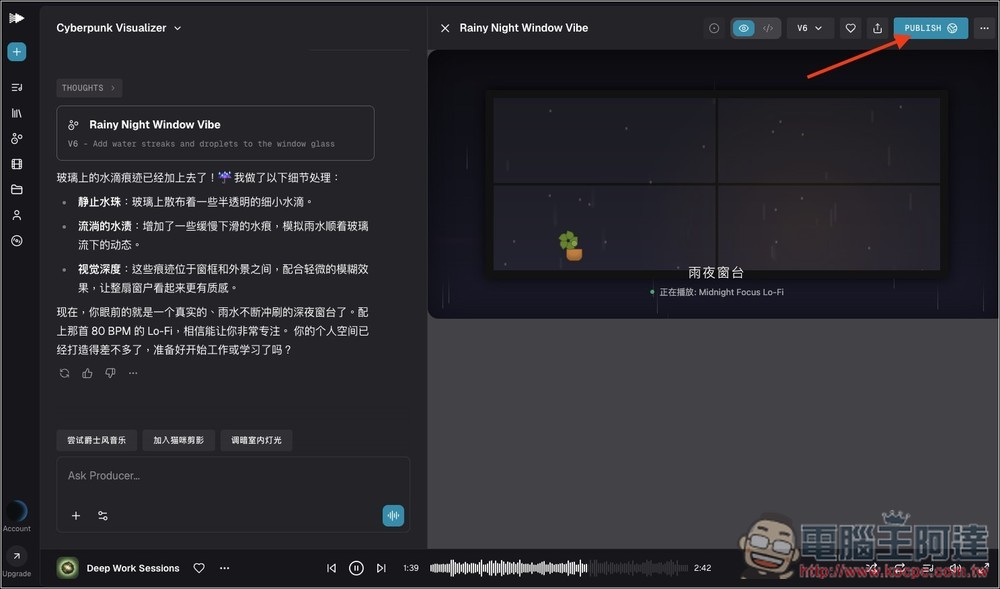
Let the AI know anytime if there’s anything you’d like to change; once you’re satisfied, click PUBLISH in the upper-right corner to share this space with others:
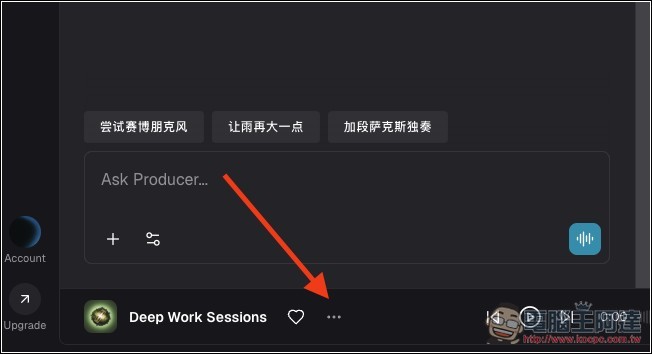
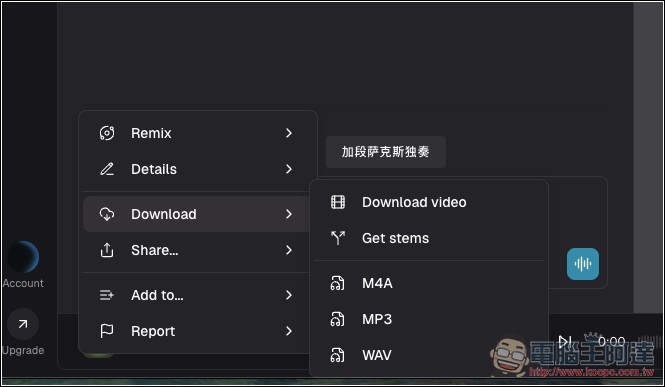
You can also download the music you just generated to save it. Click the … in the center of the playback interface below, or go to the Songs menu and find the track you want to download:
Supports M4A, MP3, and WAV formats, and can also be downloaded as a video:
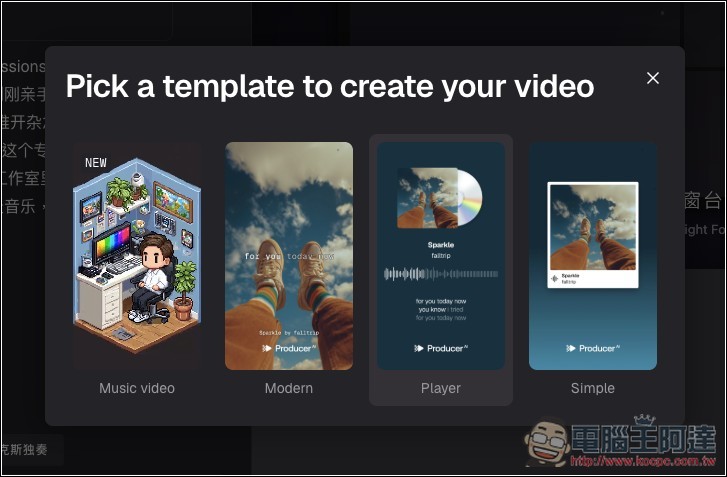
The video will prompt you to choose a style, with four options: Music Video, Modern, Player, and Simple:
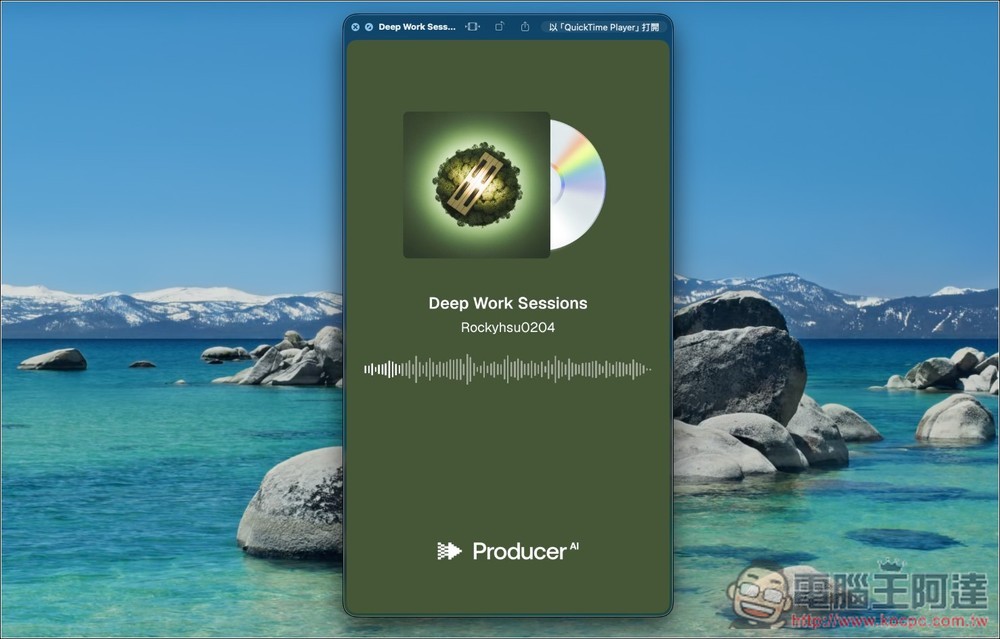
After downloading and playing it, there will be video in addition to the music:
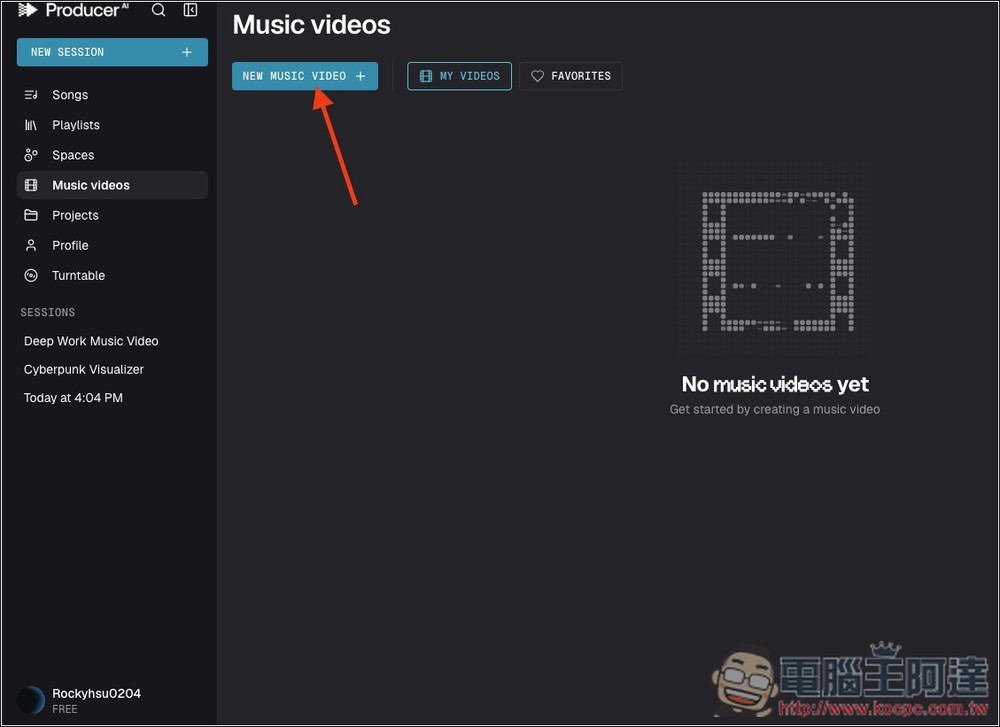
Also, in the Music videos menu, you can create your own music videos, which is pretty fun:
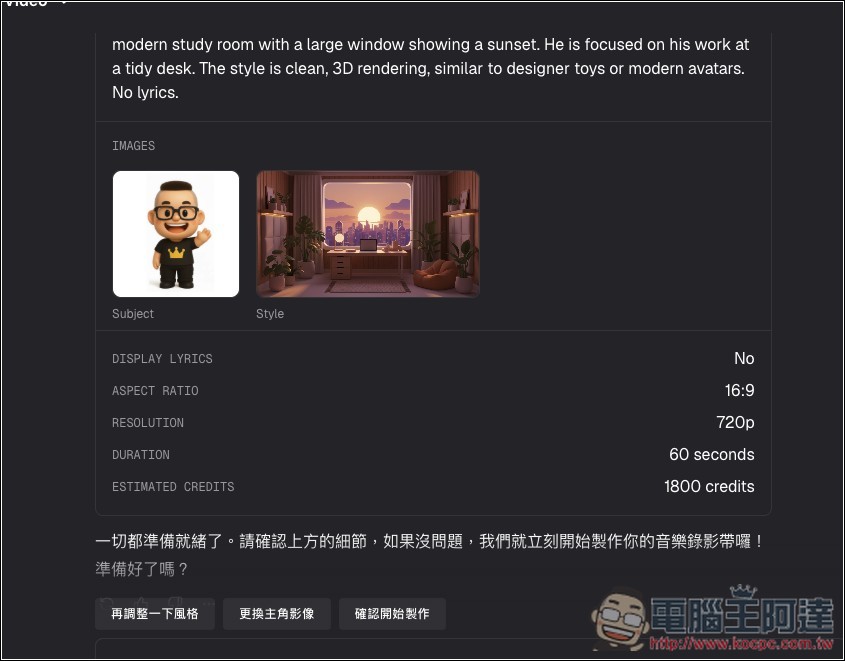
The AI will ask you 7 questions, including song selection from the music library, protagonist reference images, style references, creative direction, whether to display lyrics, video aspect ratio, and length:
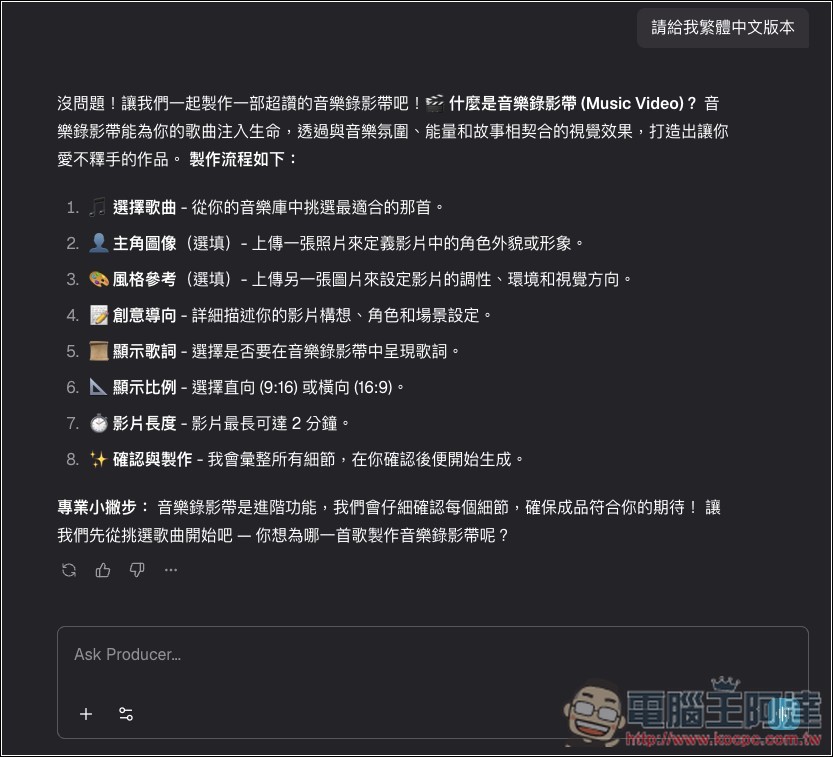
However, this deducts a lot of points: for example, using that song I just used along with Ada’s figurine image and AI-generated style images, a 60-second music video costs 1,800 points, so you have to upgrade to the paid version to have enough. Producer.ai has even more features; I’ll leave the rest for readers to explore themselves:
Source: KOCPC Chinese