


long term use Google iPhone users who use calendars to manage their life and work, if they used to wear Apple Watch , it is not intuitive to check the itinerary on the watch. Now Google Calendar finally officially supports Apple Watch, as long as it is updated App The itinerary can be displayed simultaneously, and widgets can be added for quick viewing. For those who rely on itinerary planning every day, this change may not be flashy, but it is very practical and gives cross-platform users a smoother choice.
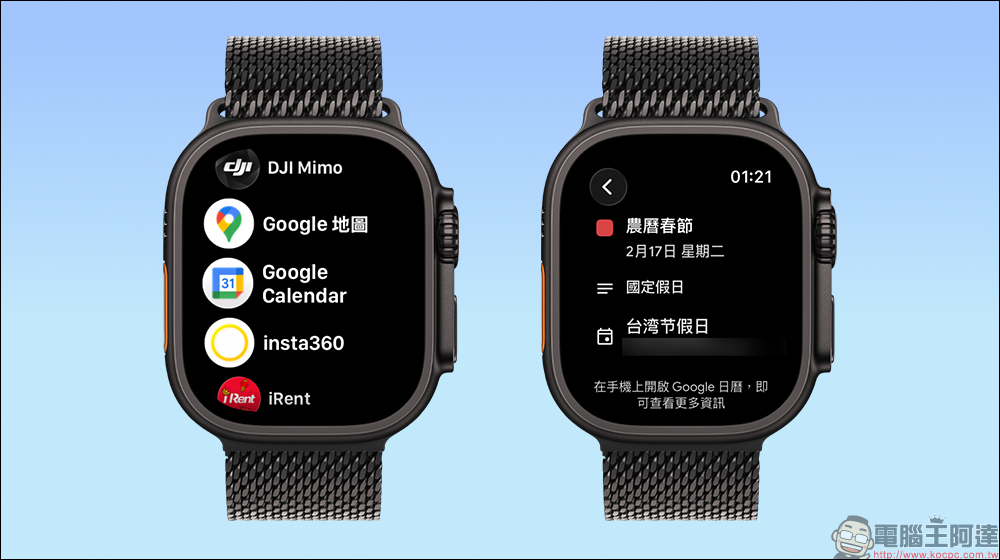
Google Calendar finally comes to Apple Watch, no need to unlock iPhone to view schedule
If you are like me and you keep all your daily schedule in Google Calendar, whether it is work meetings, interview times, travel plans or reminders, all of which are organized by it, then you must have encountered the same problem. While wearing an Apple Watch, you can only use Apple’s built-in calendar app to check your schedule. As long as the main schedule is placed in Google Calendar, you have to take out your iPhone to confirm the details, which is a bit unclear.
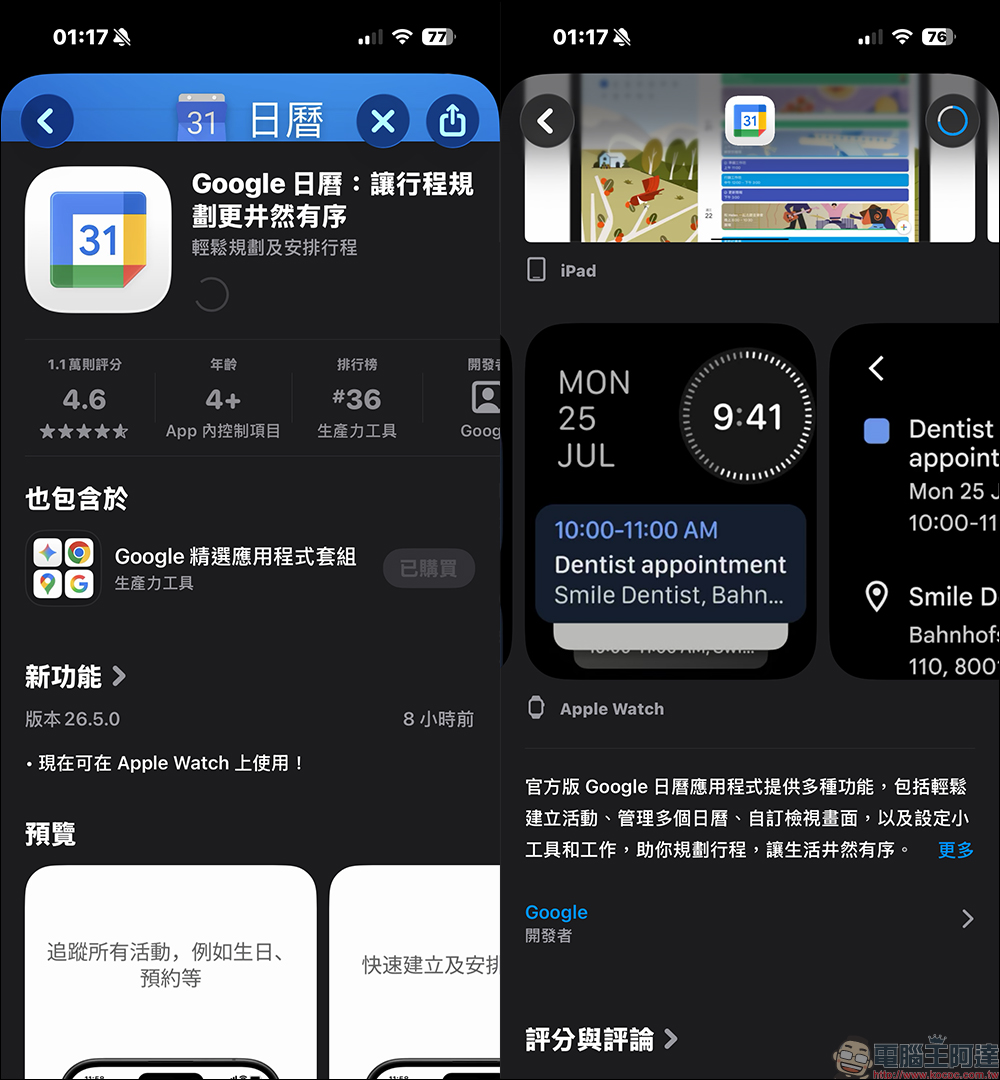
Now this situation has finally changed. Google Calendar for iOS officially supports Apple Watch after launching version 26.5.0 update. As long as you update Google Calendar to version 26.5.0 or later in the iPhone App Store, the system will automatically install the corresponding Watch App on your Apple Watch, no additional settings are required.
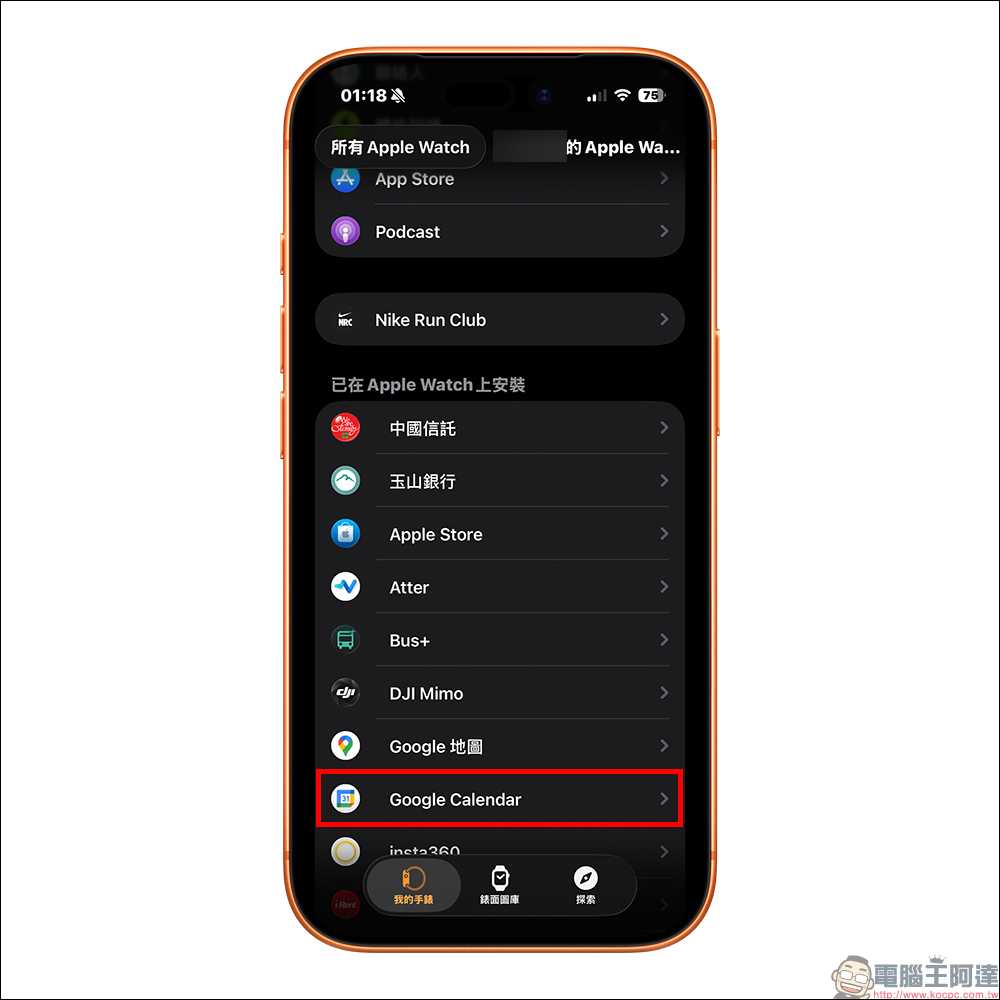
After the update is completed, you can see the Google Calendar icon in the application list of Apple Watch. Click on it to view your schedule.
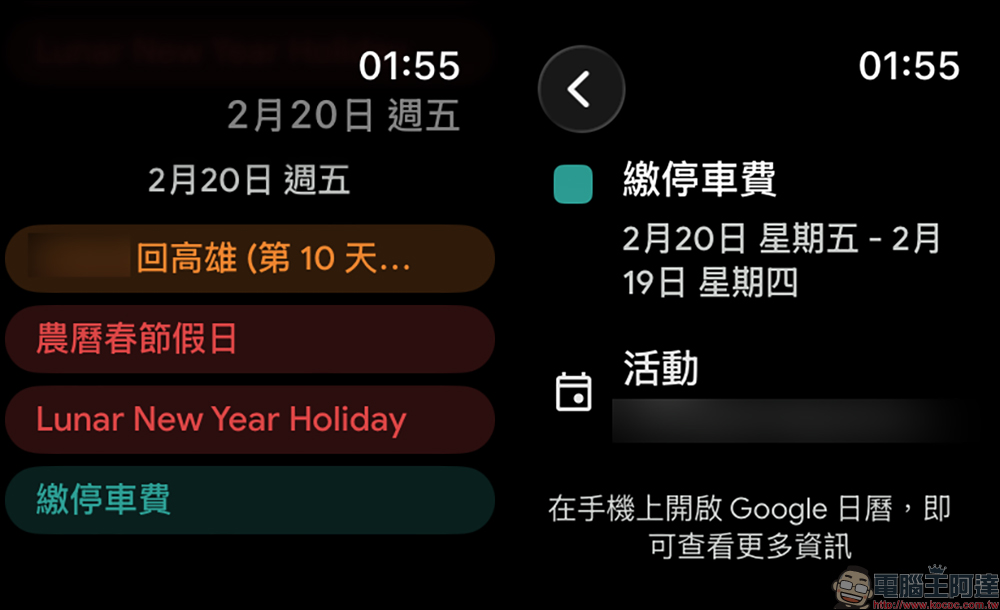
The current Apple Watch version of Google Calendar has relatively streamlined functions, mainly focusing on “browsing existing schedules”. It is currently not possible to add or edit events directly on the watch. But frankly speaking, most people use their watches to check their itinerary on a daily basis, mainly to quickly confirm the time and location. When they really want to edit content, they still return to their mobile phones or computers.
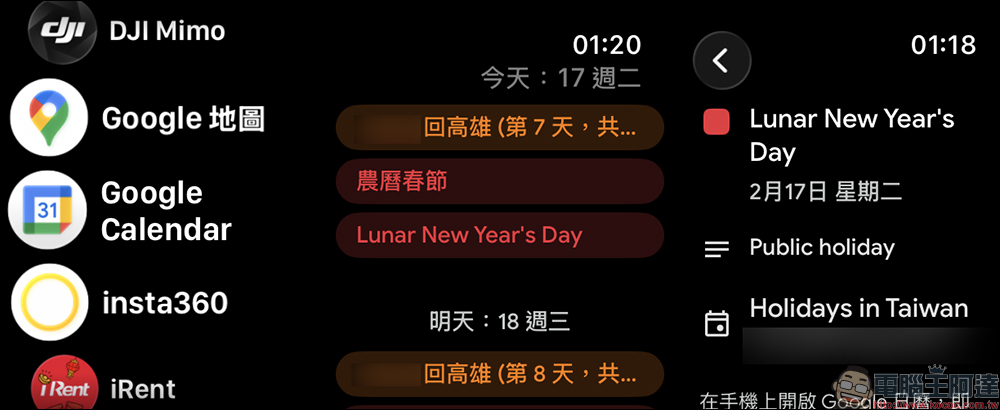
Google Calendar on Apple Watch can display up to 7 days of itineraries. This design actually fits the usage scenario. For example, if you want to confirm the next travel time before a meeting, you can see it by raising your hand without having to unlock the phone and open the app. Or maybe you suddenly think of where you want to go while riding a bus, and you can confirm it by just looking at your wrist. For people who work at a tight pace, the smoothness of one less step is actually much worse.
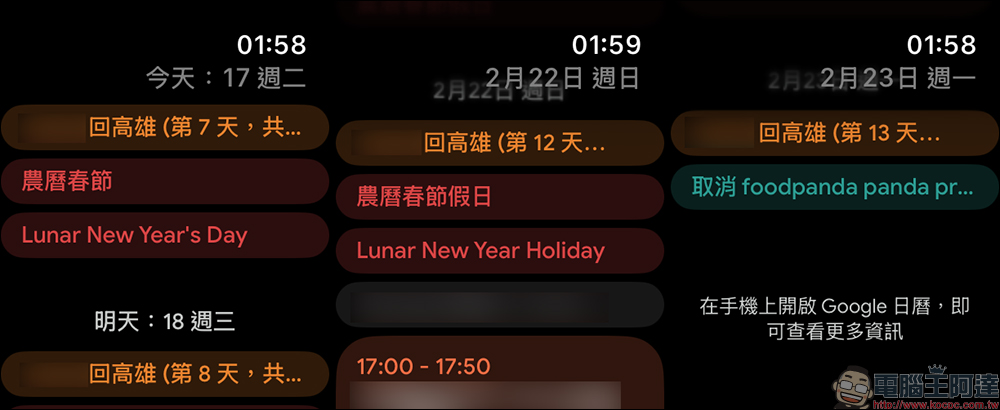
Google Calendar has a feature that many people love to use, which is schedule color labels. Different types of events can be distinguished by different colors, such as blue for work, green for private parties, purple for travel, etc.
The itinerary displayed on Apple Watch will also be fully synchronized with these color labels. Although the screen is not large, the nature of the activity can still be quickly identified through the colors. This is especially important for people with busy schedules, because visual recognition is often faster than reading text.
Moreover, the colors will be consistent with the iPhone and computer browser versions, so different devices will not display different styles. The overall experience is quite complete.
Supports Apple Watch gadgets for more intuitive operation
In addition to the standalone app, Google Calendar also supports Apple Watch gadgets. As long as you add the Google Calendar gadget to the surface editing interface, you can see your recent schedule directly on the home screen.
This design is actually quite critical. Because many people don’t frequently enter the App list, but quickly grasp information through superficial gadgets. After adding Google Calendar to the surface, you can see the next event time by raising your hand, and the overall operation is closer to daily habits.
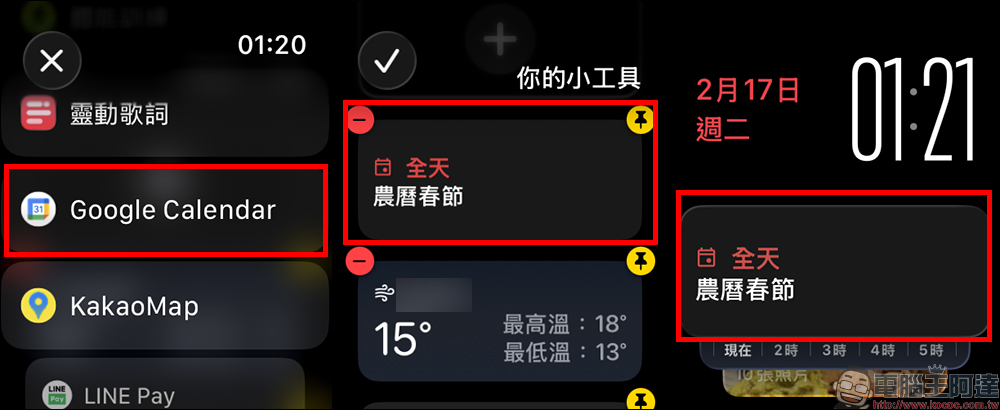
The Google Calendar gadget is especially useful if you use an information-heavy modular surface. For those who rely heavily on schedule management, this is almost a must-have.
Conclusion
The fact that Google Calendar supports Apple Watch seems to be just a small update, but it solves a long-standing pain point for many people. Although the current function is mainly browsing, in daily life, quickly checking the itinerary is the most common need. Coupled with color label synchronization and gadget support, the overall experience is quite mature.
If you are an iPhone and Apple Watch user and are accustomed to using Google Calendar to manage work and life, it is recommended to update to version 26.5.0 or above immediately to experience the changes brought about by this time. Many times, what really improves efficiency is not the gorgeous features, but the sense of security that you can control the rhythm by raising your hand.
Further reading:
Source: KOCPC Chinese