


Like MacBook Air and most modern thin and light laptops, many manufacturers have almost abandoned the traditional interface and fully switched to USB-C. This interface is small in size, can be plugged in from both sides, and is quite powerful, but the premise is that the port itself needs to support newer protocols such as USB4 and Thunderbolt.
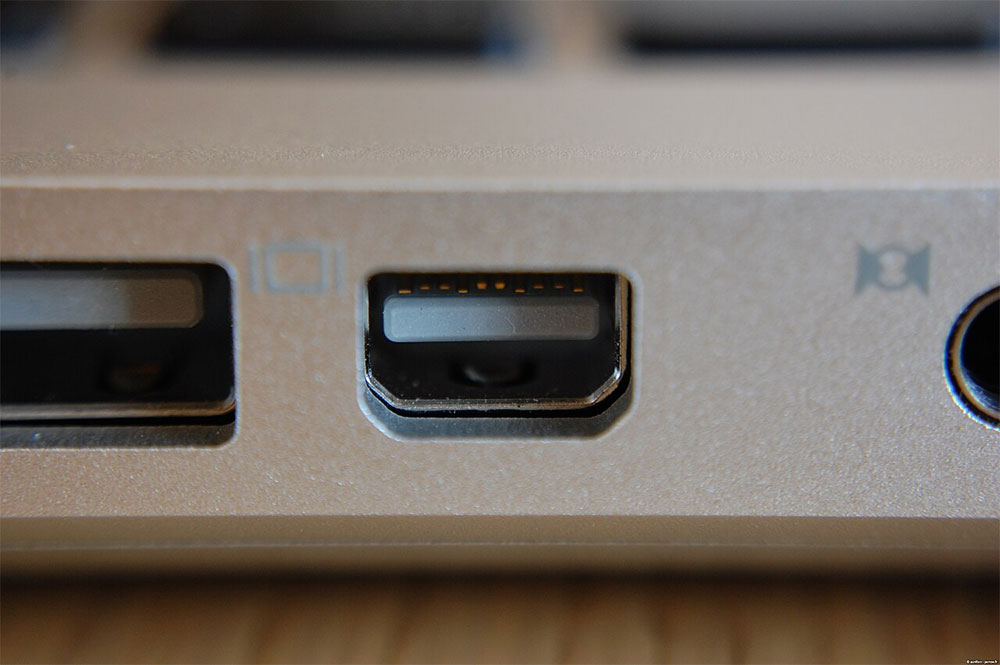
But if you still have access to older devices, you may encounter another interface that looks like a “rectangle with rounded corners on both sides.” It may be Mini DisplayPort, or it may be Thunderbolt 1 or Thunderbolt. The reason is that although these three standards have different functions, they use the same connector appearance.
Are Mini DisplayPort and Thunderbolt the same thing?
The main difference between Mini DisplayPort and Thunderbolt is that Mini DisplayPort focuses on audio and video output. Apple introduced this interface in 2008 as a smaller version of the standard DisplayPort and was commonly used on Macs from 2008 to 2012. Depending on the DisplayPort version, Mini DisplayPort can output up to 8K/60Hz images and can also transmit multi-channel audio.
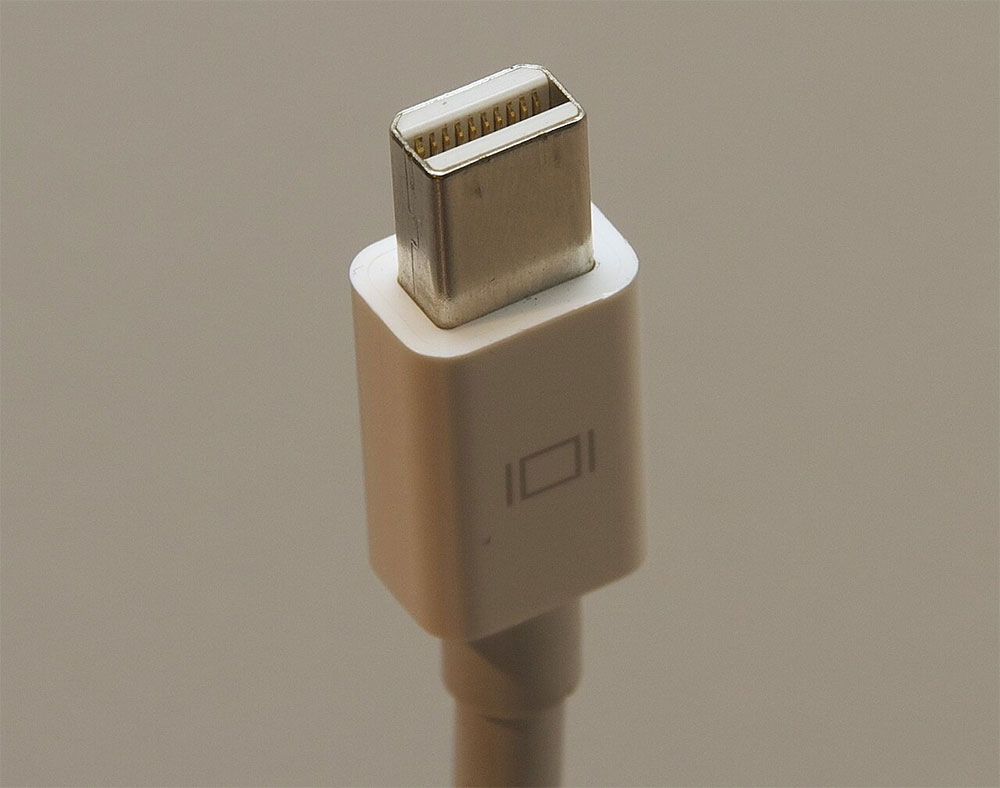
Thunderbolt adds data transmission capabilities in addition to imaging. It was developed by Apple in partnership with Intel and debuted in 2011. The bandwidth of Thunderbolt 1 is 10Gbps, and Thunderbolt 2, launched in 2013, has a bandwidth of 20Gbps. Since Thunderbolt uses the same connector as Mini DisplayPort, you can connect a Mini DisplayPort monitor to a Thunderbolt port and output images normally; however, Thunderbolt devices cannot operate on Mini DisplayPort because the latter does not support PCIe data transfer.
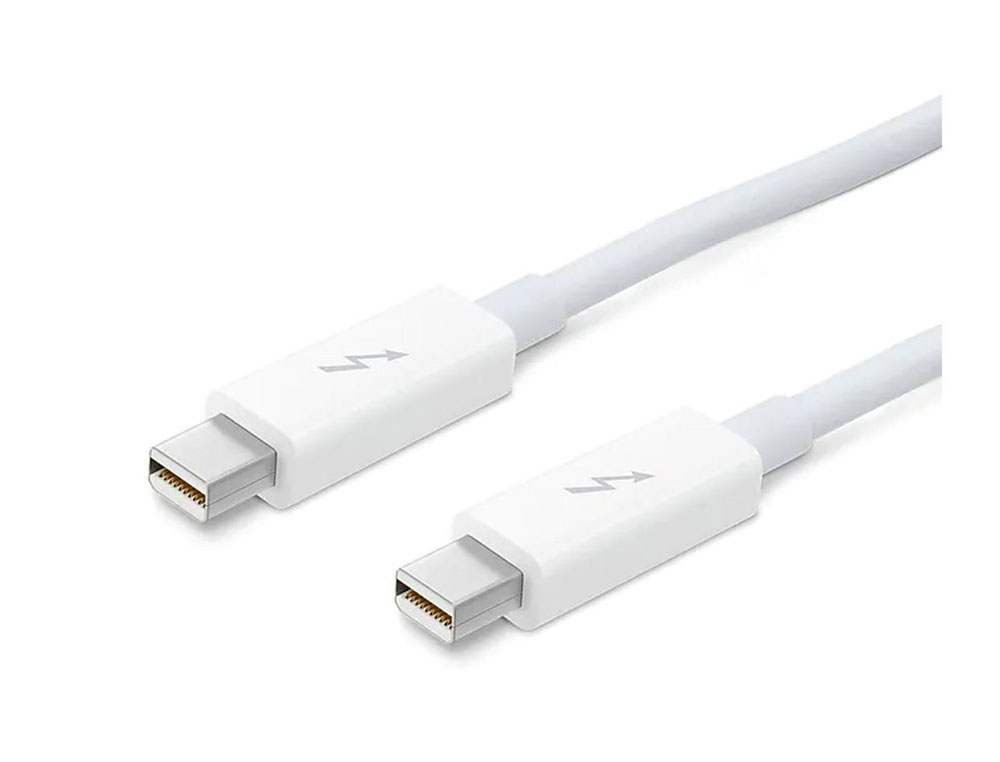
You’ll rarely see a Mini DisplayPort on a modern laptop or desktop anymore, and while full-size DisplayPort and HDMI are still common on gaming PCs, most laptops have fully migrated to USB‑C. Taking the new MacBook as an example, it is equipped with Thunderbolt 4 and Thunderbolt 5. The latter provides bidirectional bandwidth of up to 80Gbps and can reach 120Gbps in asymmetric mode. You can drive multiple 4K displays and use USB Power Delivery to charge compatible devices up to 240W.
USB4 is also a standard that has become popular in recent years. It is technically different from Thunderbolt 4, but shares many features and the same USB-C interface. Regardless of which standard is used, to get the full performance of Thunderbolt or USB4, you need a USB-C cable that supports the protocol. If you’ve ever wondered why some USB‑C cables cost more, it’s probably because of their compatibility with these higher-end standards.
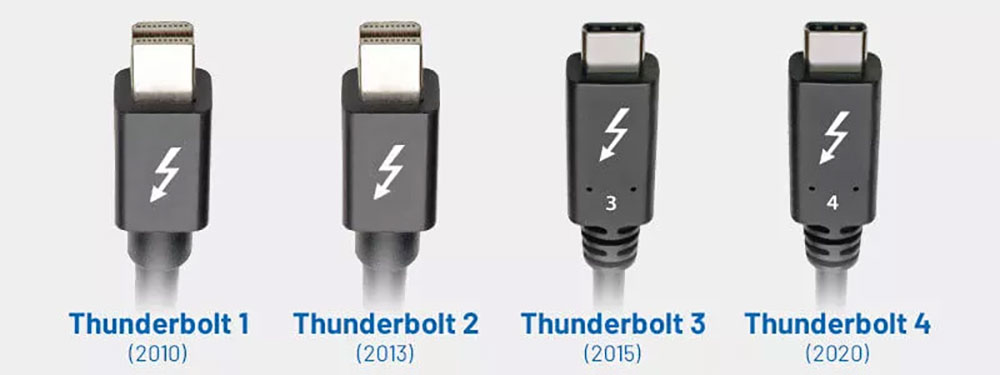
In addition, the newer USB-C port also supports image and audio output through DisplayPort Alt Mode. As long as the port supports Thunderbolt 3 or later, you can directly connect to a monitor via USB‑C. The higher bandwidth also allows the laptop docking station to connect multiple devices simultaneously on a single USB‑C port.
Source: KOCPC Chinese